
1. Introduction
Thank you for choosing the Livarno Home Smart Home LED Light Sphere. This manual provides essential information for the safe and efficient use of your new smart lighting product. Please read these instructions carefully before installation and operation, and retain them for future reference.
The Livarno Home LED Light Sphere is designed to provide versatile and atmospheric lighting for both indoor and outdoor spaces, integrating seamlessly into your smart home ecosystem via Zigbee 3.0 technology.

Image: The Livarno Home Smart Home LED Light Sphere, a sleek white spherical lamp, ready for use.
2. Safety Information
Always observe the following safety precautions to prevent injury or damage to the product:
- Ensure the product is installed and operated in accordance with local electrical codes and regulations.
- Do not open or modify the product. There are no user-serviceable parts inside.
- Disconnect the power supply before cleaning or performing any maintenance.
- The light sphere has a protection class of IP65 (jet water protected), making it suitable for outdoor use. The power plug has a protection class of IP44. Ensure all connections are secure and protected from excessive moisture.
- Do not immerse the product in water.
- Keep out of reach of children.
3. Product Features
The Livarno Home Smart Home LED Light Sphere offers a range of advanced features:
- Smart Home Integration: Utilizes Zigbee 3.0 radio technology for seamless integration into Lidl Smart Home and other compatible Zigbee 3.0 systems.
- Versatile Control: Control brightness, 16 million colors, and white light tones (2000K - 6500K) conveniently via a compatible app or voice control.
- Voice Assistant Compatibility: Fully compatible with Google Assistant for hands-free operation.
- Indoor and Outdoor Use: Designed for both indoor and outdoor environments, providing atmospheric lighting for gardens, balconies, or terraces.
- Durable Design: Jet water protected with an IP65 rating for the sphere and IP44 for the power plug, ensuring resilience against outdoor elements.
- Flexible Placement: Can be set up freestanding or secured with an optional ground spike.
- Energy Efficient: Features a long-lasting LED lamp with an estimated lifespan of 30,000 hours.
4. Setup
Follow these steps to set up your LED Light Sphere:
- Unpack: Carefully remove the light sphere and all components from the packaging.
- Placement: Choose a suitable location for the light sphere. It can be placed directly on a flat surface or, if desired, secured into soft ground using a compatible ground spike (if included or purchased separately).
- Power Connection: Connect the power plug to a standard 230 V~ 50 Hz electrical outlet. Ensure the outlet is protected and suitable for outdoor use if placing the sphere outdoors. The supply cable length is 3 meters.
- Zigbee Pairing: To integrate the light sphere into your smart home system, follow the pairing instructions provided by your Zigbee hub or gateway. Typically, this involves putting your hub into pairing mode and then powering on the light sphere. Refer to your smart home app for specific pairing procedures.

Image: The LED Light Sphere illuminating a garden path with a soft blue glow, demonstrating outdoor placement.
5. Operating Instructions
Once paired with your smart home system, you can control the Livarno Home LED Light Sphere using your smart home app or voice commands.
- Turning On/Off: Use the app or voice command (e.g., "Hey Google, turn on the garden light") to switch the sphere on or off.
- Brightness Adjustment: Adjust the light intensity from 0% to 100% via the app's dimmer function or voice commands (e.g., "Hey Google, set garden light to 50%").
- Color Selection: Choose from 16 million colors to create the desired ambiance. Select colors from a color wheel in your app or specify by name (e.g., "Hey Google, change garden light to red").
- White Light Tone: Adjust the white light temperature from warm white (approx. 2000K) to cool white (approx. 6500K) to suit your preference or activity.
- Scenes and Automations: Create custom scenes (e.g., "Movie Night," "Party Mode") or set up automations (e.g., turn on at sunset, turn off at sunrise) within your smart home app.

Image: The LED Light Sphere displaying a vibrant purple hue, enhancing the atmosphere of an outdoor patio area.
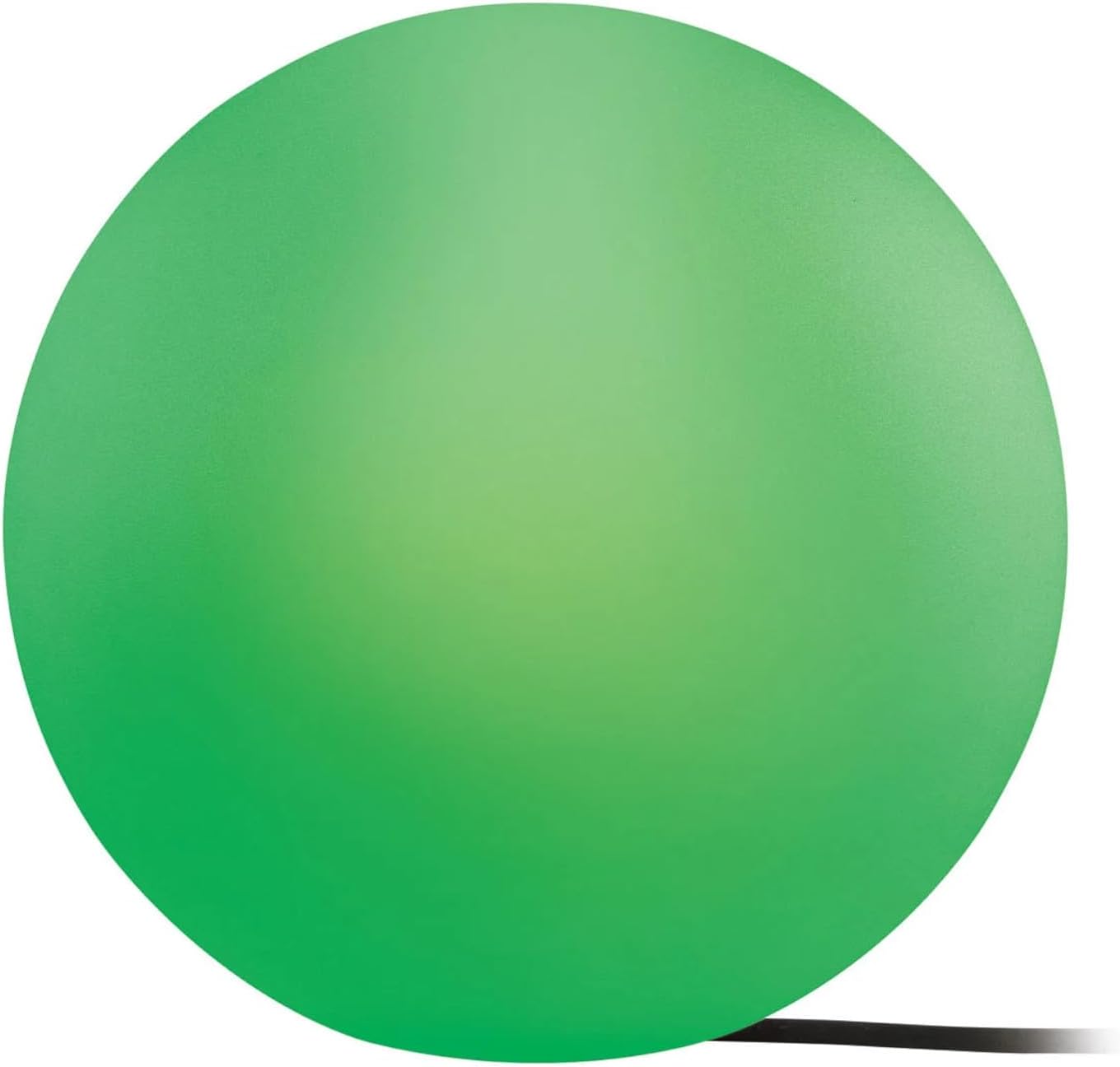
Image: A close-up of the LED Light Sphere, illuminated with a bright green color, showcasing its color changing capabilities.
6. Maintenance and Care
To ensure the longevity and optimal performance of your LED Light Sphere:
- Cleaning: Disconnect the power before cleaning. Wipe the surface with a soft, damp cloth. Do not use abrasive cleaners or solvents.
- Inspection: Periodically check the power cable and plug for any signs of damage. If damaged, do not use the product and contact customer support.
- Storage: If storing the product for an extended period, ensure it is clean and dry, and store it in a cool, dry place.
7. Troubleshooting
If you encounter issues with your Livarno Home LED Light Sphere, try the following solutions:
| Problem | Possible Cause | Solution |
|---|---|---|
| Light sphere does not turn on. | No power supply; loose connection; faulty outlet. | Check if the power plug is securely connected to a working outlet. Test the outlet with another device. |
| Cannot connect to smart home system. | Not in pairing mode; out of range; interference. | Ensure your Zigbee hub is in pairing mode. Move the sphere closer to the hub. Check for other wireless devices causing interference. Reset the sphere (refer to your hub's instructions for device reset). |
| Colors or brightness are not responding. | Software glitch; connectivity issue. | Restart the smart home app. Power cycle the light sphere (unplug and plug back in). Check network connectivity. |
If the problem persists after trying these steps, please contact customer support.
8. Specifications
Detailed technical specifications for the Livarno Home Smart Home LED Light Sphere:
| Feature | Specification |
|---|---|
| Model | LED Leuchtkugel Zigbee Ø 30 cm |
| Brand | Livarno |
| Light Source | 1 x LED |
| Max. Lamp Power | 9.5 W |
| Luminous Flux | approx. 806 lm |
| Color Temperature | approx. 2000 - 6500 K (Warm white to Cool white) |
| Light Colors | 16 Million Colors + White Tones |
| Lifespan | approx. 30,000 h |
| Operating Voltage | 230 V~ 50 Hz |
| Supply Cable Length | 3 m |
| Sphere Protection Class | IP65 (Jet water protected) |
| Power Plug Protection Class | IP44 |
| Material | Plastic |
| Dimensions | approx. Ø 30 x H 30 cm |
| Weight | approx. 1.145 kg |
| Connectivity | Zigbee 3.0 |
| Voice Assistant | Google Assistant compatible |
9. Warranty and Support
For warranty information, please refer to the terms and conditions provided by your retailer at the time of purchase. Keep your proof of purchase for any warranty claims.
If you require technical support or have questions not covered in this manual, please contact the Livarno customer service or your point of purchase.
10. Disposal Information
This product contains electronic components and should not be disposed of with household waste. Please follow local regulations for the recycling of electrical and electronic equipment (WEEE Directive).
- Recycling of Lamps: Information regarding the recycling of this and other types of lamps can be found at designated collection points.
- Disposal of Broken or Damaged Lamps: Learn more about the proper disposal of broken or damaged lamps to ensure environmental safety.
Proper disposal helps prevent potential negative consequences for the environment and human health.