Introduction
Thank you for choosing the Volkano X VXT200S True Wireless Earphones. These earphones are designed to provide a cable-free audio experience with Active Noise Cancelling (ANC) technology, ensuring clear sound and comfort. This manual provides essential information for the proper setup, operation, and maintenance of your device.
Package Contents
- 1 x Volkano X VXT200S True Wireless Earphones (Left and Right)
- 1 x Charging Case
- 1 x USB Charging Cable (Type-C)
- User Manual
Product Overview
The Volkano X VXT200S earphones consist of two independent earbuds and a portable charging case. The earbuds feature touch controls for various functions and are designed for an in-ear fit.

Image: The Volkano X VXT200S True Wireless Earphones, with one earbud removed and the charging case open, displaying the other earbud inside. Both are black.

Image: A close-up view of the Volkano X VXT200S True Wireless Earphones resting inside their open charging case, showcasing the sleek black design.
Setup
1. Charging the Earphones and Case
- Charging the Case: Connect the provided USB charging cable to the charging port on the case and to a compatible USB power source. The indicator light on the case will show charging status.
- Charging the Earphones: Place the earphones into their respective slots in the charging case. Ensure they are properly seated. The earphones will begin charging automatically. The case can charge the earphones multiple times on the go without needing to be recharged itself.
2. Bluetooth Pairing
- Power On: Open the charging case and remove both earphones. They will automatically power on and enter pairing mode.
- Activate Bluetooth: On your device (smartphone, tablet, etc.), enable Bluetooth.
- Select Device: Search for "VXT200S" in the list of available Bluetooth devices and select it to connect.
- Confirmation: Once connected, you will hear an audio prompt, and the earphones will be ready for use. They will automatically reconnect to the last paired device when removed from the case.
Operating the Earphones
Basic Controls (Touch Sensitive)
- Play/Pause: Single tap on either earbud.
- Next Track: Double tap on the right earbud.
- Previous Track: Double tap on the left earbud.
- Answer/End Call: Single tap on either earbud during an incoming call.
- Reject Call: Press and hold either earbud for 2 seconds during an incoming call.
- Activate Voice Assistant (Siri/Google Assistant): Triple tap on either earbud.
Active Noise Cancelling (ANC) Modes
The VXT200S earphones feature multiple noise control modes:
- ANC ON: Reduces ambient noise for an immersive listening experience.
- Transparency Mode: Allows you to hear your surroundings while listening to audio, useful for awareness.
- ANC OFF: Standard listening mode without active noise cancellation.
To cycle through these modes, press and hold the touch sensor on the left earbud for approximately 2 seconds. An audio prompt will indicate the current mode.
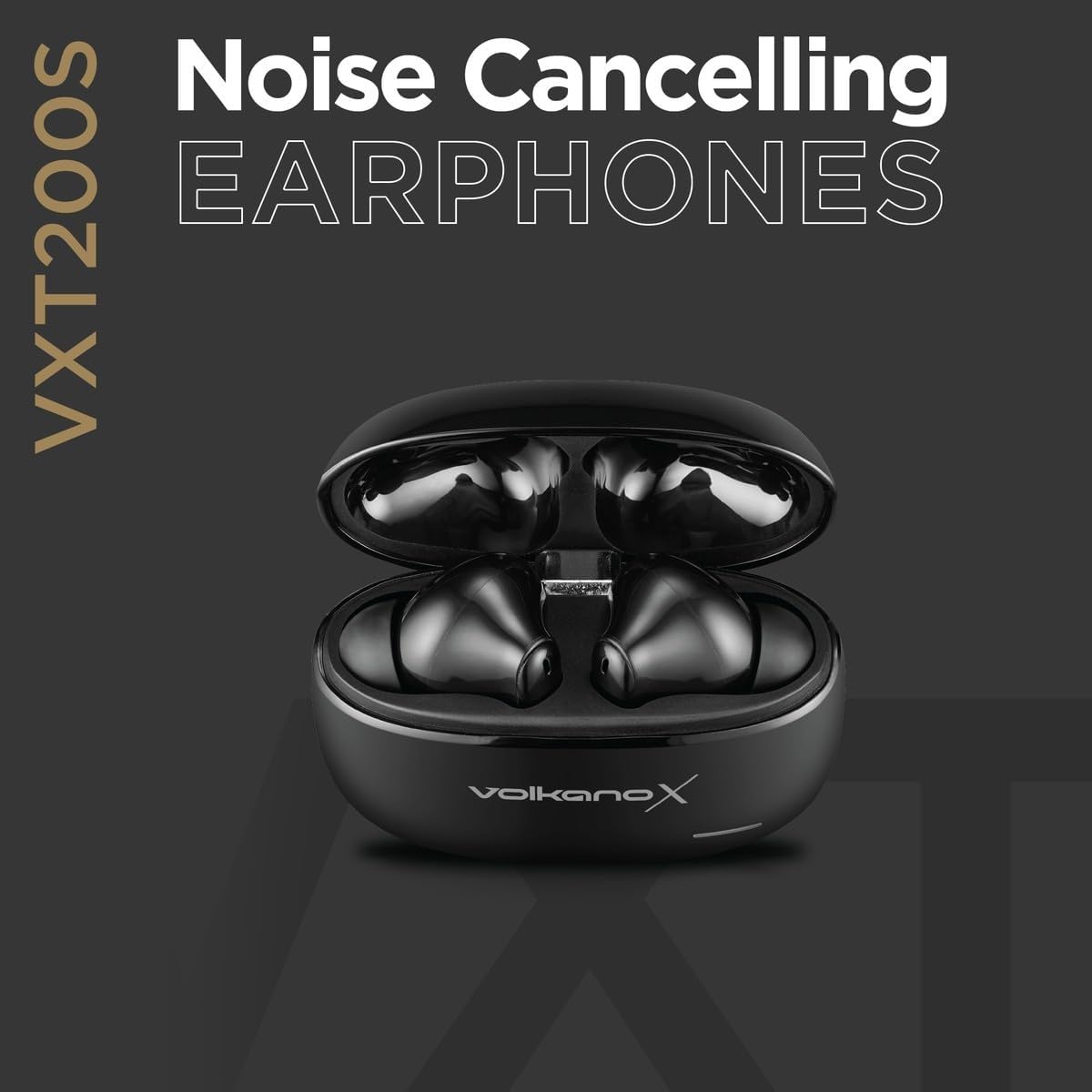
Image: A graphic promoting the Noise Cancelling feature of the VXT200S earphones, showing the earbuds in their charging case.
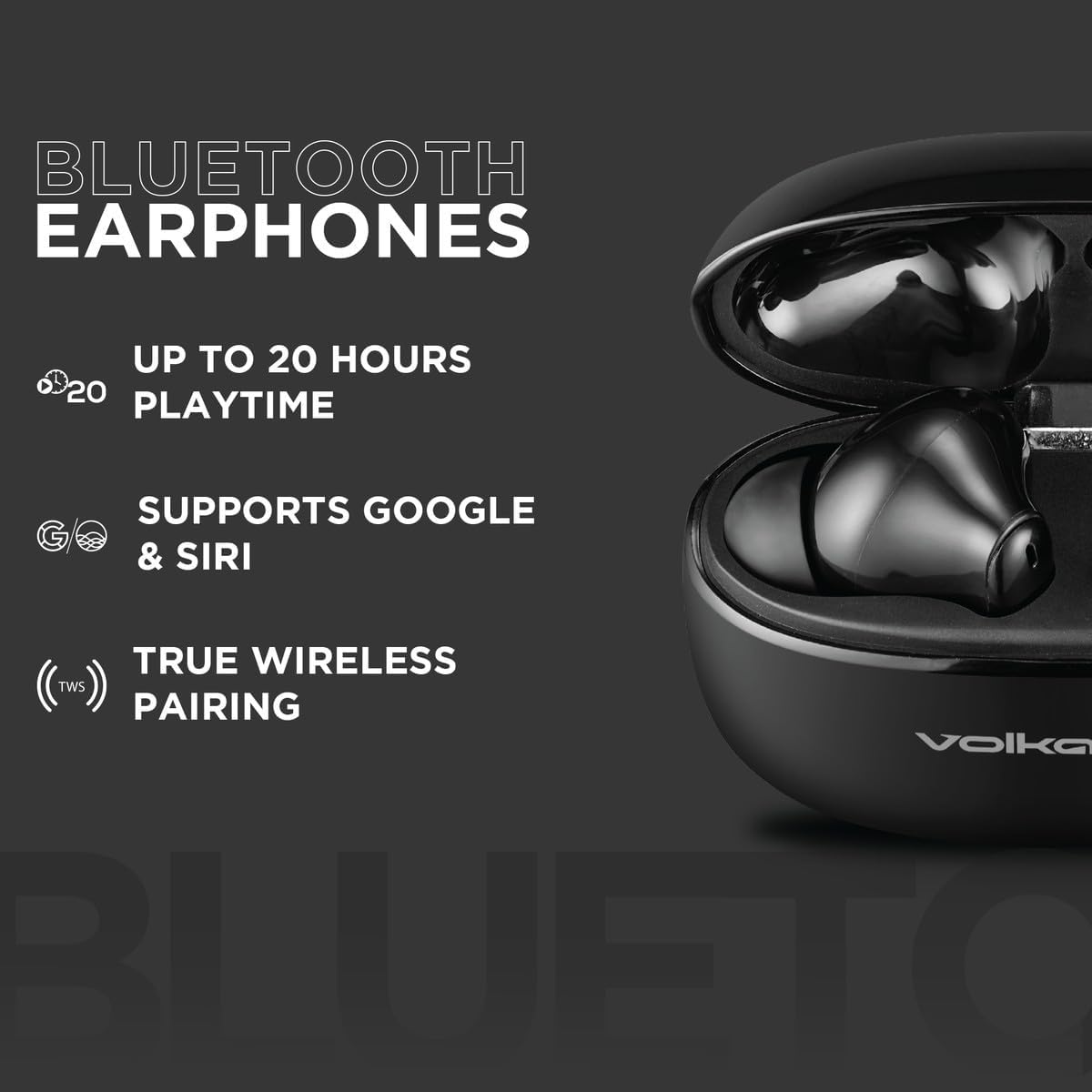
Image: A graphic illustrating key Bluetooth features of the VXT200S earphones, including up to 20 hours playtime, Google & Siri support, and True Wireless Pairing.
Maintenance
- Cleaning: Regularly clean the earbuds and charging case with a soft, dry cloth. Avoid using abrasive materials or harsh chemicals.
- Storage: When not in use, store the earphones in their charging case to protect them from dust and damage.
- Battery Care: To prolong battery life, avoid fully discharging the earphones and case frequently. Charge them regularly, even if not in constant use.
- Water Exposure: These earphones are not waterproof. Avoid exposure to water or excessive moisture.
Troubleshooting
| Problem | Possible Solution |
|---|---|
| Earphones not pairing | Ensure earphones are charged. Turn off and on your device's Bluetooth. Forget "VXT200S" from your device's Bluetooth list and re-pair. |
| No sound from earphones | Check volume levels on both earphones and your device. Ensure earphones are properly connected to your device. |
| One earbud not working | Place both earbuds back in the charging case, close the lid, then remove them again to reset the connection. Ensure both are charged. |
| Charging case not charging | Verify the USB cable is securely connected to both the case and the power source. Try a different USB cable or power adapter. |
| Unintended touch control activation | Ensure proper fit in the ear to avoid accidental touches. Be mindful of how you handle the earbuds. |
Specifications
- Brand:
- Volkano
- Model Number:
- VKX-1119-BK (VXT200S)
- Ear Placement:
- In Ear
- Form Factor:
- In Ear
- Impedance:
- 32 Ohm
- Noise Control:
- Active Noise Cancellation
- Frequency Response:
- 20 KHz
- Sensitivity:
- 98 dB
- Battery Cell Composition:
- Lithium Ion
- Item Weight:
- 0.1 Kilograms
- Playtime:
- Up to 20 hours (with charging case)
Warranty and Support
Manufacturer's Warranty
This Volkano product is covered by a 1-Year Limited Warranty from the date of purchase. For additional peace of mind, you can register your product to receive an additional 12-Month extension, totaling 24 months of coverage.
Customer Support
For any questions, assistance, or support regarding your Volkano X VXT200S earphones, please message us via the official Volkano Page. Your satisfaction is important to us.
Visit the Volkano Store on Amazon for more information.


