
1. Introduction
Thank you for choosing LeMuna OEH101 Open Ear Headphones. These wireless Bluetooth headphones are designed to provide a comfortable listening experience while maintaining situational awareness. This manual provides detailed instructions on how to set up, operate, and maintain your headphones.
2. Product Overview
The LeMuna OEH101 headphones feature an open-ear design with earhooks for a secure and comfortable fit. They come with a charging case for extended battery life and convenient storage.
Package Contents:
- LeMuna OEH101 Open Ear Headphones (Left and Right)
- Charging Case
- USB-C Charging Cable
- User Manual
Headphone Components:
Each earbud features a touch-sensitive area for controls, a speaker, and an earhook for stability.
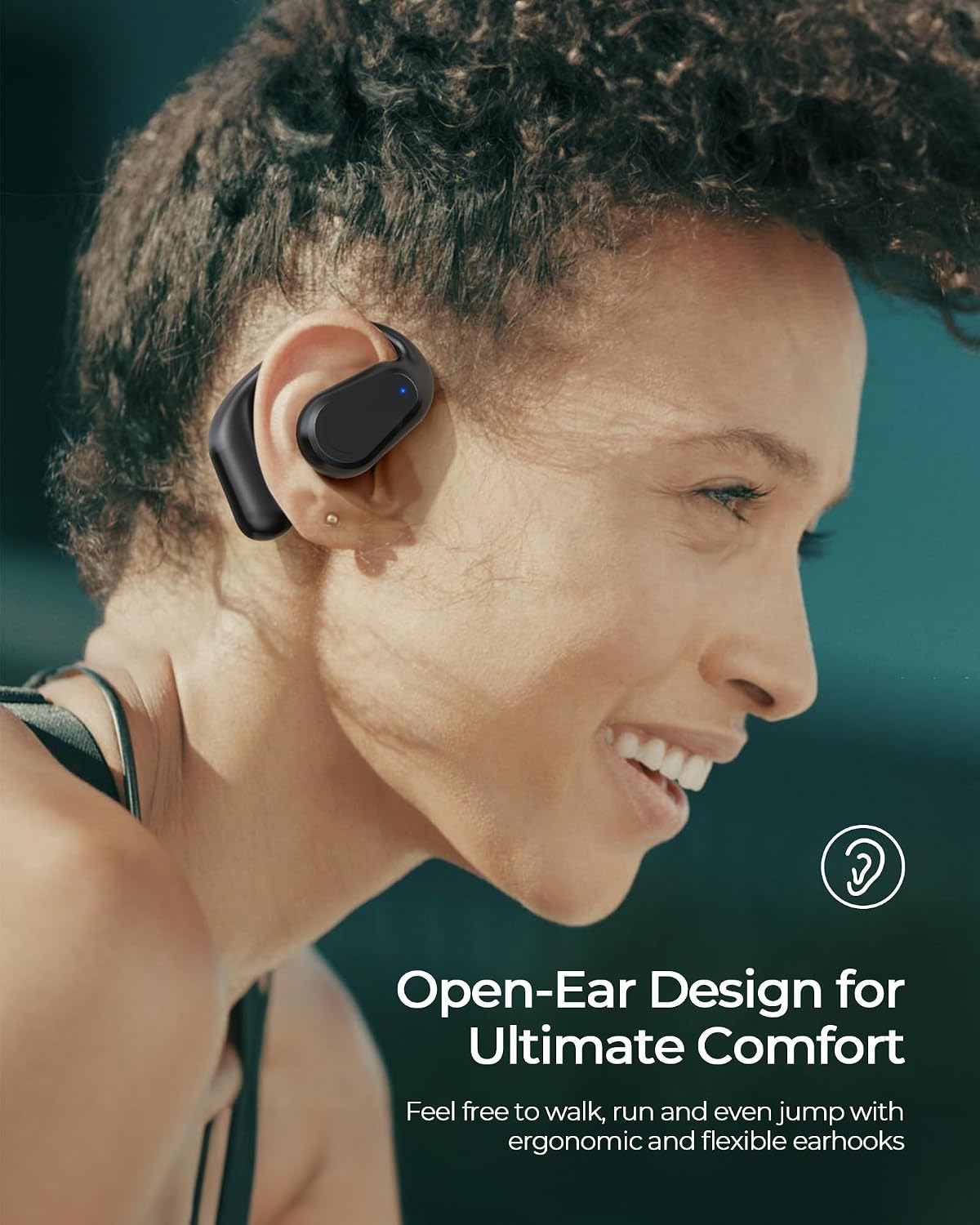
Image: LeMuna OEH101 Open Ear Headphones and their charging case.
3. Specifications
| Model Name | OEH101 |
| Connectivity Technology | Wireless (Bluetooth 5.3) |
| Ear Placement | Open Ear |
| Form Factor | Over Ear (with earhooks) |
| Audio Driver Type | Dynamic Driver |
| Audio Driver Size | 10 Millimeters |
| Bluetooth Range | 10 Meters |
| Battery Life (Earbuds) | Up to 5 Hours (single charge) |
| Total Playtime (with case) | Up to 20 Hours |
| Charging Time | 1.5 Hours |
| Charging Port | USB Type-C |
| Control Method | Touch |
| Special Feature | Lightweight, Sweat Resistant |
4. Setup
4.1 Charging the Headphones and Case
Before first use, fully charge the headphones and the charging case. The charging case uses a USB Type-C port.
- Place the earbuds into the charging case. Ensure they are correctly seated.
- Connect the USB-C charging cable to the charging port on the case and to a power source.
- The indicator lights on the case will show the charging status. Once fully charged, the lights will indicate completion or turn off.

Image: LeMuna OEH101 headphones in their charging case, illustrating the 1.5-hour charge time for 20 hours of total playtime.
4.2 Bluetooth Pairing
The headphones are designed for easy, one-step pairing.
- Open the charging case. The earbuds will automatically enter pairing mode.
- On your device (smartphone, tablet, etc.), go to the Bluetooth settings.
- Search for available devices and select "OEH101" (or similar name like "OK1" as noted in some reviews) from the list.
- Once connected, you will hear a confirmation tone, and the headphones will be ready for use.

Image: A smartphone displaying Bluetooth settings, showing the
Ask a question about this manual
Ask about setup, troubleshooting, compatibility, parts, safety, or missing instructions. Manuals+ will review the question and use this page’s manual context to help answer it.