1. Introduction
Thank you for choosing the GOUYESHO RC39105 Replacement Remote Control. This remote is designed to be a direct replacement for various Toshiba and Telefunken TV models, offering strong compatibility and ease of use. It operates using infrared technology, providing precise control up to 10 meters (33 feet). Its ergonomic design ensures comfortable handling. This manual provides essential information on setting up, operating, maintaining, and troubleshooting your new remote control.
Compatible TV Models include: XH32G101N, ODL-32652F-TIW, ODL-32550-B-SAT, Q24-161P, Q24-161S, Q32-165W, 24HL6101H, Q.24-161, 24LED5008W, 244W, 24LED5008DW.
2. Setup
The GOUYESHO RC39105 remote control requires no programming or complex setup. Simply install the batteries, and it will be ready for immediate use with your compatible TV.
2.1 Battery Installation
- Locate the battery compartment on the back of the remote control.
- Slide the battery cover downwards or press the latch and lift to open.
- Insert two (2) AAA batteries (not included) into the compartment. Ensure the positive (+) and negative (-) terminals align correctly with the markings inside the compartment.
- Replace the battery cover by sliding it back into place until it clicks securely.
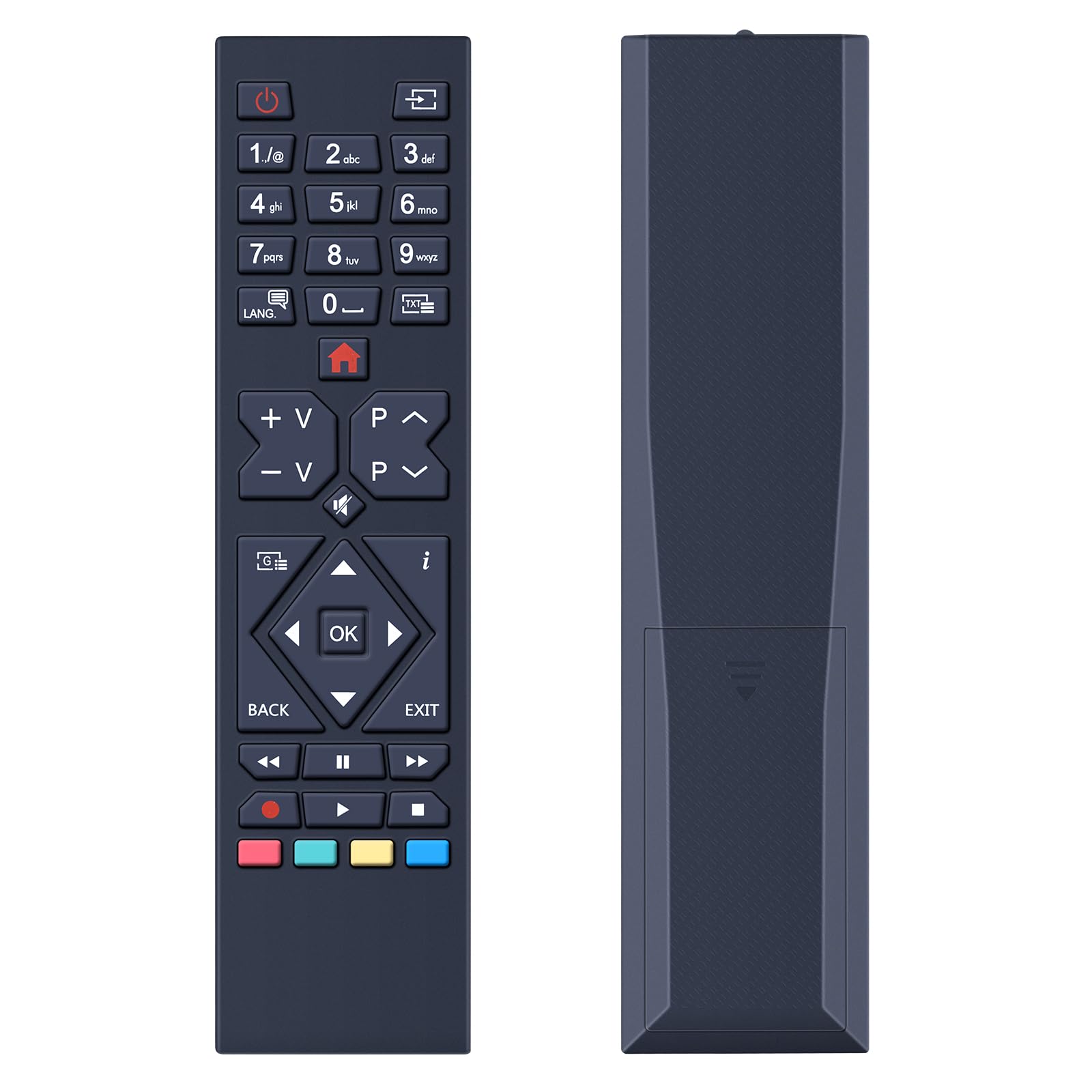
Figure 1: Battery installation. The remote requires two 1.5V AAA batteries, which are not included. Ensure correct polarity when inserting.
Once batteries are installed, the remote is ready to operate your TV. No further pairing or programming steps are needed.
3. Operating Instructions
This remote control utilizes infrared (IR) technology for communication with your television. Ensure a clear line of sight between the remote's IR emitter and your TV's IR receiver for optimal performance.
3.1 Basic Functions
- Power Button (⏻): Turns the TV on or off.
- Number Buttons (0-9): Directly select channels.
- Volume Up/Down (V+/V-): Adjusts the sound volume.
- Channel Up/Down (P^/P<): Changes the TV channel.
- Mute Button (🔇): Mutes or unmutes the TV sound.
- Navigation Buttons (Up, Down, Left, Right, OK): Navigate through menus and confirm selections.
- Back/Exit Buttons: Return to the previous screen or exit a menu.
- Colored Buttons (Red, Green, Yellow, Blue): Access specific functions depending on the TV model and current menu.

Figure 2: Remote control layout and dimensions. The ergonomic design ensures a comfortable grip and easy access to all functions.
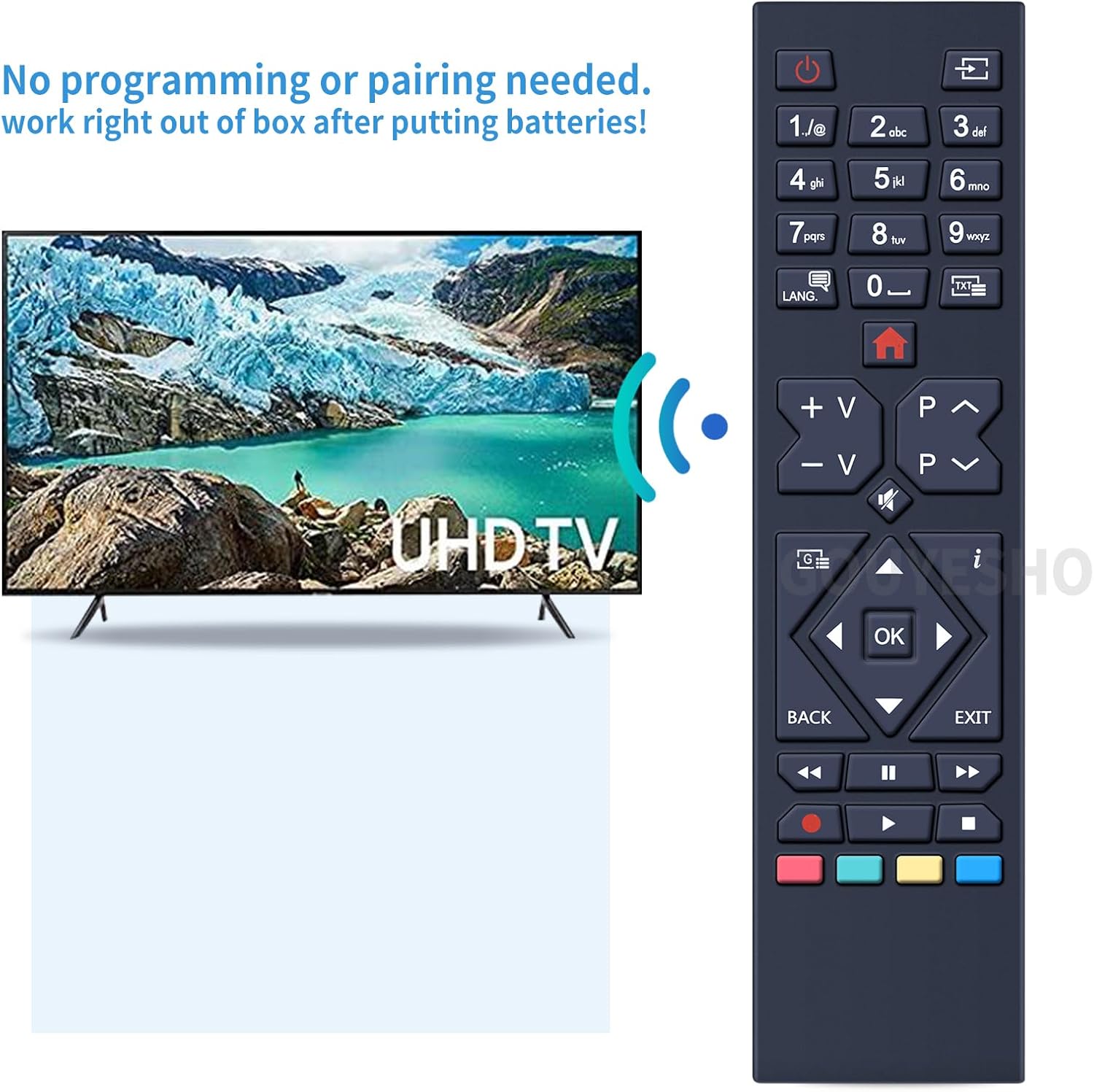
Figure 3: Direct operation. The remote works right out of the box after battery insertion, requiring no programming or pairing.

Figure 4: Long-distance control. The remote provides strong signal transmission via infrared technology for precise control up to 10 meters (33 feet).
4. Maintenance
Proper care will extend the life of your remote control.
- Cleaning: Wipe the remote with a soft, dry cloth. Do not use abrasive cleaners, solvents, or alcohol, as these can damage the surface and buttons.
- Battery Replacement: Replace batteries when the remote's response becomes sluggish or it stops functioning. Always replace both batteries at the same time with new ones of the same type (AAA).
- Storage: If the remote will not be used for an extended period, remove the batteries to prevent leakage, which can cause damage.
- Environment: Avoid exposing the remote to extreme temperatures, direct sunlight, high humidity, or liquids.
5. Troubleshooting
If you experience issues with your remote control, please refer to the following common solutions:
| Problem | Possible Cause | Solution |
|---|---|---|
| Remote is not working. | Dead or incorrectly inserted batteries. | Replace batteries with new AAA batteries, ensuring correct polarity (+/-). |
| Remote range is poor or intermittent. | Obstruction between remote and TV; low battery power; remote too far from TV. | Ensure a clear line of sight to the TV's IR receiver. Replace batteries. Move closer to the TV (within 10 meters/33 feet). |
| Specific buttons are not responding. | Dirt or debris under the button; internal malfunction. | Clean the remote surface. If the issue persists, contact customer support. |
| Remote does not control my TV model. | TV model is not compatible. | Verify your TV model against the list of compatible models in the introduction. |
6. Specifications
- Model: RC39105
- Brand: GOUYESHO
- Material: ABS
- Color: Black
- Connectivity Technology: Infrared (IR)
- Compatible Devices: Television (Specific Toshiba and Telefunken models)
- Maximum Range: 10 meters (33 feet)
- Battery Type: 2 x AAA (Alkaline recommended, not included)
- Special Features: Ergonomic design, no programming required
- Country of Origin: China
7. Warranty and Support
7.1 Warranty Information
This GOUYESHO product comes with a 30-day warranty, covering free returns or exchanges for any manufacturing defects or performance issues. Please retain your proof of purchase for warranty claims.
7.2 Customer Support
Should you have any questions, encounter problems, or require assistance with your RC39105 remote control, our professional technical support and customer service team are available 24/7 to provide a satisfactory solution. Please contact us through the retailer's platform or refer to the contact information provided with your purchase.