
1. Introduction
This manual provides essential information for the Aircillin AP0801 Air Purifier Replacement Filters (4-Pack). These filters are designed to maintain the optimal performance of your Aircillin AP0801 Air Purifier by effectively capturing airborne particles and odors.
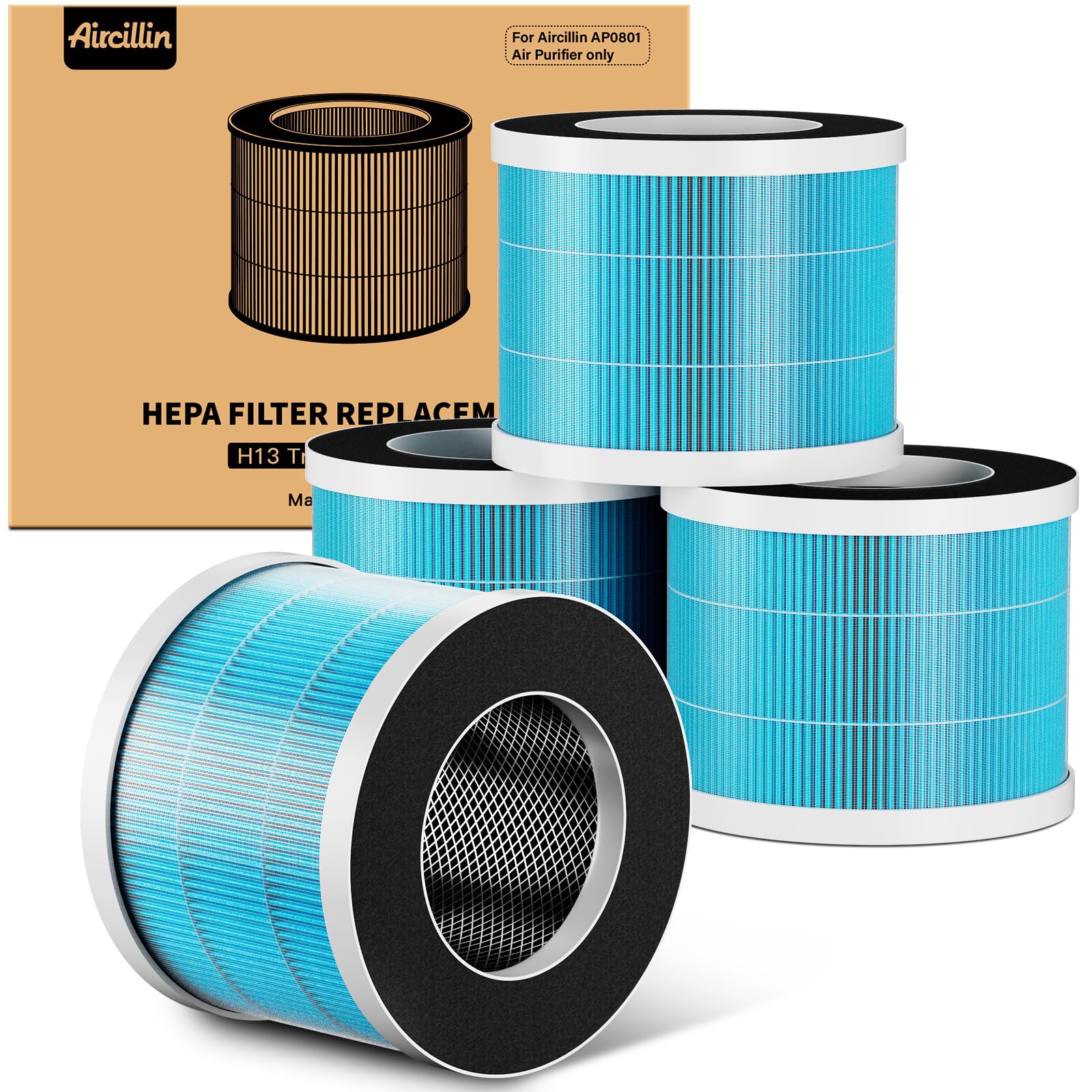
Image 1: Aircillin AP0801 Air Purifier shown with its compatible replacement filter.
2. Product Features
- Genuine Replacement: Ensures optimal performance and compatibility with the Aircillin AP0801 Air Purifier.
- 5-Stage Filtration System: Features a Sturdy Steel Mesh layer, Blue Nano Nylon Fabric layer, H13 True HEPA layer, Activated Carbon layer, and another Sturdy Steel Mesh layer. This comprehensive system works together to remove airborne particles and unwanted odors.
- Enhanced Filtration: The ultra-fine Nylon Pre-Filter and Activated Carbon Filter effectively capture larger particles, absorb odors, and eliminate dust, pollen, and other fine particulates.
- Odor Trapping: The Activated Carbon Filter is specifically designed to absorb smoke, cooking scents, pet odors, and harmful fumes, making it suitable for households with pets, smokers, or those in urban environments.

Image 2: Detailed view of the 5-layer filtration system, highlighting each layer's function.
3. Setup and Initial Installation
Before using your Aircillin AP0801 Air Purifier for the first time, or after purchasing new replacement filters, ensure the filters are correctly installed. The power adapter is typically located inside the air purifier unit for safe transport.
- Place the air purifier with the bottom facing upwards.
- Unlock the bottom cover by turning it counter-clockwise.
- Remove the old filter (if applicable) and the packaging bag from the new filter.
- Insert the new filter into the air purifier.
- Close the bottom cover of the machine and turn the cover clockwise to lock it securely.
- Connect the power adapter to the air purifier and a power outlet.

Image 3: Step-by-step guide for filter replacement.
For a visual demonstration of filter replacement, please refer to the video below:
Video 1: Demonstration of filter replacement for an air purifier, showing the removal and insertion of the filter unit. (Note: This video demonstrates a general filter replacement process and may not feature the exact Aircillin AP0801 model.)
4. Operating the Air Purifier (Filter Function)
Once the filters are installed, the Aircillin AP0801 Air Purifier is ready to operate. The filters work continuously to clean the air in your environment. The H13 True HEPA filter and Activated Carbon filter are crucial components in removing various airborne pollutants.
- The air purifier draws in air from the surrounding environment.
- Air passes through the multi-stage filtration system, where particles and odors are captured.
- Clean, purified air is then released back into the room.

Image 4: Aircillin air purifier in a living space, demonstrating its function in providing clean air.
5. Filter Maintenance and Replacement
Regular maintenance of your Aircillin AP0801 filters is essential for maintaining air purifier efficiency and air quality. The filter replacement indicator on your air purifier will light up after approximately 1,000 hours of continuous operation, signaling that it's time to replace the filter.
Filter Replacement Procedure:
- Turn off and unplug the air purifier.
- Follow the steps outlined in the "Setup and Initial Installation" section to remove the used filter.
- Dispose of the old filter responsibly.
- Install a new Aircillin AP0801 replacement filter.
- After switching on the power, press and hold the filter replacement button for 3 seconds. A beep will confirm successful installation and reset of the indicator.

Image 5: Visual comparison of a new and used filter, with usage tip.
It is recommended to inspect the filter periodically even before the indicator lights up, especially in environments with high dust or allergen levels.
6. Troubleshooting
If your Aircillin AP0801 Air Purifier is not functioning as expected after filter replacement, consider the following:
- Air Purifier Not Turning On: Ensure the power adapter is securely plugged into both the unit and a working electrical outlet.
- Filter Indicator Remains On: After replacing the filter, ensure you have reset the filter replacement indicator by pressing and holding the designated button for 3 seconds.
- Reduced Airflow or Odor Persistence: Verify that the new filter is correctly installed and that all packaging has been removed. If the issue persists, the filter might be saturated prematurely due to extremely poor air quality, or the air purifier unit itself may require servicing.
For further troubleshooting specific to the Aircillin AP0801 Air Purifier unit, please refer to the main air purifier instruction manual.
7. Specifications
| Feature | Detail |
|---|---|
| Brand | Aircillin |
| Model Number | AP0801 |
| Filter Type | H13 True HEPA, Activated Carbon |
| Filtration Stages | 5-Stage (Steel Mesh, Nylon Fabric, H13 HEPA, Activated Carbon, Steel Mesh) |
| Particle Removal Efficiency | Removes 99.99% of airborne contaminants down to 0.1 microns |
| Material | Nylon (for pre-filter) |
| MERV Rating | 13 |
| Item Weight | 1.4 Pounds |
| Product Dimensions | 6 x 6 x 4.5 inches |
| Number of Items | 4 (Replacement Filters) |

Image 6: Detailed view of the filter construction, emphasizing quality and fit.
8. Warranty and Support
Legal Disclaimer:
Statements regarding dietary supplements have not been evaluated by the FDA and are not intended to diagnose, treat, cure, or prevent any disease or health condition. This product is an air purifier filter and not a dietary supplement.
Customer Support:
For any questions, concerns, or support regarding your Aircillin AP0801 Air Purifier or its replacement filters, please contact Aircillin's professional after-sales team. Refer to the product packaging or the official Aircillin website for contact information.


