
Introduction
This manual provides essential information for the safe and optimal operation of your Nikko RC Omni X Black & Red remote-controlled car. Please read all instructions carefully before use and retain this manual for future reference.
Safety Information
WARNING: CHOKING HAZARD – Small parts. Not intended for children under 3 years.
- Recommended age: 6 years and up.
- Always operate the vehicle in a safe, open area away from people, pets, and obstacles.
- Do not operate near streets, water, or in inclement weather.
- Adult supervision is recommended for younger users.
- Turn off the vehicle and remote control when not in use.
Package Contents
Ensure all items are present in the package:
- Nikko RC Omni X Black & Red RC Car
- Remote Control Transmitter
- 6.4V LiFe-PO4 Battery Pack (for car)
- USB Quick Charger (for car battery)
- 3x AAA Batteries (for transmitter)
- Instruction Manual (this document)

Image: The retail packaging for the Nikko RC Omni X Black & Red RC Car, showing the car, remote, and key features.
Setup
1. Charging the Car Battery
- Connect the 6.4V LiFe-PO4 battery pack to the USB Quick Charger.
- Plug the USB Quick Charger into a standard USB power source (e.g., computer USB port, USB wall adapter).
- The charger's indicator light will show charging status (refer to charger's specific light indications for full details).
- Once fully charged, disconnect the battery from the charger.
2. Installing Batteries in the Remote Control
- Locate the battery compartment on the back of the remote control.
- Open the battery compartment cover.
- Insert 3x AAA batteries, ensuring correct polarity (+/-).
- Close the battery compartment cover securely.
3. Installing the Car Battery
- Locate the battery compartment on the underside of the Omni X car.
- Open the battery compartment cover.
- Connect the charged 6.4V LiFe-PO4 battery pack to the car's battery connector.
- Carefully place the battery pack into the compartment and close the cover securely.
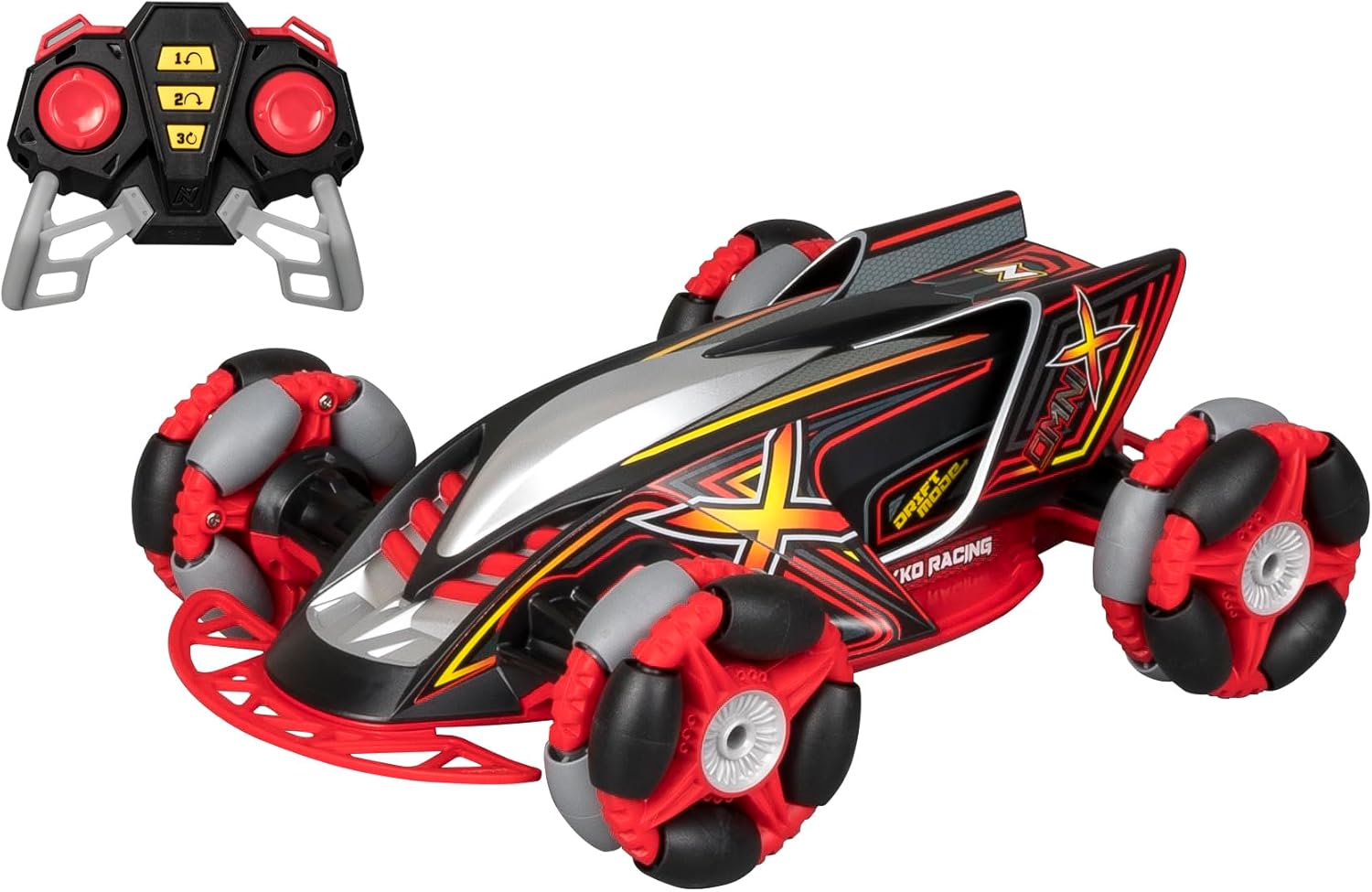
Image: The Nikko RC Omni X Black & Red car alongside its remote control, illustrating the main components.
4. Pairing the Remote Control and Car
The Nikko RC Omni X uses 2.4Ghz transmission technology for automatic pairing. Follow these steps:
- Turn on the car using the ON/OFF switch located on the vehicle.
- Turn on the remote control.
- The car and remote should automatically pair. If not, turn both off and repeat the steps.
Operating Instructions
Basic Controls
The remote control features two joysticks and three stunt buttons:
- Left Joystick: Controls forward and backward movement.
- Right Joystick: Controls left and right steering.
- Stunt Buttons (1, 2, 3): Press these buttons to activate pre-programmed stunt maneuvers.
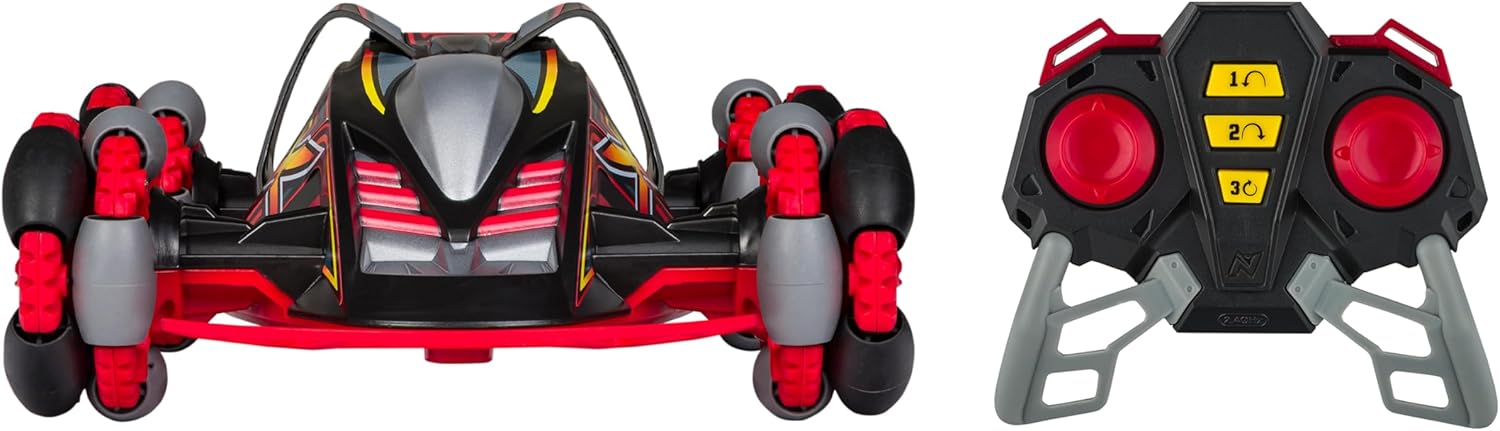
Image: A front view of the Nikko RC Omni X car and its remote control, highlighting the design and control layout.
Wheel-in-Wheel Drifting Technology
The Omni X features unique wheel-in-wheel construction with 32 individual omnidirectional drift rollers, enabling advanced drifting and spinning capabilities. Use the joysticks in combination to execute various drift maneuvers. Experiment with different control inputs to discover the full range of motion.
Stunt Button Functions
Pressing one of the three stunt buttons on the remote control will initiate a specific pre-programmed stunt. These actions leverage the car's dual motors and 4-wheel drive system for dynamic movements.
Video: An official demonstration of the Nikko RC Omni X Black & Red car in action, showcasing its drifting capabilities and stunt functions.
Maintenance
Cleaning
- Turn off the car and remote control before cleaning.
- Wipe the car with a soft, damp cloth to remove dirt and dust.
- Do not use harsh chemicals or solvents.
- Avoid getting water inside the electronic components.
Battery Care and Storage
- Always remove batteries from the remote control if not used for extended periods.
- Store the LiFe-PO4 battery pack in a cool, dry place, away from direct sunlight and extreme temperatures.
- Do not overcharge or completely discharge the LiFe-PO4 battery pack.
- Dispose of old batteries responsibly according to local regulations.
General Storage
Store the Omni X car and remote control in a dry, cool environment when not in use. Keep away from direct sunlight and moisture.
Troubleshooting
| Problem | Possible Cause | Solution |
|---|---|---|
| Car does not respond to remote. | Low batteries in car or remote; Not paired; Car/remote off. | Charge car battery; Replace remote batteries; Ensure both are ON and re-attempt pairing. |
| Reduced range or intermittent control. | Low batteries; Interference from other 2.4Ghz devices. | Charge/replace batteries; Move to an area with less interference. |
| Car moves slowly or stunts are weak. | Low car battery. | Recharge the car's LiFe-PO4 battery pack. |
| Car makes unusual noises. | Debris in wheels or gears; Damaged components. | Inspect and clean wheels/gears; Contact support if damage is suspected. |
Specifications
- Model Number: 10052
- Brand: Nikko RC
- Product Dimensions: 9.5 x 16 x 9.5 inches
- Item Weight: 3.12 pounds
- Power Source (Car): 6.4V LiFe-PO4 Battery Pack (included)
- Power Source (Remote): 3x AAA Batteries (included)
- Charging: USB Quick Charger
- Frequency: 2.4 GHz (supports up to 10 players)
- Drive System: Dual Motor, 4 Wheel Drive
- Special Features: Wheel-in-Wheel Drifting, 3 Stunt Buttons
- Recommended Age: 6 years and up
- Manufacturer: Nikko
- Release Date: November 20, 2023
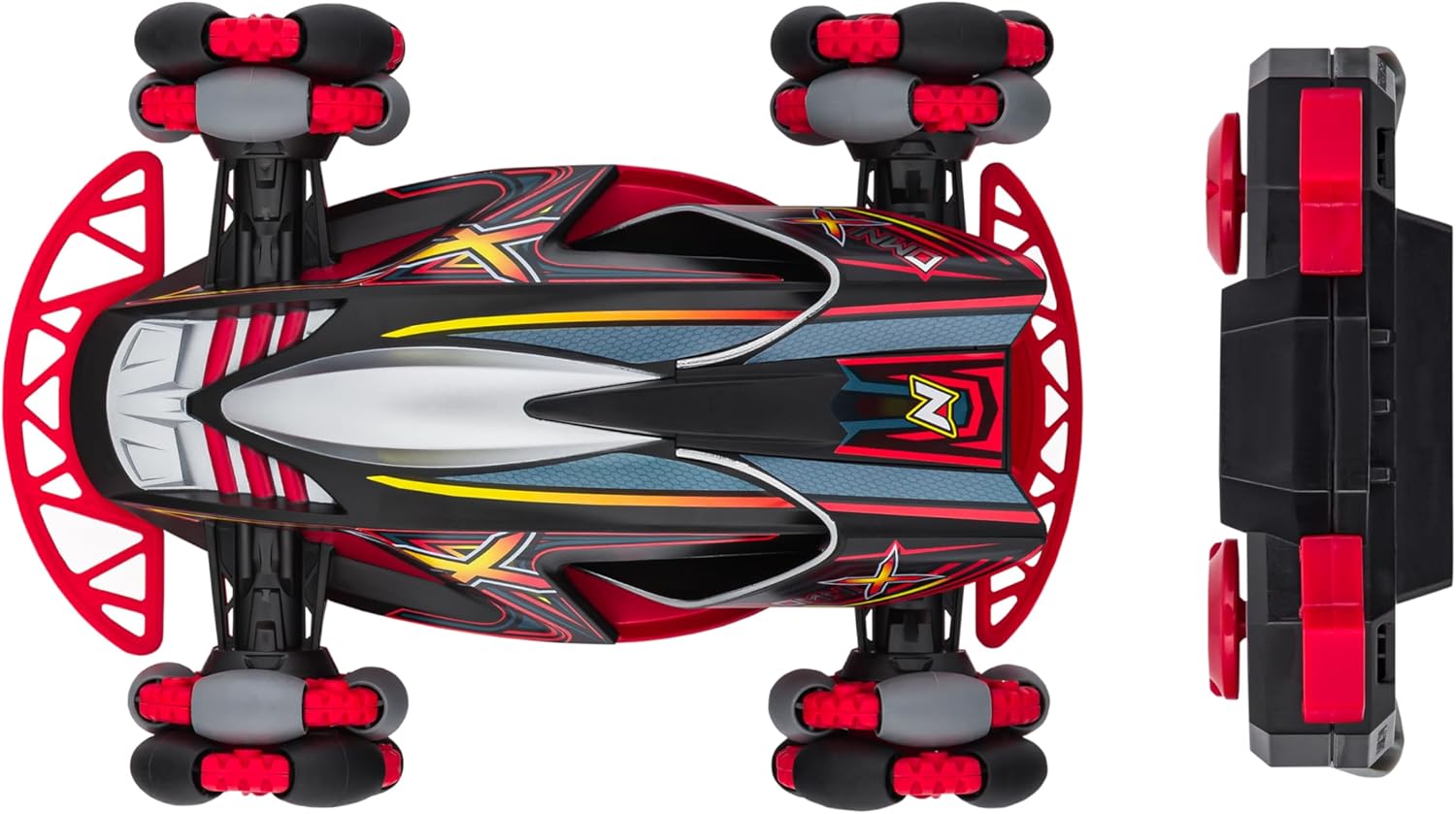
Image: A top-down view of the Nikko RC Omni X car, showcasing its unique wheel design, alongside a side profile of the remote control.
Warranty and Support
No specific warranty information was provided with the product details. For warranty inquiries or technical support, please contact Nikko RC customer service directly. Refer to the product packaging or the official Nikko RC website for contact details.