
Product Overview
This replacement digital thermostat controller board is designed for Expert Grill Commodore Pellet Grills and Smokers, specifically model XG1136224169002. It features Bluetooth connectivity, allowing control via a mobile application, and offers a temperature range of 180° to 500°F for precise cooking.

Figure 1: Front view of the digital thermostat controller board display, showing temperature readings and various icons for connectivity and functions.
Compatibility
This controller board is specifically suitable for the Expert Grill Commodore Pellet Grill and Smoker, model XG1136224169002.
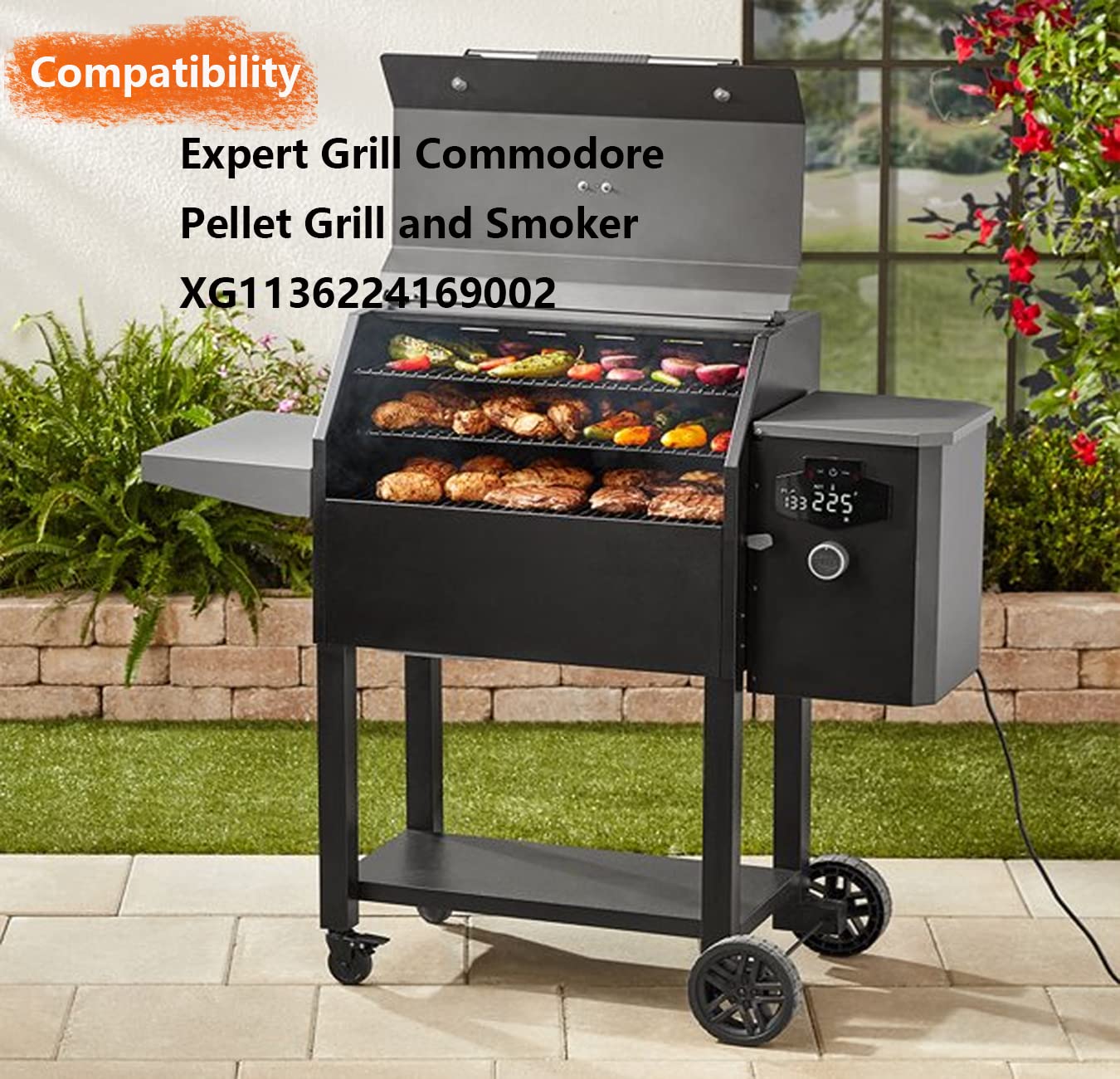
Figure 2: The controller board installed on an Expert Grill Commodore Pellet Grill and Smoker, demonstrating its intended use and fit.
Setup and Installation
Installation of the controller board is designed to be straightforward. Ensure the grill is powered off and unplugged before beginning installation.
Wiring Instructions
Carefully match the wires from the new controller to the existing connections on your grill. The following connections are typical:

Figure 3: Detailed wiring connections for the controller board. The yellow wire connects to the fan, red to the motor, purple to the ignition rod, and black to AC power.
- Yellow Wire: Connects to the fan.
- Red Wire: Connects to the motor.
- Purple Wire: Connects to the ignition rod.
- Black Wire: Connects to the AC power supply.
After connecting the wires, secure the new controller board into its slot. It is recommended to apply a small bead of silicone around the edges for a watertight seal, if desired.
Operating Instructions
Basic Control Functions
The controller features intuitive buttons and a dial for operation.

Figure 4: A hand interacting with the controller board, demonstrating the location of the power and function buttons.
- Power On: After the power is turned on, the buzzer will beep once, all LEDs will light up for 1 second, then all will go out, and the device enters standby state.
- Start Up: In the off state, touch the power button. The buzzer will beep once, and the controller will enter the default working state. The default temperature is set to Smoke after power on.
- Shutdown: Press and hold the power button for 3 seconds to enter standby mode when the power is on. In standby mode, all LEDs are off, and the ignition stick, feeding motor, and fan are off.
Bluetooth and Mobile APP Usage
The Expert control panel includes a Bluetooth function, allowing you to control the entire grill via a dedicated mobile application.

Figure 5: Screenshot of the mobile application interface, showing temperature settings, probe readings, and control buttons.
- Search for "Expert Grill" in the Apple App Store or Google Play Store and install the application.
- Ensure the controller is normally on. Click on the app icon to enter the search interface.
- After approximately 5-10 seconds, the controller should be detected. Click on it to connect.
- Once connected, you can perform functional tests and control the grill from the main interface.
The app allows you to check actual and set temperatures, slide the progress bar or use plus/minus signs to adjust settings, verify probe temperature display, and control F/C unit switching and the Prime function.
Maintenance
To maintain the cleanliness and functionality of your controller board, simply wipe it clean with a damp cloth. Avoid using abrasive cleaners or submerging the unit in water.
Troubleshooting
The controller board may display various fault codes to indicate specific issues. Refer to the table below for common fault codes and their meanings.

Figure 6: A visual guide to common fault codes displayed on the controller, along with their descriptions.
| Fault Code | Description |
|---|---|
| ErL | Low temperature alarm. Alarm if ignition is not successful within 13 minutes. |
| ErH | High temperature alarm. When there is no abnormality in the furnace temperature probe, the furnace temperature value is greater than 615°F, then the alarm. |
| ErP | Furnace Temperature Probe Alarm. If the furnace temperature probe is short-circuited or open-circuited abnormally, it will alarm. |
| Fan Alarm | "Err" is always on and the fan icon is flashing. No feedback signal within 5 seconds, then alarm. |
| Motor Alarm | "Err" is always on and the motor icon is flashing. No feedback signal within 5 seconds, then alarm. |
| Ignition Stick Alarm | "Err" is always on and the ignition stick icon is flashing. No feedback signal within 5 seconds, then alarm. |
Specifications
- Package Dimensions: 8.15 x 4.96 x 2.24 inches
- Item Weight: 11.99 ounces
- Model Number: 36974526467498
- Manufacturer: FCCUM
- Country of Origin: China
- Brand: FCCUM
- Color: Black
- Included Components: Controller Board
- Display Type: Digital
- Power Source: Battery Powered
- Item Length: 7.2 Inches
- Temperature Range: 180° to 500°F
- Connectivity: Bluetooth (via mobile APP)
Warranty and Support
Specific warranty details for this product are not provided in the available information. For any questions or support inquiries regarding your FCCUM Expert Grill Digital Thermostat Controller Board, please contact the seller directly through Amazon Messenger.