
UISCOM 1852
UISCOM 1852 88-Key Weighted Digital Piano User Manual
Model: 1852
1. Introduction
Thank you for choosing the UISCOM 1852 88-Key Weighted Digital Piano. This instrument is designed to provide a rich musical experience with its progressive hammer-action keyboard and versatile sound capabilities. This manual will guide you through the setup, operation, and maintenance of your digital piano to ensure optimal performance and longevity.
2. Important Safety Information
- Read all instructions carefully before use.
- Keep the piano away from water, heat sources, and direct sunlight.
- Use only the provided power adapter.
- Do not attempt to disassemble or modify the instrument. Refer all servicing to qualified personnel.
- Ensure proper ventilation around the unit.
- Keep out of reach of small children to prevent accidents.
3. Package Contents
Please verify that all items are present in the package:
- UISCOM 1852 Digital Piano Unit
- Piano Legs (4x)
- Triple Pedal System
- Power Adapter
- User Manual (this document)
- Assembly Hardware (screws, tools if applicable)

Image: The UISCOM 1852 Digital Piano in white, showing the main unit, four legs, and the triple pedal system connected by a cable.
4. Setup
4.1 Assembly
The UISCOM 1852 Digital Piano requires minimal assembly. Follow these steps:
- Carefully unpack all components from the box.
- Place the main piano unit upside down on a soft, protected surface to avoid scratches.
- Attach the four legs to the designated mounting points on the underside of the piano using the provided screws. Ensure they are securely fastened.
- Carefully turn the piano upright.
- Connect the cable from the triple pedal system to the "Triple Pedal Interface" port located on the back panel of the piano.

Image: The UISCOM 1852 Digital Piano showing its compact design and dimensions (52 inches wide, 13.4 inches deep, 31.2 inches high).

Image: Three detailed views: the integrated sheet music stand, the clamshell lid design, and the triple pedal system.
4.2 Connections
The digital piano offers various connectivity options:
- Power Input: Connect the provided power adapter to the DC IN port and then to a wall outlet.
- USB Interface: Connect to a computer for MIDI data transfer or to play/pause music from a USB device.
- MIDI Interface (IN/OUT): Connect to external MIDI devices for expanded musical possibilities.
- Audio Input (IN): Connect external audio sources (e.g., MP3 player, smartphone) to play along with your music.
- Audio Output (OUT): Connect to external amplifiers, speakers, or recording equipment.
- Headphone Interface (3.5mm Jack): Two headphone jacks are available for private practice or duet listening.
- Triple Pedal Interface: Connects the included triple pedal unit for sustain, sostenuto, and soft pedal functions.

Image: Close-up of the rear panel showing USB, MIDI IN/OUT, Audio IN/OUT, and Power Input ports. Also shown are the headphone interface and triple pedal interface.
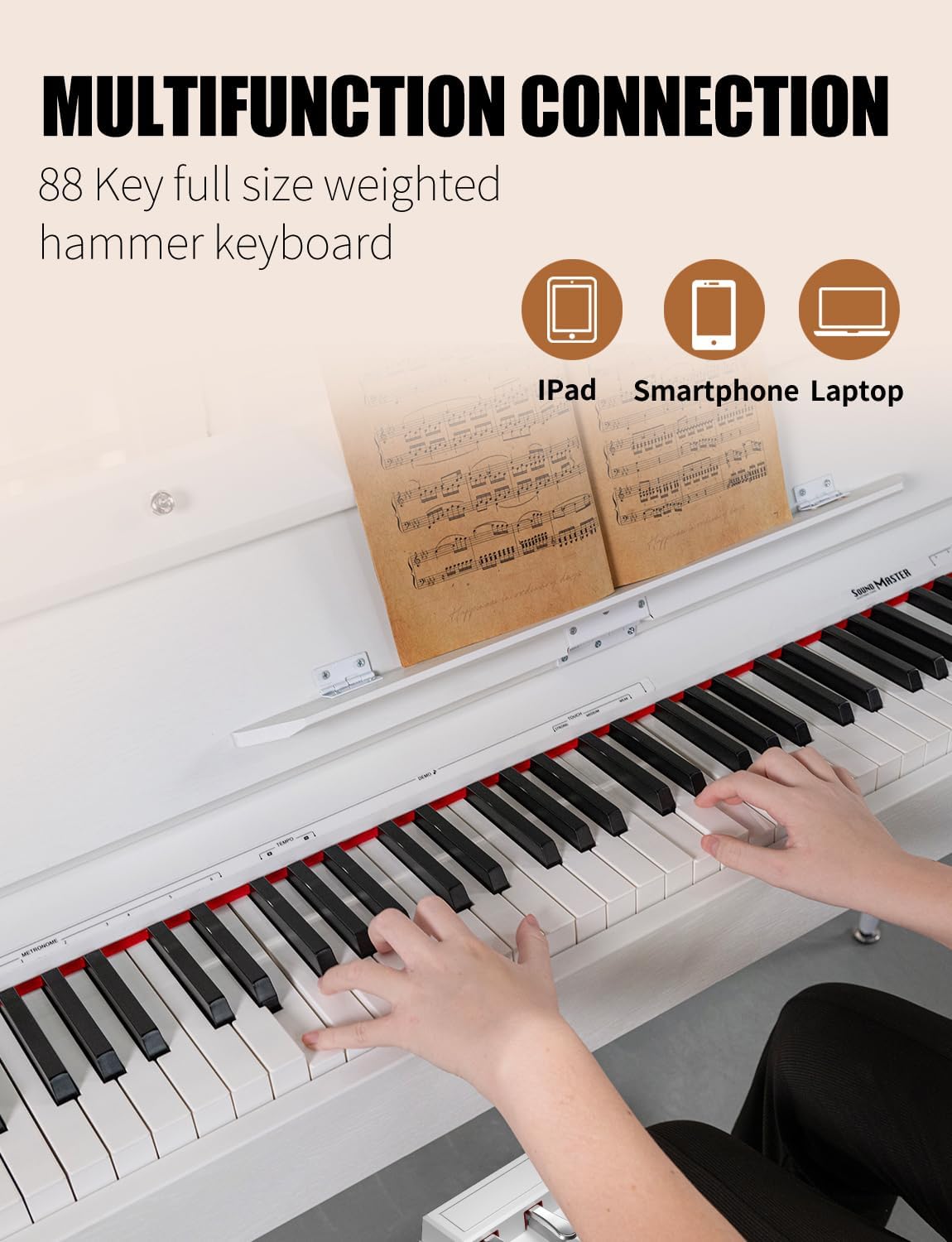
Image: Diagram illustrating multifunction connections, showing the piano connected to an iPad, smartphone, and laptop via USB.
5. Operating Instructions
5.1 Basic Operation
- Power On/Off: Press the POWER button on the control panel to turn the piano on or off.
- Volume Control: Use the VOLUME knob to adjust the overall sound output level.

Image: Close-up of the control panel, highlighting buttons for Play/Pause, Tone, Function, Transpose, and the Volume knob, along with indicators for 128 Polyphony, 40 Demo Songs, and 8 Tones.
5.2 Sound Features
- Tones: The piano features 8 precision-crafted sound profiles. Use the TONE button to cycle through available instrument sounds.
- Polyphony: With 128-note polyphony, the piano can produce a large number of simultaneous notes without dropouts.
- Demo Songs: Access a library of 40 practice pieces. Use the PLAY/PAUSE button to start and stop demo songs.

Image: A woman playing the UISCOM 1852 Digital Piano, emphasizing the better output sound quality from its two stereo speakers.
5.3 Effects and Settings
- Reverb: Adds spatial depth to the sound.
- Chorus: Creates a richer, thicker sound by slightly detuning and delaying the sound.
- Metronome: Provides a steady beat for practice. Adjust tempo as needed.
- Transposition: Allows you to shift the pitch of the entire keyboard up or down.
- Key Sensitivity: Adjust the touch response of the keys to match your playing style.
- Dual Tone: Layer two different instrument sounds simultaneously.
- Recording: The control panel indicates recording functionality, allowing you to capture your performances. Refer to the full manual for detailed instructions on recording.
5.4 Headphone Use
Connect headphones to either of the two 3.5mm headphone jacks for private practice without disturbing others. The internal speakers will mute automatically when headphones are connected.
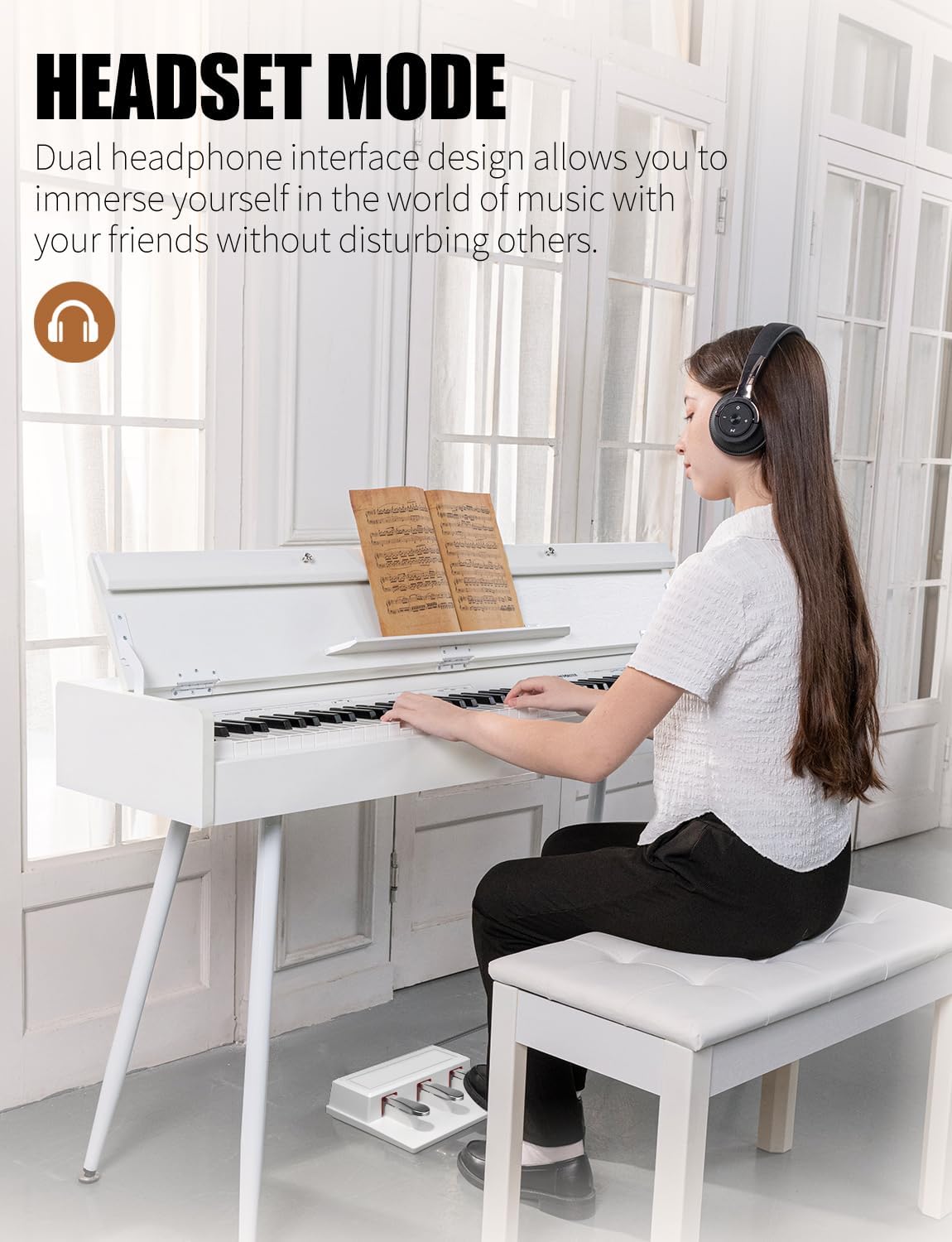
Image: A woman playing the UISCOM 1852 Digital Piano while wearing headphones, illustrating the headset mode for immersive practice.

Image: A close-up of a woman playing the UISCOM 1852 Digital Piano with headphones, emphasizing the ability to practice immersively.
5.5 Pedal System
The included triple pedal system provides the following functions:
- Right Pedal (Sustain): Sustains the notes played.
- Middle Pedal (Sostenuto): Sustains only the notes held down at the moment the pedal is pressed.
- Left Pedal (Soft): Reduces the volume and alters the timbre of the notes.
6. Maintenance
- Cleaning: Use a soft, dry cloth to wipe the surface of the piano. For stubborn dirt, slightly dampen the cloth with water. Avoid abrasive cleaners or solvents.
- Dust Protection: When not in use, close the clamshell lid to protect the keys from dust and debris.
- Storage: Store the piano in a stable environment, away from extreme temperatures and humidity.
7. Troubleshooting
| Problem | Possible Cause | Solution |
|---|---|---|
| No sound from speakers. |
|
|
| Keys make a "thumping" or "buzzing" noise when played. |
|
|
| Pedals not functioning correctly. |
|
|
8. Specifications
| Feature | Detail |
|---|---|
| Model Name | 1852 |
| Brand | UISCOM |
| Number of Keys | 88 |
| Key Type | Weighted Keys (Progressive Hammer-Action) |
| Polyphony | 128-note |
| Tones | 8 |
| Demo Songs | 40 |
| Effects | Reverb, Chorus, Metronome, Transposition |
| Connectivity | USB, MIDI IN/OUT, Audio IN/OUT, 3.5mm Headphone Jack (x2) |
| Pedals | Triple Pedal System (Sustain, Sostenuto, Soft) |
| Power Source | Corded Electric |
| Item Weight | 64.9 pounds |
| Package Dimensions | 56 x 17 x 12 inches |
| Color | 1852 White (as per current product variant) |
| Skill Level | All |
9. Warranty and Support
For warranty information, technical support, or service inquiries, please refer to the contact information provided with your purchase documentation or visit the official UISCOM website. Keep your proof of purchase for warranty claims.
10. Product Videos
No official seller videos are available for embedding in this manual based on the provided product data.
Ask a question about this manual
Ask about setup, troubleshooting, compatibility, parts, safety, or missing instructions. Manuals+ will review the question and use this page’s manual context to help answer it.