
Introduction
This manual provides essential information for the safe and efficient use of your UISCOM UMP-200 88-Key Weighted Action Digital Piano. Please read this manual thoroughly before assembly and operation to ensure proper setup and to maximize your playing experience. Keep this manual for future reference.
Safety Information
- Power Supply: Use only the specified power adapter. Ensure the voltage matches your local power supply. Disconnect the power cord during thunderstorms or when not in use for extended periods.
- Placement: Place the piano on a stable, level surface. Avoid direct sunlight, heat sources, excessive dust, moisture, or vibrations. Keep away from strong electromagnetic fields.
- Ventilation: Do not block ventilation openings. Ensure adequate airflow around the instrument.
- Water and Moisture: Do not expose the instrument to rain, moisture, or spills. Do not place objects filled with liquids on the piano.
- Cleaning: Clean the instrument with a soft, dry cloth. Do not use abrasive cleaners, waxes, or solvents.
- Servicing: Do not attempt to service the instrument yourself. Refer all servicing to qualified service personnel.
- Children: Keep small parts and packaging materials out of reach of children to prevent choking hazards.
Package Contents
Please check that all items are present in the package before beginning assembly. If any items are missing or damaged, contact customer support.
- UISCOM UMP-200 Digital Piano Unit
- Furniture Cabinet Stand components
- Triple Pedal Unit
- Power Adapter
- Music Rest
- Assembly Hardware
- User Manual (this document)
Setup
The UISCOM UMP-200 digital piano requires assembly of the cabinet stand and attachment of the main piano unit. It is recommended that two people perform the assembly due to the weight of the piano (approximately 100.8 pounds).
Assembly Steps:
- Unpack Components: Carefully remove all components from the packaging. Place them on a soft, clean surface to prevent scratches.
- Assemble the Cabinet Stand: Follow the included diagrams and instructions to assemble the furniture cabinet stand. Ensure all screws are tightened securely.
- Attach Triple Pedal Unit: Connect the triple pedal unit to the designated area on the assembled stand, ensuring the cable is routed correctly.
- Place Piano Unit on Stand: With assistance, carefully lift the main piano unit and place it onto the assembled cabinet stand. Align the mounting points and secure the piano unit to the stand using the provided hardware.
- Connect Pedals: Connect the pedal cable from the triple pedal unit to the corresponding port on the underside or rear of the piano unit.
- Install Music Rest: Insert the music rest into the slot on the top panel of the piano.
- Connect Power Adapter: Plug the power adapter into the DC IN port (labeled 6 in the "Multiple Device Connecting" image) on the rear of the piano. Then, plug the adapter into a wall outlet.

Image: Multiple Device Connecting Ports. This image displays the various connection ports on the back of the piano, including USB, MIDI In, MIDI Out, Audio In, Audio Out, and the Power Interface. Each port is numbered for easy identification.

Image: Piano Dimensions. This image illustrates the overall dimensions of the UISCOM UMP-200 digital piano, indicating its height, width, and depth for placement considerations.
Operating Instructions
Power On/Off
Locate the power button, typically on the front or side panel. Press it to turn the piano on. Press it again to turn it off.
Playing the Piano
The UMP-200 features an 88-key graded hammer action keyboard, designed to mimic the feel of an acoustic piano. The bass keys require more pressure, while the treble keys are lighter, allowing for precise control and expressive playing.

Image: Hammer Action Weighted Keyboard. This image demonstrates the weighted key action, showing how bass keys require more pressure (FFF) and treble keys are lighter (PPP) for a realistic playing experience.
Sound Quality and Voices
The piano offers professional sound quality with advanced sound sampling technology, replicating grand piano tones. It also includes a variety of instrument voices (strings, brass, organ, choir) to explore different musical styles. Refer to the piano's control panel or dedicated buttons for selecting different voices and adjusting volume. The high cabinet design enhances sound resonance through its 20W dual fidelity speakers.

Image: High Cabinet Design. This image shows the digital piano's high cabinet, which contributes to a fuller sound effect and more powerful bass from its 20W dual fidelity speakers.
Using the Triple Pedal System
The UMP-200 includes a triple pedal system to enhance your playing, similar to an acoustic piano:
- Soft Pedal (Left): Reduces the volume and softens the tone.
- Sostenuto Pedal (Middle): Sustains only the notes held down at the moment the pedal is pressed, while subsequent notes remain unaffected.
- Sustain Pedal (Right): Sustains all notes played while the pedal is held down, allowing them to ring out.

Image: Triple Pedal System. This image details the three pedals: Soft, Sostenuto, and Sustain, explaining their individual functions to replicate a real piano's playing experience.
Silent Practice with Headphones
For private practice, connect headphones to the 3.5mm headphone jack(s) on the piano. This mutes the internal speakers, allowing you to play without disturbing others. The UMP-200 features dual headphone jacks for simultaneous use.
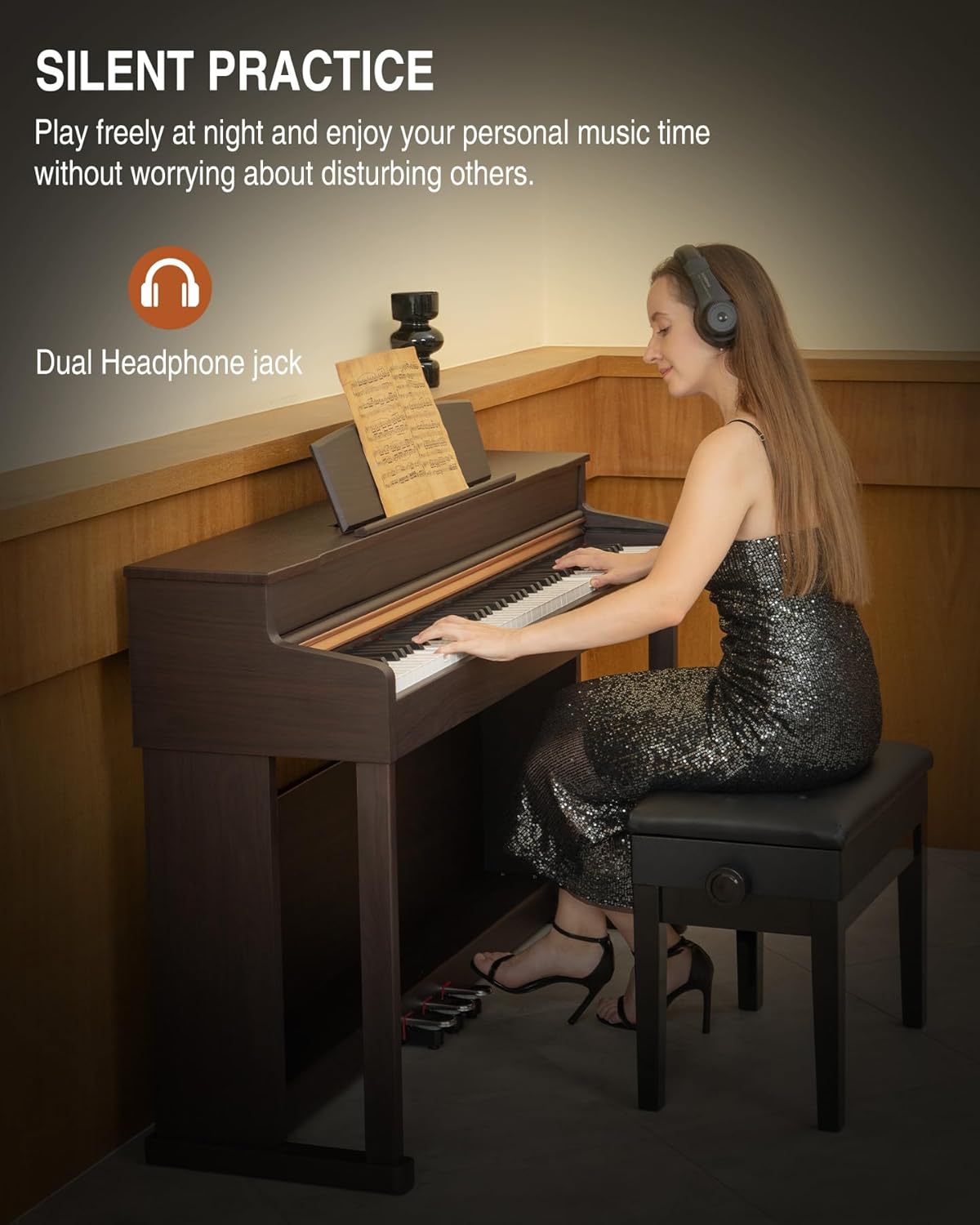
Image: Silent Practice. This image shows a user practicing with headphones, highlighting the dual headphone jack feature for private music sessions.
Interactive Practice and Connectivity
The UMP-200 supports USB MIDI connectivity, allowing you to connect to smart devices and computers. This enables interactive practice with supported software like GarageBand, Prefect Piano, and POP PIANO, as well as recording your performances. The piano also features Bluetooth connectivity for wireless audio streaming or MIDI functions, depending on the model's specific implementation.

Image: Interactive Practice. This image illustrates the piano's ability to connect to smart devices via USB MIDI for interactive learning and recording with applications like GarageBand.
Sliding Key Cover
The piano is equipped with a sliding key cover. Gently slide the cover over the keys when the instrument is not in use to protect them from dust and damage.

Image: Sliding Key Cover. This image shows the dust-proof sliding cover being used to protect the piano keys.
Maintenance
- Cleaning: Wipe the piano's surface with a soft, dry, lint-free cloth. For stubborn dirt, slightly dampen the cloth with water and wipe gently, then dry immediately. Avoid using chemical cleaners, polishes, or solvents as they can damage the finish.
- Key Cleaning: Use a soft, slightly damp cloth to clean the keys. Wipe white keys from back to front, then repeat for black keys. Avoid letting water seep between the keys.
- Dust Protection: Always use the sliding key cover when the piano is not in use to prevent dust accumulation on the keys and internal components.
- Environmental Conditions: Maintain a stable room temperature and humidity. Extreme fluctuations can affect the instrument's components.
- Transportation: If moving the piano, ensure it is properly disassembled and packed to prevent damage.
Troubleshooting
| Problem | Possible Cause | Solution |
|---|---|---|
| No sound |
|
|
| Keys not responding or inconsistent touch |
|
|
| Pedals not working |
|
|
| MIDI/Bluetooth connection issues |
|
|
Specifications
| Model Name | UMP-200 |
| Brand | UISCOM |
| Number of Keys | 88 |
| Key Action | Weighted Keys (Graded Hammer Action) |
| Connectivity Technology | Bluetooth, MIDI USB |
| Connector Type | MIDI USB, 3.5mm Headphones Jack |
| Power Source | Corded Electric |
| Supported Software | GarageBand (and others via MIDI) |
| Item Weight | 100.8 pounds |
| Package Dimensions | 56.25 x 18 x 17 inches |
| UPC | 754131188112 |
Warranty and Support
For warranty information, product support, or to inquire about replacement parts, please contact UISCOM customer service. Refer to the contact information provided with your purchase or visit the official UISCOM website.
Return Policy: The product typically includes a 30-day easy return policy. Please refer to your purchase documentation for specific terms and conditions.
Product Videos
Video: Product Overview (1:49). This video provides a general overview of the UISCOM UMP-200 digital piano, showcasing its design and key features.
Video: Detailed Walkthrough (11:07). A comprehensive video demonstrating the various functions, settings, and capabilities of the UMP-200 digital piano.
Video: Feature Demonstration (2:11). This video highlights specific features and sound capabilities of the UISCOM UMP-200.