
Introduction
The Agatige YY-400 Water Quality Monitor Test Pen is a portable, multifunctional device designed for accurate measurement of water quality parameters. It integrates four key functions: pH, ORP (Oxidation-Reduction Potential), H2 (Hydrogen concentration), and Temperature. This device is equipped with a premium quality titanium alloy probe and an efficient intelligent chip, ensuring stable performance and high accuracy. Its robust design, including IP67 waterproofing, makes it suitable for various applications such as testing drinking water, swimming pools, spas, hydroponics, and more.

Figure 1: Agatige YY-400 Water Quality Monitor Test Pen with included pH buffer powders (pH 4.00, pH 6.86, pH 9.18).
Product Overview and Features
The YY-400 is engineered for precision and ease of use, offering comprehensive water quality analysis in a compact, pen-shaped design.
- 4-in-1 Functionality: Measures pH, ORP, H2, and Temperature.
- High Accuracy: Features a titanium alloy probe and intelligent chip for reliable readings.
- Wide Measurement Ranges:
- pH: 0.01-14.00pH
- ORP: ±1200mV
- H2: 0-2400ppb; 0.001-2.400ppm
- Temperature: 0.1-60.0°C (32.0-140°F)
- Automatic Temperature Compensation (ATC): Ensures accurate readings across various temperatures.
- Waterproof Rating: IP67 for durability and protection against water immersion.
- LCD Digital Display: Clear and easy-to-read backlit display.
- Pen-shaped Design: Portable and convenient for on-the-go testing.

Figure 2: Overview of the YY-400's 4-in-1 capabilities and key features.
Setup
1. Battery Installation
The YY-400 requires three (3) 1.5V LR44 button cell batteries (not included). To install:
- Unscrew the battery compartment cap located at the top of the device.
- Insert the three LR44 batteries, ensuring correct polarity (+/-).
- Securely screw the battery compartment cap back on.
2. Initial Power On
Press the POWER button to turn on the device. The LCD display will illuminate.
3. Preparation for Use
Before first use or after prolonged storage, rinse the electrode with distilled water and gently blot dry. It is recommended to perform a pH calibration for accurate readings.
Operating Instructions
1. General Measurement Procedure
- Turn on the device by pressing the POWER button.
- Remove the protective cap from the electrode.
- Immerse the electrode into the sample solution up to the immersion line. Gently agitate the device to remove any air bubbles.
- Wait for the reading to stabilize on the LCD display (typically a few seconds).
- Press the HOLD/TEMP button to freeze the current reading. Press again to release.
- After measurement, rinse the electrode with distilled water and replace the protective cap.
- Press the POWER button to turn off the device.
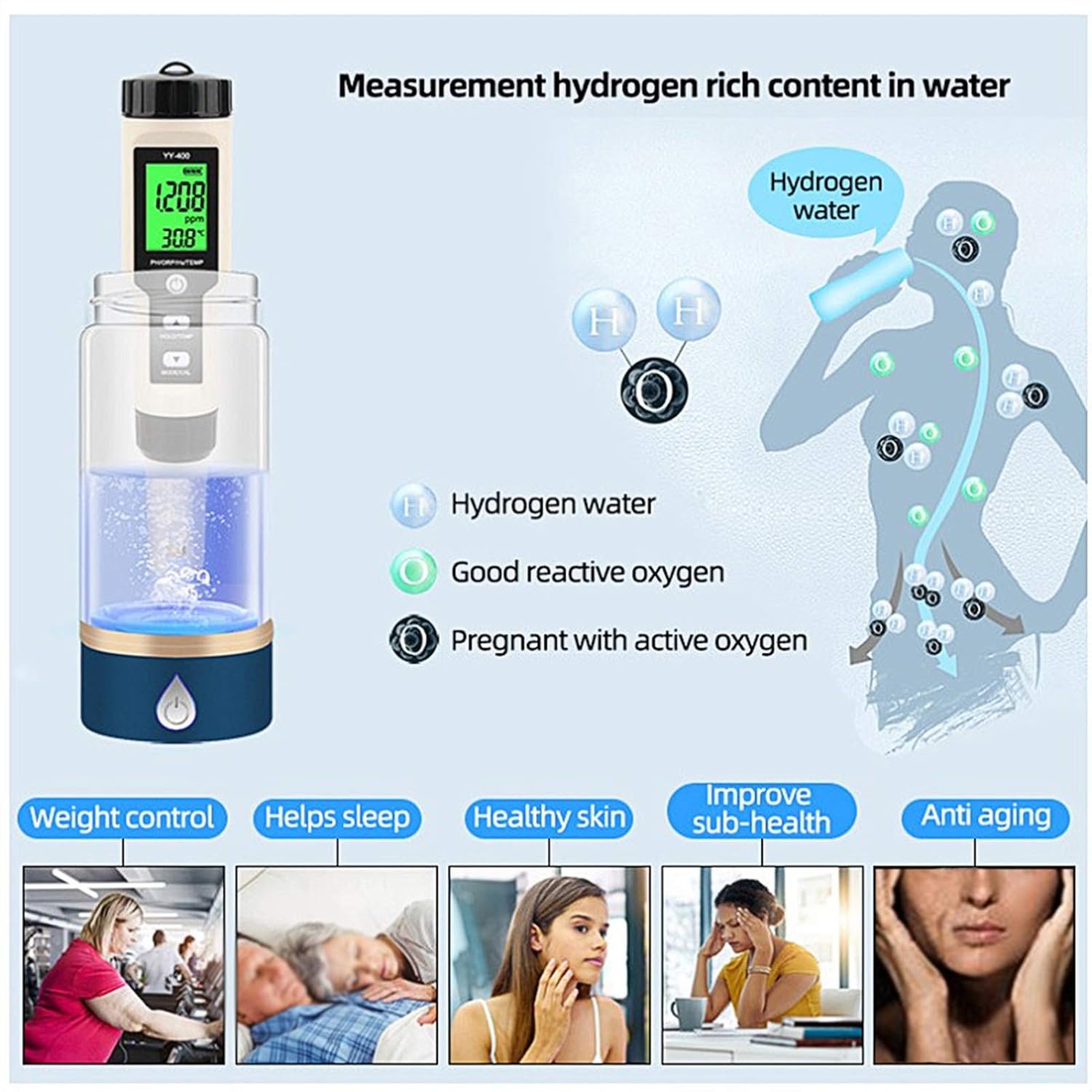
Figure 3: The YY-400 in use, demonstrating immersion for water quality testing.
2. Switching Measurement Modes
The YY-400 can measure pH, ORP, H2 (in ppb or ppm), and Temperature. To switch between modes:
- Press the MODE/CAL button to cycle through the different measurement parameters (pH, ORP/mV, H2/ppb, H2/ppm).
- The current mode will be indicated on the LCD display.
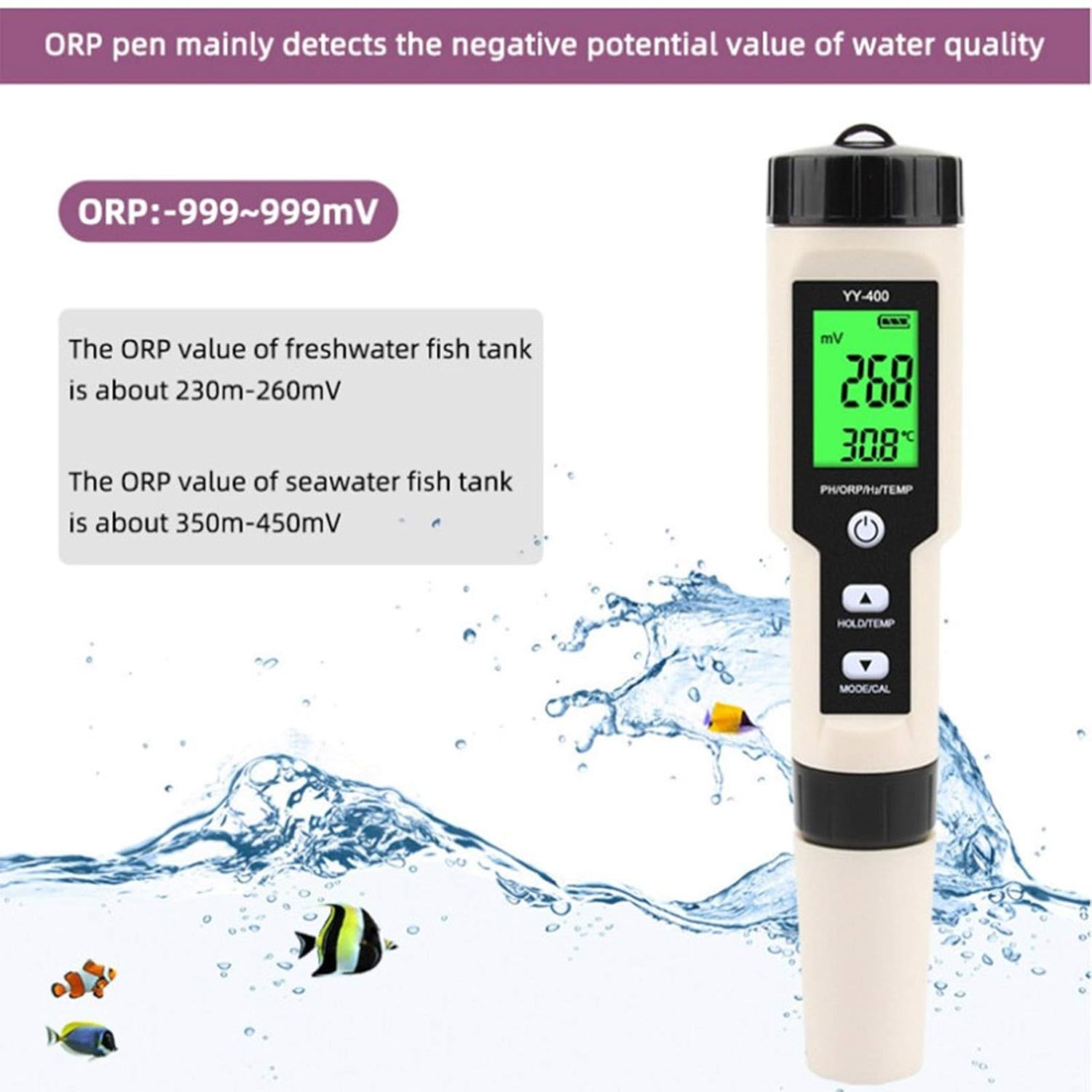
Figure 4: Display modes for pH, ORP, and H2 measurements.
3. Temperature Unit Switching
To switch between Celsius (°C) and Fahrenheit (°F) temperature units:
- While the device is on, press and hold the HOLD/TEMP button for approximately 3 seconds. The temperature unit will toggle.
Calibration
Regular calibration ensures the accuracy of your YY-400. pH calibration is crucial for precise pH measurements. The device supports 3-point pH calibration (4.00, 6.86, 9.18).
pH Calibration Procedure
- Prepare the pH buffer solutions (4.00, 6.86, and 9.18). Ensure they are at room temperature.
- Rinse the electrode with distilled water and gently blot dry.
- Turn on the device.
- Immerse the electrode into the 6.86 pH buffer solution.
- Press and hold the MODE/CAL button for approximately 5 seconds until "CAL" appears on the display. The device will automatically recognize the buffer solution and begin calibration.
- Once the reading stabilizes and the display shows "END" or a stable value, rinse the electrode with distilled water.
- Repeat steps 4-6 for the 4.00 pH buffer solution.
- Repeat steps 4-6 for the 9.18 pH buffer solution.
- After completing all three points, the calibration is complete. The device is now ready for accurate pH measurements.
Note: For best accuracy, always calibrate with fresh buffer solutions. If only two buffer solutions are available, calibrate with 6.86 first, then with either 4.00 or 9.18 depending on your expected measurement range.
Maintenance
1. Electrode Cleaning
- Always rinse the electrode with distilled water after each use to prevent contamination.
- If the electrode becomes dirty or readings become unstable, soak the electrode in a cleaning solution (e.g., pH electrode cleaning solution or a mild detergent solution) for 15-30 minutes, then rinse thoroughly with distilled water.
- Do not use abrasive materials to clean the electrode.
2. Storage
- Ensure the electrode is clean and dry before replacing the protective cap.
- Store the device in a cool, dry place, away from direct sunlight and extreme temperatures.
- For long-term storage, it is recommended to remove the batteries to prevent leakage.
3. Battery Replacement
When the display dims or the device fails to power on, replace the batteries as described in the "Battery Installation" section under Setup.
Troubleshooting
| Problem | Possible Cause | Solution |
|---|---|---|
| Device does not power on. | Dead or incorrectly installed batteries. | Check battery polarity or replace with new LR44 batteries. |
| Inaccurate or unstable readings. |
|
|
| Display shows "Err" or abnormal characters. | Sensor malfunction or internal error. | Turn off the device, wait a few seconds, then turn it back on. If the problem persists, contact customer support. |
Specifications

Figure 5: Physical dimensions of the YY-400 device.
| Parameter | Details |
|---|---|
| Product Material | ABS + Ti alloy |
| PH Test Range | 0.01-14.00pH |
| PH Resolution | 0.01pH |
| PH Accuracy | ±0.05pH |
| ORP Test Range | ±1200mV |
| ORP Resolution | 1mV |
| ORP Accuracy | ±2mV |
| H2 Test Range | 0-2400ppb; 0.001-2.400ppm |
| H2 Resolution | 2ppb; 0.02ppm |
| H2 Accuracy | ±10ppb; ±0.01ppm |
| Temperature Test Range | 0.1-60.0°C (32.0-140°F) |
| Temperature Accuracy | ±0.5°C |
| Temperature Resolution | 1°C/°F |
| Battery | 3 x 1.5V LR44 button cell (not included) |
| Display | LCD Digital Display |
| Waterproof Rating | IP67 |
| Size | Approx. 183mm / 7.2in (Length), 37mm / 1.5in (Width) |
Warranty and Support
Specific warranty information for the Agatige YY-400 Water Quality Monitor Test Pen is not available in the provided product data. Please refer to the product packaging, the manufacturer's official website, or your point of purchase for detailed warranty terms and conditions.
For technical support, troubleshooting assistance beyond this manual, or inquiries regarding replacement parts, please contact Agatige customer service through their official channels. Contact information is typically found on the product packaging or the manufacturer's website.