
ALIBELL APE510
ALIBELL Tuya Wifi SOS Elderly Life Saver Instruction Manual
Model: APE510
1. Product Overview
The ALIBELL Tuya Wifi SOS Elderly Life Saver is a compact and portable emergency button designed to provide immediate assistance for individuals such as the elderly, patients, pregnant women, and children. It connects wirelessly to your home's 2.4GHz WiFi network and sends instant alarm notifications to your smartphone via the Tuya app when activated.

Image: The ALIBELL SOS button and a smartphone showing an emergency alert.
Key Features:
- Wireless Connectivity: Utilizes Bluetooth and 2.4GHz WiFi for reliable connection.
- Instant Notifications: Sends emergency alerts directly to your paired mobile phone.
- Portable Design: Lightweight and comes with a lanyard and stickers for versatile placement.
- Wide Applicability: Ideal for use by the elderly, patients, pregnant women, children, and disabled individuals.
- Sharing Function: Allows multiple family members to receive alarm notifications.
- Waterproof: Rated IP55, suitable for various indoor environments including bathrooms.
2. Setup Guide
2.1 App Installation
Download and install the Tuya Smart or Smart Life app from your smartphone's app store (Google Play Store for Android or Apple App Store for iOS).
2.2 Device Pairing
- Ensure your smartphone is connected to a 2.4GHz WiFi network. The SOS button only supports 2.4GHz WiFi.
- Open the Tuya Smart/Smart Life app and create an account or log in.
- Follow the in-app instructions to add a new device. Select the appropriate device type (e.g., 'Security & Video Surveillance' > 'SOS Button' or 'Panic Button').
- Put the SOS button into pairing mode as instructed by the app (usually by pressing and holding the button until an indicator light flashes).
- Complete the pairing process within the app. Once paired, the button must remain within the paired WiFi environment to function, while your smartphone only needs network connectivity.

Image: Illustration of the SOS button's WiFi connectivity and remote notification capability.
2.3 Placement and Portability
The SOS button is designed for ease of use and portability. You can:
- Wear it around your neck using the included lanyard.
- Keep it in your pocket.
- Stick it to a wall or other surface using the provided stickers.
2.4 Sharing Function
To allow multiple family members to receive emergency notifications:
- Within the Tuya app, navigate to the device settings for the SOS button.
- Locate the 'Share Device' or 'Sharing Function' option.
- Add the accounts of family members with whom you wish to share access. They will also need the Tuya app installed and an account.
- When the button is pressed, all shared accounts will receive an alarm notification, ensuring prompt assistance.
3. Operation
Operating the ALIBELL SOS button is straightforward:
- In an emergency situation, simply press the large SOS button.
- The button will send a wireless signal to the paired host and trigger an immediate notification to your smartphone via the Tuya app.
- The app will display an alarm message, allowing you to quickly identify the emergency and take appropriate action.

Image: Demonstrates pressing the SOS button and receiving an alert on a smartphone.

Image: The SOS button in use, with notifications appearing on mobile devices.
4. Maintenance
4.1 Battery and Charging
The SOS button is powered by a Lithium Ion battery (included). When the battery is low, connect a standard USB cable to the appropriate port on the device for charging. Ensure the cable is inserted correctly.
4.2 Water Resistance
The device has an IP55 waterproof rating, meaning it is protected from limited dust ingress and low-pressure water jets from any direction. This makes it suitable for use in environments like bathrooms, but it should not be submerged in water.
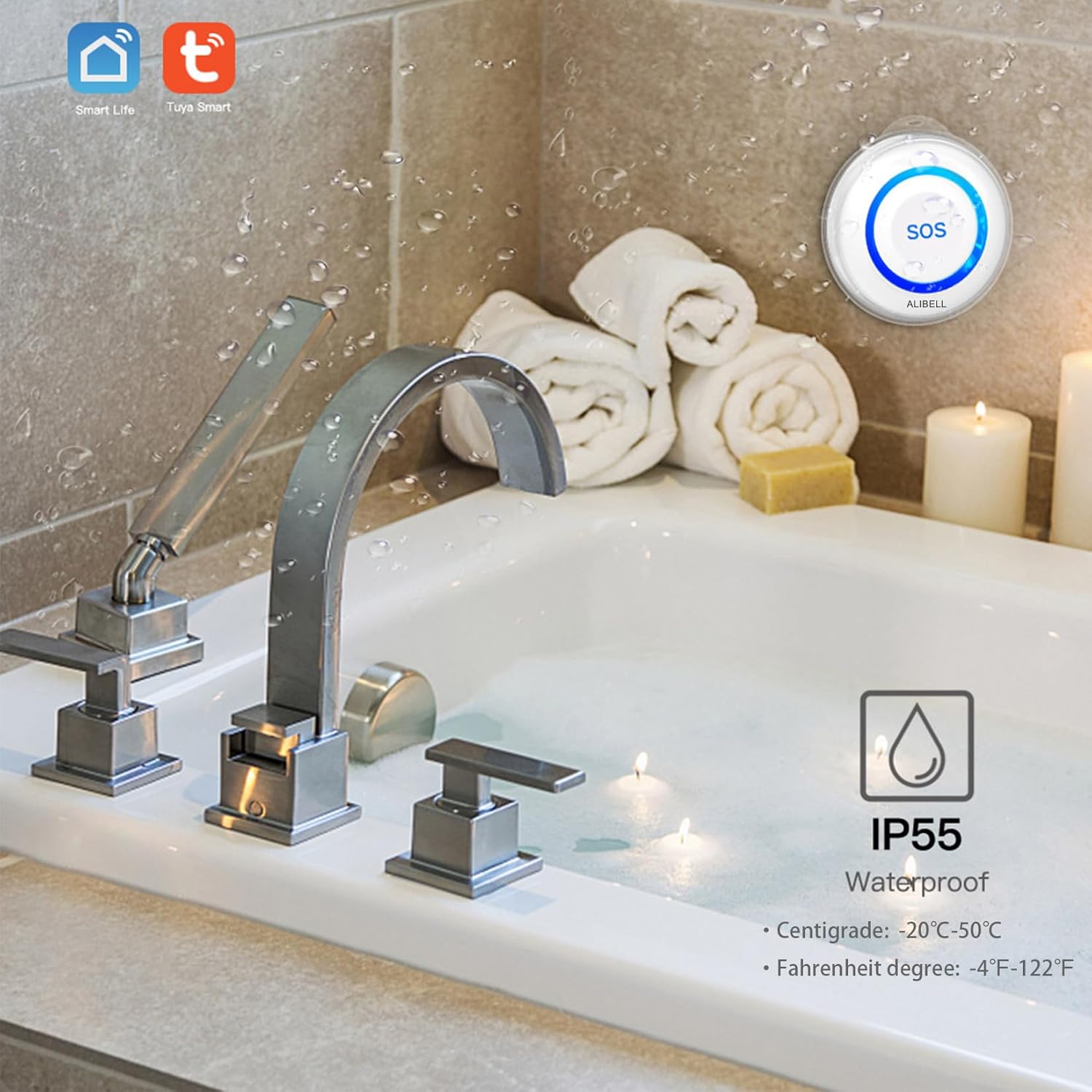
Image: The SOS button demonstrating its IP55 waterproof capability near a bathtub.
5. Troubleshooting
5.1 Connectivity Issues
- 2.4GHz WiFi Only: Ensure your home WiFi network is set to 2.4GHz during the pairing process. The device does not support 5GHz networks.
- Router Compatibility: Some older or specific router models may have compatibility issues. If you experience persistent connection problems, try pairing the device with a different 2.4GHz WiFi network if available, or consult your router's manual.
- Signal Strength: Ensure the SOS button is within range of your WiFi router for a stable connection.
5.2 App Notifications
- App Permissions: Verify that the Tuya Smart/Smart Life app has the necessary notification permissions enabled on your smartphone.
- Background App Refresh: Ensure the app is allowed to run in the background to receive real-time notifications.
- Internet Connection: Your smartphone needs an active internet connection (WiFi or mobile data) to receive notifications from the app.
6. Specifications
| Attribute | Detail |
|---|---|
| Model Number | APE510 |
| Brand | ALIBELL |
| Control Method | App |
| Power Source | Battery Powered |
| Battery Type | 1 Lithium Ion battery (included) |
| Voltage | 1.5 Volts |
| Product Dimensions | 5.5 x 5.5 x 3 cm |
| Item Weight | 80 g |
| Waterproof Rating | IP55 |
| Compatible Devices | Tablet, Smartphone |
| UPC | 702563605424 |
7. Safety Information and Warnings
Please read and understand the following safety warnings before using the product:
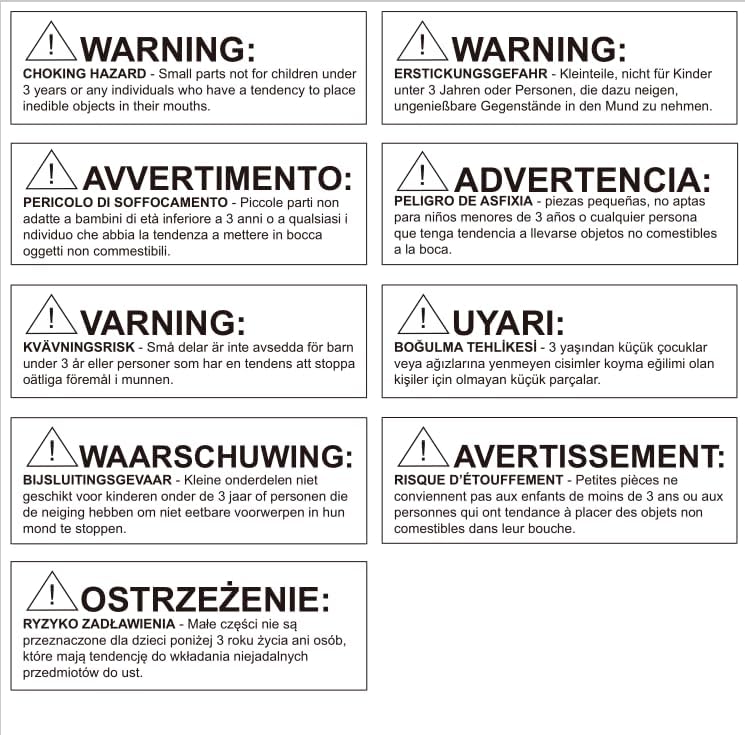
Image: Important safety warning regarding choking hazards.
WARNING: CHOKING HAZARD
Small parts are not suitable for children under 3 years of age or any individuals who have a tendency to place inedible objects in their mouths. Keep the device and its components out of reach of small children to prevent accidental ingestion.
8. Warranty and Support
For information regarding warranty coverage, technical support, or service, please refer to the documentation provided with your purchase or contact ALIBELL customer service directly. Contact details can typically be found on the manufacturer's official website or the product packaging.
Ask a question about this manual
Ask about setup, troubleshooting, compatibility, parts, safety, or missing instructions. Manuals+ will review the question and use this page’s manual context to help answer it.