
MINYE F760
MINYE F760 Double Din Car Stereo User Manual
Model: F760
1. Introduction
This manual provides detailed instructions for the installation, operation, and maintenance of your MINYE F760 Double Din Car Stereo. Please read this manual thoroughly before using the product to ensure proper function and safety. Keep this manual for future reference.
2. Safety Information
- Professional Installation Recommended: Due to the complexity of car audio systems, professional installation is highly recommended to prevent damage to the unit or vehicle.
- Power Supply: Ensure the car stereo is connected to a 12V DC power supply with a negative ground.
- Wiring: Incorrect wiring can cause damage to the unit or vehicle. Follow the wiring diagram carefully.
- Driving Safety: Do not operate the unit in a way that distracts you from driving. Always prioritize road safety.
- Temperature: Avoid exposing the unit to extreme temperatures or direct sunlight for prolonged periods.
- Moisture: Keep the unit away from water and moisture to prevent electrical hazards.
3. Package Contents
Verify that all items are present in the package:
- MINYE F760 Car Stereo Unit
- Power Harness
- Remote Control
- USB Cable
- Mounting Brackets and Screws
- Backup Camera (if included in package)
- User Manual

4. Product Overview
The MINYE F760 features a 7-inch LCD touchscreen and various connectivity options. Below is a general overview of the unit's front panel and key features.

Key Features:
- 7-inch LCD Touchscreen (1024x600 resolution)
- Wireless Apple CarPlay & Android Auto
- Bluetooth 5.1 for hands-free calling and audio streaming
- Mirror-Link function for screen mirroring
- RDS FM/AM Radio
- Type-C and USB ports for charging and data
- Support for Backup Camera input
- Steering Wheel Control compatibility
5. Setup and Installation
Proper installation is crucial for optimal performance. If you are unsure about any steps, consult a professional installer.
5.1 Wiring Diagram
Refer to the provided wiring harness and diagram for correct connections. Common connections include:
- Yellow Wire: Constant 12V (Battery Positive)
- Red Wire: ACC (Accessory Power, Switched 12V)
- Black Wire: Ground (Chassis Ground)
- Orange Wire: Illumination/Dimmer
- Reverse Wire: Connect to vehicle's reverse light signal for backup camera activation.
- Speaker Wires: Connect to vehicle's speakers (e.g., White/White-Black for Front Left, Gray/Gray-Black for Front Right, Green/Green-Black for Rear Left, Purple/Purple-Black for Rear Right).
Note: Ensure all connections are secure and insulated to prevent short circuits.
5.2 Mounting the Unit
Use the provided mounting brackets and screws to secure the car stereo into your vehicle's double din opening. Ensure the unit is firmly in place to prevent vibrations and movement.
6. Operating Instructions
6.1 Basic Operations
- Power On/Off: Press the Q/M button to turn the unit on or off.
- Volume Control: Rotate the knob to adjust the volume.
- Menu Navigation: Use the touchscreen to navigate through menus and select functions. The home icon (Home) returns to the main menu.
6.2 Radio (FM/AM/RDS)
Select the "Radio" icon from the main menu to access the radio function.
- Band Selection: Tap "Band" to switch between FM1, FM2, FM3, AM1, and AM2.
- Auto Scan: Tap "Scan" to automatically search and save strong stations.
- Manual Tuning: Use the left/right arrows to fine-tune frequencies.
- Preset Stations: Tap on P1-P6 to select saved stations. Long-press to save the current station.
- RDS: Radio Data System provides additional information like station name, program type, and traffic announcements.
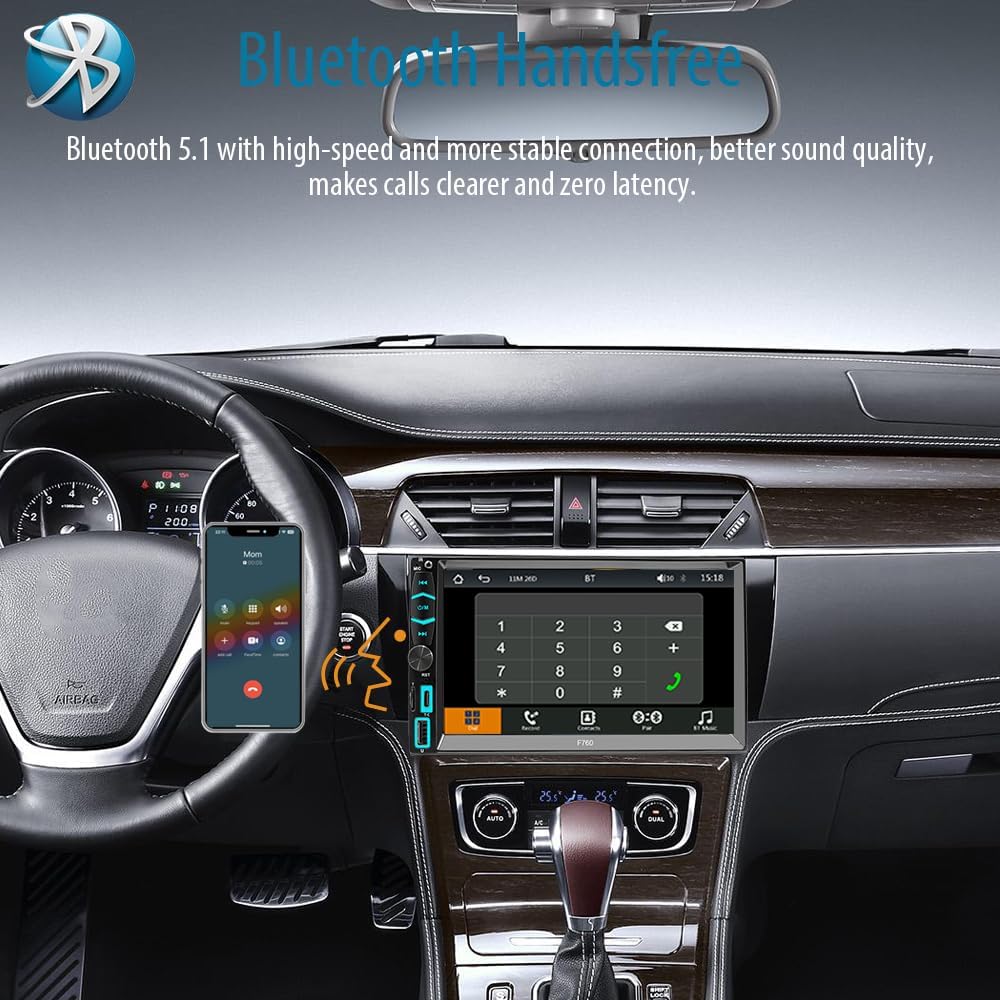
6.3 Bluetooth 5.1
Connect your mobile device via Bluetooth for hands-free calls and audio streaming.
- On the car stereo, select the "BT" icon.
- On your mobile device, enable Bluetooth and search for available devices.
- Select "MINYE F760" (or similar) from the list and confirm pairing.
- Once paired, you can make/receive calls and stream music.
6.4 Wireless Apple CarPlay / Android Auto
Connect your smartphone wirelessly to access navigation, music, messages, and more.
- Ensure Bluetooth and Wi-Fi are enabled on your smartphone.
- On the car stereo, select the "PhoneLink" or "CarPlay/Android Auto" icon.
- Follow the on-screen prompts to connect your device. For Apple CarPlay, select "CarPlay" and for Android Auto, select "Auto".
- The system will automatically connect to your phone's CarPlay or Android Auto interface.

6.5 Mirror-Link (Wired)
Use the Mirror-Link function to display your smartphone screen on the car stereo via a wired connection.
- Connect your smartphone to the car stereo's USB or Type-C port using a compatible cable.
- Select the "Mirror-Link" icon on the car stereo.
- Follow any prompts on your phone to allow screen mirroring.

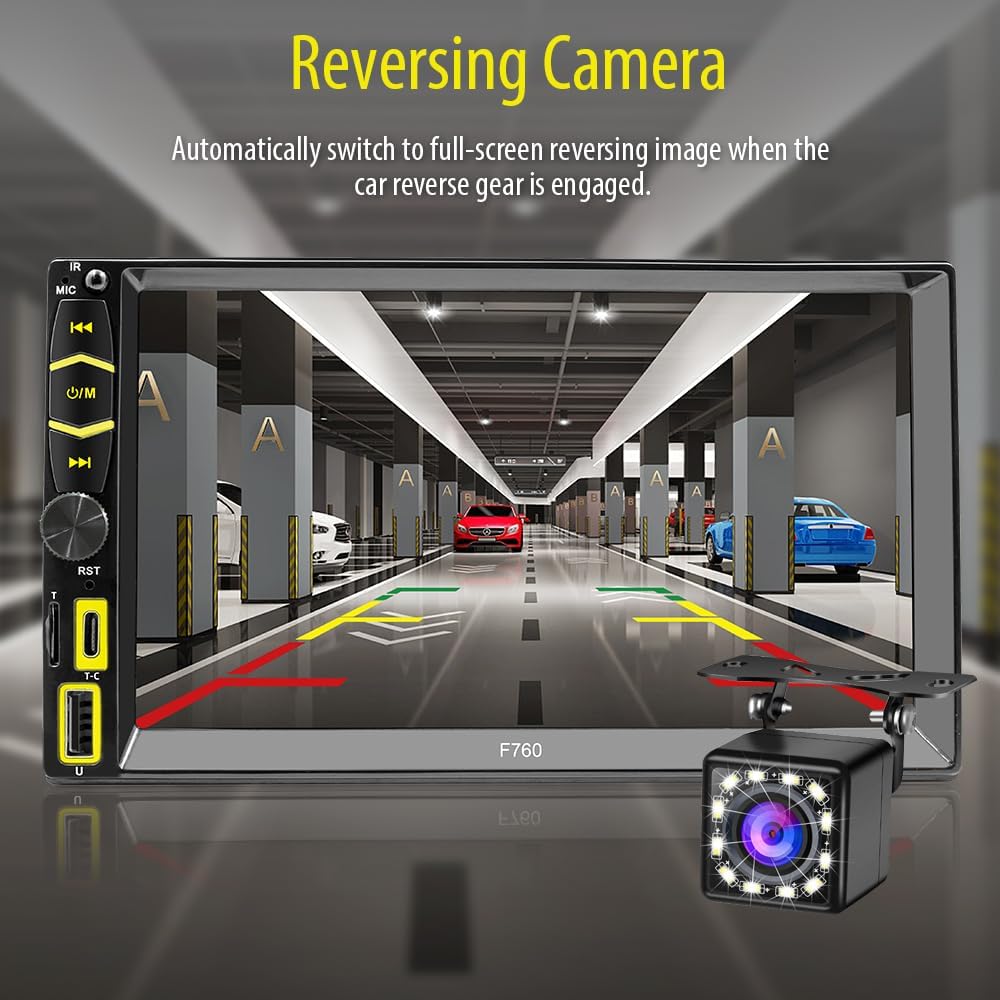
6.6 Backup Camera
When properly installed, the backup camera automatically displays the rear view when the vehicle is shifted into reverse.
- Ensure the backup camera is connected to the dedicated video input and the reverse trigger wire is connected to the vehicle's reverse light signal.
- The display will automatically switch to the camera view when reversing.
- The camera features 12-LED night vision and a 170° viewing angle.

6.7 Steering Wheel Controls
The unit supports learning for existing steering wheel controls. Access this feature via the "Setup" menu.
- Go to Setup > Wheel.
- Follow the on-screen instructions to program each steering wheel button (e.g., Volume Up, Volume Down, Next Track, Previous Track).

6.8 Display Settings
Customize the display parameters for optimal viewing.
- Navigate to Setup > Display Settings.
- Adjust Brightness, Contrast, Hue, and Saturation.
- You can also change the background wallpaper via Setup > Background.
6.9 Sound Settings
Adjust audio settings to your preference.
- Access Setup > Sound Setup.
- Adjust the equalizer settings (e.g., Jazz, Classic, Rock, Pop, Flat, User-defined).
- Enable or disable Loudness.
7. Maintenance
- Cleaning: Use a soft, dry cloth to clean the screen and unit. Do not use abrasive cleaners or solvents.
- Firmware Updates: Check the manufacturer's website for any available firmware updates to ensure optimal performance and new features.
8. Troubleshooting
| Problem | Possible Cause | Solution |
|---|---|---|
| Unit does not power on. | Incorrect wiring (power/ground), blown fuse. | Check power and ground connections. Verify vehicle fuses and unit's inline fuse. |
| No sound. | Volume too low, incorrect speaker wiring, mute activated. | Increase volume. Check speaker connections. Ensure mute is off. |
| Bluetooth not connecting. | Bluetooth not enabled, device not in pairing mode, interference. | Ensure Bluetooth is on for both devices. Try re-pairing. Move closer to the unit. |
| CarPlay/Android Auto not working wirelessly. | Wi-Fi/Bluetooth off, phone not compatible, software glitch. | Ensure Wi-Fi and Bluetooth are active. Check phone compatibility. Restart phone and stereo. |
| Backup camera not displaying. | Camera not connected, reverse trigger wire not connected. | Verify camera video input and reverse trigger wire connection. |
9. Specifications
- Model: F760
- Screen Size: 7 Inch
- Screen Resolution: 1024x600
- Connectivity: Bluetooth 5.1, USB, Type-C
- Special Features: Wireless Apple CarPlay, Wireless Android Auto, Mirror-Link, RDS FM/AM Radio, Backup Camera Support, Steering Wheel Control
- Audio Output Mode: Stereo
- Number of Channels: 2
- Power Supply: 12V DC (Negative Ground)
- Item Weight: 2.01 pounds
- Package Dimensions: 8.07 x 6.69 x 4.33 inches
10. Warranty and Support
For warranty information or technical support, please refer to the warranty card included in your package or contact MINYE customer service through the retailer where the product was purchased. Keep your purchase receipt as proof of purchase.
Related Documents - F760
 |
CarPlay & Android Auto Car Stereo Player User Manual User manual for the MINYE CarPlay & Android Auto Car Stereo Player, covering installation, features like Bluetooth, Mirrorlink, radio, music, video playback, system settings, and troubleshooting. |
 |
HGLRC Zeus F760 STACK Manual: Flight Controller & ESC Setup Guide Comprehensive setup guide for the HGLRC Zeus F760 STACK, covering product specifications, interface description, flight control drive installation, calibration, receiver, VTX, GPS setup, OSD, LED settings, and troubleshooting. Learn to configure your FPV drone flight controller. |
 |
BODYCRAFT F760 PRO Linear Leg Press / Hack Squat Owner's Manual This owner's manual provides comprehensive instructions for the BODYCRAFT F760 PRO Linear Leg Press / Hack Squat. It includes detailed assembly steps, safety guidelines, maintenance schedules, parts lists, and warranty information for optimal use and longevity. |
 |
BORK F760 Electric Toothbrush User Manual and Specifications Comprehensive user manual for the BORK F760 electric toothbrush with whitening function. Includes setup, operation, cleaning modes, technical specifications, and warranty information. |
 |
COCOMM F760 4G Fixed Wireless Phone Datasheet Detailed datasheet for the COCOMM F760, a 4G Fixed Wireless Phone. Features include a 4-inch color display, VoLTE, VoWi-Fi, Wi-Fi Calling, Wi-Fi Hotspot, and comprehensive network band support. Specifications cover frequencies, display, platform, battery, memory, connectivity, and supported services. |