
Bosch 06033E0002
Bosch UniversalBrush Electric Cleaning Brush Set User Manual
Model: 06033E0002
Product Overview
The Bosch UniversalBrush is a versatile and powerful electric cleaning brush designed for efficient removal of light and stubborn dirt. It is suitable for both indoor and outdoor use, and can be used in dry or wet environments thanks to its IP X5 splash water protection. The powerful motor maintains consistent brush rotation for demanding scrubbing tasks. This cordless tool is rechargeable via a micro-USB cable and comes with a variety of interchangeable pads and brushes for different surfaces and cleaning needs.

Image: The Bosch UniversalBrush shown with its full set of accessories, including various pads, brushes, the micro-USB cable, and the soft storage bag.
Package Contents
Verify that all items listed below are included in your package:
- 1x UniversalBrush
- 1x Micro-USB cable
- 1x Bristle brush
- 1x Detailed brush
- 1x Pad holder with hook-and-loop fastening
- 2x Microfibre non-scratch pads
- 2x Abrasive heavy duty pads
- 2x Kitchen pads
- 2x Melamine eraser pads
- 1x Soft bag
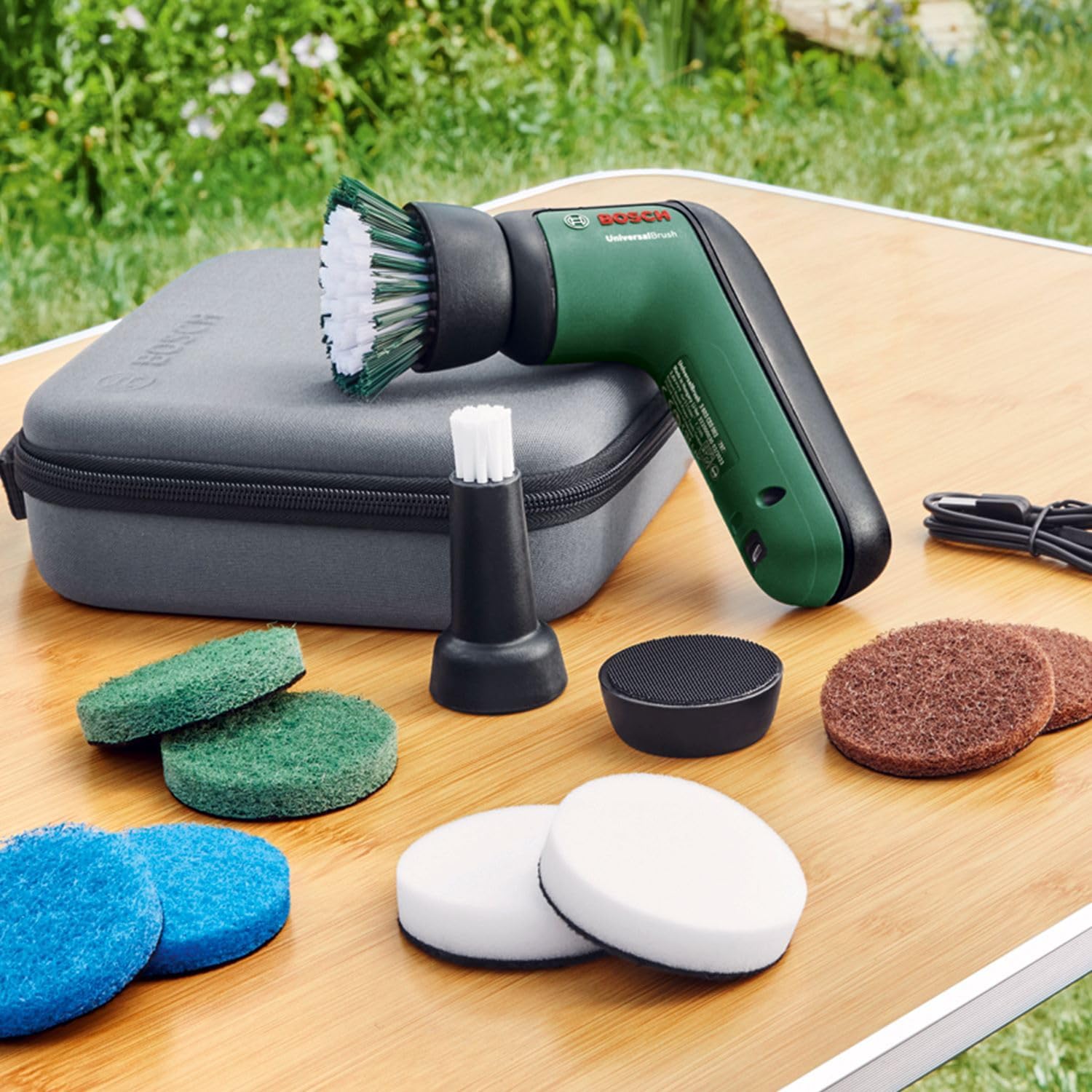
Image: All components of the Bosch UniversalBrush set are neatly arranged on a wooden surface, showcasing the brush unit, various cleaning pads, brushes, and the charging cable.
Setup
- Initial Charge: Before first use, fully charge the UniversalBrush. Connect the micro-USB cable to the charging port on the device and plug the other end into a compatible USB power source (e.g., computer USB port, USB wall adapter). The charging indicator light will show the charging status.
- Attaching Cleaning Accessories:
- Pads: For the cleaning pads (microfibre, abrasive, kitchen, melamine eraser), first attach the desired pad to the pad holder using the hook-and-loop fastening. Then, align the pad holder with the rotating head of the UniversalBrush and press firmly until it clicks into place.
- Brushes: For the bristle brush or detailed brush, align the brush head with the rotating head of the UniversalBrush and twist clockwise until it locks securely.
- Removing Accessories: To remove pads, simply peel them off the pad holder. To remove the pad holder or brushes, twist counter-clockwise and pull away from the brush unit.
Operating Instructions
- Power On/Off: Press the power button located on the top of the UniversalBrush to turn the device on or off.
- Application:
- Apply a suitable cleaning agent to the surface or directly to the cleaning accessory, if required.
- Gently press the rotating accessory against the surface to be cleaned. The powerful motor will maintain consistent rotation.
- Move the brush slowly over the area, allowing the accessory to do the work. Avoid excessive pressure, as this can reduce efficiency and battery life.
- The UniversalBrush is IP X5 water resistant, making it suitable for use in wet environments like showers or sinks. However, do not submerge the entire unit in water.
- Recommended Uses for Accessories:
- Bristle Brush: Ideal for grout lines, bathroom tiles, and general scrubbing of hard surfaces.
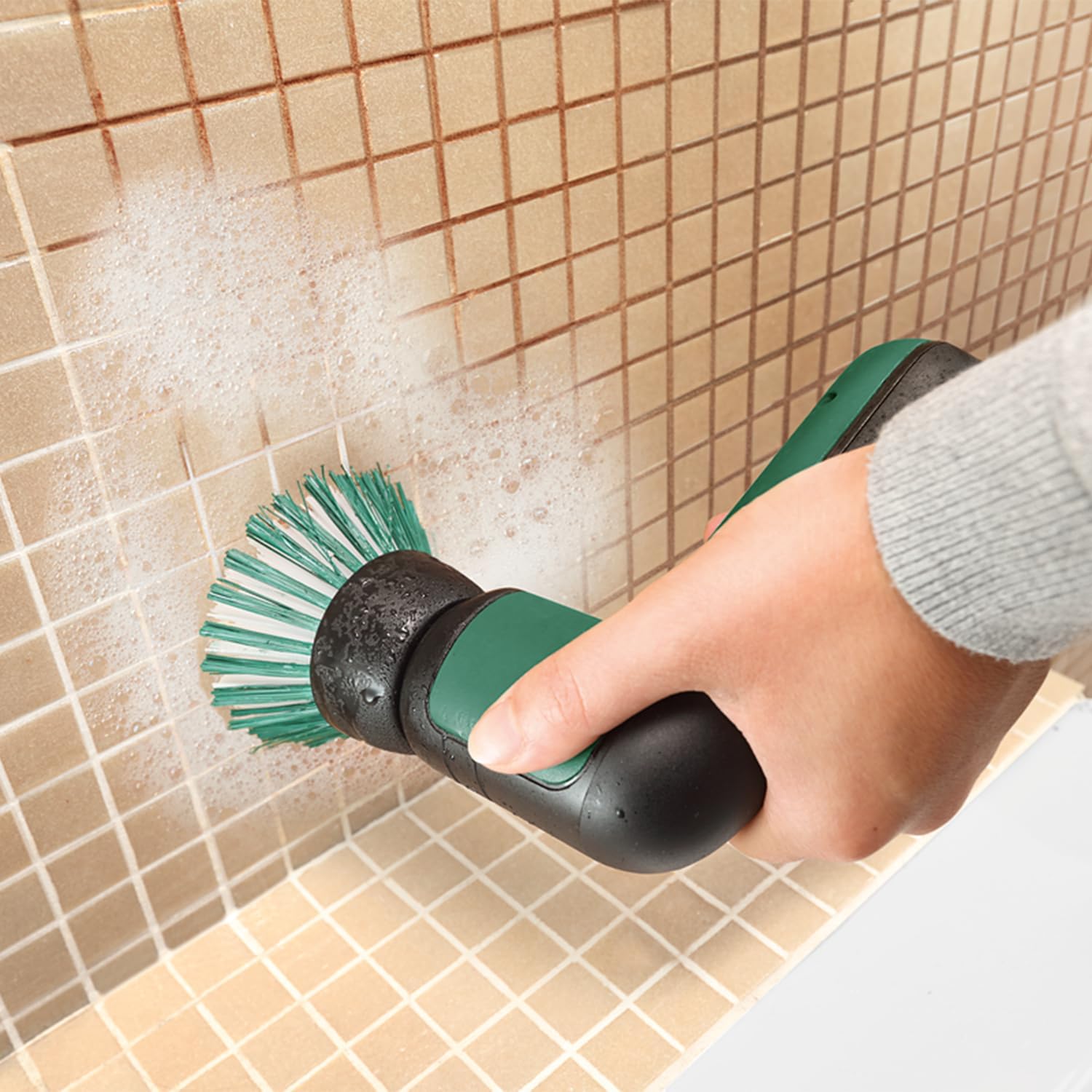
Image: The UniversalBrush with the bristle brush attachment is used to clean tiled bathroom walls, effectively removing grime from grout lines.
- Detailed Brush: Perfect for narrow areas, faucets, and hard-to-reach spots.
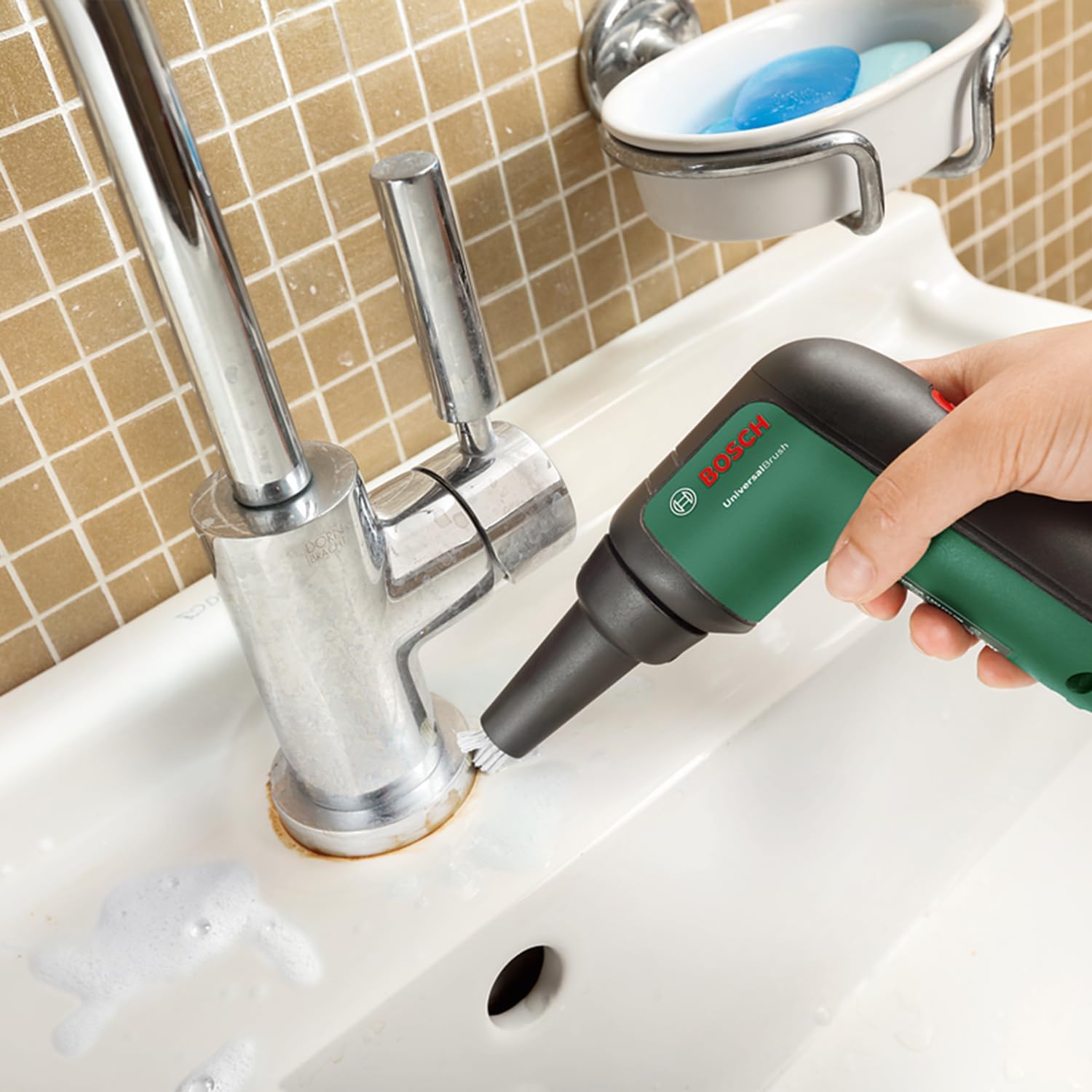
Image: A detailed brush attachment on the UniversalBrush is used to clean around a bathroom faucet, reaching tight spaces for thorough cleaning.
- Microfibre Non-Scratch Pad: Suitable for delicate surfaces like shower glass, chrome fixtures, and general light cleaning.
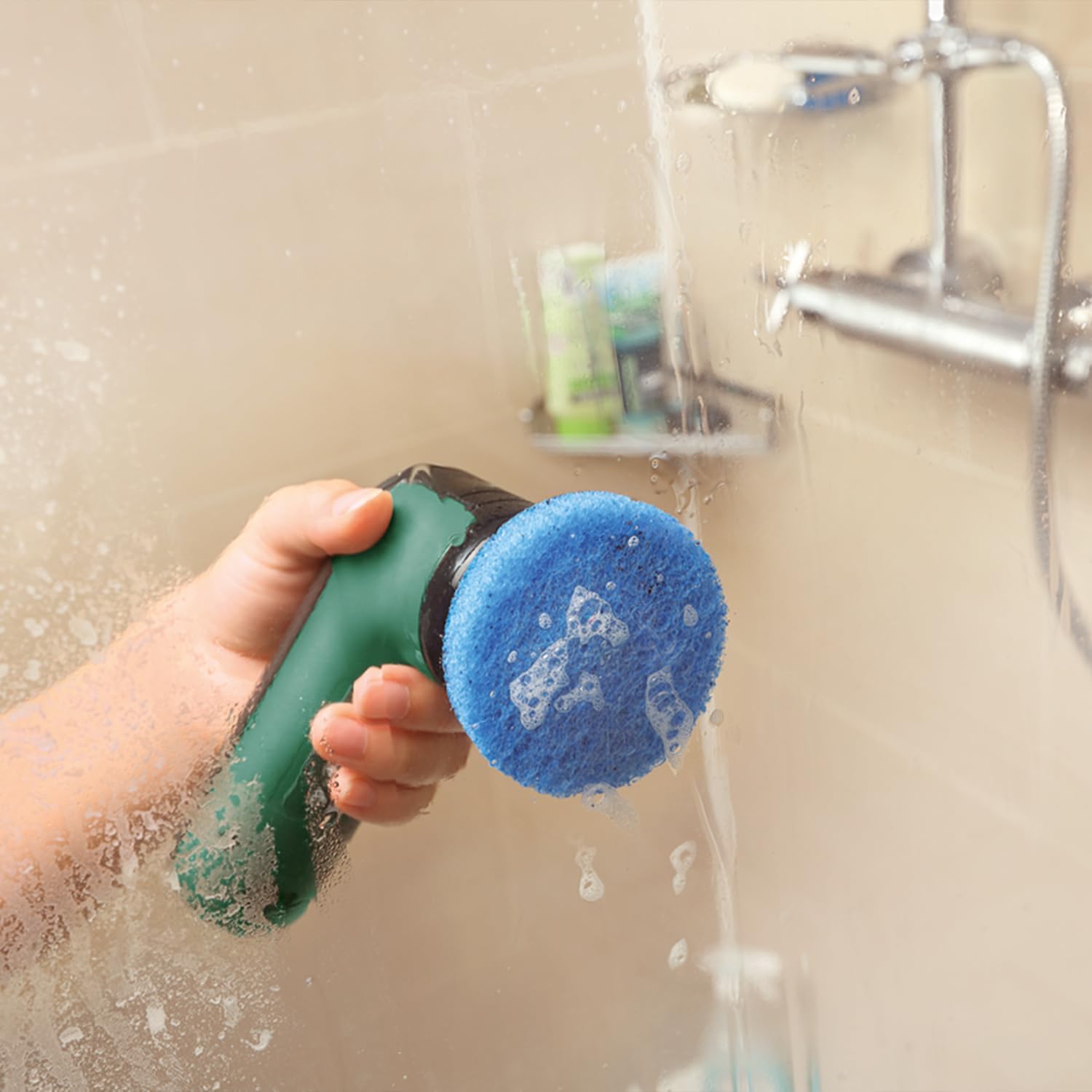
Image: The UniversalBrush with a blue microfibre non-scratch pad is actively cleaning a glass shower door, demonstrating its effectiveness on delicate surfaces.
- Abrasive Heavy Duty Pad: For stubborn dirt on robust surfaces such as oven interiors, pans, pots, and grill grates.

Image: An abrasive heavy-duty pad on the UniversalBrush is used to scrub stubborn, baked-on grime from the glass door of an oven.
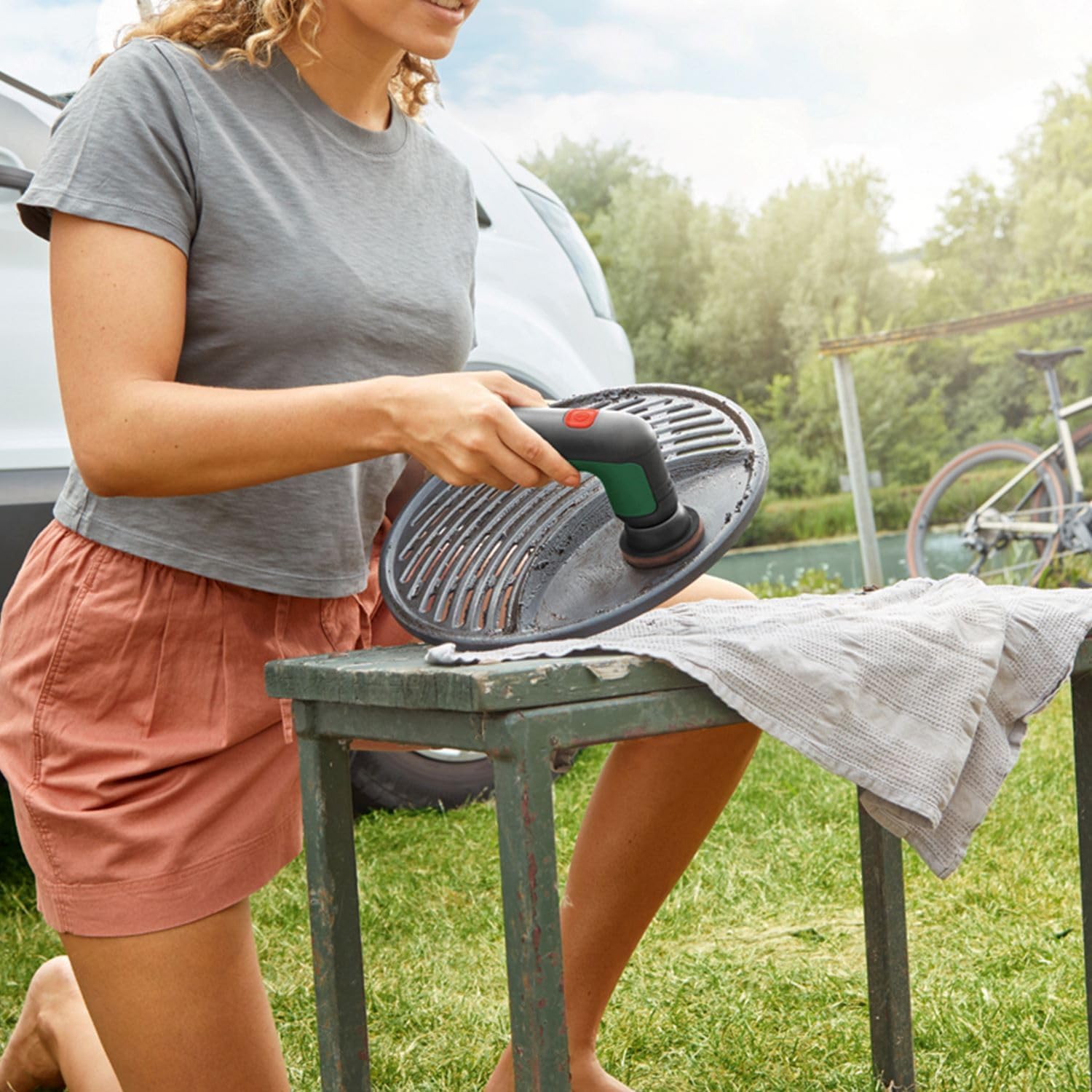
Image: The UniversalBrush with an abrasive pad is used to clean a dirty grill grate outdoors, showcasing its utility for tough outdoor cleaning tasks.
- Kitchen Pad: Designed for kitchen surfaces, countertops, and general kitchen cleaning.
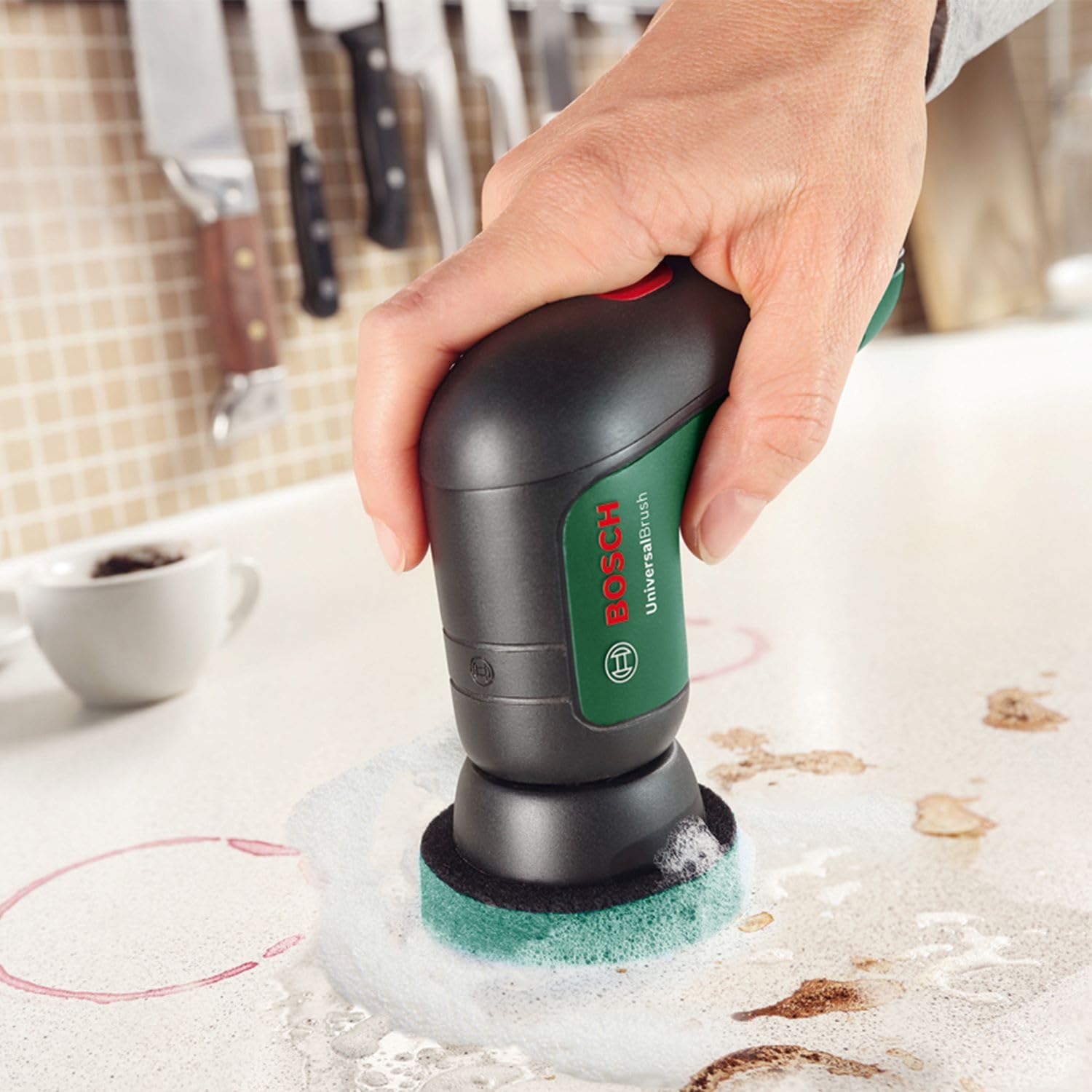
Image: The UniversalBrush with a green kitchen pad is used to clean spills and stains from a kitchen countertop, demonstrating its effectiveness for daily kitchen maintenance.
- Melamine Eraser Pad: Excellent for removing scuff marks, crayon, and other tough stains from various surfaces, including shoes.
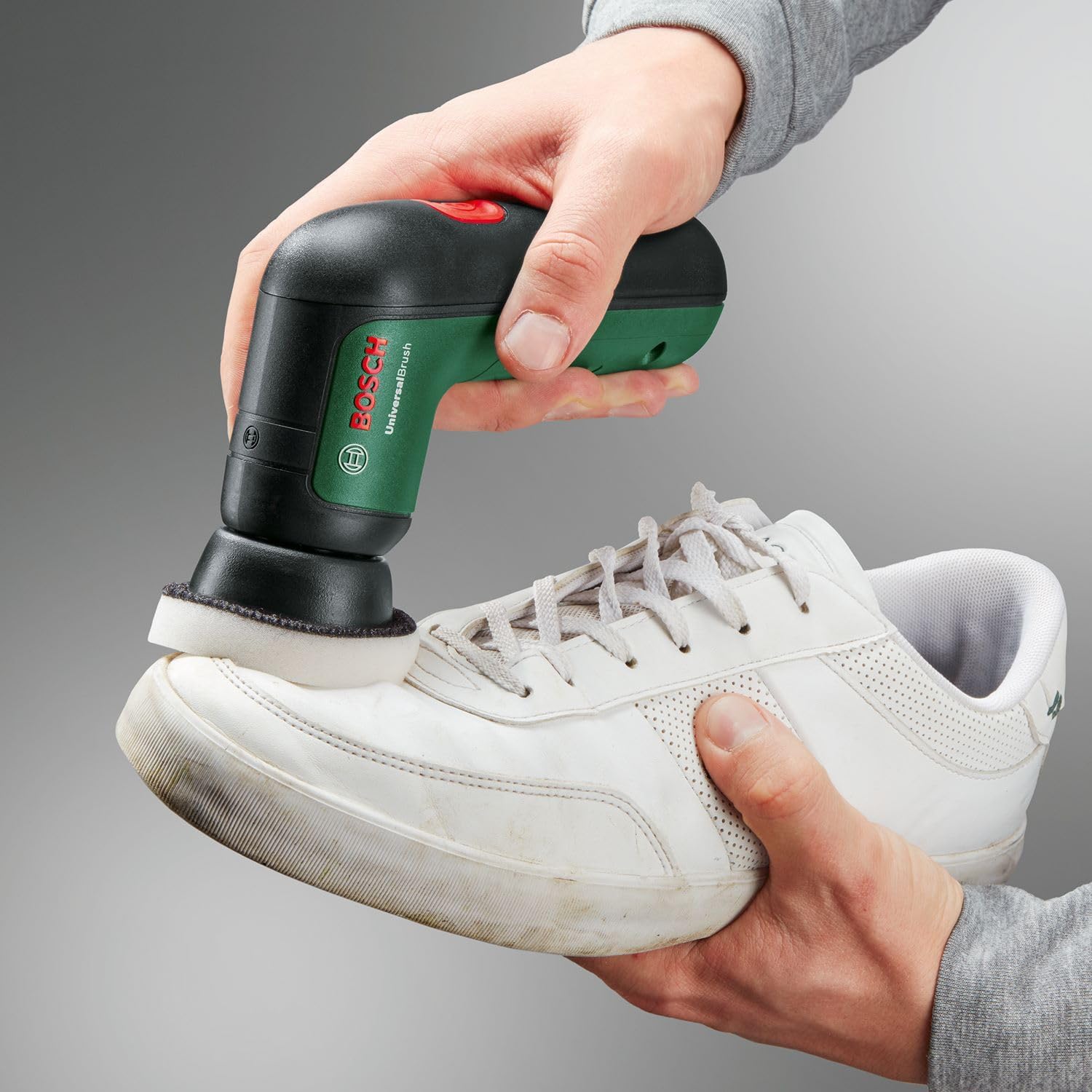
Image: A person is using the UniversalBrush with a white melamine eraser pad to clean dirt and scuff marks from a white athletic shoe.
- Bristle Brush: Ideal for grout lines, bathroom tiles, and general scrubbing of hard surfaces.
Maintenance
- Cleaning the Unit: After each use, wipe down the UniversalBrush body with a damp cloth. Do not use abrasive cleaners or submerge the unit in water.
- Cleaning Accessories:
- Pads: Rinse cleaning pads thoroughly with water after use. For heavily soiled pads, a mild detergent can be used. Allow them to air dry completely before storage.
- Brushes: Rinse brushes under running water to remove debris. If necessary, use a small amount of soap. Allow to air dry.
- Storage: Store the UniversalBrush and its accessories in the provided soft bag in a clean, dry place, away from direct sunlight and extreme temperatures.
- Battery Care: To prolong battery life, avoid fully discharging the battery frequently. Recharge the unit when the power indicator shows low battery. If storing for extended periods, charge the battery to approximately 50% every 3-6 months.
Troubleshooting
| Problem | Possible Cause | Solution |
|---|---|---|
| Brush does not turn on. | Battery is discharged. | Charge the UniversalBrush using the micro-USB cable. |
| Brush rotation is weak or stops. | Low battery. Excessive pressure applied. | Recharge the battery. Reduce pressure on the cleaning surface. |
| Cleaning accessory does not stay attached. | Incorrect attachment. Accessory or holder is worn. | Ensure pads are firmly attached to the holder, and holder/brushes are clicked/twisted securely onto the unit. Replace worn accessories. |
| Poor cleaning performance. | Wrong accessory for the task. Accessory is dirty or worn. Insufficient cleaning agent. | Select the appropriate pad or brush for the surface and dirt type. Clean or replace the accessory. Apply more cleaning agent as needed. |
Specifications
| Model Number | 06033E0002 |
| Battery Voltage / Capacity | 3.6V / 1.5 Ah (integrated) |
| Charging Method | Micro-USB cable |
| Rotation per Minute (RPM) | 215 |
| Water Resistance | IP X5 (Splash water protected) |
| Tool Dimensions (L/W/H) | Approx. 14 cm x 10 cm x 4.5 cm |
| Tool Weight | Approx. 0.30 kg (10.58 oz) |
| Material | Aluminium |
| Handle Material | Silicone |
Safety Information
Please read and understand all safety warnings and instructions before operating the UniversalBrush. Failure to follow the warnings and instructions may result in electric shock, fire, and/or serious injury.
- Do not use the UniversalBrush near flammable liquids or gases.
- Ensure the charging port is dry before connecting the micro-USB cable.
- Do not submerge the entire unit in water, despite its splash water protection.
- Keep hands, hair, and loose clothing away from rotating parts during operation.
- Use only genuine Bosch accessories with the UniversalBrush.
- Store the device out of reach of children.
- Do not attempt to modify or repair the device yourself. Contact authorized service personnel for repairs.
Ask a question about this manual
Ask about setup, troubleshooting, compatibility, parts, safety, or missing instructions. Manuals+ will review the question and use this page’s manual context to help answer it.