Introduction
Thank you for choosing the KAIDI KD-771 True Wireless Bluetooth 5.1 Earbuds. These earbuds are designed to provide a seamless and high-quality audio experience with the convenience of wireless connectivity. This manual will guide you through the setup, operation, and maintenance of your new earbuds.
The KD-771 earbuds utilize Bluetooth technology for connection to various sound-playing devices, including smartphones, tablets, and notebooks. Their completely wireless design ensures practical and simplified handling and usage.
Safety Information
- Do not expose the earbuds or charging case to extreme temperatures, humidity, or liquids.
- Avoid dropping, impacting, or disassembling the device.
- Keep out of reach of children and pets.
- Use only approved charging cables and adapters.
- Prolonged listening at high volume levels may cause hearing damage. Adjust volume to a safe level.
Setup
1. Unboxing and Initial Charge
Upon opening the package, ensure all components are present: the KAIDI KD-771 earbuds, the charging case, and this user manual. Before first use, fully charge the earbuds and the charging case.
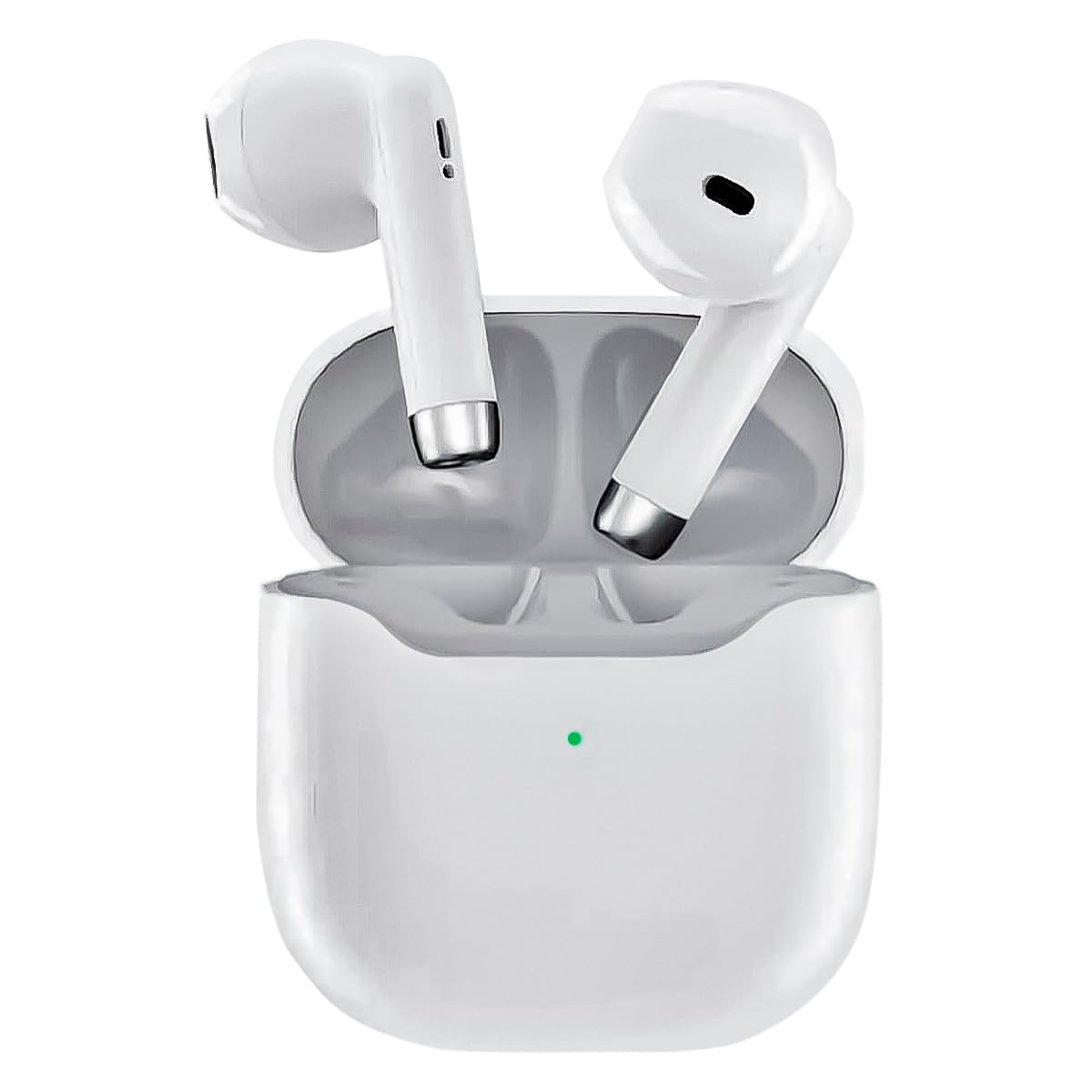
Image: The KAIDI KD-771 True Wireless Bluetooth 5.1 Earbuds and their charging case.
Place the earbuds into the charging case. Connect the charging case to a power source using a compatible USB cable (not included). The indicator light on the case will show charging status. Once fully charged, the indicator light will change or turn off.
2. Pairing with a Device
The KD-771 earbuds are compatible with multiple platforms, including smartphones, tablets, and laptops.

Image: The KAIDI KD-771 earbuds shown alongside various compatible devices, including smartphones, tablets, and laptops, illustrating multi-platform compatibility.
- Power On: Open the charging case. The earbuds will automatically power on and enter pairing mode. You may see indicator lights flashing on the earbuds.
- Activate Bluetooth: On your device (smartphone, tablet, etc.), go to the Bluetooth settings and ensure Bluetooth is enabled.
- Select Earbuds: In the list of available Bluetooth devices, look for "KD-771" (or a similar name) and select it to connect.
- Confirmation: Once connected, your device will confirm the pairing, and the earbud indicator lights may stop flashing or change color.

Image: The KAIDI KD-771 earbuds in their charging case, with a smartphone displaying a successful Bluetooth 5.0 connection and battery levels.
The earbuds feature Bluetooth 5.1 for high-speed transmission and stable connections.
Operating Instructions
The KD-771 earbuds are controlled via touch sensors located on each earbud.
1. Power On/Off
- Power On: Open the charging case, and the earbuds will automatically power on. Alternatively, if powered off outside the case, touch and hold the touch area on both earbuds for a few seconds until you hear a power-on prompt.
- Power Off: Place the earbuds back into the charging case and close the lid. They will automatically power off and begin charging. Alternatively, if outside the case, touch and hold the touch area on both earbuds for several seconds until you hear a power-off prompt.
2. Music Control
- Play/Pause: Single tap either earbud.
- Next Track: Double tap the right earbud.
- Previous Track: Double tap the left earbud.
3. Call Control
- Answer/End Call: Single tap either earbud.
- Reject Call: Touch and hold either earbud for 2 seconds.
4. Voice Assistant
- Activate Voice Assistant: Triple tap either earbud to activate your device's voice assistant (e.g., Siri, Google Assistant).
Maintenance
1. Cleaning
Regular cleaning helps maintain optimal performance and hygiene.
- Use a soft, dry, lint-free cloth to wipe the earbuds and charging case.
- Do not use abrasive cleaners, solvents, or aerosol sprays.
- Gently clean the charging contacts on both the earbuds and the case with a dry cotton swab if necessary.
2. Storage
When not in use, store the earbuds in their charging case to protect them and keep them charged. Store the device in a cool, dry place away from direct sunlight and extreme temperatures.
Troubleshooting
| Problem | Possible Solution |
|---|---|
| Earbuds not pairing |
|
| Only one earbud working |
|
| Low volume or poor sound quality |
|
| Charging issues |
|
Specifications

Image: An exploded view of a KAIDI KD-771 earbud, highlighting its internal components designed for high-resolution sound.
- Model: KD-771
- Brand: KAIDI
- Connectivity Technology: Wireless Bluetooth 5.1
- Ear Placement: In-ear
- Headphone Form Factor: In-ear
- Control Method: Touch
- Noise Control: Adaptive Noise Cancellation
- Impedance: 50 Ohms
- Material: Plastic
- Color: White
- Product Weight: 100 g (earbuds + case)
- Included Components: Protective case
- Compatible Devices: Bluetooth-enabled devices
- Special Features: Lightweight, Bluetooth
- Power Source Type: Electric power (rechargeable internal battery)
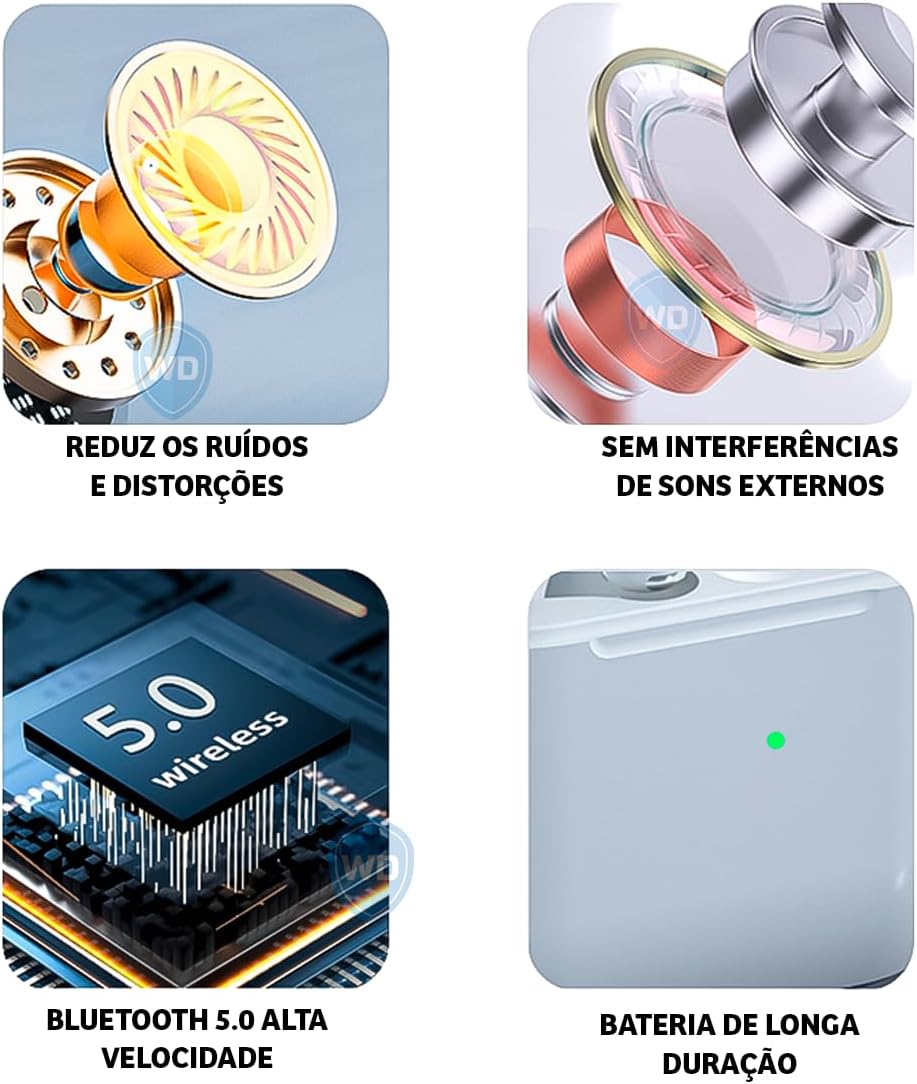
Image: A visual representation of key features: noise reduction and distortion reduction, absence of external sound interference, high-speed Bluetooth 5.0, and long-lasting battery life.
Warranty Information
The KAIDI KD-771 earbuds come with a manufacturer's warranty of 30 days from the date of purchase. This warranty covers manufacturing defects under normal use. It does not cover damage caused by misuse, accidents, unauthorized modifications, or normal wear and tear.
Please retain your proof of purchase for warranty claims.
Customer Support
For further assistance, technical support, or warranty inquiries, please contact your retailer or the KAIDI customer service department. Refer to the packaging or the official KAIDI website for contact details.


