
Introduction
This user manual provides comprehensive instructions for the setup, operation, and maintenance of your IMIPAW Automatic Cat Feeder WiFi. Designed for convenience and pet health, this feeder allows for remote control and scheduled feeding via a mobile application, ensuring your pet receives meals consistently.
Product Components

Image: The IMIPAW Automatic Cat Feeder, showing the main unit, food reservoir, control panel, and removable stainless steel feeding bowl, alongside a mobile phone displaying the feeder's app interface.
The IMIPAW Automatic Cat Feeder package includes the main feeder unit, a removable stainless steel food bowl, a power adapter, and this instruction manual.
- Main Feeder Unit (with food reservoir)
- Stainless Steel Food Bowl
- Power Adapter (DC 5V/1A)
- Instruction Manual
The feeder also supports 3 x D-cell batteries (not included) for backup power.
Setup
1. Power Connection
Connect the provided power adapter to the feeder's power port and plug it into a standard wall outlet. For power backup, insert three D-cell batteries into the battery compartment at the bottom of the unit. This ensures continuous operation during power outages.

Image: Illustration showing the dual power supply options for the feeder: DC 5V/1A adapter and 3x D-cell batteries, ensuring continuous operation.
2. Food Reservoir and Bowl Assembly
- Open the lid of the food reservoir.
- Pour dry pet food into the reservoir. Ensure the kibble size is between 2-10mm to prevent clogging.
- Close the lid securely. The feeder features a strong locking clasp to prevent pets from accessing the food directly.
- Place the stainless steel food bowl into its designated slot at the base of the feeder.

Image: The IMIPAW Automatic Cat Feeder demonstrating its strong locking clasp on the lid, with a cat attempting to open it, highlighting the safety and stability features.

Image: Visual guide for recommended kibble sizes (3mm, 8mm, 10mm) and suitable food types (single-shaped dry kibble, mixed-shaped dry kibble, freeze-dried food) for the feeder.
3. App Download and Wi-Fi Connection
To utilize the smart features, download the "PetTech" app from your mobile device's app store.
- Open the PetTech App.
- Select "Add Device" and then "Pet Feeder (Wi-Fi)".
- Ensure your Wi-Fi network is 2.4GHz. The feeder does not support 5GHz networks.
- Enter your Wi-Fi password and click "Next".
- Check and confirm the indicator light flashes on the feeder, then click "Next" and "Finish" in the app.

Image: A visual guide illustrating the process of connecting the feeder to a 2.4GHz Wi-Fi network via the mobile app, emphasizing compatibility requirements.

Image: Step-by-step instructions on how to use the mobile app to connect the IMIPAW Automatic Cat Feeder, including opening the app, adding the device, entering Wi-Fi details, and confirming connection.
Operating Instructions
1. Scheduled Feeding
The primary function of the IMIPAW Automatic Cat Feeder is to provide scheduled meals for your pet. You can program up to 10 meals per day, with 1-20 portions per meal.
- Open the PetTech app and select your feeder.
- Navigate to the "Meal Plan" or "Schedule" section.
- Set the desired feeding times for each meal.
- Adjust the number of portions for each meal according to your pet's dietary needs.
- Save your settings. The feeder will automatically dispense food at the programmed times.

Image: A cat near the feeder, with a mobile phone displaying the PetTech app interface for setting up a feeding schedule, emphasizing remote control capabilities.

Image: A detailed view of the app's flexible feeding schedule interface, showing options for setting multiple meal times, portion sizes (1-200 portions), and the feeder's 3L capacity.
2. Manual Feeding
You can manually dispense food at any time using the app or the physical button on the feeder.
- Via App: In the PetTech app, select the "Manual Feed" option and choose the number of portions to dispense.
- Via Feeder Button: Press the "Feed" button on the feeder's control panel to dispense one portion of food.
3. Voice Recording
Record a 10-second personalized voice message that will play during feeding times to call your pet to their meal.
- In the PetTech app, navigate to the voice recording section.
- Press and hold the record button to record your message (up to 10 seconds).
- Release the button to save. The message will play automatically during scheduled feedings.
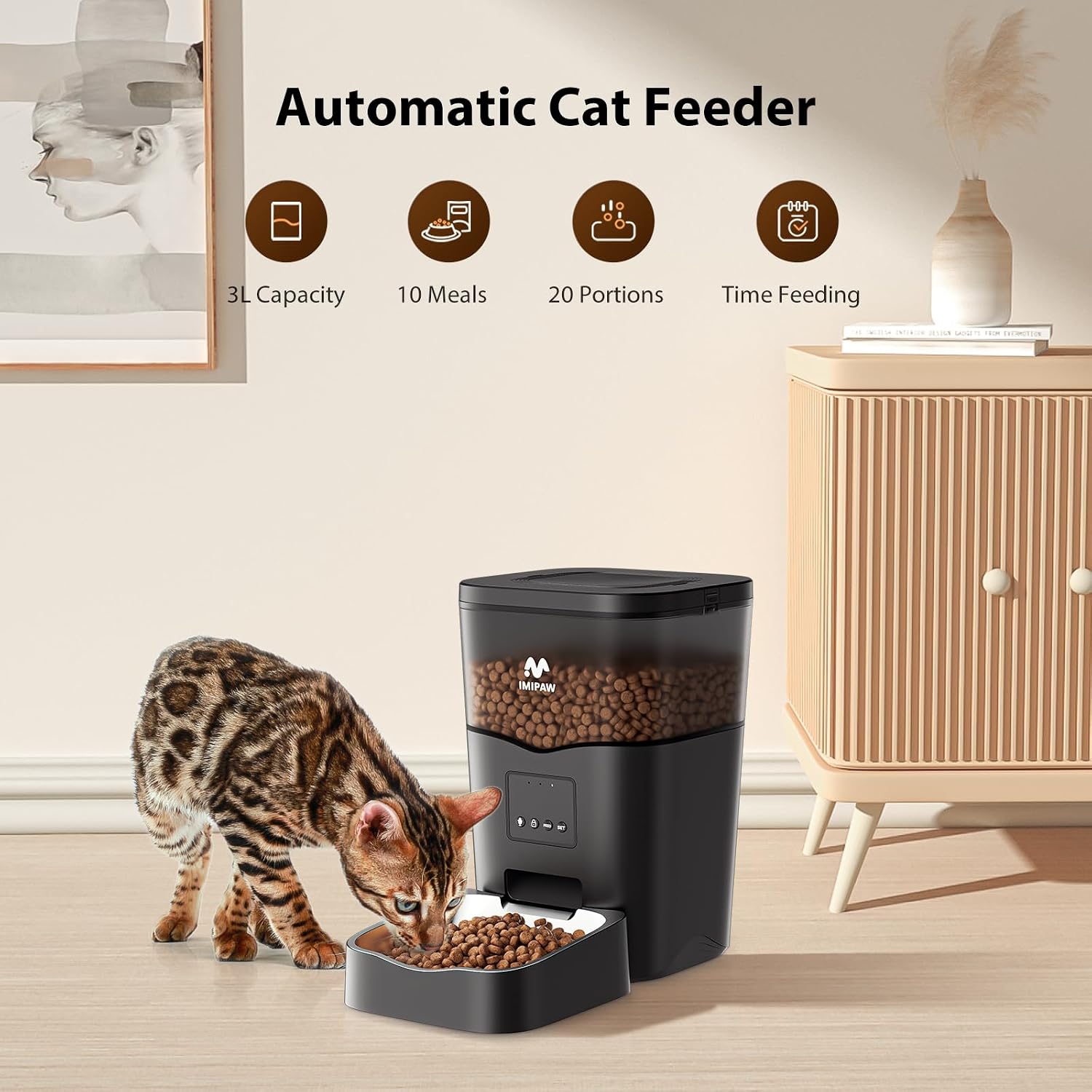
Image: A cat looking towards the feeder, with a speech bubble indicating a 10-second personalized voice message playing, serving as a meal reminder.

Image: A cat looking towards the feeder, with a speech bubble showing "Hi, baby It's your meal time!", illustrating the personalized voice message feature that plays during feeding times.
Maintenance
Regular cleaning ensures the longevity and hygienic operation of your feeder.
- Food Bowl: The stainless steel food bowl is removable and can be hand washed with mild soap and water. Rinse thoroughly and dry completely before reattaching.
- Food Reservoir: Periodically empty the food reservoir and wipe the interior with a dry or slightly damp cloth. Ensure no moisture remains before refilling with dry food.
- Main Unit: Wipe the exterior of the main unit with a soft, dry cloth. Do not submerge the main unit in water or use abrasive cleaners.
Note: The main unit is not waterproof. Avoid direct contact with water.
Troubleshooting
| Problem | Possible Cause | Solution |
|---|---|---|
| Feeder not connecting to Wi-Fi | Incorrect Wi-Fi password; 5GHz network being used; Feeder too far from router. |
|
| Food not dispensing or getting stuck | Kibble size too large; Food damp or clumping; Feeder mechanism obstructed. |
|
| Voice message not playing | Message not recorded or saved correctly; Volume too low. |
|
| Feeder not turning on | Power adapter not connected; Batteries depleted or incorrectly inserted. |
|

Image: Diagram illustrating the anti-clog design of the feeder, featuring a 45-degree slope for smooth food delivery, minimizing blockages.
Specifications
| Feature | Detail |
|---|---|
| Brand | IMIPAW |
| Model Number | DU3L-WS-01-WW-S |
| Capacity | 3.8 Liters |
| Dimensions (LxWxH) | 7 x 7 x 11 inches |
| Item Weight | 3.74 pounds |
| Power Supply | DC 5V/1A Adapter, 3 x D-cell Batteries (not included) |
| Wi-Fi Compatibility | 2.4GHz only |
| Max Meals/Day | 10 Meals |
| Portions/Meal | 1-20 portions |
| Voice Recorder | 10 seconds |
| Recommended Kibble Size | 2-10mm |
Warranty and Support
IMIPAW products are designed for reliability and performance. For specific warranty details and support, please refer to the warranty card included with your product or visit the official IMIPAW website. If you encounter any issues not covered in this manual, please contact IMIPAW customer service for assistance.
Contact Information: Please refer to the product packaging or the official IMIPAW website for the most current customer support contact details.


