
1. Introduction and Overview
This manual provides essential instructions for the safe and effective use of your GMS Portable Power Distribution Unit (PDU) Residential Contractor Kit. This kit is designed to provide temporary power distribution in residential settings, offering robust electrical protection and multiple power options. Please read this manual thoroughly before operation and retain it for future reference.
The GMS PDU is engineered for ease of use and safety, featuring GFCI-equipped outlets and an insulated enclosure to protect against electrical shock. All components are UL Listed for use in the USA and Canada, ensuring compliance with safety standards.
2. Safety Information
WARNING: ELECTRIC SHOCK HAZARD. IMPROPER USE CAN RESULT IN SERIOUS INJURY OR DEATH.
- Always ensure the PDU is connected to a properly grounded power source.
- Do not operate the PDU in wet conditions or immerse it in water.
- Inspect all cables and the PDU for damage before each use. Do not use if any part is damaged.
- Do not overload the PDU. Adhere to the specified input and output current ratings.
- The enclosure is insulated (non-metal) to enhance safety, but proper electrical practices must always be followed.
- All 20 Amp outlets are GFCI (Ground Fault Circuit Interrupter) equipped. Test GFCI outlets regularly as per manufacturer instructions.
- Ensure all connections are secure before applying power.
- Keep children and unauthorized personnel away from the PDU during operation.
3. Package Contents
Your GMS Portable Power Distribution Unit Residential Contractor Kit includes the following items:
- GMS Portable Power Distribution Unit (PDU)
- 3-prong Old Style Dryer/Range Adapter
- 4-prong New Style Dryer/Range Adapter
- 25-foot Extension Cord (rated at 30 Amps)
- GMS Trolley Bag for transport and storage

Image 1: Overview of the GMS Portable Power Distribution Unit Residential Contractor Kit, showing the PDU, various adapter cables, the 25-foot extension cord, and the GMS Trolley Bag.
4. Product Features
- Input: 30 Amps / 240 Volts
- Output: 48 Amps / 120 Volts (distributed across outlets)
- Outlets: Four (4) 20 Amp GFCI Duplex Receptacles
- Overcurrent Protection: 30 Amp
- Enclosure: Insulated (non-metal) for enhanced safety
- Certification: UL Listed in USA and Canada
- Portability: Designed for easy transport with included GMS Trolley Bag

Image 2: Front view of the GMS Portable Power Distribution Unit, highlighting the four 20 Amp GFCI duplex receptacles and the main input connection.
5. Setup Instructions
- Unpack Contents: Carefully remove all items from the GMS Trolley Bag.
- Inspect Components: Before each use, visually inspect the PDU, all adapters, and the extension cord for any signs of damage, frayed wires, or loose connections. Do not use damaged equipment.
- Select Appropriate Adapter: Identify the type of 240V outlet available at your location (e.g., old style 3-prong dryer/range, new style 4-prong dryer/range). Select the corresponding adapter from your kit.

Image 3: 3-prong Old Style Dryer/Range Adapter.

Image 4: 4-prong New Style Dryer/Range Adapter.
- Connect Adapter to PDU: Plug the selected adapter into the main input cord of the GMS PDU. Ensure a firm and secure connection.
- Connect to Power Source: Plug the adapter into the 240V dryer or range outlet.
- Verify Power: Once connected, the PDU should be ready to distribute power. The GFCI outlets are now active.
6. Operating Instructions
The GMS PDU provides 48 Amps of 120 Volt power, distributed across four 20 Amp GFCI duplex receptacles. Each side of the PDU (two duplex receptacles) can provide up to 24 Amps of 120 Volt power.
- Connect Devices: Plug your 120V devices into the 20 Amp GFCI duplex receptacles on the PDU.
- Load Distribution: To prevent overloading, distribute your electrical load evenly across the available outlets. Each pair of duplex receptacles (left and right sides of the PDU) can supply up to 24 Amps at 120 Volts.
- GFCI Protection: The GFCI outlets provide protection against ground faults. If a ground fault is detected, the GFCI will trip, cutting power to the affected outlets.
- GFCI Test/Reset: To test a GFCI outlet, press the "TEST" button. The "RESET" button should pop out, indicating the GFCI has tripped. Press the "RESET" button to restore power. Perform this test monthly. If the GFCI does not trip or reset, discontinue use and seek professional assistance.
- Using the Extension Cord: The included 25-foot extension cord can be used to extend the reach of your PDU. Ensure the extension cord is fully uncoiled when in use to prevent overheating.

Image 5: The included 25-foot extension cord, rated for 30 Amps.
7. Maintenance
- Cleaning: Disconnect the PDU from all power sources before cleaning. Use a dry, soft cloth to wipe down the exterior. Do not use liquid cleaners or solvents.
- Storage: When not in use, store the PDU and all accessories in the GMS Trolley Bag in a cool, dry place, away from direct sunlight and moisture.
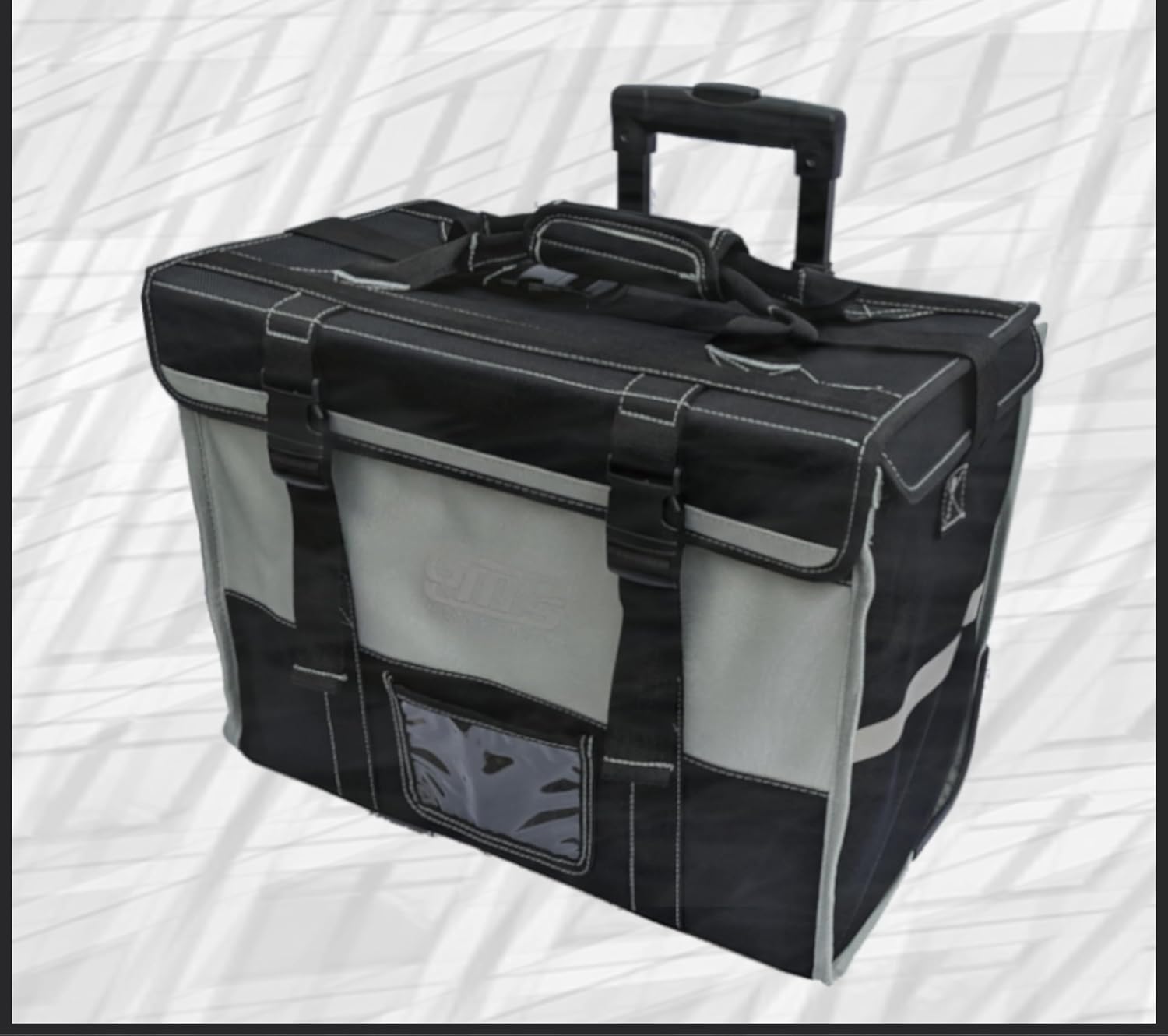
Image 6: The GMS Trolley Bag, designed for convenient transport and storage of the kit components.
- Regular Inspection: Periodically check all cords, plugs, and the PDU housing for any signs of wear, cuts, or damage. Replace any damaged components immediately.
- GFCI Testing: Test the GFCI outlets monthly to ensure proper function.
8. Troubleshooting
| Problem | Possible Cause | Solution |
|---|---|---|
| No power from PDU outlets. |
|
|
| GFCI trips frequently. |
|
|
| PDU feels warm during operation. |
|
|
9. Specifications
| Model Number | B0CLB5M7FZ |
| Input Voltage/Current | 240 Volts / 30 Amps |
| Output Voltage/Current | 120 Volts / 48 Amps (Total) |
| Output Receptacles | 4 x 20 Amp GFCI Duplex Receptacles |
| Overcurrent Protection | 30 Amp |
| Dimensions (PDU) | 10" L x 9" W x 4" H |
| Weight (PDU) | 7 Pounds |
| Material | Plastic (Insulated Enclosure) |
| Certifications | UL Listed (USA and Canada) |
| Manufacturer | GMS Distribution Inc. |
10. Warranty Information
The GMS Portable Power Distribution Unit Residential Contractor Kit comes with a 3-Year Full Warranty from the date of purchase. This warranty covers defects in materials and workmanship under normal use. For warranty claims or detailed terms and conditions, please refer to the manufacturer's official website or contact customer support.
11. Customer Support
If you have any questions, require technical assistance, or need to report an issue with your GMS Portable Power Distribution Unit, please contact GMS Distribution Inc. customer support through their official channels. Refer to your purchase documentation or the manufacturer's website for current contact information.