
1. Introduction
The Gima Magnetoterapia Base, Model 28321, is a low-frequency magnetotherapy device designed for home use. This device utilizes electromagnetic waves for therapeutic purposes, offering a practical and manageable solution for various conditions. It is compact, easy to transport, and comes with all necessary accessories to begin treatment immediately. The intuitive programs allow for simple use, even for those without prior experience.

Figure 1: Gima Magnetoterapia Base device with its main components.
2. Components Included
The Gima Magnetoterapia Base package includes the following items:
- Magnetotherapy Device (Main Unit)
- Power Cable
- 2 Plates (Solenoids)
- 2 Elastic Bands for securing plates
- Carrying Case
- User Manual
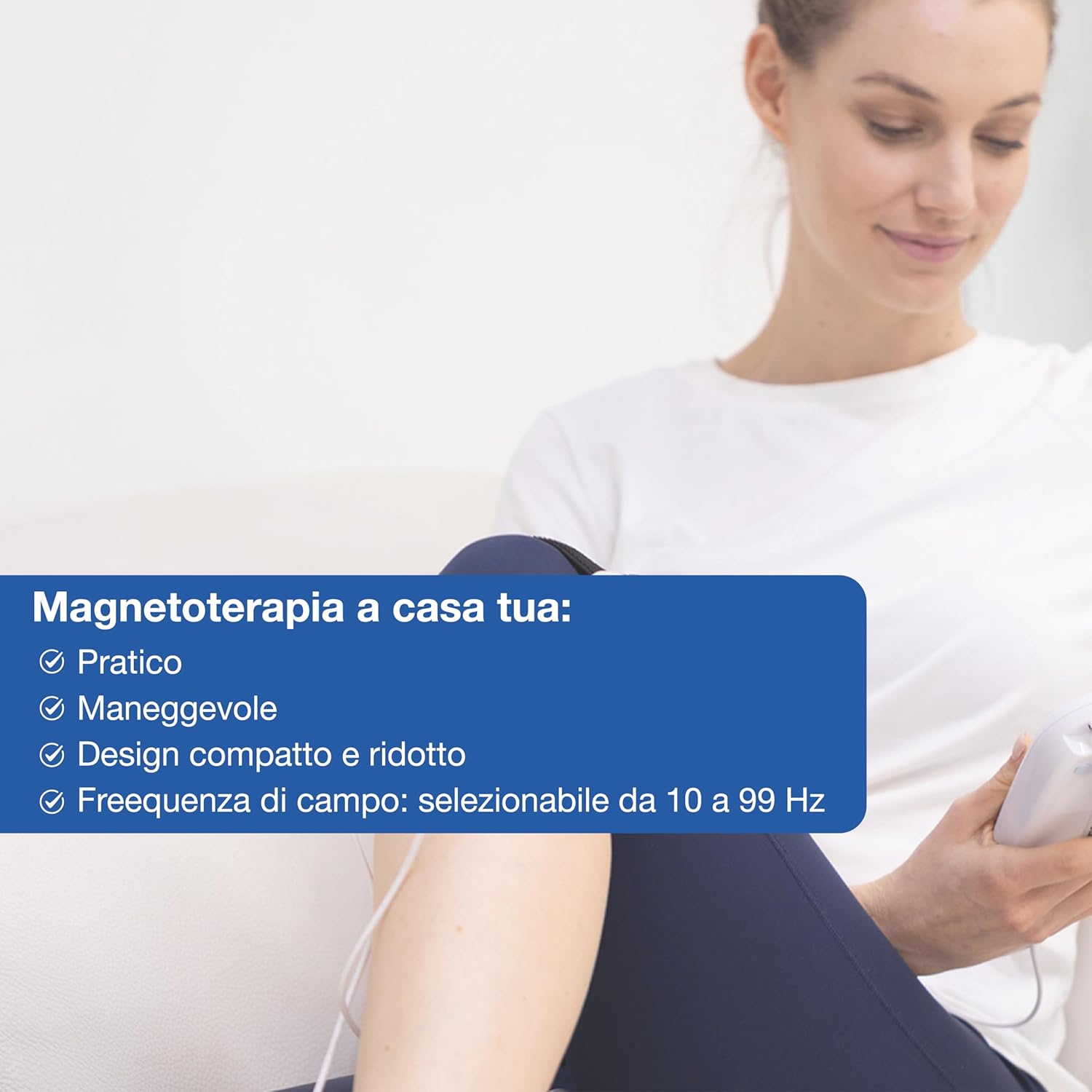
Figure 2: All components included in the Gima Magnetoterapia Base package.
3. Setup
Follow these steps to set up your Gima Magnetoterapia Base device:
- Connect the power adapter to the electrical outlet.
- Plug the power adapter's pin into the device's power input.
- Connect the applicator (solenoid) connector to either CH1 or CH2 port on the device.
- Position the applicator on the treatment area, securing it with the elastic band. Ensure the green side of the applicator is in contact with the skin.
- Turn on the device using the ON/OFF switch.
Video 1: I-TECH Medical Division MAG2000 Video tutorial for use. This video demonstrates the connection of the power supply and applicators, and the initial setup of the device.
4. Operating Instructions
To operate your Gima Magnetoterapia Base device:
- After turning on the device, use the arrow buttons (▲/▼) to navigate through the available treatment programs on the display.
- Press the 'OK' button to select the desired program.
- To start the therapy, press the 'OK' button again. The green LED will illuminate, and the 'SN' symbol will activate, indicating the magnetic field is active. A checkmark next to the channel number confirms correct applicator connection.
- To pause the therapy, press the 'OK' button for approximately 1 second. Press 'OK' again to resume.
- To interrupt the treatment before it finishes, press the power button (⏻).
- At the end of the therapy, the device will emit a prolonged beep, and the display will return to the program list.
Modifying Therapy Parameters:
- In the program screen, press 'OK' to select and activate the wrench icon (⚙️), which will start moving.
- Use the arrow buttons (▲/▼) to adjust the hours and minutes, then press 'OK' to confirm each setting.
- You can also adjust the Gauss (magnetic field intensity) and Hertz (frequency) values using the arrow buttons and confirming with 'OK'.
- Once all parameters are set, the wrench icon will stop moving.
- To start the therapy with the new parameters, select the 'SN' symbol and press 'OK'.

Figure 3: The Gima Magnetoterapia Base device ready for use with connected applicators.
5. Maintenance
To ensure the longevity and proper functioning of your device:
- Always disconnect the device from the power supply before cleaning.
- Clean the device and applicators with a soft, damp cloth. Do not use abrasive cleaners or solvents.
- Store the device in its carrying case in a cool, dry place, away from direct sunlight and extreme temperatures.
- Regularly inspect cables and connectors for any signs of wear or damage. If any damage is found, contact customer support.
6. Troubleshooting
If you encounter any issues with your Gima Magnetoterapia Base, refer to the following common problems and solutions:
- Device does not turn on: Ensure the power cable is securely connected to both the device and the electrical outlet. Check if the ON/OFF switch is in the 'ON' position.
- No magnetic field detected (SN symbol not active): Verify that the applicators are correctly connected to the CH1/CH2 ports. Ensure the program has been started by pressing 'OK'.
- Applicator not working: Check the connection of the applicator. Try connecting it to the other channel (CH1 or CH2) to see if the issue persists.
- Display shows an error message: Consult the detailed troubleshooting section in the full user manual for specific error codes and their resolutions.
If the problem persists after following these steps, please contact GIMA customer support.
7. Specifications
| Feature | Description |
|---|---|
| Manufacturer | LED SPA |
| Model Number | 28321 |
| Item Weight | 1 Kilogram |
| Product Dimensions | 19.3 x 13.8 x 6.8 cm |
| Style | MAGNETOTERAPIA BASE |
| Special Functions | Variable Pulse Duration, Variable Frequency from 10 to 99 Hz, Low-Frequency Magnetotherapy |
| Included Components | Magneto Base Plus device, Power cable, 2 plates, 2 elastic bands, Carrying case, User manual |
| Batteries Required | No |
| First Available Date | January 2, 2016 |

Figure 4: Detailed technical specifications and usage illustration.
8. Safety Information
Please read and understand all safety warnings and precautions before using the device. This device is intended for therapeutic use as directed by a healthcare professional or as outlined in this manual. Do not use if you have a pacemaker or are pregnant. Consult your doctor before use if you have any pre-existing medical conditions. Keep out of reach of children. Do not immerse the device in water or other liquids. Use only the provided power adapter and accessories.

Figure 5: Illustration of magnetic field application for therapeutic benefits.
9. Warranty and Support
The Gima Magnetoterapia Base, Model 28321, comes with a standard manufacturer's warranty. For detailed information regarding warranty terms, conditions, and duration, please refer to the warranty card included in your product packaging or visit the official GIMA website. For technical support, troubleshooting assistance, or to order replacement parts, please contact GIMA customer service through their official channels. Ensure you have your product model number and purchase date available when contacting support.