
1. Introduction
Thank you for choosing the Funlicht ML2302 Monitor Light Bar. This device is designed to provide optimal illumination for your workspace, reducing eye strain and eliminating screen glare. Its asymmetrical optical design focuses light on your desktop, ensuring a comfortable and natural lighting environment for various tasks such as office work, studying, reading, and gaming. The compact, clip-on design saves valuable desk space, making it an ideal solution for modern workstations.
This manual provides detailed instructions for the safe and efficient use of your new monitor light bar. Please read it thoroughly before installation and operation, and retain it for future reference.
2. Safety Information
- Ensure the power source matches the voltage requirements specified for the device.
- Do not expose the device to water or excessive moisture.
- Avoid disassembling or modifying the product, as this may void the warranty and pose safety risks.
- Keep the device away from heat sources and direct sunlight.
- This product is not recommended for use on laptops.
- Use only the provided USB Type-C power cord.
3. Setup
Follow these steps to set up your Funlicht ML2302 Monitor Light Bar:
Video: Unboxing the Funlicht Monitor Light Bar with Remote Control. This video demonstrates the contents of the package and initial handling of the product.
- Unpack the Contents: Carefully remove the monitor light bar, remote control, and USB Type-C power cord from the packaging.
- Connect Power: Insert the USB Type-C end of the power cord into the port on the light bar. Connect the other end to a suitable USB power source (e.g., charger, power bank, computer, or monitor USB port).
- Attach to Monitor: Place the light bar on top of your monitor. The clip design is suitable for monitors with a thickness between 0.6 to 1.4 inches (1.5 cm to 3.5 cm). Adjust the angle of the light bar to ensure the light is directed downwards onto your desk and not directly onto the screen or into your eyes.
- Install Remote Control Batteries: The remote control requires 2 AAA batteries (not included).

Image: The Funlicht ML2302 Monitor Light Bar and its accompanying remote control.

Image: The USB Type-C power connection on the light bar, illustrating various compatible power sources.
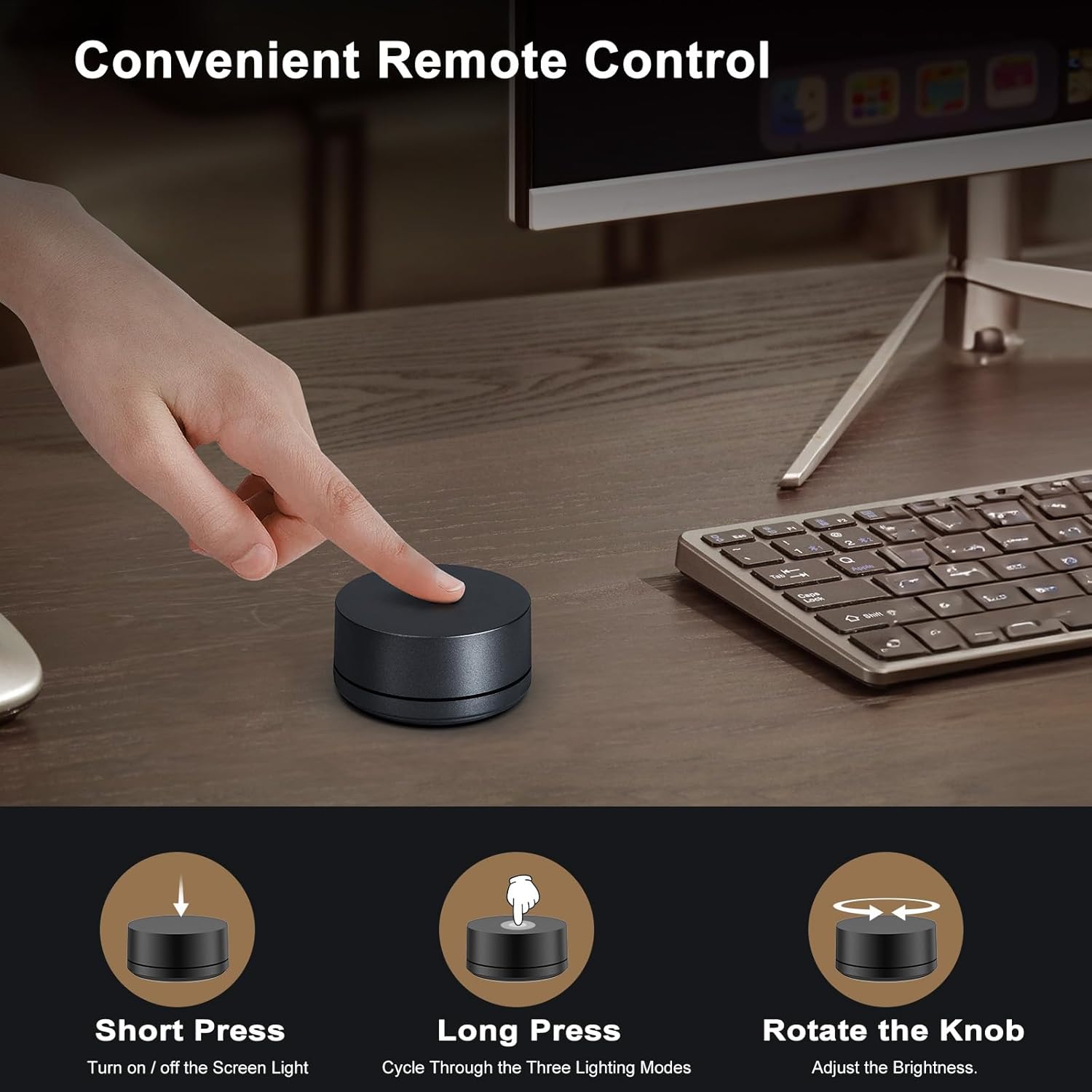
Image: A close-up of the light bar being placed on top of a monitor, demonstrating its simple installation.

Image: A diagram illustrating the compatibility of the light bar with various monitor types and thicknesses.

Image: A detailed view of the light bar's construction, highlighting the aluminum alloy body, silicone pad for screen protection, and adjustable rotation angle.
Video: How to open the remote control battery cover. This short video demonstrates the process of accessing the battery compartment.

Image: Step-by-step instructions for opening the remote control battery cover, removing the lid, and installing 2 AAA batteries.
4. Operating Instructions
The Funlicht ML2302 Monitor Light Bar can be operated using either the included remote control or the touch controls located on the light bar itself.
4.1 Remote Control Operation
The remote control allows for convenient adjustment of brightness and color temperature from your seat.

Image: Visual guide for remote control functions: short press for on/off, rotate knob for brightness, long press for color temperature cycle.
- Short Press Button: Turn the light on or off.
- Rotate the Knob: Adjust the brightness level (stepless dimming from 5% to 100%).
- Long Press the Button: Cycle through the three lighting modes (cold light 6500K, natural light, warm light 2700K). Release the button to select the current mode.
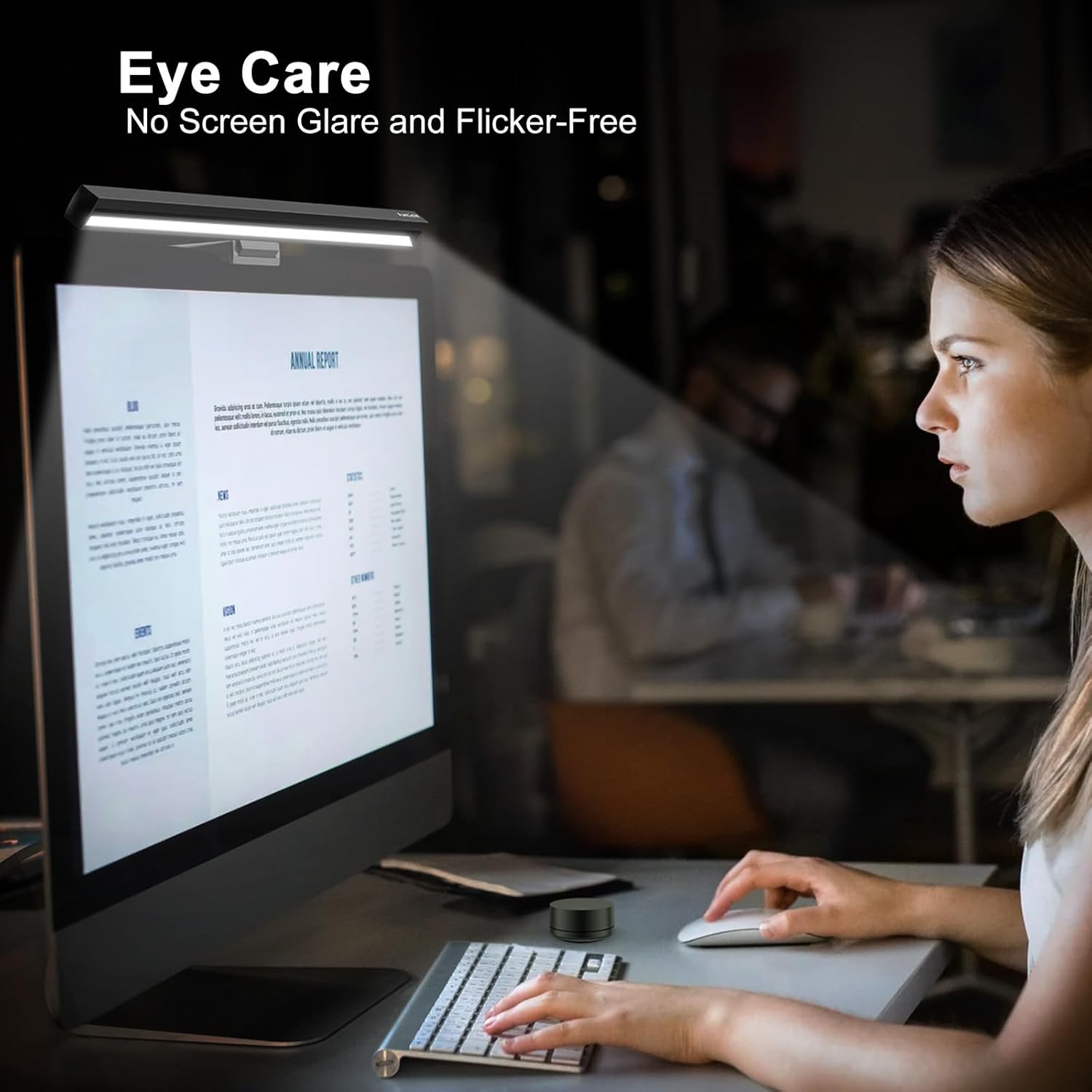
Image: A user demonstrating the use of the remote control to adjust the light bar settings.

Image: Illustration of the stepless adjustment for both color temperature (2700K to 6500K) and brightness (5% to 100%).
4.2 Touch Control Operation
The light bar also features integrated touch controls for direct adjustments.

Image: A close-up of the touch control panel on the light bar, showing icons for color temperature, on/off, and brightness.
- Power Button: Touch to turn the light on or off.
- Brightness Control: Touch and hold to adjust brightness.
- Color Temperature Control: Touch and hold to adjust color temperature.
4.3 Optimal Light Positioning
For the best eye-care experience and to avoid screen glare, ensure the light is adjusted to a vertical downward position.

Image: A diagram illustrating the correct positioning of the monitor light bar to direct light onto the desk and prevent screen glare, compared to an incorrect position.
5. Maintenance
To ensure the longevity and optimal performance of your Funlicht ML2302 Monitor Light Bar, follow these maintenance guidelines:
- Cleaning: Gently wipe the light bar and remote control with a soft, dry cloth. Do not use abrasive cleaners, solvents, or harsh chemicals, as these may damage the finish or electronic components.
- Storage: If storing the device for an extended period, remove the batteries from the remote control and store the light bar in a cool, dry place.
- Cable Care: Avoid bending or crimping the USB Type-C power cord excessively to prevent internal damage.
6. Troubleshooting
If you encounter any issues with your Funlicht ML2302 Monitor Light Bar, please refer to the following troubleshooting tips:
| Problem | Possible Cause | Solution |
|---|---|---|
| Light bar does not turn on. | No power supply or loose connection. | Check if the USB cable is securely connected to both the light bar and the power source. Ensure the power source is active. |
| Remote control is unresponsive. | Dead or incorrectly installed batteries. | Replace the 2 AAA batteries in the remote control. Ensure they are installed with correct polarity. |
| Brightness or color temperature cannot be adjusted. | Remote control issue or touch control malfunction. | Try using the alternative control method (remote if using touch, or touch if using remote). Ensure remote batteries are fresh. |
| Light flickers or is unstable. | Insufficient power supply or faulty cable. | Try connecting to a different USB power source or using a different USB Type-C cable. |
If the problem persists after trying these solutions, please contact customer support.
7. Specifications
| Feature | Detail |
|---|---|
| Brand | Funlicht |
| Model Number | ML2302 |
| Product Dimensions | 17.32"D x 3.54"W x 1.5"H (44cm x 9cm x 3.8cm) |
| Item Weight | 1.34 pounds (0.61 kg) |
| Material | Aluminum |
| Finish Type | Painted |
| Light Source Type | LED |
| Wattage | 5 watts |
| Voltage | 5 Volts |
| Brightness | 700 Lux |
| Color Temperature | 2700K - 6500K (Dimmable) |
| Color Rendering Index (CRI) | 95.00 |
| Control Method | Remote, Touch |
| Power Source | Corded Electric (USB Type-C) |
| Monitor Compatibility | 15-24 inch flat and curved monitors (0.6 to 1.4 inches thickness) |
| Included Components | Remote Control (Batteries not included) |
8. Warranty and Support
The Funlicht ML2302 Monitor Light Bar has passed CE/RoHS/FCC and IEC62778 Anti-blue light certification standards, ensuring high quality and safety.
For any queries or assistance, our friendly customer service team is available 24/7. Please do not hesitate to contact us for premium service support.