
Introduction
Thank you for choosing the Vonia 12L Dehumidifier. This appliance is designed to efficiently remove excess moisture from your indoor environment, helping to prevent mold, mildew, and musty odors, and creating a more comfortable and healthier living space. Please read this manual thoroughly before operating the unit and retain it for future reference.
Safety Instructions
To ensure safe operation and reduce the risk of injury, electrical shock, or fire, always follow these basic safety precautions:
- Read all instructions before using the appliance.
- Do not operate the dehumidifier with a damaged cord or plug. If the supply cord is damaged, it must be replaced by the manufacturer, its service agent, or similarly qualified persons to avoid a hazard.
- Ensure the appliance is placed on a stable, level surface to prevent tipping and water spillage.
- Do not block air inlets or outlets. Maintain at least 20 cm (8 inches) clearance around the unit for proper airflow.
- Never insert fingers or foreign objects into the air grilles.
- Do not use the appliance near water, in a bathroom, or in other excessively humid environments where it could come into contact with water.
- Always unplug the dehumidifier before cleaning, performing maintenance, or when not in use for extended periods.
- This appliance is not intended for use by persons (including children) with reduced physical, sensory or mental capabilities, or lack of experience and knowledge, unless they have been given supervision or instruction concerning use of the appliance by a person responsible for their safety.
- Children should be supervised to ensure that they do not play with the appliance.
Product Overview
Familiarize yourself with the main components of your Vonia 12L Dehumidifier:
- Control Panel: Located on the top of the unit, used for setting modes and power.
- Air Inlet: Where ambient air is drawn into the unit.
- Air Outlet: Where dehumidified air is expelled.
- Water Tank: Removable reservoir for collecting condensed water.
- Casters: Wheels at the base for easy movement.
- Power Cord: For connecting to an electrical outlet.

This image illustrates key features of the Vonia 12L Dehumidifier, including its user-friendly interface, suitability for rooms up to 50 square meters, 2-liter water tank capacity, and automatic overflow protection.
Setup
- Unpacking: Carefully remove the dehumidifier from its packaging. Retain packaging materials for future storage or transport.
- Placement:
- Place the unit on a firm, level surface capable of supporting its weight when the water tank is full.
- Ensure there is at least 20 cm (8 inches) of clear space around the air inlet and outlet for optimal performance. Do not place it against a wall or furniture that would obstruct airflow.
- Avoid placing the unit in direct sunlight or near heat sources.
- Power Connection: Ensure the water tank is correctly inserted. Plug the power cord into a grounded electrical outlet. The unit is now ready for operation.

The compact design of the Vonia 12L Dehumidifier, measuring 44cm in height and 25cm in width, makes it easy to place and move.
Operating Instructions
Follow these steps to operate your dehumidifier:
- Power On/Off: Press the Power button on the control panel to turn the unit on or off.
- Setting Humidity Level: Use the control panel to set your desired humidity level. The unit will operate until the ambient humidity reaches the set level, then cycle on and off to maintain it.
- Night Mode: Activate Night Mode for quieter operation, ideal for bedrooms. This mode typically reduces fan speed and dims display lights.
- Automatic Shut-off: The dehumidifier features an automatic shut-off function. When the 2-liter water tank is full, the unit will automatically stop operating to prevent overflow. An indicator light will typically illuminate to signal that the tank needs emptying.
- LED Humidity Indicator: The unit features an LED light that changes color to indicate the current room humidity level:
- Blue: Humidity Level < 45%
- Green: Humidity Level 45% - 65%
- Red: Humidity Level > 65%

The LED indicator on the Vonia 12L Dehumidifier provides a quick visual reference for the current humidity level in the room: Blue for low humidity, Green for optimal, and Red for high humidity.
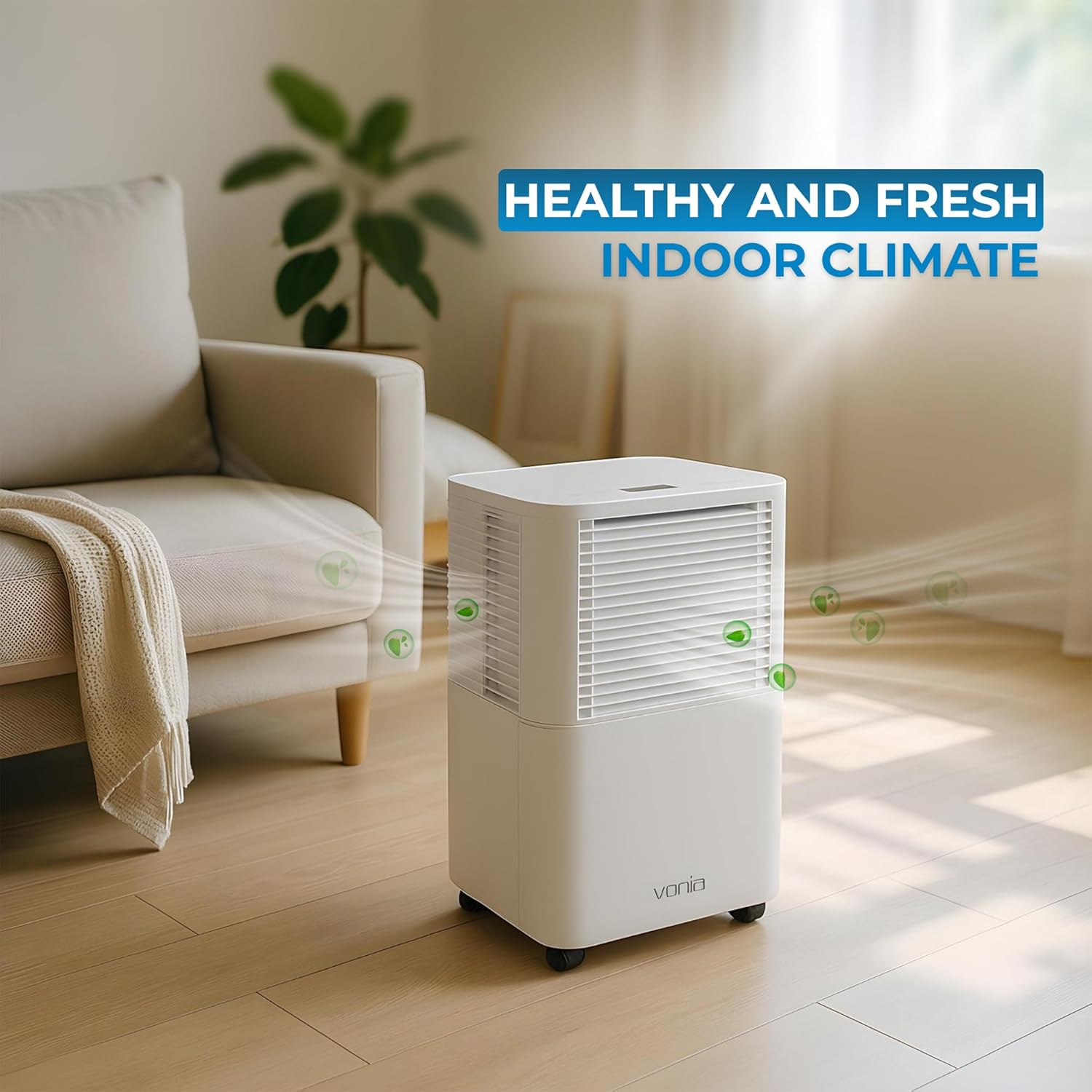
Experience a healthier and fresher indoor climate with the Vonia 12L Dehumidifier, which actively removes excess moisture.
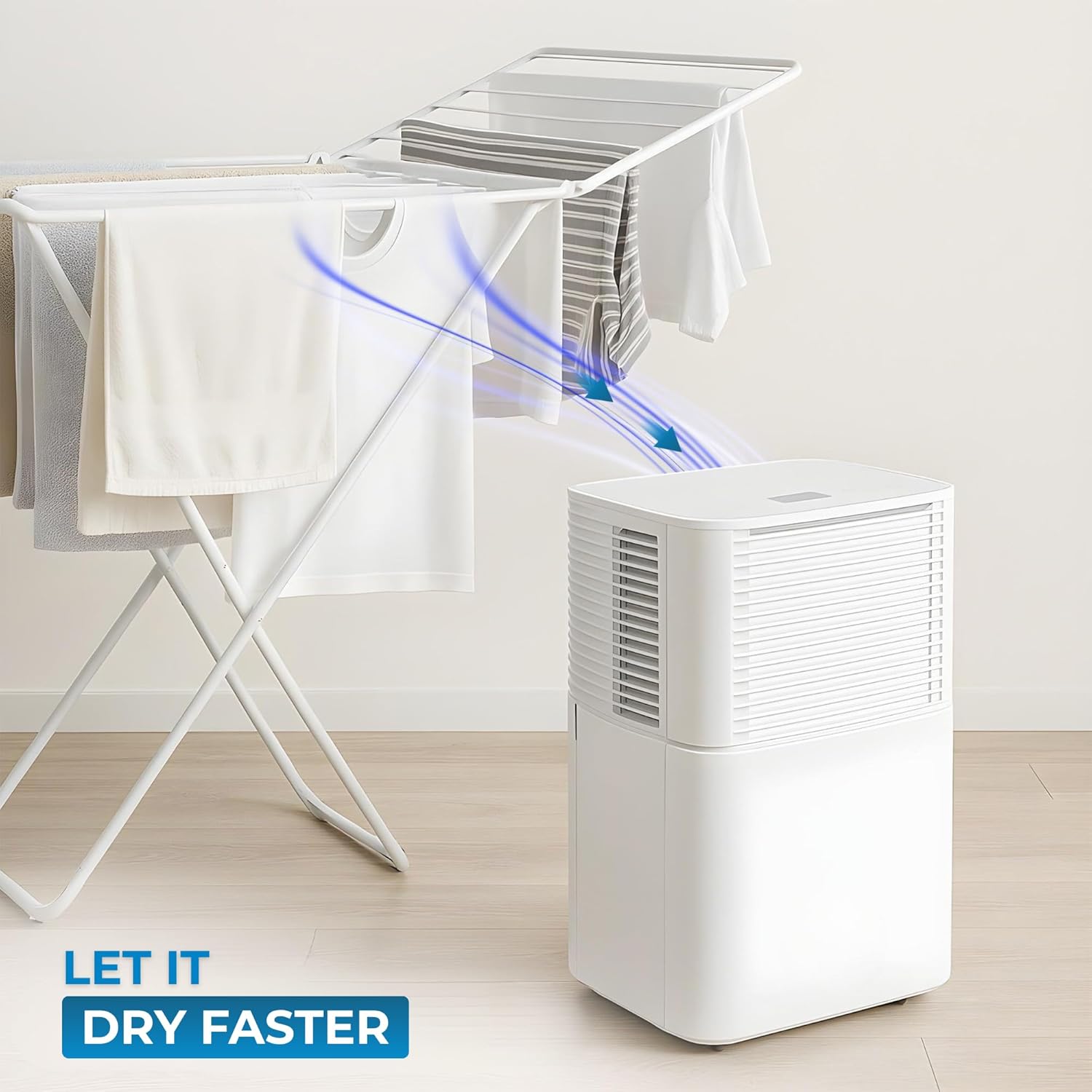
The Vonia 12L Dehumidifier helps to dry laundry faster by removing moisture from the air.

The dehumidifier can help maintain appropriate humidity levels, beneficial for both human comfort and plant health.
Maintenance
Regular maintenance ensures optimal performance and extends the lifespan of your dehumidifier.
- Emptying the Water Tank:
- When the water tank is full, the unit will stop operating, and an indicator light will illuminate.
- Carefully pull out the water tank from the unit.
- Empty the collected water into a sink or drain.
- Rinse the tank with clean water if necessary and reinsert it firmly into the dehumidifier. Ensure it clicks into place.
- Cleaning the Air Filter:
- It is recommended to clean the air filter every two weeks or more frequently depending on usage and air quality.
- Turn off and unplug the unit.
- Locate and remove the air filter (refer to the product diagram if unsure).
- Clean the filter with a vacuum cleaner or wash it gently with warm, soapy water. Rinse thoroughly and allow it to air dry completely before reinserting.
- Never operate the dehumidifier without the air filter installed.
- Cleaning the Exterior: Wipe the exterior of the unit with a soft, damp cloth. Do not use harsh chemicals, abrasives, or solvents.
- Storage: If storing the unit for an extended period, ensure the water tank is empty and clean, and the unit is dry. Store it in a cool, dry place, preferably in its original packaging.

By reducing excess humidity, the Vonia 12L Dehumidifier helps prevent mold and musty odors, contributing to a healthier indoor environment.
Troubleshooting
Before contacting customer support, please refer to the following common issues and solutions:
| Problem | Possible Cause | Solution |
|---|---|---|
| Unit does not turn on. | No power, power cord loose, water tank full or incorrectly inserted. | Check power connection. Ensure water tank is empty and correctly seated. |
| Unit is running but not collecting water. | Ambient humidity is too low, air filter is clogged, room temperature is too low. | Check room humidity. Clean the air filter. Dehumidifiers are less effective in cold environments. |
| Airflow is weak or noisy. | Air filter is clogged, air inlets/outlets are blocked. | Clean the air filter. Ensure proper clearance around the unit. |
| Unit stops unexpectedly. | Water tank is full, desired humidity level reached. | Empty the water tank. Adjust the desired humidity level if needed. |
If the problem persists after trying these solutions, please contact customer support.
Specifications
| Brand | Vonia |
| Model Number | VON-LCHO |
| Model Name | POL12 |
| Dehumidification Capacity | 12 Liters/Day |
| Room Coverage | Up to 50 m² (approx. 120 m³ per hour) |
| Water Tank Volume | 2 Liters |
| Power Consumption | 200 Watts |
| Noise Level | 45 dB(A) |
| Dimensions (L x W x H) | 22 x 25 x 44 cm |
| Weight | 10 Kilograms |
| Material | Plastic |
| Special Features | Automatic Shut-off, Quiet Operation, LED Humidity Indicator |
Warranty and Support
Warranty: This Vonia dehumidifier comes with a 1-year warranty on spare parts, as per manufacturer's terms. Please retain your proof of purchase for warranty claims.
Customer Support: For any questions, technical assistance, or warranty inquiries, please contact Vonia customer support through the retailer where the product was purchased or refer to the contact information provided with your product packaging.