
Product Overview
The TKENPRO ZY-D1 is a versatile light bulb security camera designed for both indoor and outdoor surveillance. It features a 3 MP video capture resolution, 360-degree field of view, night vision capabilities, and IP65 waterproof rating, making it suitable for various environments. This camera connects via Wi-Fi and offers motion detection alerts, providing comprehensive monitoring for your property.
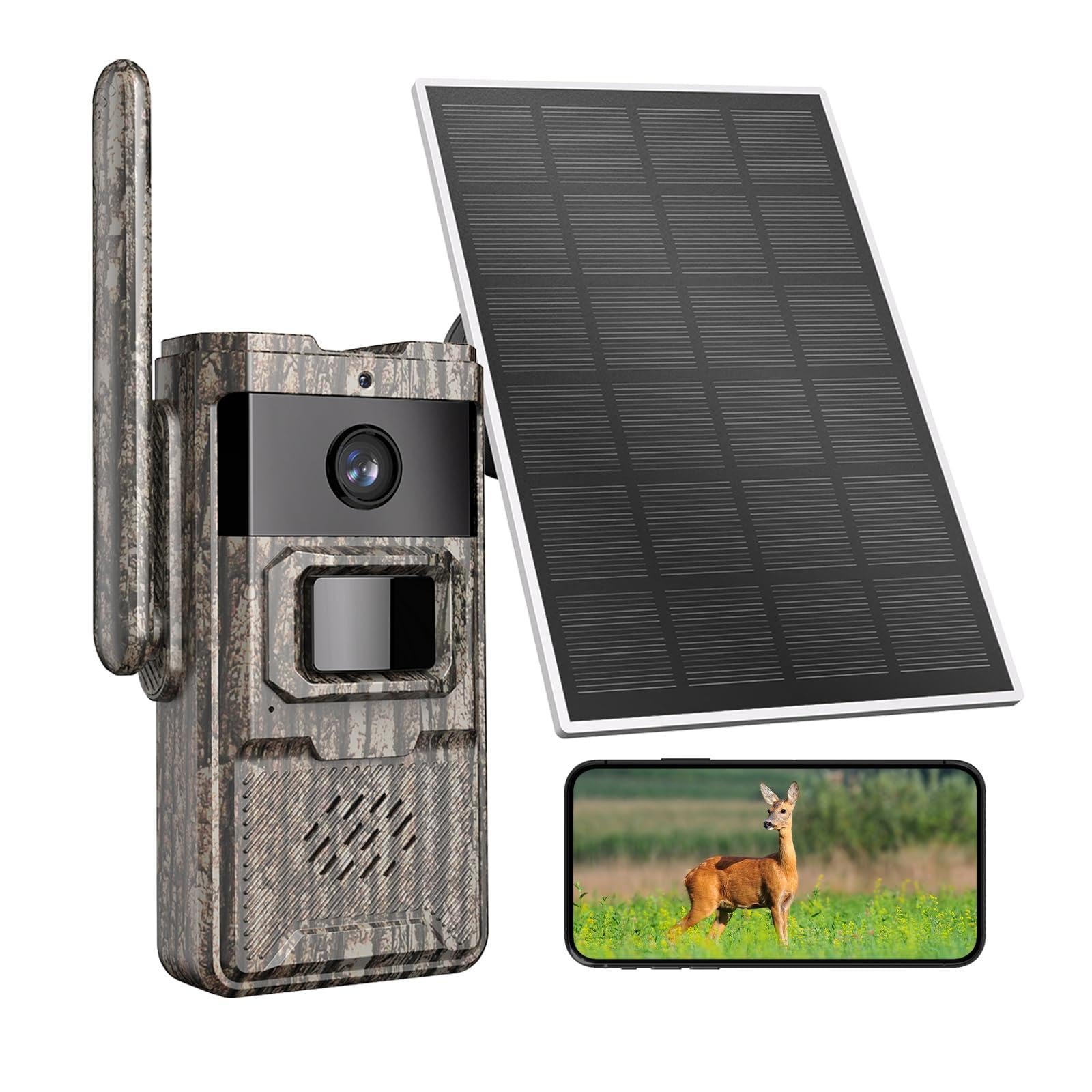
Image: The TKENPRO ZY-D1 Security Camera, a white camera unit with a black lens, designed to resemble a light bulb fixture.
Package Contents
Please check the package for the following items:
- TKENPRO ZY-D1 Security Camera
- Mounting accessories (screws, wall anchors)
- User Manual (this document)
- Power adapter (if applicable, not explicitly listed but implied for a light bulb camera)
If any items are missing or damaged, please contact TKENPRO customer support.
Setup
1. Download the App
Search for the official TKENPRO security camera application on your smartphone's app store (iOS App Store or Google Play Store). Download and install the application.
2. Powering On the Camera
Screw the TKENPRO ZY-D1 camera into a standard E27 light bulb socket. Ensure the socket is powered on. The camera will initiate its startup sequence, indicated by a flashing LED light.
Video: This video demonstrates the physical installation of the TKENPRO ZY-D1 camera by screwing it into a light bulb socket and connecting it to power. It also shows the initial setup process within the mobile application.
3. Connecting to Wi-Fi
- Open the TKENPRO app and create an account or log in.
- Tap the "+" icon to add a new device.
- Select "Light Bulb Camera" or the appropriate device type.
- Follow the on-screen instructions to connect the camera to your 2.4GHz or 5GHz Wi-Fi network. Ensure your phone is connected to the same Wi-Fi network during setup.
- Scan the QR code displayed on your phone with the camera lens when prompted.
- Wait for the camera to confirm successful connection.
Note: The camera supports both 2.4GHz and 5GHz Wi-Fi. For optimal performance, ensure a strong Wi-Fi signal at the installation location.
Operating the Camera
Live View
Once connected, tap on the camera in the app to access the live view. You can monitor your property in real-time.
Pan/Tilt/Zoom (PTZ) Control
Use the directional controls within the app to remotely adjust the camera's viewing angle. The camera offers a 360-degree field of view, allowing you to pan horizontally and tilt vertically to cover a wide area.
Motion Detection and Alerts
- Enable/Disable: Navigate to the camera settings in the app to enable or disable motion detection.
- Sensitivity: Adjust the motion detection sensitivity to minimize false alarms.
- Alerts: Receive instant notifications on your smartphone when motion is detected.
- Recording: Motion-triggered events can be recorded to a local SD card (not included) or cloud storage (subscription may be required).
Night Vision
The TKENPRO ZY-D1 features Night Color vision, providing clear images even in low-light conditions. This mode automatically activates when ambient light is insufficient.
Two-Way Audio
Utilize the built-in microphone and speaker to communicate with individuals near the camera through the app.
Maintenance
- Cleaning: Gently wipe the camera lens with a soft, dry cloth to remove dust or smudges. Do not use harsh chemicals.
- Firmware Updates: Regularly check the app for available firmware updates to ensure optimal performance and security.
- Power Cycle: If the camera experiences issues, try power cycling it by turning off the light switch for a few seconds and then turning it back on.
- SD Card Management: If using an SD card for local storage, periodically check its status and format it through the app to maintain recording efficiency.
Troubleshooting
| Problem | Possible Cause | Solution |
|---|---|---|
| Camera not connecting to Wi-Fi | Incorrect Wi-Fi password, weak signal, wrong network band (2.4GHz/5GHz). | Verify Wi-Fi password. Ensure camera is within Wi-Fi range. Confirm your router supports the correct band and your phone is connected to it during setup. Try resetting the camera. |
| No live view | Camera offline, internet connection issue, app malfunction. | Check camera power. Verify internet connectivity. Restart the app or your phone. Power cycle the camera. |
| Motion detection not working | Feature disabled, sensitivity too low, incorrect detection zone. | Enable motion detection in app settings. Increase sensitivity. Adjust detection zones. |
| Poor video quality | Weak Wi-Fi signal, dirty lens, network congestion. | Improve Wi-Fi signal strength. Clean the camera lens. Reduce network traffic. |
Specifications
| Feature | Detail |
|---|---|
| Brand | TKENPRO |
| Model Number | ZY-D1 |
| Indoor/Outdoor Usage | Indoor, Outdoor |
| Mounting Type | Wall Mount (Light Bulb Socket) |
| Video Capture Resolution | 3 MP |
| Color | Yellow (Note: Product image shows white, this might be a variant or an error in source data) |
| Alert Type | Motion Only |
| Waterproof Rating | IP65 |
| Control Method | Remote (via App) |
| Wireless Technology | Wi-Fi (2.4GHz & 5GHz compatible) |
| Night Vision | Night Color |
| Field Of View | 360 degrees |
| Unit Count | 1 Count |
| Manufacturer | Shenzhen CTV Int Cloud Technology Co., Ltd |
Warranty and Support
For warranty information and technical support, please refer to the official TKENPRO website or contact their customer service directly. Details are typically provided on the product packaging or within the TKENPRO application.
Manufacturer: Shenzhen CTV Int Cloud Technology Co., Ltd
For further assistance, please visit the TKENPRO Store on Amazon.