
1. Introduction
Thank you for choosing the GiveBest GB-KPT-40 Touch Panel Space Heater. This manual provides essential information for the safe and efficient operation of your new heater. Please read all instructions carefully before use and retain this manual for future reference.

Image 1: GiveBest GB-KPT-40 Touch Panel Space Heater with its remote control, highlighting its 80-degree oscillation capability.
2. Important Safety Instructions
When using electrical appliances, basic precautions should always be followed to reduce the risk of fire, electric shock, and injury to persons, including the following:
- Read all instructions before using this heater.
- This heater is hot when in use. To avoid burns, do not let bare skin touch hot surfaces.
- Extreme caution is necessary when any heater is used by or near children or invalids and whenever the heater is left operating and unattended.
- Do not operate any heater with a damaged cord or plug or after the heater malfunctions, has been dropped or damaged in any manner.
- Do not use outdoors.
- To disconnect heater, turn controls to OFF, then remove plug from outlet.
- Do not insert or allow foreign objects to enter any ventilation or exhaust opening as this may cause an electric shock or fire, or damage the heater.
- To prevent a possible fire, do not block air intakes or exhaust in any manner. Do not use on soft surfaces, like a bed, where openings may become blocked.
- A heater has hot and arcing or sparking parts inside. Do not use it in areas where gasoline, paint, or flammable vapors or liquids are used or stored.
- Use this heater only as described in this manual. Any other use not recommended by the manufacturer may cause fire, electric shock, or injury to persons.
- This heater includes a tip-over safety switch and overheat protection. If the heater tips over or overheats, it will automatically shut off.
- Constructed with V-0 flame-retardant materials for enhanced safety.
- Features a child lock function to prevent unintended operation.

Image 2: Detail of the intuitive touch control panel, showing icons for various functions including power, mode selection, temperature adjustment, timer, and child lock.
3. Package Contents
- GiveBest GB-KPT-40 Space Heater
- Remote Control
- User Manual
4. Product Diagram
Familiarize yourself with the components of your GiveBest space heater:
- Touch Control Panel / Digital Display
- Air Outlet Grille
- Heater Body
- Stable Base with Oscillation Mechanism
- Power Cord
- Rear Air Intake with Removable Filter
- Integrated Carry Handle (on top rear)
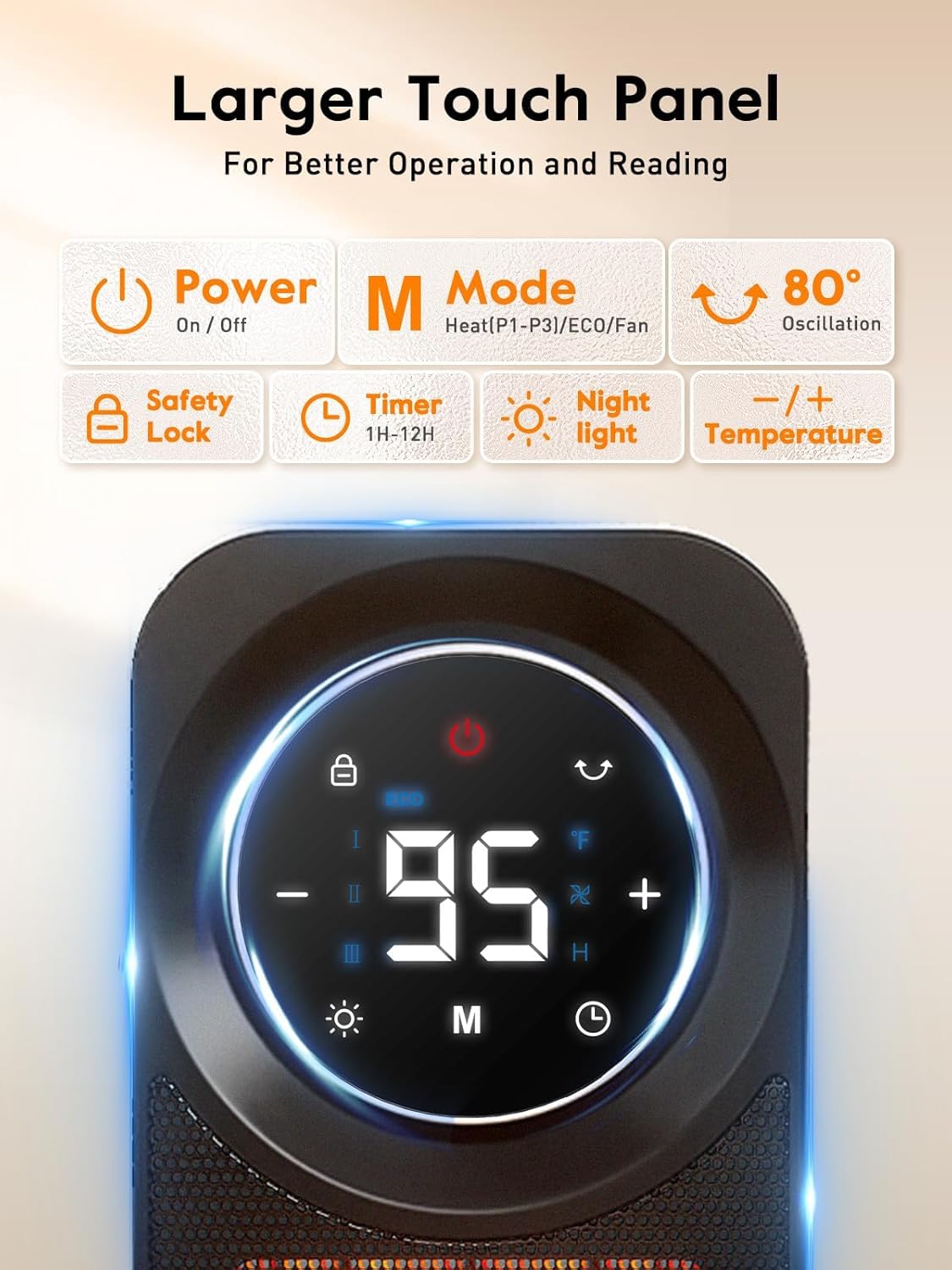
Image 3: Close-up of the heater's touch panel, illustrating the various control icons for easy operation.
5. Setup
1. Place the heater on a firm, level surface. Ensure there are no obstructions within 3 feet (0.9 meters) of the front, top, and sides of the heater.
2. Plug the power cord into a standard 120V AC electrical outlet. Ensure the outlet is not overloaded with other appliances.
6. Operating Instructions
Power On/Off
Press the Power button on the touch panel or remote control to turn the heater ON or OFF. When turning off, the heater will enter a 60-second cool-down period before fully shutting down.
Mode Selection
Press the Mode (M) button to cycle through the available heating modes:
- P3 (High Heat): 1500W output for maximum warmth.
- P2 (Medium Heat): 1000W output for moderate warmth.
- P1 (Low Heat): 500W output for gentle warmth.
- ECO Mode: Automatically adjusts heating power to maintain a set temperature, optimizing energy consumption.
- FAN Only: Circulates air without heat, suitable for warmer days.
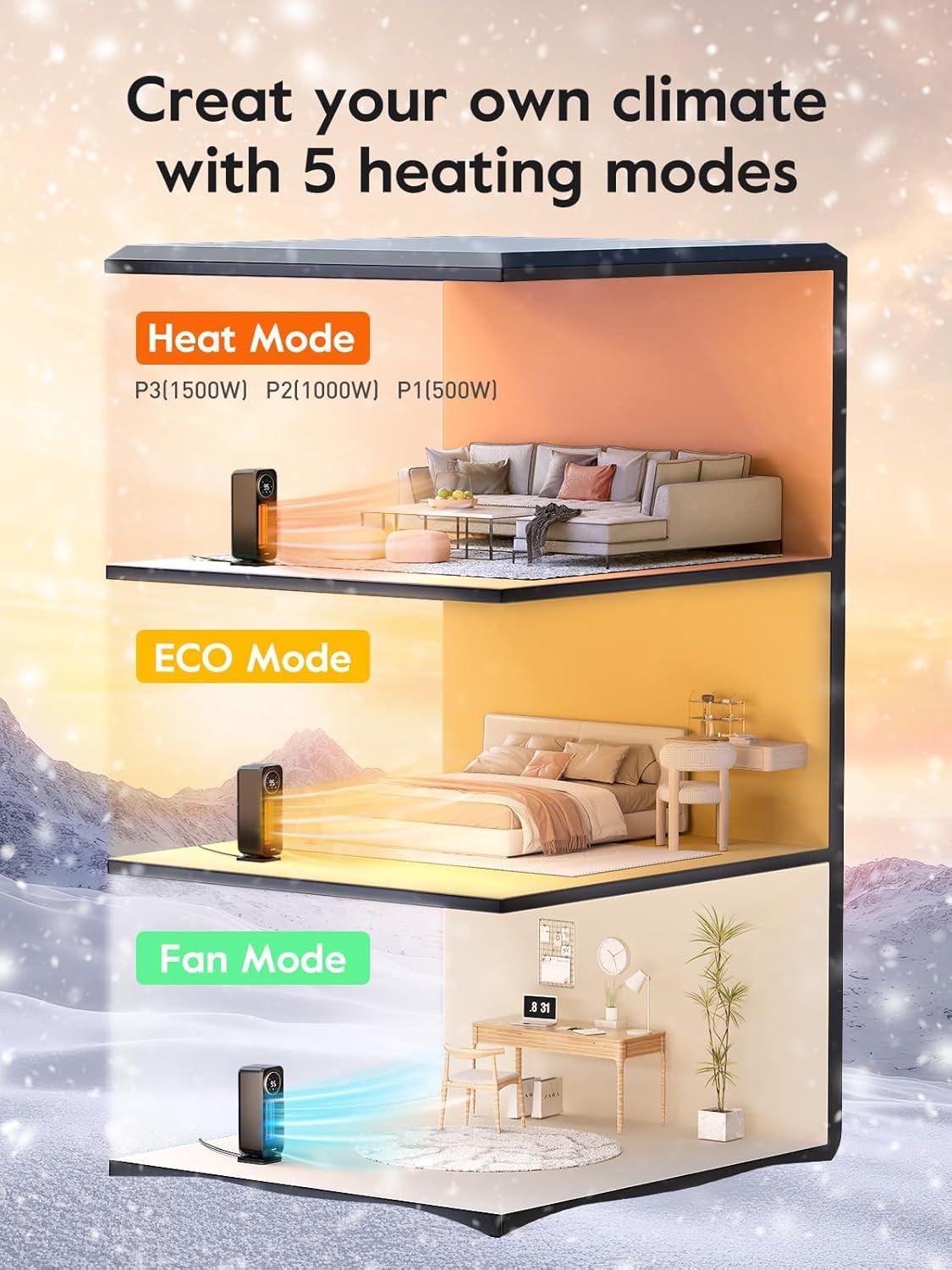
Image 4: Visual representation of the heater's five operational modes, showing their application in different room settings.
Temperature Adjustment
In ECO mode, use the '+' and '-' buttons on the touch panel or remote to set your desired room temperature. The heater will automatically adjust its output to maintain this temperature.
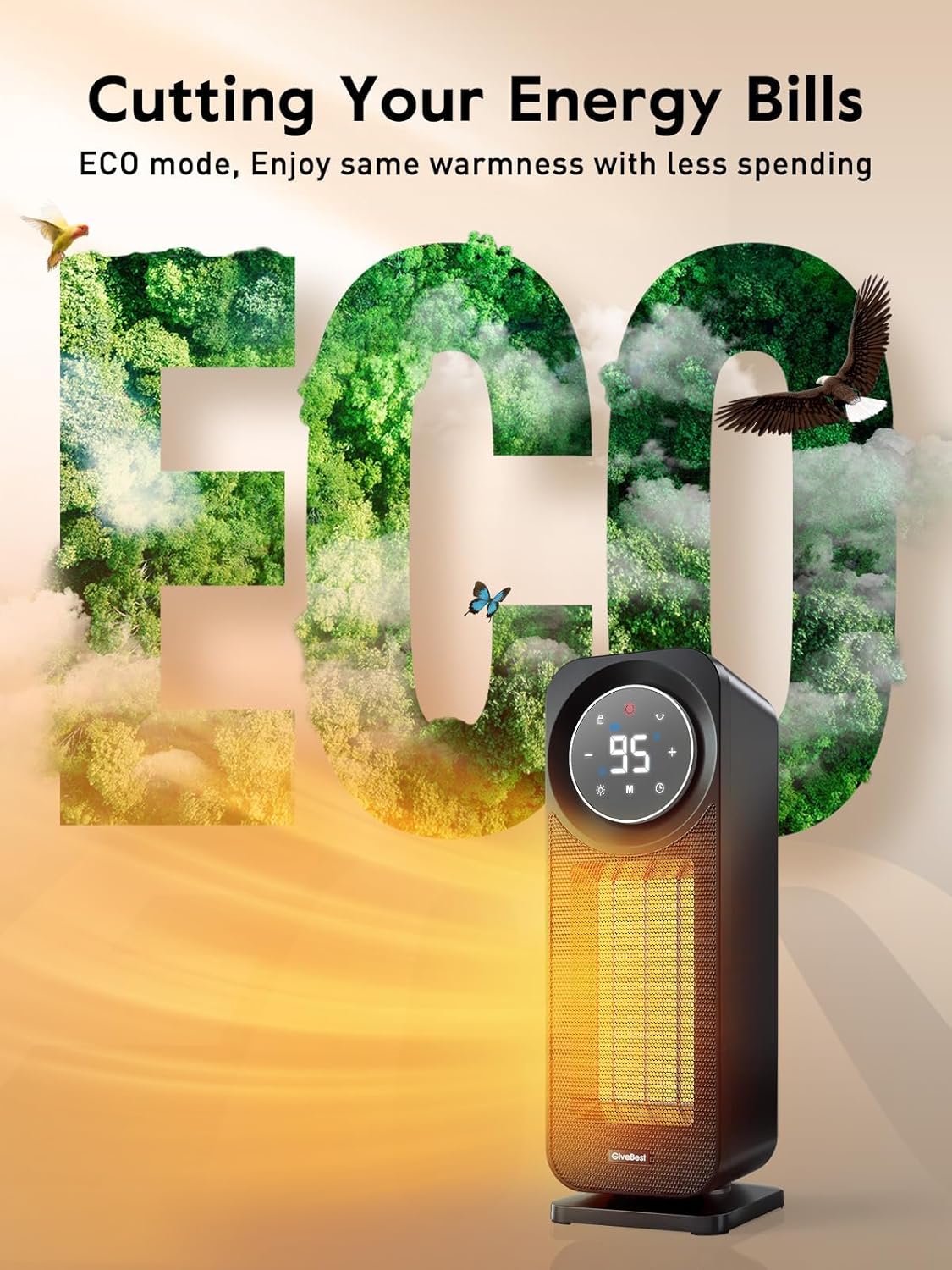
Image 5: The heater operating in ECO mode, designed for energy efficiency by maintaining a consistent room temperature.
Timer Function
Press the Timer button to set an automatic shut-off time from 1 to 12 hours. The display will show the remaining time.
Oscillation
Press the Oscillation button to activate the 80° wide-angle oscillation feature, distributing warm air evenly across the room.
Child Lock
To activate the Child Lock, press and hold the Lock button on the remote control for 3 seconds. The lock icon on the display will illuminate red, disabling all controls on the heater and remote. To deactivate, press and hold the Lock button again for 3 seconds.
Night Light
Press the Night Light button to turn on or off the ambient light at the base of the heater, providing subtle illumination.
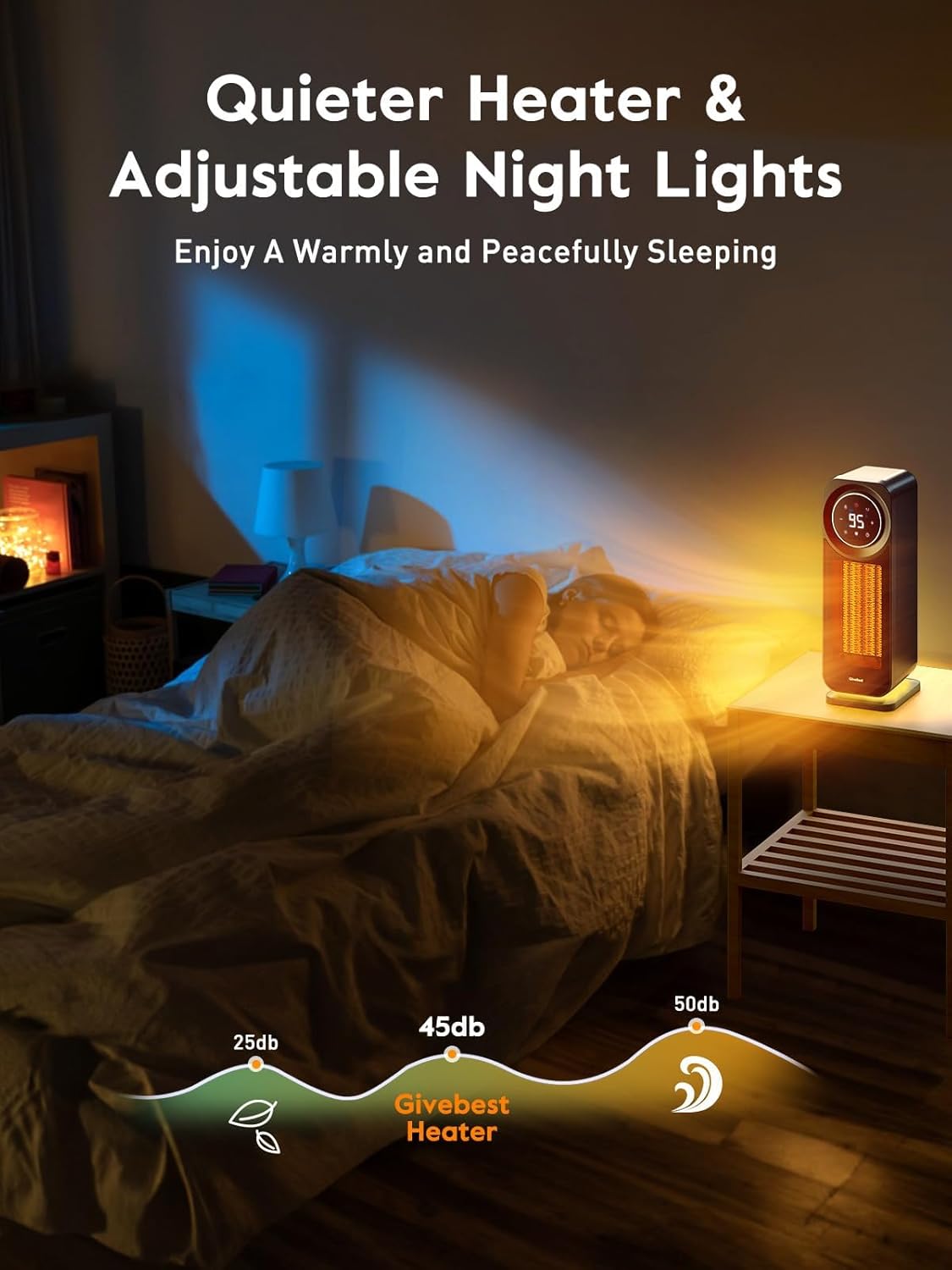
Image 6: The heater's night light feature provides a soft glow, ideal for use in bedrooms or quiet spaces.
7. Remote Control
The remote control allows convenient operation of all heater functions from a distance. It features a screen displaying current settings.
- Power Button: Turns the heater ON/OFF.
- Mode Button: Cycles through heating modes (P1, P2, P3, ECO, FAN).
- '+' / '-' Buttons: Adjusts temperature in ECO mode.
- Timer Button: Sets the auto shut-off timer.
- Oscillation Button: Activates/deactivates 80° oscillation.
- Night Light Button: Turns the base night light ON/OFF.
- Lock Button: Activates/deactivates Child Lock (press and hold for 3 seconds).
The remote requires 2x AAA batteries (not included).

Image 7: The remote control features an LCD screen for easy viewing of settings and dedicated buttons for all heater functions.
8. Maintenance
Regular cleaning of the air filter is recommended to maintain optimal performance.
Cleaning the Air Filter
1. Ensure the heater is turned OFF and unplugged from the power outlet.
2. Locate the removable air filter cover on the rear of the heater.
3. Gently remove the filter cover and the filter element.
4. Clean the filter using a soft brush or vacuum cleaner to remove dust and debris. If heavily soiled, rinse with lukewarm water (do not use hot water or harsh detergents) and allow it to air dry completely before reinserting.
5. Reattach the filter element and cover securely.

Image 8: The removable air filter located at the rear of the heater, designed for easy cleaning and maintenance.
9. Troubleshooting
- Heater does not turn on: Ensure the power cord is securely plugged into a working outlet. Check if the power button is pressed. Verify that the child lock is not activated.
- Heater shuts off unexpectedly: This may be due to the tip-over protection or overheat protection. Ensure the heater is on a stable, flat surface and not covered. Allow it to cool down before restarting.
- Error Code "E4" on display: This indicates the tip-over protection has been activated. Place the heater upright on a stable surface.
- Remote control not working: Check and replace batteries if necessary. Ensure there are no obstructions between the remote and the heater.
- Insufficient heat output: Ensure the correct heating mode (P1, P2, P3) is selected. In ECO mode, check the set temperature. Clean the air filter if it is clogged.
10. Specifications
| Specification | Value |
|---|---|
| Brand | GiveBest |
| Model Number | GB-KPT-40 |
| Power Output | Up to 1500W (P3) |
| Voltage | 120 Volts |
| Amperage | 12.5 Amps |
| Heating Modes | 5 (ECO, P3/1500W, P2/1000W, P1/500W, FAN Only) |
| Oscillation Angle | 80° |
| Noise Level | < 45dB (Low Mode) |
| Heating Coverage | Up to 200 sq.ft |
| Product Dimensions | 5.91"D x 5.24"W x 15.75"H |
| Item Weight | 4.12 pounds |
| Safety Features | Tip-Over Protection, Overheat Protection, V-0 Flame-Retardant Materials, Child Lock |

Image 9: Overview of the heater's comprehensive safety features, ensuring secure operation in any environment.
11. Official Product Video
Watch this short video from GiveBest Store for a quick overview of the GB-KPT-40 Space Heater.
Video 1: A brief demonstration of the GiveBest GB-KPT-40 Space Heater's features and design.
12. Warranty and Support
For warranty information or technical support, please contact GiveBest customer service through the retailer where the product was purchased or visit the official GiveBest website.