
P71
COLMI P71 Smart Watch User Manual
Model: P71
Introduction
This manual provides detailed instructions for the setup, operation, maintenance, and troubleshooting of your COLMI P71 Smart Watch. Please read this manual carefully to ensure proper use and to maximize the features of your device.
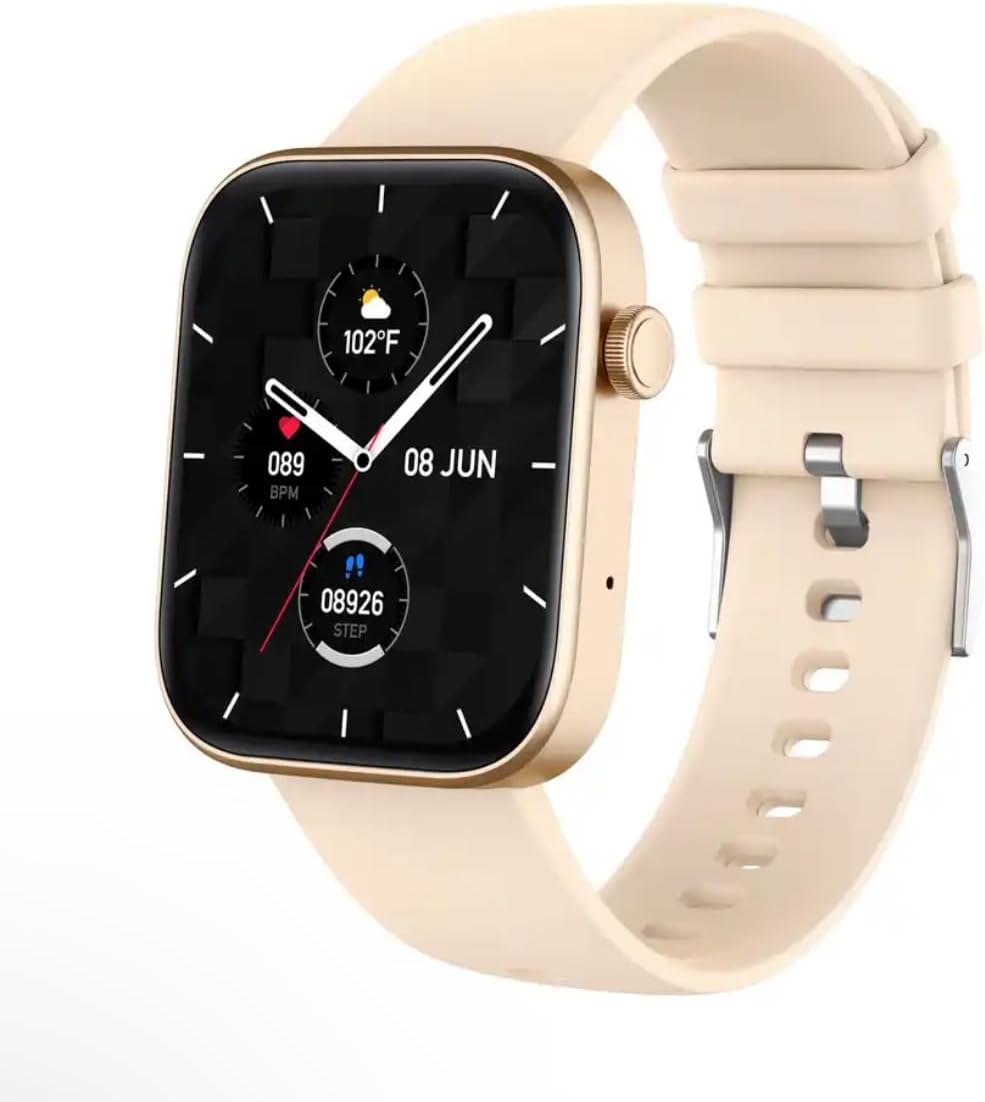
Image: The COLMI P71 Smart Watch, featuring a square display, a beige silicone strap, and a metallic gold-colored frame. The watch face shows the date, time, temperature, heart rate, and step count.
Setup
1. Initial Charging
Before first use, fully charge your COLMI P71 Smart Watch. Connect the magnetic charging cable to the charging points on the back of the watch and plug the USB end into a standard USB power adapter (not included). The watch display will indicate charging status. A full charge typically takes approximately 2 hours.
2. App Download and Pairing
- Scan the QR code provided in the watch packaging or search for the official companion app (e.g., 'Da Fit' or similar, as per packaging) in your smartphone's app store (App Store for iOS, Google Play Store for Android).
- Install the app and create an account if prompted.
- Ensure Bluetooth is enabled on your smartphone.
- Open the app, navigate to the 'Device' or 'Add Device' section, and select your COLMI P71 from the list of available devices.
- Follow the on-screen prompts to complete the pairing process. A successful connection will be indicated on both the watch and the app.
Operating Instructions
Basic Navigation
- Swipe Up/Down: Scroll through menus and notifications.
- Swipe Left/Right: Access quick functions or different data screens.
- Tap: Select an item or confirm an action.
- Side Button: Press to return to the home screen or wake the display. Long press for power options.
Bluetooth Calling and Smart Notifications
The COLMI P71 supports Bluetooth calling, allowing you to make and receive calls directly from your wrist when connected to your smartphone. It also displays SMS, WhatsApp, and other app notifications.

Image: Two COLMI P71 smartwatches, one with a beige strap and the other with a blue strap, are shown. The displays illustrate the Bluetooth calling feature, with one watch showing a 'Telephone' interface with options for 'Recent calls' and 'Dialpad', and the other showing a 'Contact' screen.
To enable these features, ensure the watch is paired with your phone via the app and that all necessary permissions (e.g., call logs, contacts, notifications) are granted to the app in your phone's settings.
Health Monitoring
The watch provides comprehensive health monitoring features, including heart rate, blood pressure, blood oxygen (SpO2), and sleep tracking.
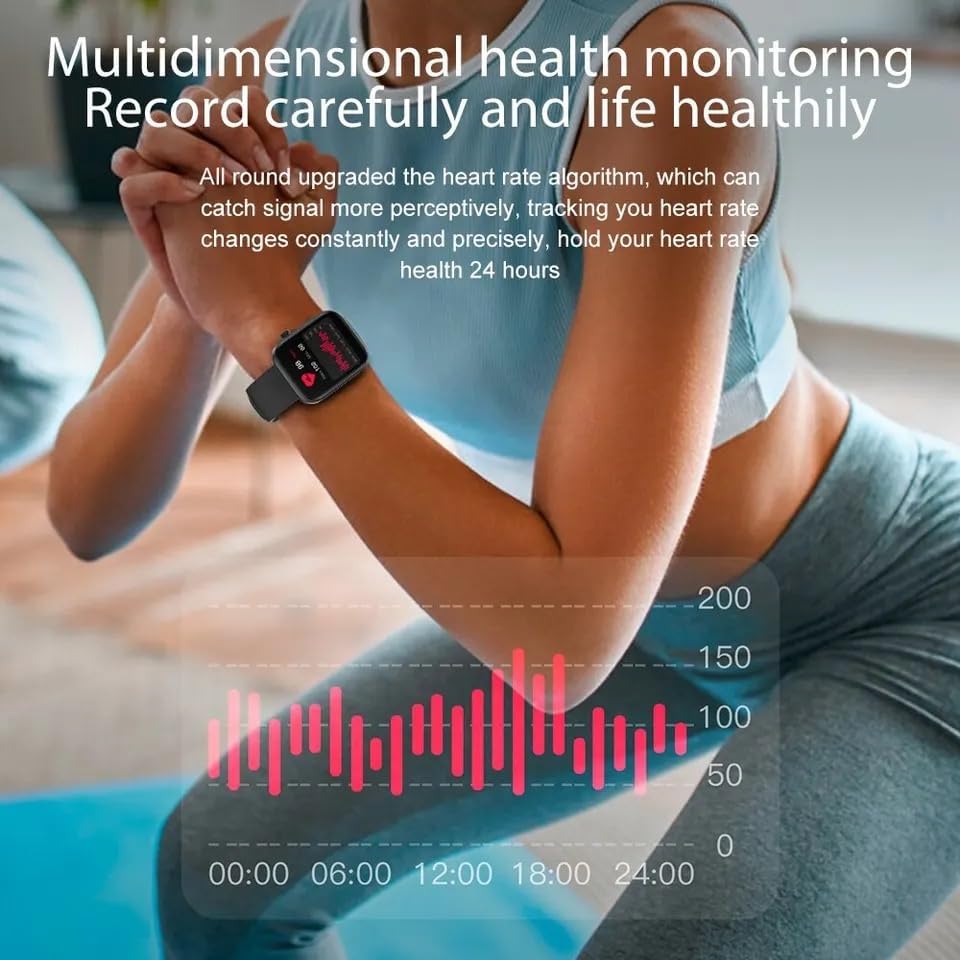
Image: A person is shown wearing the COLMI P71 Smart Watch on their wrist while performing an exercise. The image highlights the watch's multidimensional health monitoring capabilities, with a graph overlay illustrating heart rate data over a 24-hour period.
- Heart Rate & Blood Pressure: Access these functions from the watch menu. For accurate readings, ensure the watch is snug on your wrist and remain still during measurement.
- SpO2 Monitoring: The watch can track your blood oxygen saturation round-the-clock.
- Sleep Monitoring: Wear the watch to bed for automatic sleep tracking. The app will provide detailed analysis of your sleep stages.
- Female Health: Record and predict menstrual periods, ovulation, and receive vibration reminders.
- Breathe Training: Guided breathing exercises to help relax and reduce stress.
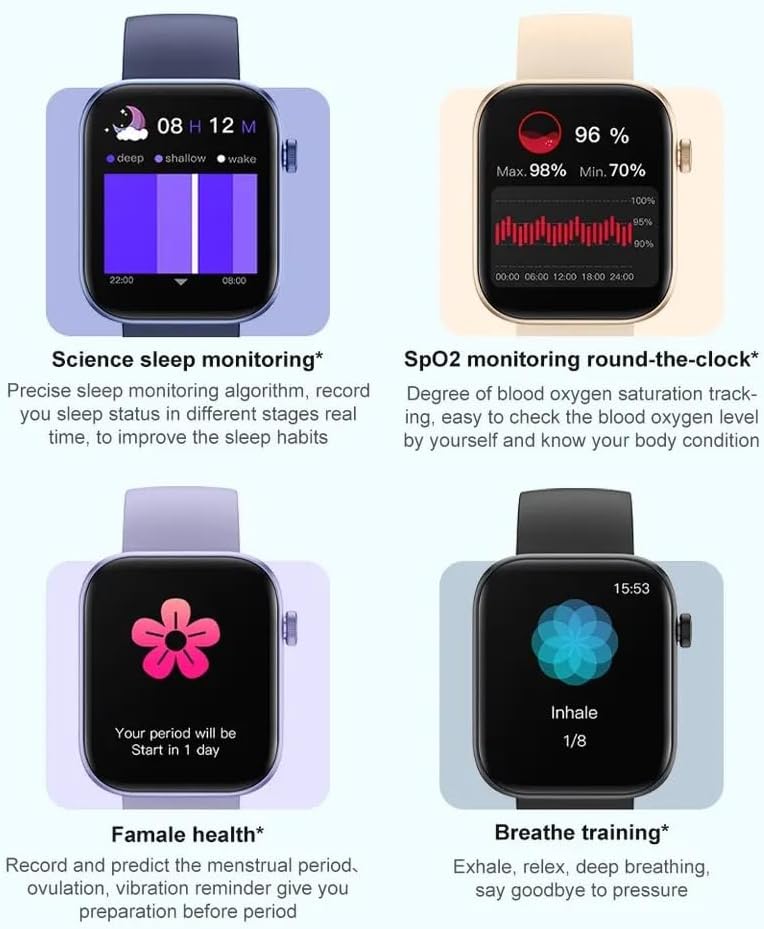
Image: A composite image displaying four key health features of the COLMI P71 Smart Watch. These include detailed sleep monitoring graphs, real-time SpO2 (blood oxygen) level tracking, a female health tracking interface showing period prediction, and a guided breathe training screen.
Sports Modes
The COLMI P71 offers over 100 sports modes to record your exercise data, including running, walking, cycling, and more. Select your desired activity from the sports menu to begin tracking.

Image: The COLMI P71 Smart Watch is shown on a wrist, displaying various exercise metrics such as steps, distance, calories, and heart rate. Below the watch, a row of icons represents the 100+ available sports modes, including running, cycling, yoga, and weightlifting.
Voice Assistant
Utilize the integrated voice assistant for quick commands and information retrieval. Ensure your watch is connected to your smartphone and the voice assistant feature is enabled in the app settings.
Maintenance
Water Resistance (IP68)
The COLMI P71 Smart Watch is IP68 waterproof, meaning it is resistant to dust and can withstand immersion in water up to 1.5 meters for 30 minutes. It is suitable for daily use, hand washing, and light rain. However, it is not recommended for hot showers, saunas, or diving, as steam and high water pressure can compromise the seals.
Cleaning
Regularly clean your watch and strap with a soft, damp cloth. Avoid using harsh chemicals or abrasive materials. Ensure the charging contacts are clean and dry before charging.
Battery Care
To prolong battery life, avoid extreme temperatures. Charge the watch fully before storing it for extended periods. The watch features a 230mAh battery, providing up to 7 days of typical usage.
Troubleshooting
- Watch not turning on: Ensure the watch is fully charged. Connect it to the charger for at least 30 minutes.
- Cannot pair with phone: Make sure Bluetooth is enabled on your phone and the watch. Restart both devices. Ensure the app has necessary permissions.
- Inaccurate health data: Ensure the watch is worn snugly on your wrist, not too tight or too loose. Avoid excessive movement during measurements.
- Notifications not received: Check app notification permissions on your phone. Ensure the app is running in the background and not optimized for battery saving.
- Screen unresponsive: Try restarting the watch by long-pressing the side button. If unresponsive, allow the battery to drain completely and then recharge.
Specifications
| Feature | Detail |
|---|---|
| Model Name | P71 |
| Brand | Generic |
| Screen Size | 1.9 Inches |
| Shape | Square |
| Operating System | Smartwatch OS |
| Connectivity Technology | Bluetooth |
| Wireless Communication Standard | Bluetooth |
| Special Features | Distance Tracker, Blood Pressure, Heart Rate Monitor, SpO2, Sleep Monitor, Female Health, Voice Assistant |
| Battery Cell Composition | Lithium |
| Water Resistance | IP68 |
| Date First Available | 25 October 2023 |
Warranty and Support
For warranty information and customer support, please refer to the documentation included with your purchase or contact the seller directly. Keep your proof of purchase for any warranty claims.
Ask a question about this manual
Ask about setup, troubleshooting, compatibility, parts, safety, or missing instructions. Manuals+ will review the question and use this page’s manual context to help answer it.