
BUNACET BNT-DE-LED-Lights
BUNACET RGB Neon LED Strip 8M 24V User Manual
Model: BNT-DE-LED-Lights
1. Introduction
Thank you for choosing the BUNACET RGB Neon LED Strip. This 8-meter, 24V flexible LED strip is designed to provide vibrant, customizable lighting for both indoor and outdoor environments. Featuring IP65 waterproofing for the strip itself, along with smart app and remote control options, it offers a dynamic lighting experience. This manual provides essential information for safe installation, operation, and maintenance of your LED strip.

Image 1.1: Overview of the BUNACET RGB Neon LED Strip and its main components, including the 8-meter flexible strip, power adapter, RF remote control, and signal receiver.
2. Package Contents
Please verify that all items are present in your package:
- 1 x 8M RGB Neon LED Strip
- 1 x 24V 1.5A Power Supply
- 1 x RF Remote Control
- 1 x 3-Key Signal Receiver
- 16 x Mounting Clips
- 16 x Screws
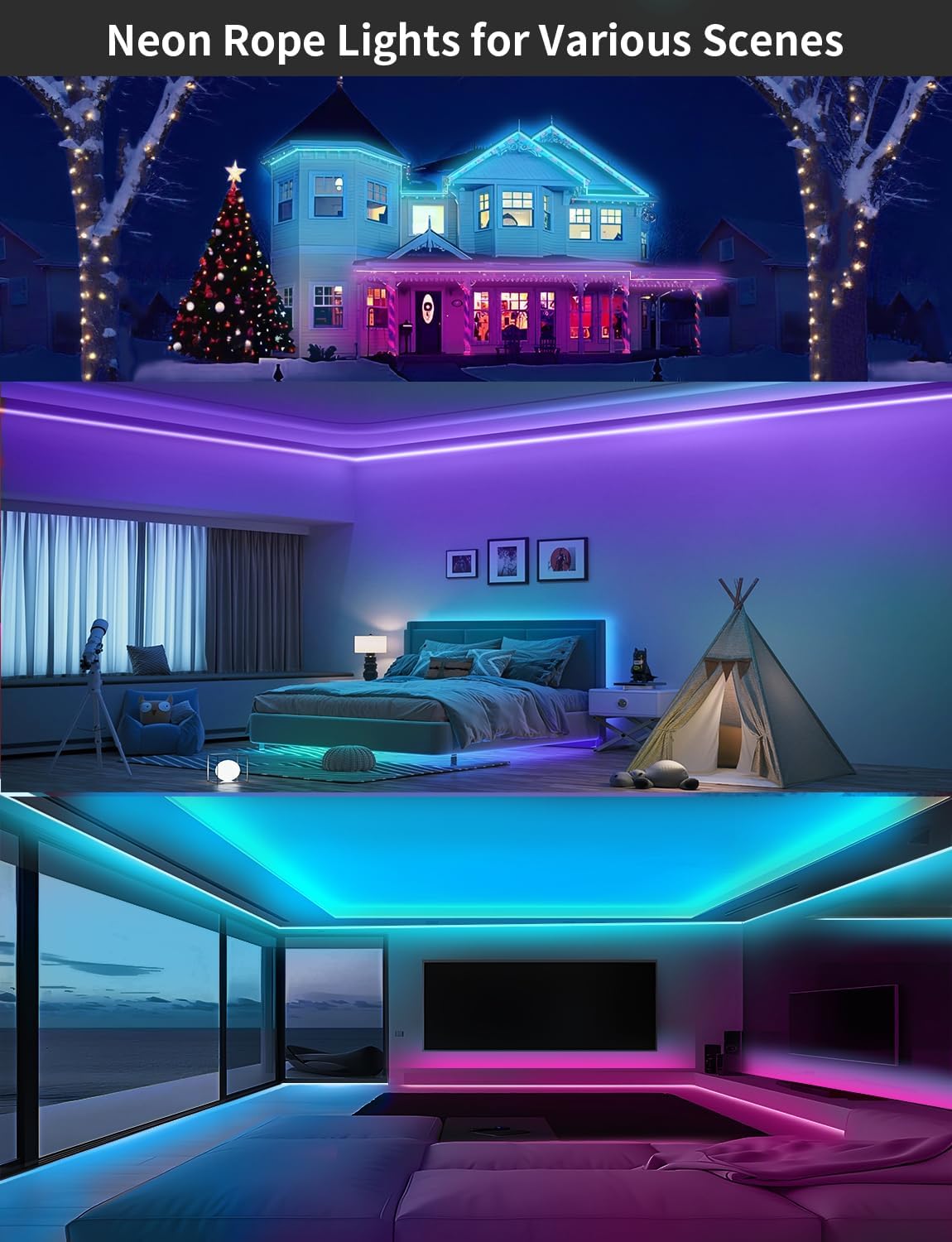
Image 2.1: A visual representation of the complete set of components provided with the LED strip, including the strip, power adapter, remote, and mounting hardware.
3. Key Features
- Dynamic & Colorful Lighting: Offers 16 million color choices and music synchronization. Features 864 super bright LEDs (108 LEDs/meter) with a side-emitting design for uniform, spotless illumination.
- Smart Control Options: Easily control the strip via the included RF remote control or the 'Lotus Lantern' mobile application.
- IP65 Waterproof & Flexible: The silicone-encased LED strip is IP65 rated, making it suitable for both indoor and outdoor use (note: power supply and controller are not waterproof). Its flexible design allows for bending and shaping to fit various decorative needs.
- Safe Low Voltage Operation: Operates at a safe 24V low voltage. The high-quality silicone casing is temperature-resistant and non-flammable.
- Versatile Functions: Includes dimmable brightness, timer settings, music sync mode, and microphone mode for reactive lighting.

Image 3.1: Examples of the LED strip installed in different environments, showcasing its versatility for both indoor and outdoor decorative lighting applications.
4. Setup and Installation
Follow these steps to install your BUNACET RGB Neon LED Strip:
- Plan Your Layout: Before installation, determine the desired path for your LED strip. Ensure the surface is clean, dry, and smooth for optimal adhesion of the mounting clips.
- Secure the Strip: Use the provided mounting clips and screws to firmly secure the LED strip along your planned path. Space the clips evenly to ensure the strip is held securely.
- Connect Components:
- Connect the LED strip to the 3-key signal receiver.
- Connect the signal receiver to the 24V power supply.
- Power On: Plug the power supply into a standard electrical outlet. The LED strip should illuminate.
Important Note: While the LED strip itself is IP65 waterproof, the power supply and the 3-key signal receiver are not waterproof. Ensure these components are installed in a dry location, protected from water and moisture, especially for outdoor installations.

Image 4.1: A visual guide demonstrating the connection of the LED strip to the signal receiver and power supply, and how to secure the strip using mounting clips.
5. Operating Instructions
5.1. Using the RF Remote Control
The included RF remote control allows for convenient operation of your LED strip. Before first use, ensure you remove the plastic film from the battery compartment.
- Power On/Off: Press the ON or OFF button.
- Color Selection: Choose from a wide range of preset colors.
- Brightness Adjustment: Increase or decrease the light intensity.
- DIY Modes: Customize and save your preferred color combinations.
- Flash Settings: Select various dynamic lighting effects.
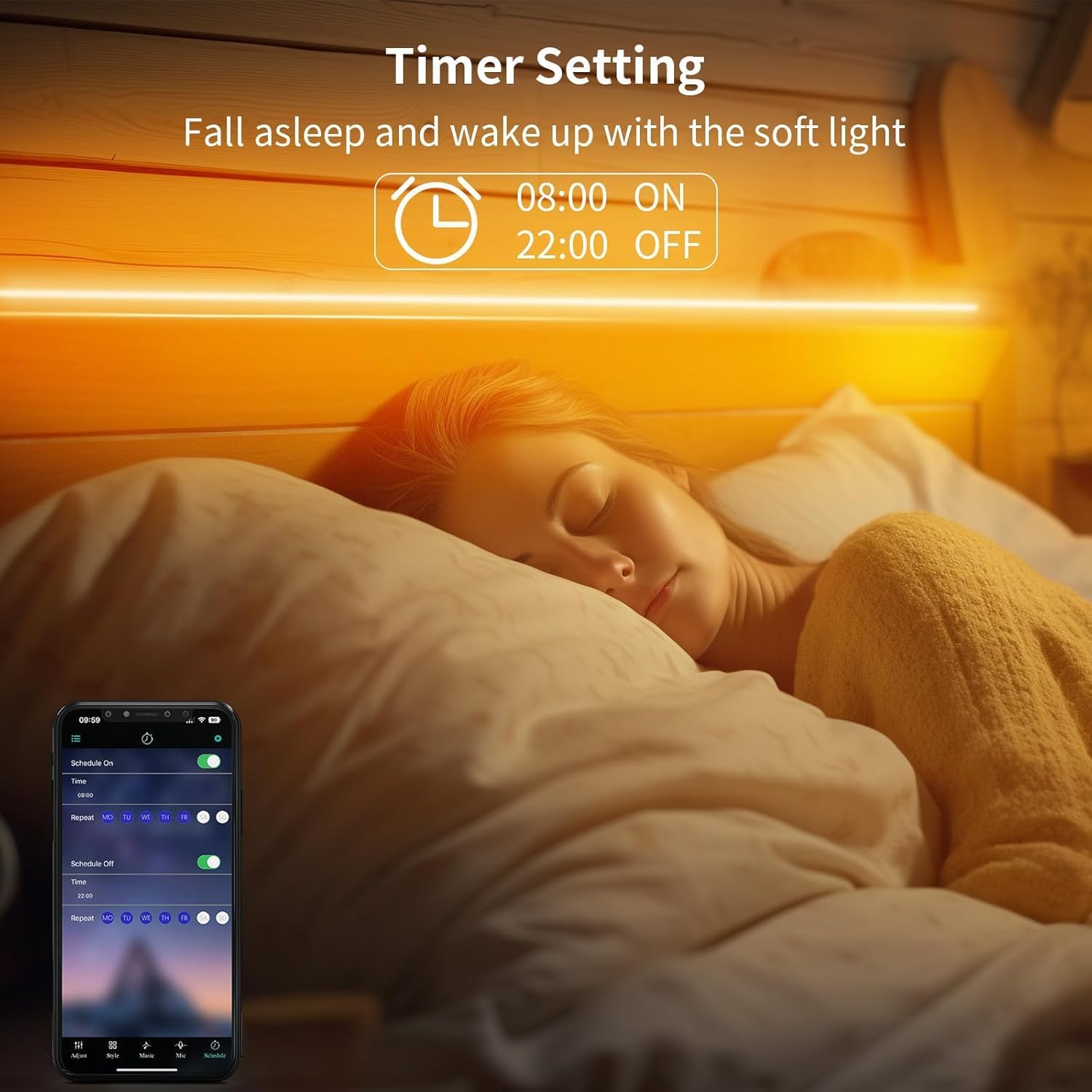
Image 5.1: The RF remote control, showing its various buttons for color selection, brightness adjustment, and mode changes.
5.2. Using the 'Lotus Lantern' Smart App
For advanced control and features, download the 'Lotus Lantern' app on your smartphone (available for iOS and Android). Follow the app's instructions to pair your device.
- Color Wheel: Access 16 million colors for precise customization.
- Music Sync Mode: The lights will change color and pattern in rhythm with music played through your phone's microphone or selected audio files.
- Microphone Mode: The lights will pulsate and change colors based on ambient sounds detected by your phone's microphone.
- Timer Setting: Schedule the LED strip to turn on or off at specific times, or set a countdown timer.
- Scene Modes: Choose from various pre-programmed lighting scenes for different moods and occasions.

Image 5.2: Screenshots of the 'Lotus Lantern' app interface, illustrating options for time setting, microphone mode, 16 million color selection, and music synchronization.
5.3. Music and Mic Mode Demonstration
Video 5.3.1: A user-submitted video demonstrating the multi-color display capability of the LED strip, showcasing how different colors can be emitted simultaneously. This feature is particularly effective in music and microphone modes.
Video 5.3.2: A user-submitted video showing the LED strip in operation, highlighting its general lighting effects and how it can be used to enhance room ambiance.
6. Maintenance
To ensure the longevity and optimal performance of your LED strip, follow these maintenance guidelines:
- Cleaning: Gently wipe the LED strip with a soft, dry cloth to remove dust and debris. Do not use harsh chemicals or abrasive cleaners.
- Storage: If storing the LED strip for an extended period, coil it loosely and keep it in a cool, dry place away from direct sunlight and extreme temperatures.
- Component Protection: Always ensure the power supply and signal receiver are protected from water and moisture, as they are not waterproof.
7. Troubleshooting
If you encounter issues with your BUNACET RGB Neon LED Strip, refer to the following common problems and solutions:
| Problem | Possible Cause | Solution |
|---|---|---|
| LED strip does not light up. | No power, loose connection, faulty power supply/receiver. | Check all connections. Ensure power supply is plugged in. Test with another outlet. Verify power supply and receiver are functioning. |
| Remote control not working. | Battery depleted, plastic film not removed, remote out of range, receiver obstructed. | Replace CR2 battery in remote. Remove plastic film. Ensure remote is within range and pointed towards the receiver. Remove any obstructions. |
| App control issues (cannot connect/control). | Bluetooth/Wi-Fi off, app not paired, interference, outdated app. | Ensure Bluetooth/Wi-Fi is enabled on your device. Restart the app and your phone. Re-pair the device in the app. Check for app updates. |
| Lights flicker or display incorrect colors. | Loose connection, power fluctuation, damaged strip section. | Check all connections for secure fit. Ensure stable power supply. If a section is damaged, contact support. |
8. Specifications
| Specification | Detail |
|---|---|
| Brand | BUNACET |
| Model Number | BNT-DE-LED-Lights |
| Length | 8 Meters |
| Voltage | 24V DC |
| Power | 36 Watts |
| Material | Silicone |
| Waterproof Rating | IP65 (LED Strip only) |
| LED Quantity | 108 LEDs/Meter (864 LEDs total for 8M) |
| Control Type | RF Remote Control, Smart App (Lotus Lantern) |
| Average Lifespan | 50,000 Hours |
| Included Battery | 1 x CR2 (for remote) |
| Dimensions (Package) | 28.2 x 28.2 x 5.2 cm |
| Item Weight | 990 grams |
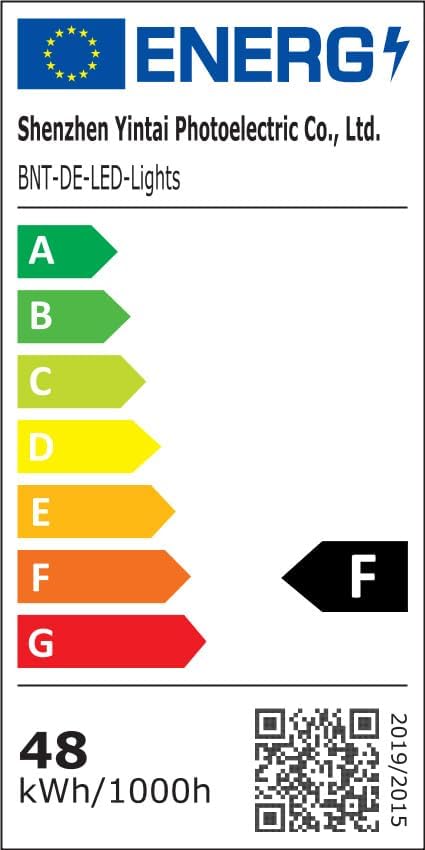
Image 8.1: Energy efficiency label for the LED strip, indicating its energy class. For more details, scan the QR code or visit the EPREL database.
9. Safety Information
- Always ensure the power supply and signal receiver are kept dry and away from water, as they are not waterproof.
- Do not cut the LED strip unless specifically indicated by cut marks, as this may damage the circuit and void the warranty.
- Operate the product within its specified voltage (24V) to prevent damage or safety hazards.
- Keep out of reach of children.
- Do not stare directly into the LED lights for extended periods, as it may cause eye strain.
10. Warranty and Support
BUNACET is committed to providing high-quality products. For any questions, technical support, or warranty inquiries, please contact BUNACET customer service through the retailer's platform or the official BUNACET website. Please retain your proof of purchase for warranty claims.
Ask a question about this manual
Ask about setup, troubleshooting, compatibility, parts, safety, or missing instructions. Manuals+ will review the question and use this page’s manual context to help answer it.