
Introduction
The JDIAG TPMS Relearn Tool T508 is designed to activate and reset Tire Pressure Monitoring System (TPMS) sensors in various vehicle models. This tool facilitates the relearning process after tire rotation, sensor replacement, or seasonal tire changes, ensuring accurate tire pressure monitoring.
It supports tire sensors operating at 315 MHz or 433 MHz frequencies.
Product Overview
The JDIAG T508 tool features a compact design with an LCD screen and intuitive button controls for easy navigation and operation.
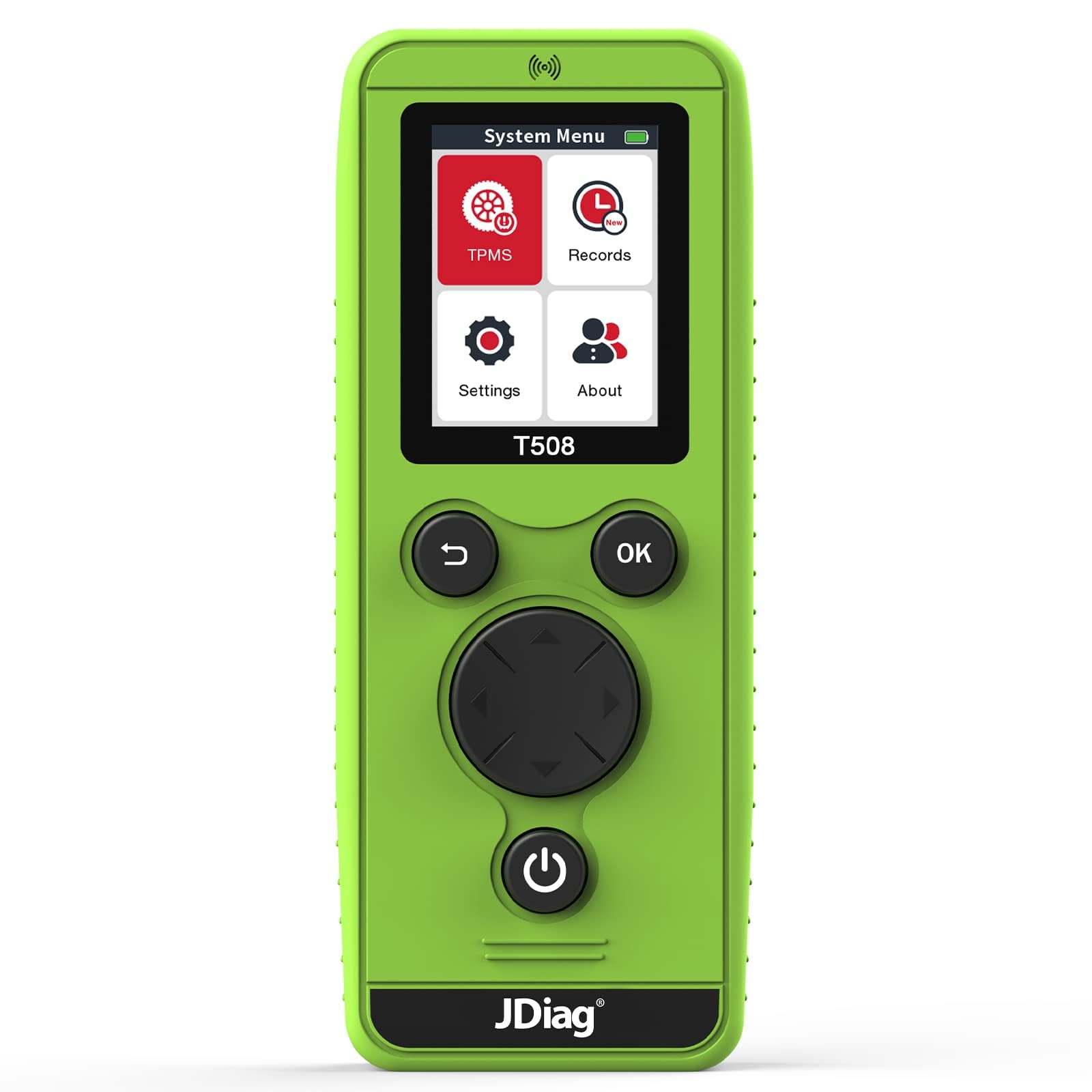
Image: Front view of the JDIAG TPMS Relearn Tool T508.
Device Components and Controls

Image: Detailed view of the JDIAG T508 tool with labeled components and controls.
- Antenna: Located at the top for signal transmission and reception.
- USB Interface: For connecting to a computer to perform firmware upgrades.
- Screen: Displays the system menu, vehicle information, and relearn procedures.
- TPMS System Menu: Select to choose vehicle brand and year for TPMS relearn.
- Records: View previously tested vehicle data.
- Settings: Adjust language, region, power-off time, and other device preferences.
- About: Displays basic device information.
- Back Key: Returns to the main menu (long press).
- OK Key: Confirms selections and initiates relearn procedures.
- Navigation Keys (Up, Down, Left, Right): For menu navigation.
- Power Key: Turns the device on/off (long press).
- Battery Compartment: Located at the back, requires 3 AA batteries.
Setup
Battery Installation
- Locate the battery compartment on the back of the T508 tool.
- Open the battery compartment cover.
- Insert 3 new AA batteries, ensuring correct polarity (+/-).
- Close the battery compartment cover securely.
Important Note: New AA batteries are required for optimal performance. The signal strength of the TPMS tool is affected by battery voltage.
Initial Power On
Long press the Power Key (⏻) to turn on the device. The main menu will appear on the screen.
Operating Instructions: TPMS Sensor Activation
Follow these steps to activate and relearn TPMS sensors:

Image: Visual guide illustrating the four steps for TPMS sensor activation.
- Step 1: Enter TPMS System. From the main menu, select the 'TPMS' option. Choose your car's brand and year.
- Step 2: Set Vehicle to Learning Mode. Ensure your vehicle is in TPMS learning mode. Refer to your vehicle's owner's manual or the 'Relearn Procedure' option within the T508 tool (after selecting your vehicle) for specific instructions on how to enter learning mode.
- Step 3: Scan Single Sensor. Select 'Scan Single Sensor' on the T508. Place the tool's antenna near the tire valve stem, against the tire sidewall. Press the 'OK' key to initiate the relearn process for that tire. The vehicle's horn will typically chirp once to confirm successful reset of the tire.
- Step 4: Complete Relearn Sequence. Proceed to relearn the remaining tires in the following order: Front Left, Front Right, Rear Left, Rear Right. The vehicle's horn will chirp twice, indicating that the entire tire relearn process is complete.
Ensure the tool's antenna is correctly positioned during scanning for optimal signal reception.
Vehicle Compatibility
The JDIAG T508 TPMS Relearn Tool is compatible with a wide range of vehicles equipped with 315 MHz or 433 MHz TPMS sensors. Supported brands include, but are not limited to:
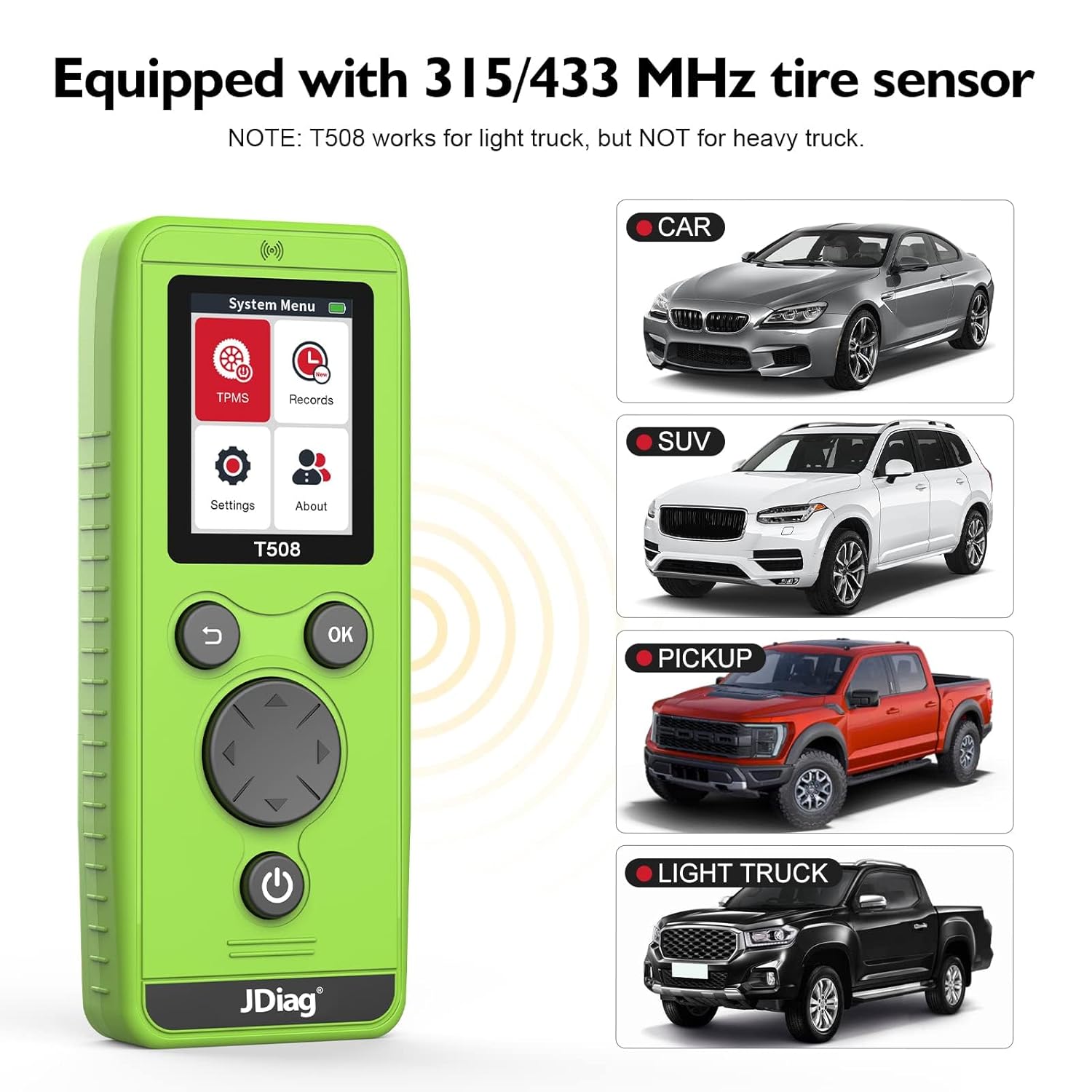
Image: The JDIAG T508 tool is compatible with various vehicle types including cars, SUVs, pickups, and light trucks.
- General Motors (GM) Series: Buick, Cadillac, Chevrolet, GMC, Opel, Saturn.
- Ford Series: F150, F250, Focus, Mustang, Lincoln, Mercury.
- Chrysler Series: Chrysler, Dodge, RAM, Jeep.
- Volkswagen Series.
- Volvo, Skoda.
- Mercedes, BMW.
- And more.
Note: For Subaru, Toyota, Honda, and similar vehicles, an additional OBD tool may be required to assist the T508 in entering learning mode and completing the tire pressure relearn process. The T508 is designed for light trucks but is not compatible with heavy trucks and vans.
Important Notes and Tips
- Always use new AA batteries for optimal signal strength and performance.
- Ensure the antenna is correctly positioned on the tire sidewall near the valve stem during the scanning process.
- For certain vehicle brands (e.g., Subaru, Toyota, Honda), an OBD tool might be necessary in conjunction with the T508 to complete the TPMS relearn procedure.
- The device firmware can be upgraded via USB cable. Check the manufacturer's website for the latest updates.

Image: Illustration of the T508's signal strength and range during operation.
Maintenance
- Keep the device clean and free from dust and moisture. Use a soft, dry cloth for cleaning.
- Store the tool in a cool, dry place when not in use.
- Remove batteries if the device will not be used for an extended period to prevent leakage.
- Avoid dropping the device or subjecting it to strong impacts.
Troubleshooting
| Problem | Possible Cause | Solution |
|---|---|---|
| Device does not power on. | Low or dead batteries; incorrect battery installation. | Replace with new AA batteries, ensuring correct polarity. |
| Sensor not activating/relearning. | Vehicle not in learning mode; incorrect tool positioning; weak battery signal; incompatible sensor frequency. | Verify vehicle is in learning mode. Reposition the tool closer to the valve stem. Replace device batteries. Confirm sensor frequency (315/433 MHz). |
| Inconsistent signal or activation. | Low battery voltage; antenna not correctly aligned. | Ensure fresh batteries are used. Adjust antenna position for better contact with the tire sidewall. |
Specifications
- Brand: JDiag
- Model: T508 Relearn tool
- Manufacturer Part Number: T508
- Power Source: Battery Powered (3 x AA batteries, not included)
- Operating System: Linux
- Supported TPMS Frequencies: 315 MHz, 433 MHz
- Connectivity: USB for upgrades
Warranty and Support
For warranty information, technical support, or service inquiries, please contact JDiag customer service directly. Refer to the product packaging or the official JDiag website for contact details and the most current warranty policy.


