
Introduction
This manual provides comprehensive instructions for the GOWENIC Aviation Headset Cable, designed as a replacement for aviation headsets utilizing dual GA plugs. Please read this manual thoroughly before use to ensure proper installation and operation.
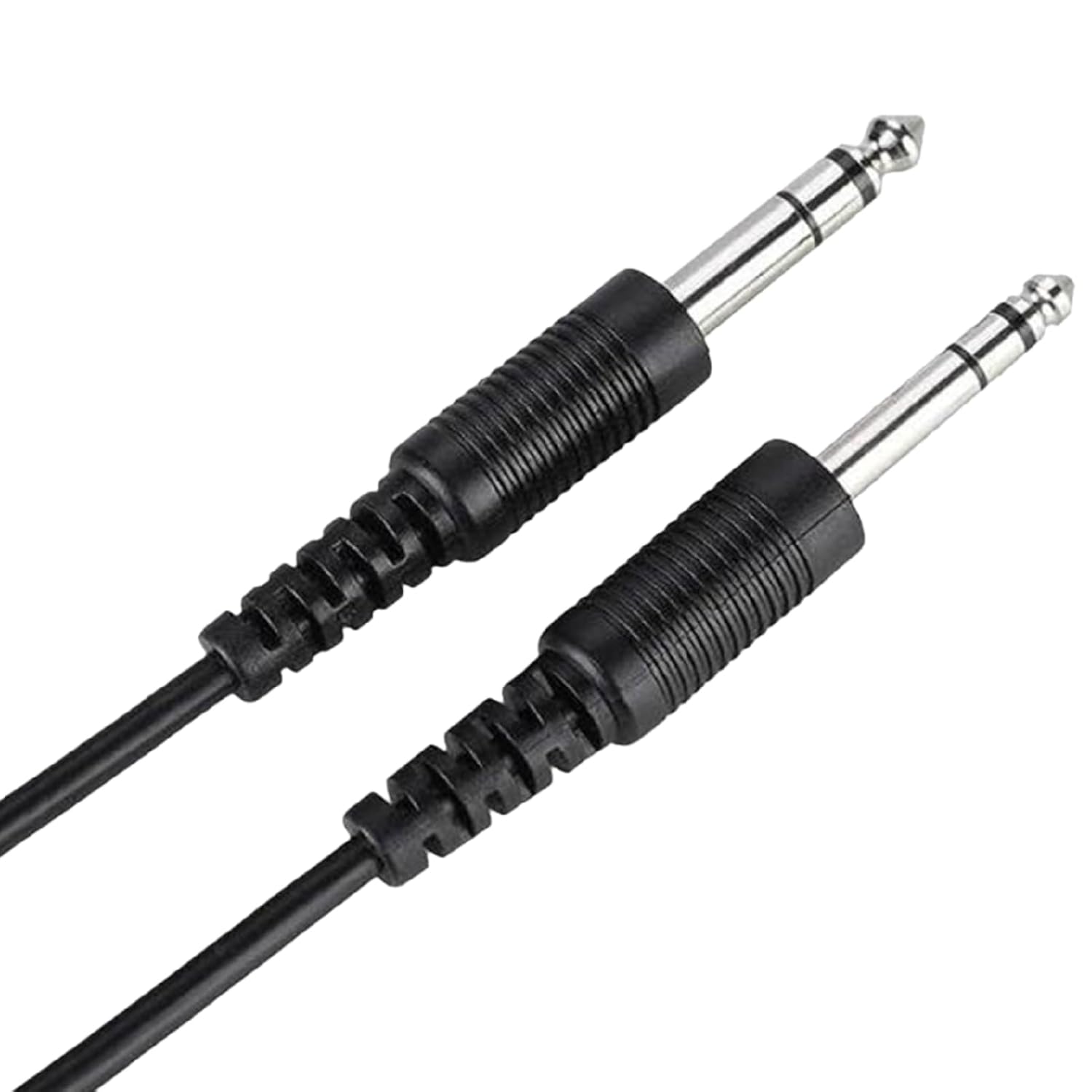
Image: The GOWENIC Aviation Headset Cable, featuring its two distinct GA plugs, ready for connection.
Product Features
The GOWENIC Aviation Headset Cable offers several key features:
- Compatibility: Specifically designed for David Clark and AVCOMM aviation headsets with dual GA plug configurations.
- Plug Types: Includes a 3/16-inch microphone plug (PJ-068) and a 1/4-inch speaker plug (PJ-055).
- Length: Approximately 2 meters (6.5 feet) in length, providing ample reach and flexibility.
- Durability: Constructed from premium PVC material for enhanced wear and scratch resistance, ensuring a long service life.
- Replacement: Serves as an ideal replacement for old or damaged aviation headset cables.

Image: A detailed view of the dual GA plugs, clearly showing the PJ-068 microphone plug and the PJ-055 speaker plug.
Setup and Installation
Follow these steps to properly install your GOWENIC Aviation Headset Cable:
- Identify Plugs: Locate the microphone input and speaker output ports on your aviation headset. The smaller plug (PJ-068) is for the microphone, and the larger plug (PJ-055) is for the speaker.
- Connect Microphone Plug: Carefully insert the 3/16-inch microphone plug (PJ-068) into the corresponding microphone input port on your headset. Ensure it is fully seated.
- Connect Speaker Plug: Insert the 1/4-inch speaker plug (PJ-055) into the speaker output port on your headset. Push firmly until it clicks into place.
- Cable Management: Route the cable in a way that avoids kinks, sharp bends, or interference with other equipment. Use cable ties if necessary to secure excess length.
- Test Connection: After installation, perform a communication check to ensure both microphone and speaker functions are working correctly.

Image: The aviation headset cable coiled, illustrating its length and the two distinct plugs at one end.
Operating Instructions
Once the GOWENIC Aviation Headset Cable is properly connected, its operation is integrated with your aviation headset and intercom system. No specific operational steps are required for the cable itself beyond ensuring a secure connection.
- Ensure both plugs are fully inserted into their respective ports on the headset.
- Verify that the headset is properly connected to the aircraft's intercom system.
- Adjust headset volume and microphone gain settings as per your aircraft's intercom system instructions.
Maintenance and Care
To ensure the longevity and optimal performance of your GOWENIC Aviation Headset Cable, follow these maintenance guidelines:
- Cleaning: Wipe the cable with a soft, dry cloth. Avoid using harsh chemicals or abrasive cleaners.
- Storage: When not in use, coil the cable loosely. Avoid tight coiling or sharp bends, which can damage the internal wires. Store in a cool, dry place away from direct sunlight and extreme temperatures.
- Handling: Always grasp the plug housing when connecting or disconnecting the cable, rather than pulling on the cable itself. This prevents strain on the connections.
- Inspection: Periodically inspect the cable for any signs of wear, fraying, cuts, or damage to the plugs. Replace the cable if any damage is observed.
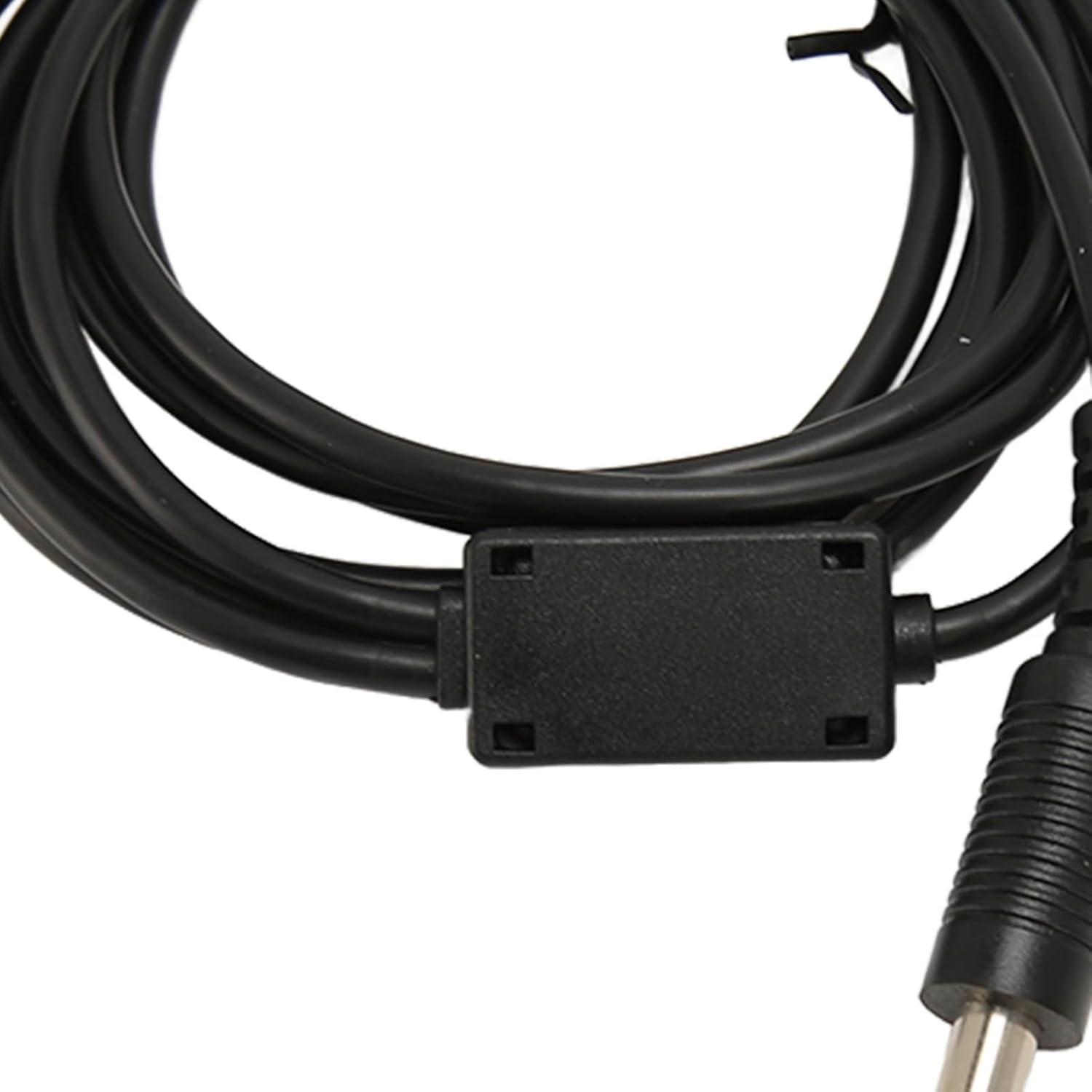
Image: A close-up of the cable near the plugs, highlighting the robust construction and strain relief designed for durability.
Troubleshooting
If you encounter issues with your GOWENIC Aviation Headset Cable, refer to the following common problems and solutions:
| Problem | Possible Cause | Solution |
|---|---|---|
| No audio from headset speakers. | Speaker plug (PJ-055) not fully inserted or damaged. Headset volume too low. | Ensure PJ-055 plug is securely connected. Check headset volume and intercom settings. Test with another known-good cable if available. |
| Microphone not transmitting. | Microphone plug (PJ-068) not fully inserted or damaged. Microphone gain too low. | Ensure PJ-068 plug is securely connected. Check microphone gain settings on the intercom. Verify headset microphone is not muted. |
| Intermittent audio or static. | Loose connection, damaged cable, or interference. | Check all connections for tightness. Inspect the cable for visible damage. Ensure cable is not routed near strong electromagnetic fields. |
| Cable appears physically damaged. | Physical stress, improper handling, or wear and tear. | Discontinue use immediately. Replace the cable with a new GOWENIC Aviation Headset Cable. |
If the issue persists after attempting these solutions, please contact GOWENIC customer support for further assistance.
Specifications
| Attribute | Detail |
|---|---|
| Model Number | GOWENICxe2gvckt79 |
| Brand | GOWENIC |
| Cable Type | Aviation Headset Replacement Cable |
| Microphone Plug | PJ-068 (3/16 inch) |
| Speaker Plug | PJ-055 (1/4 inch) |
| Cable Length | Approx. 2 meters (6.5 feet) |
| Material | Premium PVC |
| Compatible Devices | David Clark, AVCOMM Aviation Headsets |
Warranty and Support
For warranty information and customer support, please refer to the official GOWENIC website or contact your retailer. Keep your purchase receipt as proof of purchase.
For direct inquiries, you may visit the GOWENIC Store on Amazon.