Introduction
This manual provides instructions for the installation, operation, and maintenance of the PAKITE Radiator Fan, designed specifically for the PAKITE 950 Wireless HDMI Transmitter and Receiver Kit. The fan is intended to reduce the operating temperature of your device, ensuring stable performance and extending its lifespan.
Safety Information
- Ensure the fan is connected to a compatible power source (e.g., USB port on the PAKITE 950 kit or a standard USB power adapter).
- Do not block the fan's air intake or exhaust vents.
- Keep the fan away from water and excessive moisture.
- Do not attempt to disassemble or repair the fan yourself. Contact customer support if issues arise.
- Keep out of reach of children.
Package Contents
Please check the package for the following items:
- PAKITE Radiator Fan Unit
- USB Power Cable (if included)
- Instruction Manual (this document)
Setup
- Positioning the Fan: Place the PAKITE Radiator Fan near or directly on top of your PAKITE 950 Wireless HDMI Transmitter or Receiver unit. Ensure the fan's airflow is directed towards the device to facilitate cooling.
- Connecting Power: Connect the provided USB power cable to the fan's power input port.
- Power Source: Plug the other end of the USB power cable into an available USB port on your PAKITE 950 Wireless HDMI Transmitter/Receiver, a USB wall adapter (not included), or any standard USB power source.
- Verification: Once powered, the fan should begin to operate, indicating proper connection.
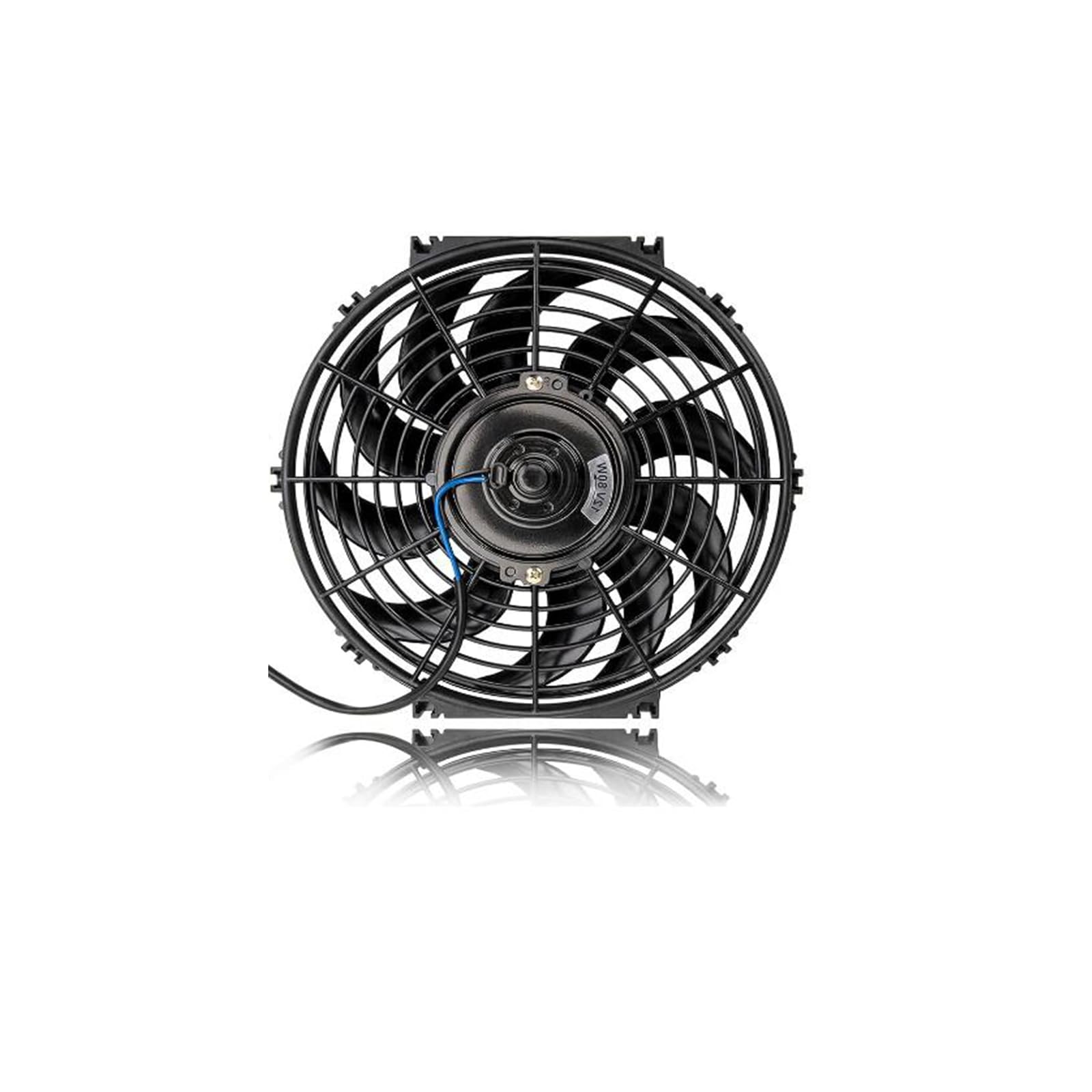
Image: The PAKITE Radiator Fan. This image shows the fan unit, highlighting its design and the USB power connection point. It is designed to be compact and easily positioned alongside the main wireless HDMI units.
Operating Instructions
The PAKITE Radiator Fan operates automatically once connected to a power source. It is designed for continuous operation to maintain optimal temperature for your PAKITE 950 Wireless HDMI Transmitter and Receiver Kit.
- No manual controls are typically required for basic operation.
- Ensure the fan is always powered when the PAKITE 950 kit is in use, especially during extended periods of operation or in warm environments.
Maintenance
- Cleaning: Periodically clean the fan blades and vents using a soft, dry cloth or a can of compressed air to remove dust accumulation. Ensure the fan is disconnected from power before cleaning.
- Storage: If storing the fan for an extended period, disconnect it from power and store it in a cool, dry place away from direct sunlight.
Troubleshooting
| Problem | Possible Cause | Solution |
|---|---|---|
| Fan does not turn on. | No power or loose connection. | Check if the USB cable is securely connected to both the fan and the power source. Try a different USB port or power adapter. |
| Fan is noisy. | Dust accumulation or obstruction. | Disconnect power and gently clean the fan blades and vents. Ensure no cables or objects are obstructing the fan. |
| Device still feels warm. | Improper fan placement or environmental factors. | Ensure the fan is positioned to direct airflow effectively over the PAKITE 950 unit. Avoid placing the device in enclosed spaces or direct sunlight. |
Specifications
- Brand: PAKITE
- Model: Accessory
- Product Dimensions: 5 x 5 x 3 inches
- Color: Black
- Compatibility: Designed for PAKITE 950 Wireless HDMI Transmitter and Receiver Kit
- Power Input: USB (specific voltage/current not provided, assume standard 5V USB)
Warranty and Support
For warranty information, technical support, or service inquiries, please refer to the official PAKITE website or contact their customer service directly. Keep your purchase receipt for warranty claims.
Website: Visit the PAKITE Store on Amazon


