
RoundT2 P1
Petree P1PRO Automatic Self-Cleaning Cat Litter Box with Scratching Ramp User Manual
Model: P1 | Brand: RoundT2
1. Introduction
Thank you for choosing the Petree P1PRO Automatic Self-Cleaning Cat Litter Box. This device is designed to simplify cat care by automatically cleaning litter, managing odors, and providing remote control via a mobile application. It features a spacious interior, advanced safety mechanisms, and a quiet operation for a comfortable environment for your cat and home.

This manual provides essential information for the safe and efficient operation, setup, and maintenance of your Petree P1PRO litter box. Please read it thoroughly before use and retain it for future reference.
2. Important Safety Information
To ensure the safety of your pets and household, observe the following precautions:
- Do not allow children to play with or operate the litter box.
- Ensure the litter box is placed on a stable, level surface.
- Keep the power cord away from water and heat sources.
- Unplug the device before cleaning or performing any maintenance.
- Do not immerse the base unit in water.
- Use only the provided power adapter.
- This device is designed for indoor use only.
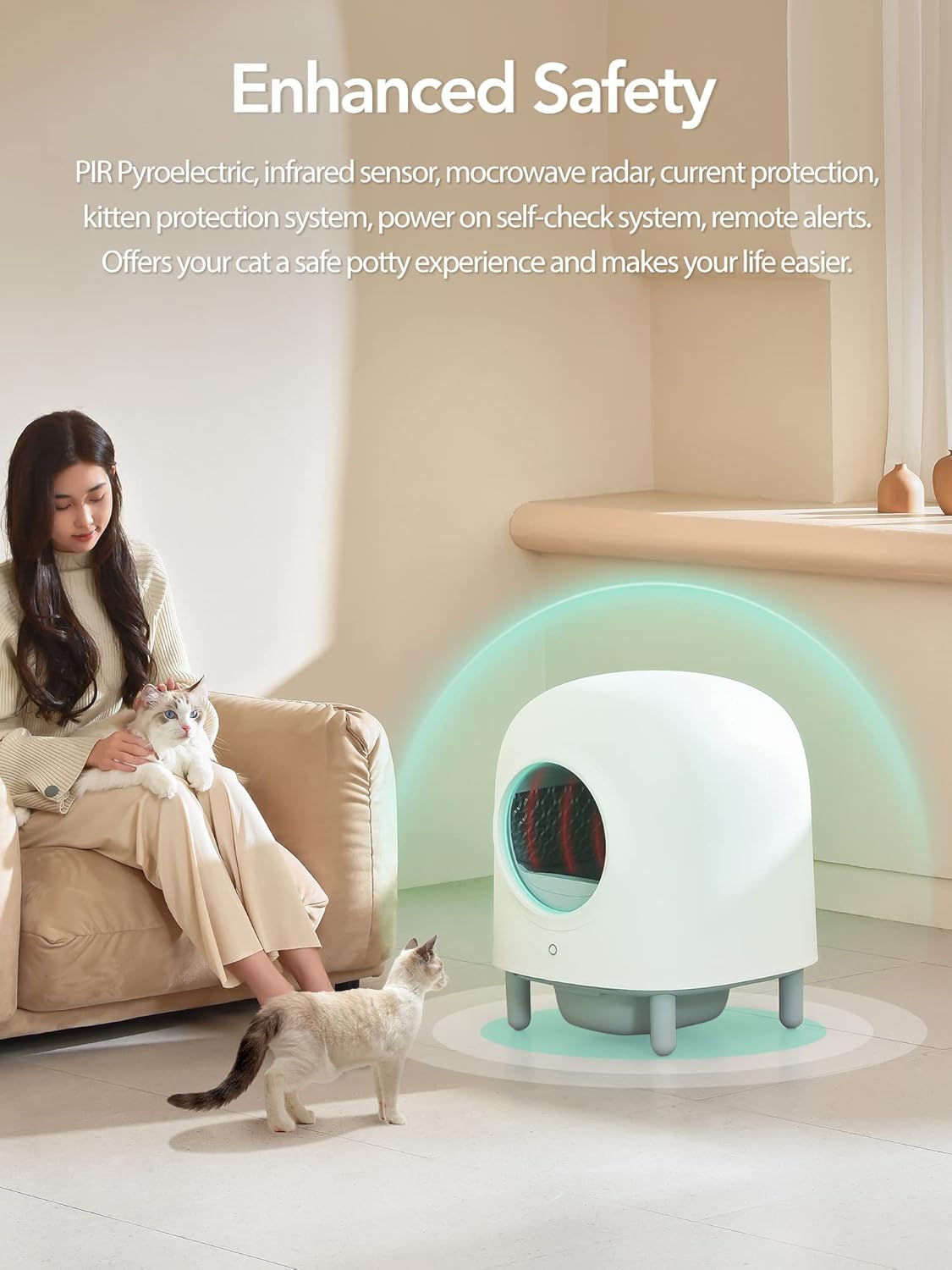
- The litter box incorporates multiple safety sensors, including PIR pyroelectric, infrared, microwave radar, and current protection systems, to detect the presence of a cat and prevent operation during use.
- The kitten protection system ensures safe operation for smaller cats.

3. Package Contents
Verify that all items are present in the package:
- Petree P1PRO Automatic Self-Cleaning Cat Litter Box Unit
- Waste Drawer
- Cat Scratching Ramp
- Power Adapter
- Waste Bags (initial supply)
- User Manual (this document)
4. Product Overview
Familiarize yourself with the components of your Petree P1PRO litter box:

- Top Cover: The upper housing of the unit.
- Ball Bin: The rotating drum where litter is held and cleaning occurs.
- Base: The main unit housing the motor, sensors, and control electronics.
- Waste Drawer: Located at the bottom, collects waste after cleaning cycles.
- Scratching Ramp: Provides an entry point and a scratching surface for your cat.
5. Setup
5.1 Unpacking and Placement
- Carefully remove all components from the packaging.
- Place the litter box on a firm, level surface in a dry area. Ensure there is enough space around the unit for proper ventilation and access.
- Attach the scratching ramp to the designated area at the front of the litter box.
5.2 Adding Litter
The Petree P1PRO is compatible with various types of clumping cat litter:

- Open the top cover or access port to the ball bin.
- Pour clumping cat litter into the ball bin, ensuring it reaches the indicated fill line. Do not overfill, as this can affect the cleaning mechanism.
5.3 Power Connection
- Insert the power adapter into the designated port on the back of the litter box.
- Plug the power adapter into a standard electrical outlet.
- The unit will perform a self-check upon powering on.
5.4 App Control Setup
The Petree P1PRO can be controlled and monitored via a mobile application:

- Download the Petree app from your smartphone's app store (iOS or Android).
- Follow the in-app instructions to create an account and connect your P1PRO litter box to your home Wi-Fi network.
- The app allows for remote control, real-time status monitoring, historical data tracking, and health tracking for your cat.
6. Operating Instructions
6.1 Automatic Cleaning Cycle
The litter box automatically initiates a cleaning cycle after your cat exits the unit. Sensors detect the cat's presence and absence, ensuring the cycle only begins when safe.
- The ball bin rotates, sifting clean litter and depositing waste into the waste drawer.
- The cycle typically takes a few minutes to complete.
6.2 Manual Cleaning
To initiate a cleaning cycle manually:
- Press the control button on the front of the unit.
- Alternatively, use the mobile app to start a cleaning cycle remotely.
6.3 Odor Control System
The Petree P1PRO features an integrated odor removal system:

- A plant essential oil box is integrated to neutralize odors, providing a fresh and harmless deodorizing effect.
- This system works in conjunction with the automatic cleaning to drastically reduce unpleasant smells.
6.4 Quiet Operation
The P1PRO is designed for minimal noise output:

- The ultra-quiet motor operates at less than 40 dB, ensuring minimal disturbance.
- In Sleep Mode, the noise level can be as low as 28 dB.
7. Maintenance
7.1 Emptying the Waste Drawer
The waste drawer should be emptied regularly, depending on the number of cats and their usage:
- The app will notify you when the waste drawer is full.
- Pull out the waste drawer from the front of the unit.
- Remove the filled waste bag, seal it, and dispose of it properly.
- Insert a new waste bag into the drawer and slide it back into the unit until it clicks into place.
7.2 Cleaning the Unit
The Petree P1PRO features a detachable design for easy cleaning:

- Unplug the litter box from the power outlet.
- Disassemble the top cover and ball bin from the base unit. This can be done quickly, typically within 5 seconds.
- All parts, except the electronic base unit, can be washed with water and mild detergent.
- Ensure all washed parts are completely dry before reassembling the unit.
- Wipe the base unit with a damp cloth; do not immerse it in water.
7.3 Litter Replacement (One-Click Clearance)
To completely replace all litter:

- Press and hold the control button on the unit, or use the 'One Click Clearance' function in the app.
- The ball bin will rotate to empty all litter into the waste drawer.
- Empty the waste drawer and refill the ball bin with fresh litter as described in Section 5.2.
7.4 Sensor Cleaning
Periodically wipe the sensor areas with a clean, dry cloth to ensure optimal performance.
8. Troubleshooting
If you encounter issues with your Petree P1PRO, refer to the following common problems and solutions:
| Problem | Possible Cause | Solution |
|---|---|---|
| Unit does not start cleaning cycle. | Cat still detected inside; power issue; sensor obstruction. | Ensure cat has exited. Check power connection. Clean sensors. |
| Cleaning cycle stops midway. | Obstruction in ball bin; litter level too high; sensor error. | Check for foreign objects. Adjust litter level. Clean sensors. Power cycle the unit. |
| Waste drawer full indicator is on, but drawer is empty. | Waste bag not properly seated; sensor obstruction. | Ensure waste bag is pressed down and not obstructing the sensor. Clean the sensor area. |
| Litter is dumped into the waste drawer unexpectedly. | Manual clearance button held too long; unit malfunction. | Ensure the manual button is only tapped for a single cycle, not held. If persistent, contact support. |
| App cannot connect to the litter box. | Wi-Fi connectivity issues; incorrect setup. | Verify Wi-Fi network is 2.4GHz. Restart router and litter box. Re-attempt app setup process. |
If the problem persists after attempting these solutions, please contact customer support.
9. Specifications
| Feature | Detail |
|---|---|
| Model Number | P1 |
| Brand | RoundT2 |
| Product Dimensions (LxWxH) | 20.5 x 20.5 x 25.2 inches (52.07 x 52.07 x 64.01 cm) |
| Item Weight | 31.1 pounds (14.13 kg) |
| Interior Space | 56 Liters |
| Waste Drawer Capacity | 6 Liters |
| Noise Level | < 40 dB (Operating), ~28 dB (Sleep Mode) |
| Connectivity | Wi-Fi (2.4GHz) for App Control |
| Safety Features | PIR, Infrared, Microwave Radar, Current Protection, Kitten Protection System, Power-on Self-check |
| Compatible Litter Types | All clumping cat litter (Bentonite, Plant, Mixed, Tofu, Mineral) |

10. Warranty and Support
10.1 Warranty Information
Please refer to the warranty card included with your product or contact the manufacturer directly for detailed warranty terms and conditions. Keep your proof of purchase for warranty claims.
10.2 Customer Support
For technical assistance, troubleshooting not covered in this manual, or spare parts, please contact RoundT2 customer support. Contact information can typically be found on the product packaging, the manufacturer's website, or within the Petree mobile application.