
1. Product Overview
This manual provides instructions for the installation, maintenance, and care of your Bolan-Tech replacement HEPA filters, designed for optimal performance with compatible Samsung BESPOKE Jet cordless stick vacuum cleaners.
2. Compatible Models
These replacement HEPA filters are specifically designed for compatibility with the following Samsung BESPOKE Jet cordless stick vacuum cleaner models:
- VS20A95923B/AA
- VS20A95923N/AA
- VS20A95923W/AA
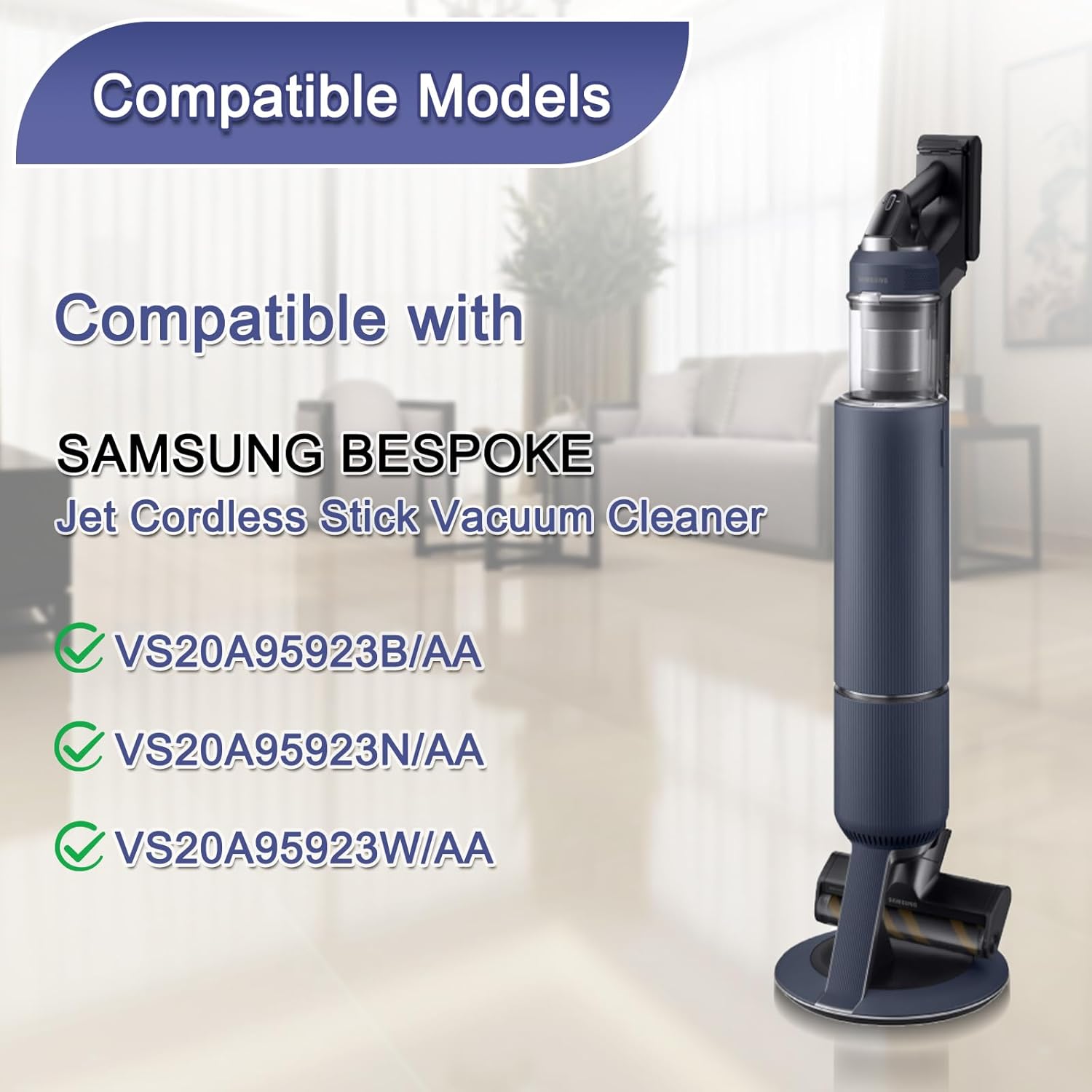
Figure 2.1: Visual representation of compatible Samsung BESPOKE Jet vacuum models.
3. Package Contents
Your package should contain the following items:
- 2 x HEPA Filters
- 1 x Cleaning Brush
4. Installation (Setup)
Follow these steps to replace the HEPA filter in your Samsung BESPOKE Jet vacuum cleaner:
- Ensure the vacuum cleaner is turned off and unplugged from any charging source.
- Locate the filter compartment on your vacuum cleaner. Refer to your vacuum's original manual for precise location if needed.
- Carefully open the filter compartment and remove the old filter. Dispose of the old filter responsibly.
- Insert the new Bolan-Tech HEPA filter into the compartment. Ensure it seats flush and securely, creating a tight seal.
- Close the filter compartment. Ensure it is properly latched before operating the vacuum.

Figure 4.1: Illustration of filter placement within the vacuum's filtration system.

Figure 4.2: Detail of the filter's design for tight sealing and proper fit.
5. Operating Principles (Filtration Efficiency)
These HEPA filters are constructed from high-quality PC material designed for efficient cleaning and filtration. They are engineered to capture small particles such as dust, debris, and allergens, contributing to improved air quality during vacuum operation. The filtration efficiency is up to 99.999% for fine particles.

Figure 5.1: Visual representation of the HEPA filter's particle capture capability.
6. Maintenance (Washing & Reusing)
To maintain optimal performance and extend the life of your filters, regular cleaning is recommended:
- Remove the filter from the vacuum cleaner as described in the installation section.
- Rinse the filter thoroughly under cold running water until the water runs clear. Do not use hot water or detergents.
- Gently tap the filter to remove excess water.
- Allow the filter to air dry completely for at least 24 hours before reinstallation. Ensure it is fully dry to prevent mold growth and maintain filtration efficiency. Do not use heat to dry the filter.
- Regularly changing the filter every 2-3 months, or more frequently with heavy use, can significantly improve the cleaning performance of your vacuum cleaner.
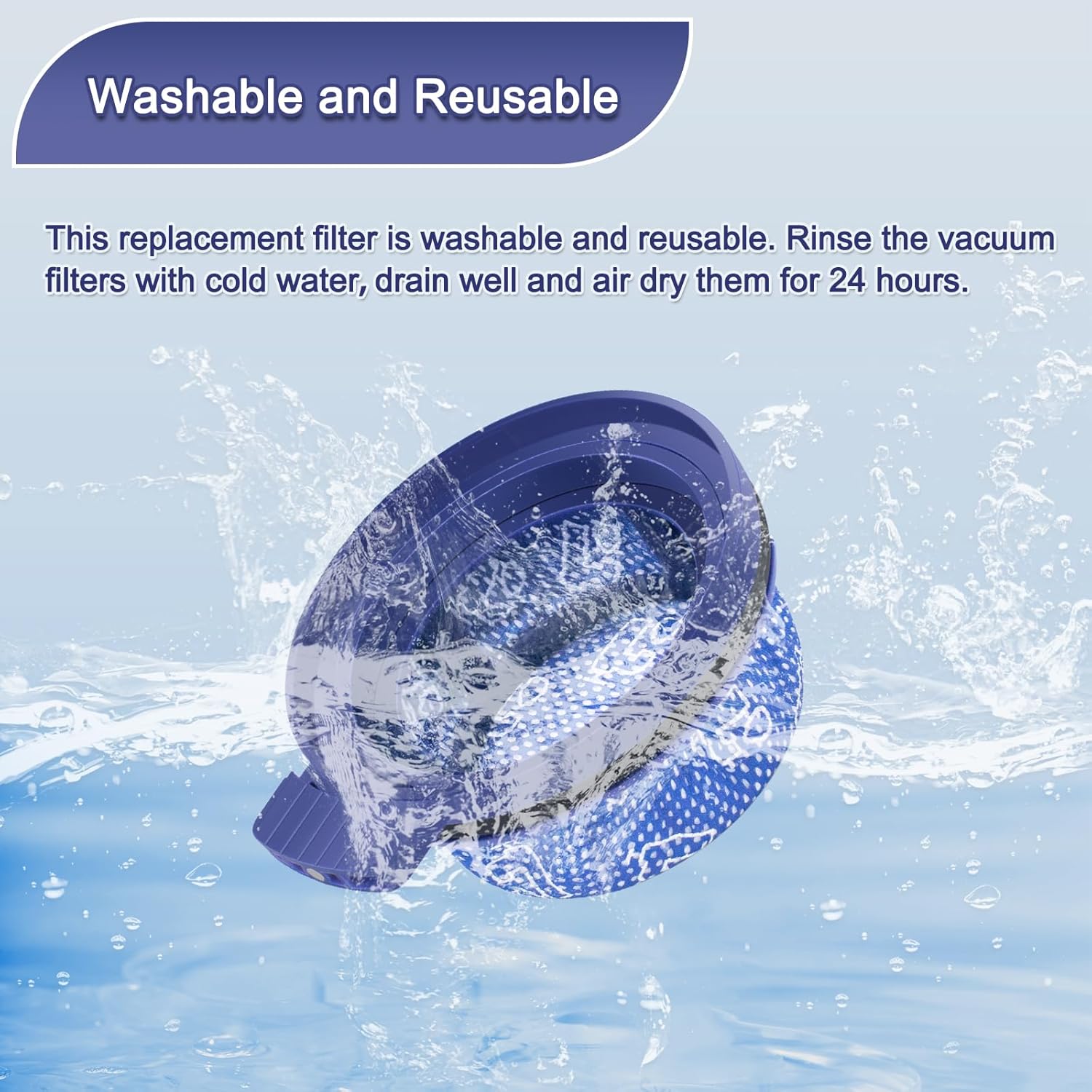
Figure 6.1: Illustration of the filter washing process.
7. Troubleshooting
If you encounter issues with your replacement filters, consider the following:
- Filter Does Not Fit: Double-check that your vacuum cleaner model is listed under the compatible models section (Section 2). Ensure the filter is oriented correctly and seated flush within the compartment. Do not force the filter into place.
- Reduced Suction: A dirty or clogged filter can reduce suction. Ensure the filter is clean and completely dry. If the issue persists after cleaning, the filter may need replacement.
- Unusual Odors: If the filter was not completely dry before reinstallation, it might develop odors. Re-clean and ensure thorough drying.
8. Specifications
| Brand | Bolan-Tech |
| Material Type | HEPA, Plastic |
| Reusability | Reusable (Washable) |
| Number of Pieces | 2 (Filters) + 1 (Cleaning Brush) |
| Item Weight | 3.87 ounces (total package) |
| Package Dimensions | 6.14 x 4.8 x 3.19 inches |

Figure 8.1: Product dimensions for reference.
9. Warranty and Support
For warranty information or technical support regarding your Bolan-Tech replacement HEPA filters, please refer to the contact information provided by your retailer or the official Bolan-Tech website. Keep your purchase receipt for warranty claims.