
Govee H1076
Govee 16.4ft Extension Lights User Manual
Model: H1076
Product Overview
The Govee 16.4ft Extension Lights (Model H1076) are designed to extend the length of your existing Govee Permanent Outdoor Lights Pro systems. This extension is specifically compatible with the 100ft (H706A) and 150ft (H706B) versions of the Govee Permanent Outdoor Lights Pro. It is not compatible with the 200ft edition (H706C) or Govee Permanent Outdoor Lights 2 models.
This package includes one 16.4ft extension light strand, VHB glue, and clips for installation. An adapter, control box, and driver module are not included and must be sourced separately if required for your setup.

Image: Components of the Govee 16.4ft Extension Lights, including the light strand, VHB adhesive pads, and mounting clips with screws.
Compatibility
This extension light is exclusively designed for:
- Govee Permanent Outdoor Lights Pro 100ft (Model H706A)
- Govee Permanent Outdoor Lights Pro 150ft (Model H706B)
Important Compatibility Notes:
- Not compatible with Govee Permanent Outdoor Lights Pro 200ft (Model H706C).
- Not compatible with Govee Permanent Outdoor Lights 2 (H705A/H705B).
- The total length of your Govee Permanent Outdoor Lights Pro system, including extensions, should not exceed 200ft.
- For total lengths exceeding 150ft, a separate driver module is required (not included).
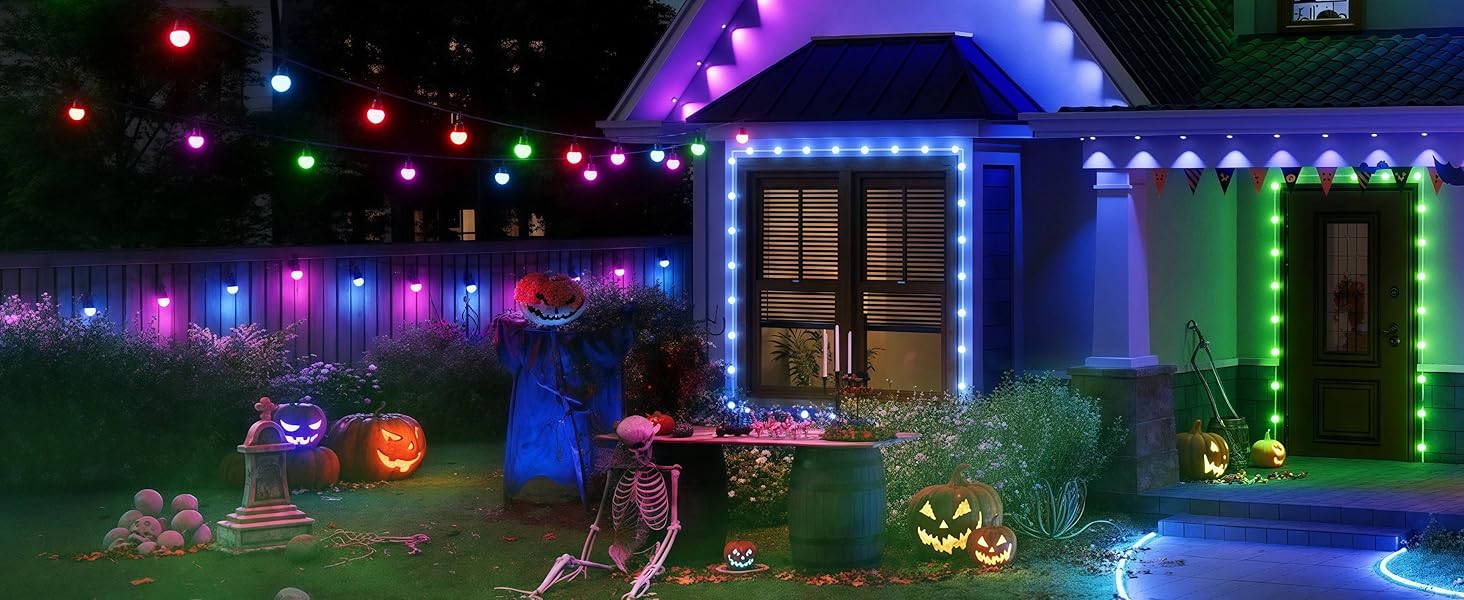
Image: A compatibility chart illustrating which Govee light models are compatible with various accessories, including the 16.4ft extension lights.
Package Contents
- 1x 16.4ft Extension Light Strand
- Mounting Clips
- VHB Adhesive Pads
- Screws
Note: Adapter, control box, and driver module are sold separately.
Installation Instructions
Standard Connection and Mounting
- Preparation: Ensure your existing Govee Permanent Outdoor Lights Pro system is powered off and disconnected from the power source before beginning installation.
- Identify Connection Points: Locate the waterproof connectors on your existing light strand where you wish to add the extension.
- Connect Extension: Align the male and female waterproof connectors of the extension light strand with your existing lights. Securely twist the locking nuts to ensure a watertight seal.
- Mounting:
- Clean the installation surface thoroughly to ensure optimal adhesion for the VHB glue.
- Attach the VHB adhesive pads to the back of the mounting clips.
- Press the clips firmly onto the desired surface, typically eaves, ensuring they are 2-4 inches away from the wall for optimal light projection.
- For additional security, use the provided screws to fasten the clips.
- Insert the light strand into the mounted clips.
- Power On: Once all connections are secure and the lights are mounted, reconnect your Govee Permanent Outdoor Lights Pro system to the power source.
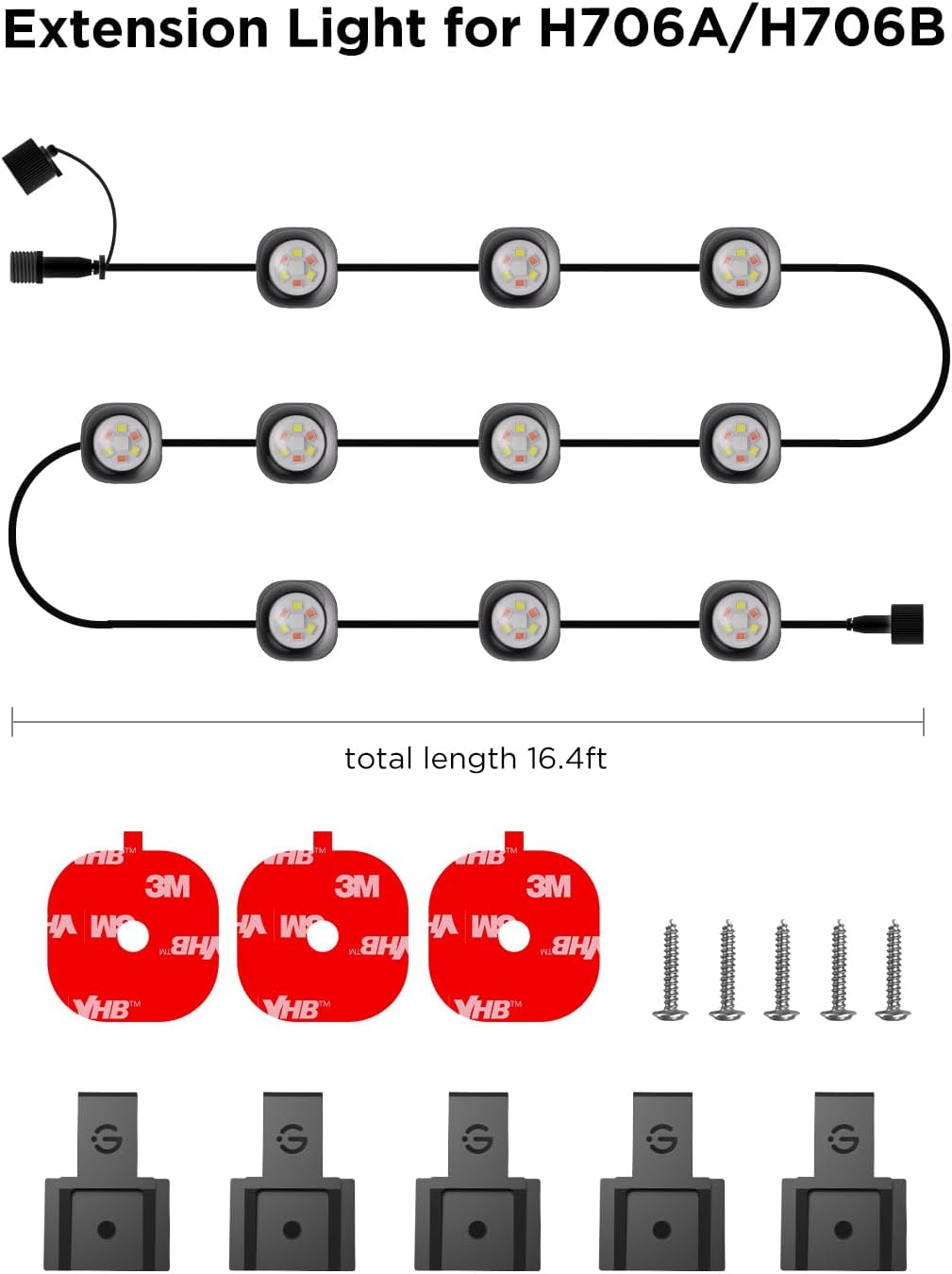
Image: A diagram showing the layout of the 16.4ft extension light strand and the included mounting hardware (VHB pads, screws, clips).
Cutting and Splicing (Advanced)
The extension light is designed to be cut and spliced if a custom length is required. Follow these steps carefully to ensure proper functionality and maintain water resistance.
- Cutting the String Light:
- Disconnect from power.
- Cut the string light between two light beads using a male wire connector (output) for the cut end.
- Strip off the outer insulation to reveal three insulated wires.
- Strip the insulation from each of the three wires (approximately 12mm).
- Pull the silicone plug and allow the power cord to pass through.
- Insert the exposed wires into the corresponding slots of the male wire connector.
- Firmly screw the connector and push the silicone plug into the shell to ensure a waterproof seal.
- Reconnecting the Cut String Light:
- Use a female wire connector (input) for reconnection.
- Repeat the stripping and connection steps as described for cutting, ensuring correct wire alignment.
- Connect the female connector to the end of the entire string light.

Image: Detailed instructions and diagrams for cutting and splicing the Govee Permanent Outdoor Lights, including steps for using male and female wire connectors.
Operating Instructions
As an extension, this product integrates seamlessly with your existing Govee Permanent Outdoor Lights Pro system. Operation, including power on/off, color changing, dimming, and smart control, is managed through the main control box and the Govee Home App, or compatible voice assistants (e.g., Alexa, Google Assistant).
Refer to the user manual of your primary Govee Permanent Outdoor Lights Pro (H706A/H706B) for detailed operating instructions.
Maintenance
- Cleaning: Periodically wipe the light surfaces with a soft, damp cloth to remove dust and debris. Do not use harsh chemicals or abrasive cleaners.
- Connection Check: Annually inspect all waterproof connections to ensure they remain tight and free from damage.
- Mounting Security: Verify that all mounting clips are securely attached. Re-fasten or replace clips if they become loose.
- Cable Inspection: Check the light cables for any signs of wear, cuts, or damage. If damage is found, disconnect power immediately and replace the affected section or contact Govee support.

Image: Govee Permanent Outdoor Lights Pro shown operating reliably in both cold (-4°F) and hot (140°F) weather, highlighting their outdoor durability.
Troubleshooting
- Lights Not Turning On:
- Ensure all connections, especially the waterproof connectors, are securely fastened.
- Verify that the main Govee Permanent Outdoor Lights Pro system is powered on and functioning correctly.
- Check for compatibility: This extension is only for H706A/H706B.
- If the total length exceeds 150ft, confirm that a driver module is installed.
- Inconsistent Lighting/Flickering:
- Inspect all cable connections for looseness or damage.
- Ensure the power supply is stable and meets the system's requirements.
- Difficulty with Smart Control:
- Confirm that your main Govee Permanent Outdoor Lights Pro system is properly connected to the Govee Home App and your Wi-Fi network.
- Restart the Govee Home App and your main light system.
For further assistance, refer to the comprehensive troubleshooting guide for your main Govee Permanent Outdoor Lights Pro system or contact Govee customer support.
Specifications
| Model Number | H1076 |
| Length | 16.4 feet (5 meters) |
| Compatibility | Govee Permanent Outdoor Lights Pro H706A (100ft), H706B (150ft) |
| Material | Plastic |
| Water Resistance Level | Waterproof (IP67 rated for main lights, connections should maintain integrity) |
| Operating Temperature | -4°F to 140°F (-20°C to 60°C) |
| Lifespan | Up to 50,000 hours (for main lights, extension designed to match) |
| Voltage | 12 Volts (system voltage) |
| Wattage | 12 watts (for this extension segment) |
Warranty and Support
For warranty information and customer support, please refer to the documentation provided with your original Govee Permanent Outdoor Lights Pro system or visit the official Govee website. Govee offers various protection plans for their products, which can be found on their product pages.
You can also visit the Govee Store on Amazon for more product information and support resources.
Additional Information
The Govee Permanent Outdoor Lights Pro system, which this extension integrates with, features advanced lighting capabilities:
- RGBWWIC Festive Lighting: Offers a wide spectrum of colors for various occasions.
- Elaborate White Lighting Effects: Provides options for both cool and warm white lighting.
- Daily and Security Lighting: Up to 50 lumens per light with color temperatures from 2700K-6500K.
- Smart App & Voice Control: Compatible with Govee Home App, Alexa, and Google Assistant.
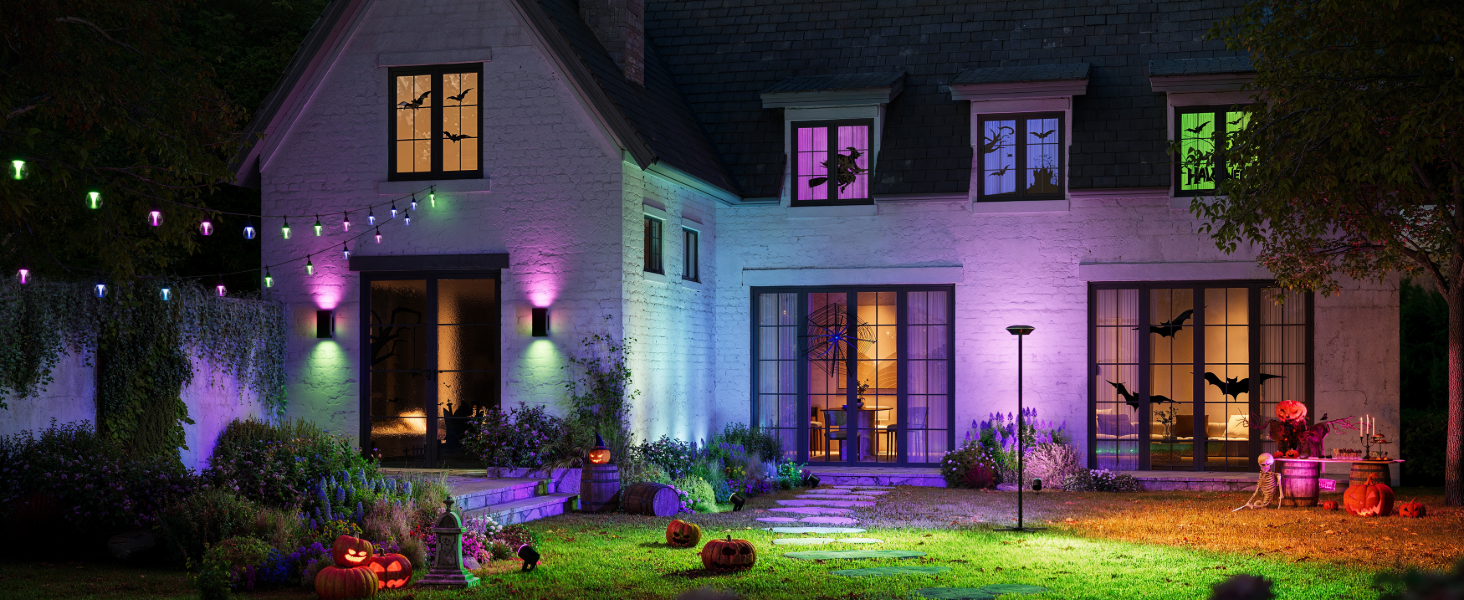
Image: An outdoor scene showcasing a house illuminated with Govee Permanent Outdoor Lights Pro, demonstrating RGBWWIC festive lighting capabilities.
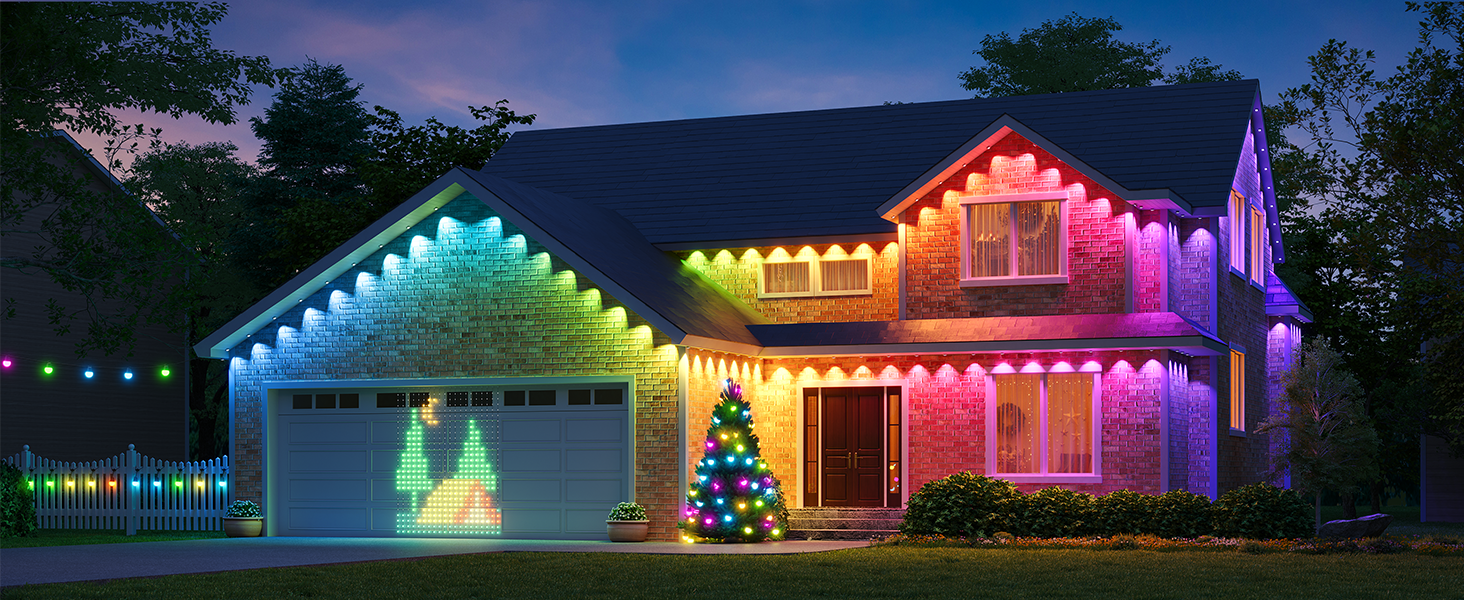
Image: A comparison showing the white lighting effects of Permanent Outdoor Lights Pro H706 versus H705, highlighting the improved illumination of the Pro version.
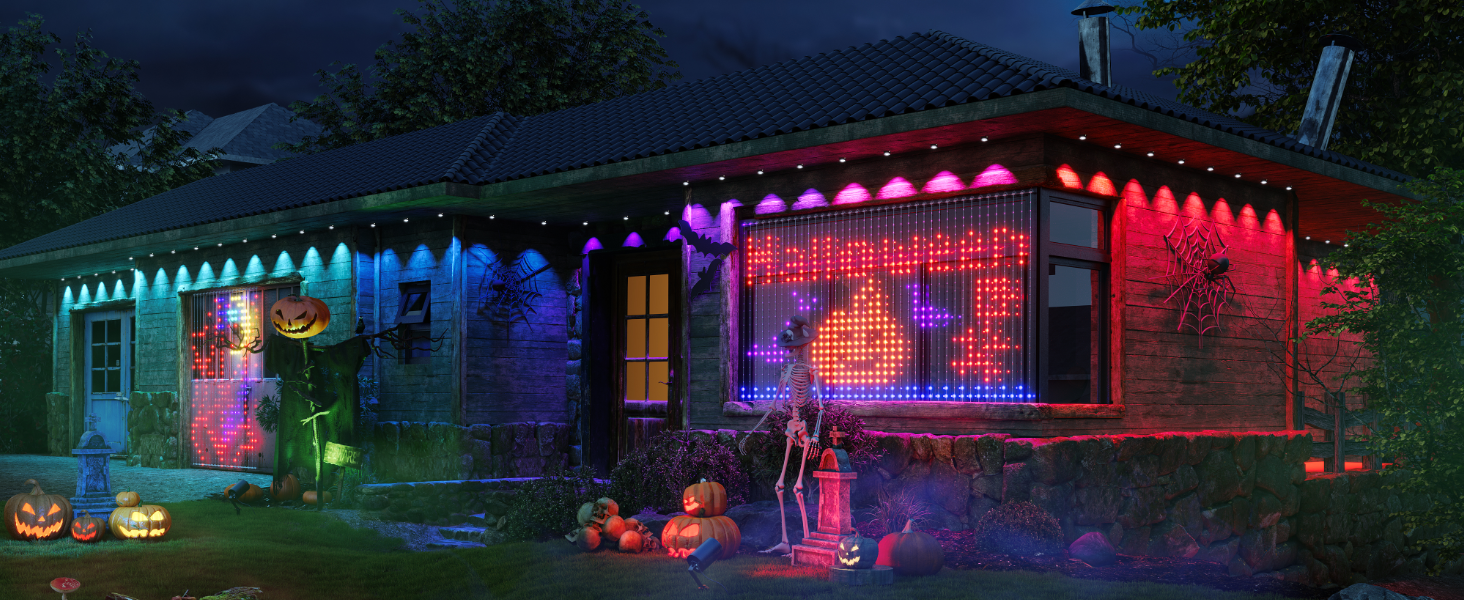
Image: A house illuminated with Govee Permanent Outdoor Lights Pro, demonstrating both cool white and warm white settings for daily and security lighting.
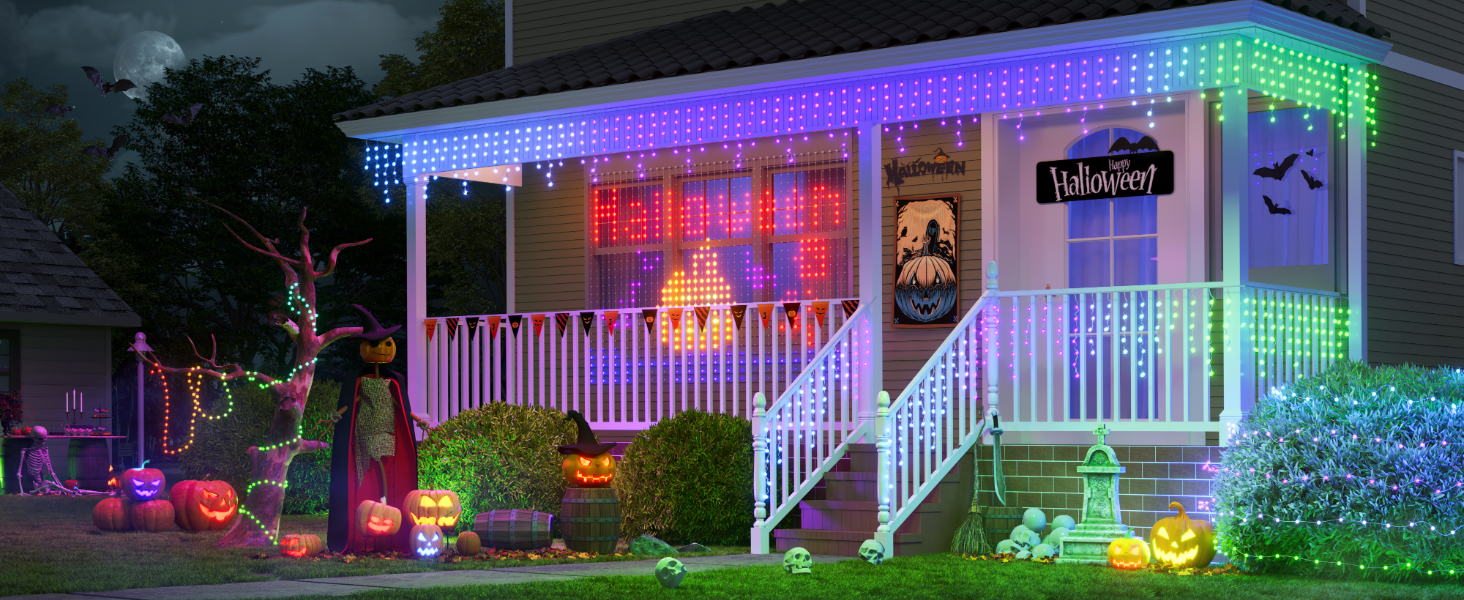
Image: An outdoor scene with Govee Permanent Outdoor Lights Pro, showing integration with the Govee Home App, Matter, Alexa, and Google Home for smart control.