
1. Introduction
Thank you for choosing the Sunlary Mini Camera. This compact and versatile camera is designed for various monitoring needs, offering Full HD 1080P video, wide-angle viewing, night vision, and motion detection capabilities. This manual provides detailed instructions to help you set up, operate, and maintain your camera effectively.

The Sunlary Mini Camera, shown with its stand and a demonstration of its 1080P live feed capability on a smartphone, capturing a clear image of a sleeping cat.
2. Package Contents
Please check the package to ensure all items are present:
- Sunlary Mini Camera
- Camera Stand/Mount
- USB Data Cable
- User Manual
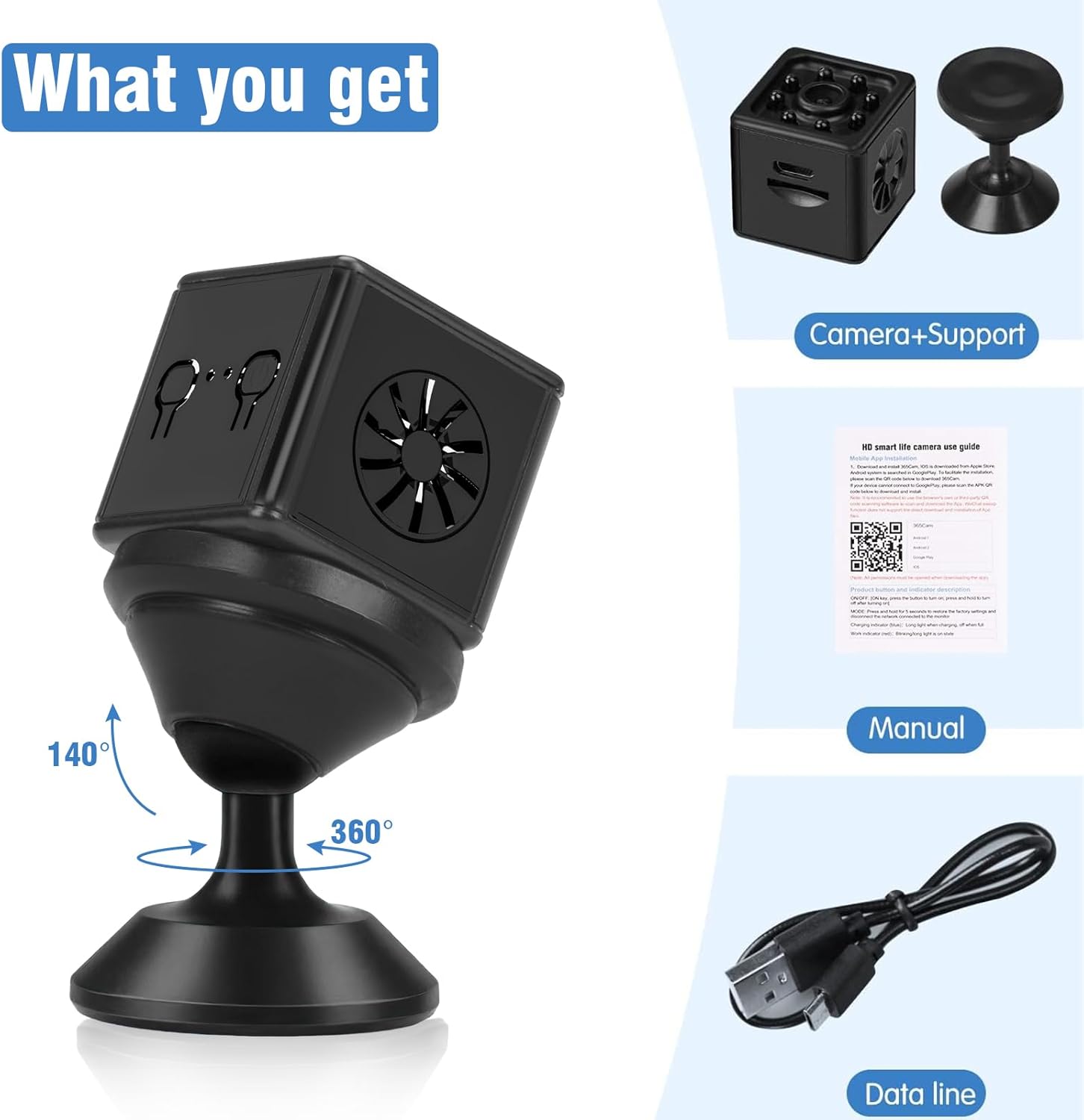
Illustration of the package contents: the mini camera, its adjustable stand, the user manual, and the USB charging cable.
3. Setup Guide
3.1 Charging the Camera
Before first use, fully charge the camera using the provided USB cable connected to a 5V/1A USB power adapter (not included) or a computer USB port. The charging indicator light will behave according to the camera's status (refer to the manual's LED indicator section for details).
3.2 Inserting an SD Card
The camera supports local storage via a Micro SD card (up to 128GB, not included). Locate the SD card slot on the camera and gently insert the card with the gold contacts facing down until it clicks into place. Ensure the camera is powered off before inserting or removing the SD card.

The mini camera showing its Micro SD card slot, indicating support for up to 128 GB storage.
3.3 App Installation and Wi-Fi Connection
To access live video and advanced features, download the companion mobile application. Scan the QR code provided in the physical manual or use the following link: https://qr01.cn/DT2z0Q. Follow the in-app instructions to connect your camera to your 2.4GHz Wi-Fi network. The camera also supports direct connection via its Wi-Fi hotspot for local viewing without internet access.
4. Operating Instructions
4.1 Power On/Off
To power on the camera, press and hold the power button for two seconds. The camera will begin operating, indicated by a blinking red light. To power off, press and hold the power button again until the indicator light turns off.
4.2 Live Viewing
Once connected to the app, you can view live video feed from your camera in real-time. The app supports simultaneous viewing by multiple users or devices.
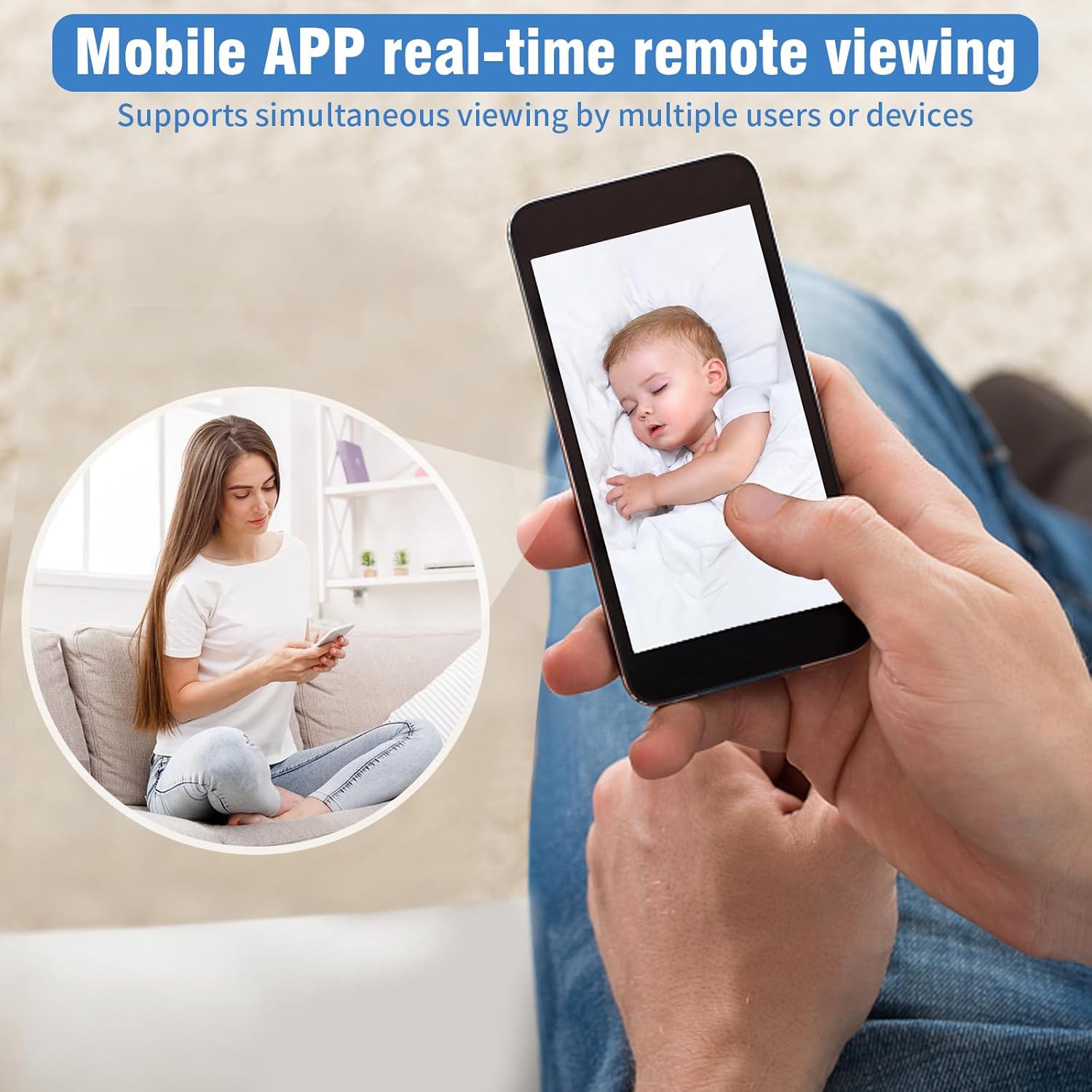
The mobile application allows for real-time remote viewing, enabling users to monitor their space from anywhere.

The camera supports simultaneous viewing on multiple devices, including smartphones, tablets, and computers.
4.3 140° Wide Angle Lens
The camera features a 140-degree wide-angle lens, providing an expansive field of view to capture more of your surroundings. This is particularly useful for monitoring larger rooms or areas.

The camera's 140° wide viewing angle allows for comprehensive coverage of a room, minimizing blind spots.
4.4 Night Vision
Equipped with silent infrared lights, the camera automatically detects ambient brightness and activates night vision mode, allowing for clear viewing up to 16 feet (approximately 5 meters) in complete darkness.

A visual comparison demonstrating the camera's clear image quality during the day and its effective night vision capabilities in low-light conditions.

The camera provides clear night vision, allowing for monitoring even in dark environments.
4.5 Motion Detection
Activate motion detection in the app. When motion is detected, the camera will capture a photo and send a notification to your app. The camera is designed to differentiate between human movement and other types of motion to reduce false alarms.

The camera's motion detection feature triggers an alert and captures an image when movement is detected, helping to keep your family safe.
4.6 Battery Life
The camera is equipped with a 1500mAh battery, providing up to 6 hours of continuous operation. This extended battery life ensures reliable protection for your home, even during power outages.
4.7 Placement and Versatility
The compact and lightweight design (70g) allows the camera to be placed discreetly in various indoor locations, such as living rooms, bedrooms, or offices. While primarily designed for indoor security, it can be used in protected outdoor areas.
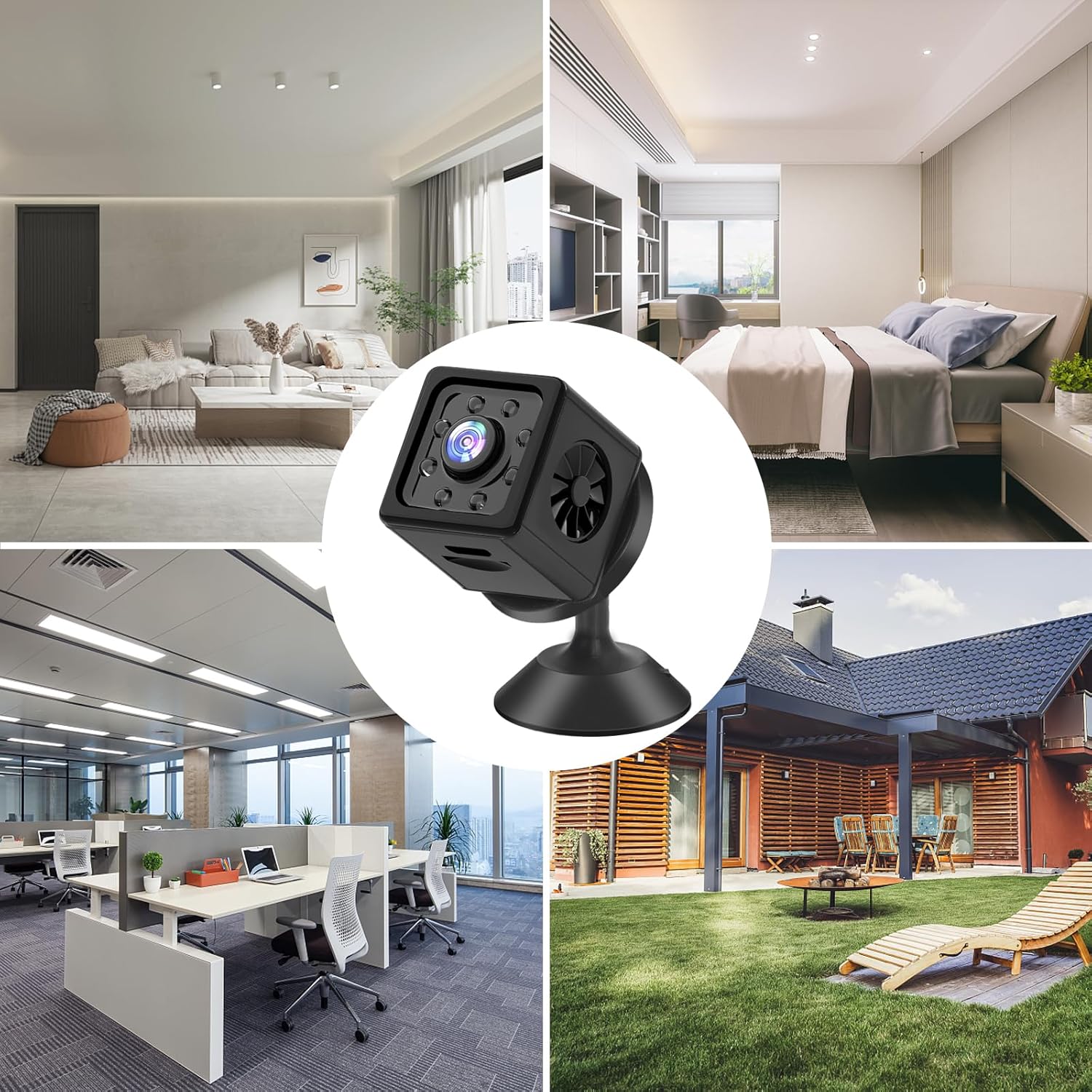
The mini camera's small size and versatile design allow it to be placed in various indoor environments, including living rooms, bedrooms, and offices, as well as protected outdoor areas.
5. Maintenance
To ensure optimal performance and longevity of your Sunlary Mini Camera, follow these maintenance guidelines:
- Cleaning: Use a soft, dry cloth to clean the camera lens and body. Avoid using liquid cleaners or abrasive materials that could damage the surface or lens.
- Storage: When not in use for extended periods, store the camera in a cool, dry place away from direct sunlight and extreme temperatures.
- Battery Care: To preserve battery life, avoid fully discharging the battery frequently. Charge the camera regularly, even if not in constant use.
6. Troubleshooting
If you encounter issues with your Sunlary Mini Camera, please refer to the following common problems and solutions:
| Problem | Possible Cause / Solution |
|---|---|
| Camera not powering on | Battery is depleted. Charge the camera fully. Ensure the power button is pressed and held for 2 seconds. |
| Cannot connect to Wi-Fi / App issues |
|
| Poor image quality / Blurry video |
|
| Short battery life |
|
| SD card not recognized |
|
7. Specifications
| Feature | Detail |
|---|---|
| Model Number | camera |
| Video Resolution | 1080p Full HD |
| Viewing Angle | 140 Degrees |
| Wireless Connectivity | 2.4GHz WLAN (Wi-Fi) |
| Battery Capacity | 1500mAh (up to 6 hours continuous operation) |
| Storage | Micro SD Card (up to 128GB), Cloud Storage (via app) |
| Night Vision Range | Up to 16 feet (approx. 5 meters) |
| Material | Plastic |
| Dimensions (L x W x H) | 10 x 3 x 10 cm |
| Weight | 70 g |
| Recommended Use | Indoor Security (can be used in protected outdoor areas) |
8. Warranty and Support
Sunlary is committed to providing high-quality products and excellent customer satisfaction. While specific warranty details are not provided in this manual, we strive to ensure our products meet the highest standards. For any questions, technical support, or assistance with your Sunlary Mini Camera, please contact our customer service team through the platform where you purchased the product. Your satisfaction is our greatest motivation.


