1. Introduction
Thank you for choosing the Irfora KUQIBAO BT5.1 Motorcycle Helmet Headset. This device is designed to enhance your riding experience by providing clear communication, music playback, and hands-free functionality. Please read this manual carefully before using the product to ensure proper operation and to maximize its lifespan.
2. Safety Information
- Always prioritize road safety. Do not operate the device in a way that distracts you from riding.
- Ensure the headset is securely mounted to your helmet before riding.
- Do not expose the device to extreme temperatures or direct sunlight for prolonged periods.
- Keep the device away from children.
- Use only the provided charging cable and accessories.
3. Package Contents
Verify that all items are present in your package:
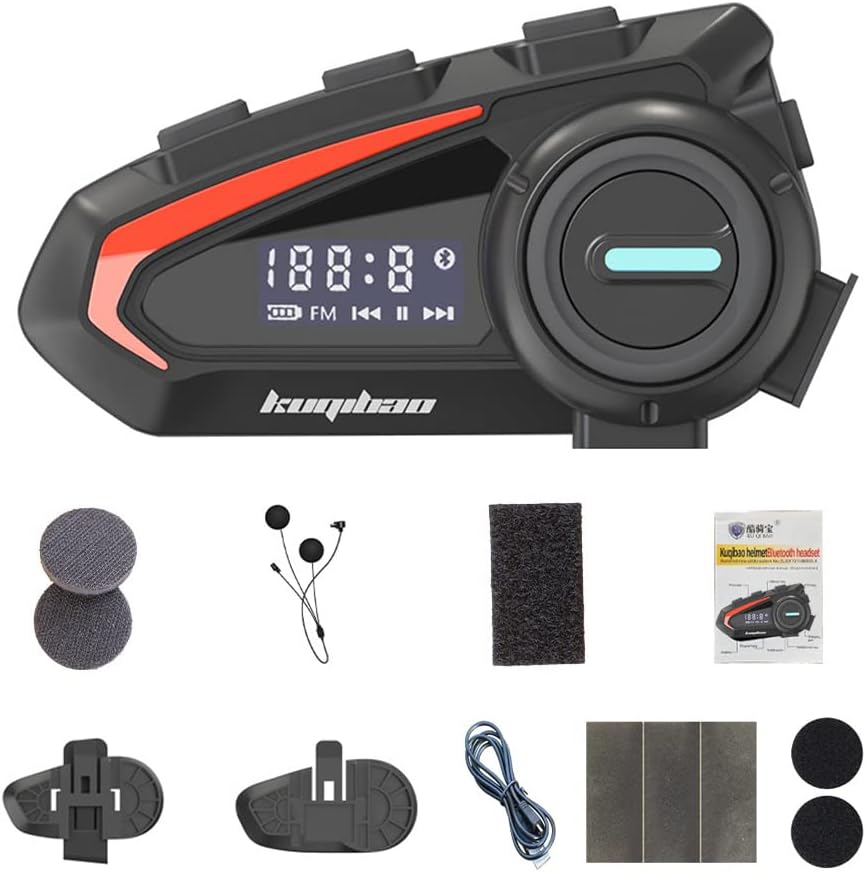
Image: The Irfora KUQIBAO BT5.1 Motorcycle Helmet Headset along with all included accessories, such as the microphone, charging cable, mounting bases, and pads.
- 1 x Host Unit
- 1 x Headset and Microphone (Soft Microphone variant)
- 1 x Microphone Cotton Case
- 2 x Helmet Stickers
- 2 x Headset Pads
- 1 x Adhesive Base
- 1 x Clip-on Base
- 2 x Wiring Stickers
- 1 x USB Cable
- 1 x User Manual
4. Setup
4.1 Choosing Your Microphone

Image: Illustration showing the two available microphone types: the soft microphone (flexible boom) and the hard microphone (rigid boom).
This product comes with a Soft Microphone, which is suitable for most helmet types. Ensure it is securely connected to the main unit.
4.2 Mounting the Headset

Image: Depiction of various helmet styles, including full-face, open-face, and half-helmets, demonstrating the headset's broad compatibility.
The headset supports two mounting methods: clip-on base or adhesive base. Choose the method that best suits your helmet type and preference.
Clip-on Base Installation:
- Identify a suitable location on the left side of your helmet, near the bottom edge.
- Slide the clip-on base between the helmet shell and the inner padding. Ensure it is firmly secured.
- Attach the main headset unit to the clip-on base until it clicks into place.
Adhesive Base Installation:
- Clean the desired mounting area on the left side of your helmet with an alcohol wipe and let it dry completely.
- Peel off the protective film from the adhesive base.
- Firmly press the adhesive base onto the helmet surface for at least 30 seconds. Allow 24 hours for the adhesive to cure before attaching the headset.
- Attach the main headset unit to the adhesive base until it clicks into place.
4.3 Speaker and Microphone Placement
- Place the speakers inside the helmet's ear pockets, ensuring they are aligned with your ears for optimal sound. Use the provided headset pads if needed for comfort or fit.
- Position the microphone approximately 1-2 cm from your mouth, ensuring it is not obstructed by padding or the helmet's chin bar.
5. Operating Instructions
5.1 Power On/Off
- Power On: Press and hold the Power button for 3 seconds until the indicator light flashes.
- Power Off: Press and hold the Power button for 3 seconds until the indicator light turns off.
5.2 Bluetooth Pairing
- Ensure the headset is powered off.
- Press and hold the Power button for 5-7 seconds until the indicator light flashes red and blue alternately, indicating pairing mode.
- On your mobile phone, enable Bluetooth and search for available devices.
- Select "KUQIBAO" from the list of devices.
- Once paired, the indicator light will flash blue slowly.
The headset can connect to two mobile phones simultaneously, allowing for seamless switching between devices.

Image: A visual representation of the headset's ability to connect simultaneously to two mobile phones, demonstrating its multi-device connectivity feature.
5.3 Call Management

Image: A motorcyclist wearing a helmet with the headset, illustrating its use for hands-free calls and music playback while riding, with call and music icons.
- Answer Call: When an incoming call rings, the headset will automatically answer after a few seconds. Alternatively, press the Multi-function button once to answer.
- Reject Call: Press and hold the Multi-function button for 2 seconds to reject an incoming call.
- End Call: Press the Multi-function button once during a call to end it.
- Redial Last Number: Double-press the Multi-function button.
5.4 Music Playback
- Play/Pause: Press the Multi-function button once.
- Next Track: Press the Volume Up button.
- Previous Track: Press the Volume Down button.
- Volume Up: Press and hold the Volume Up button.
- Volume Down: Press and hold the Volume Down button.
5.5 Voice Assistant
- Activate Voice Assistant: Triple-press the Multi-function button to activate your phone's voice assistant (e.g., Siri, Google Assistant).
6. Maintenance
6.1 Charging the Battery
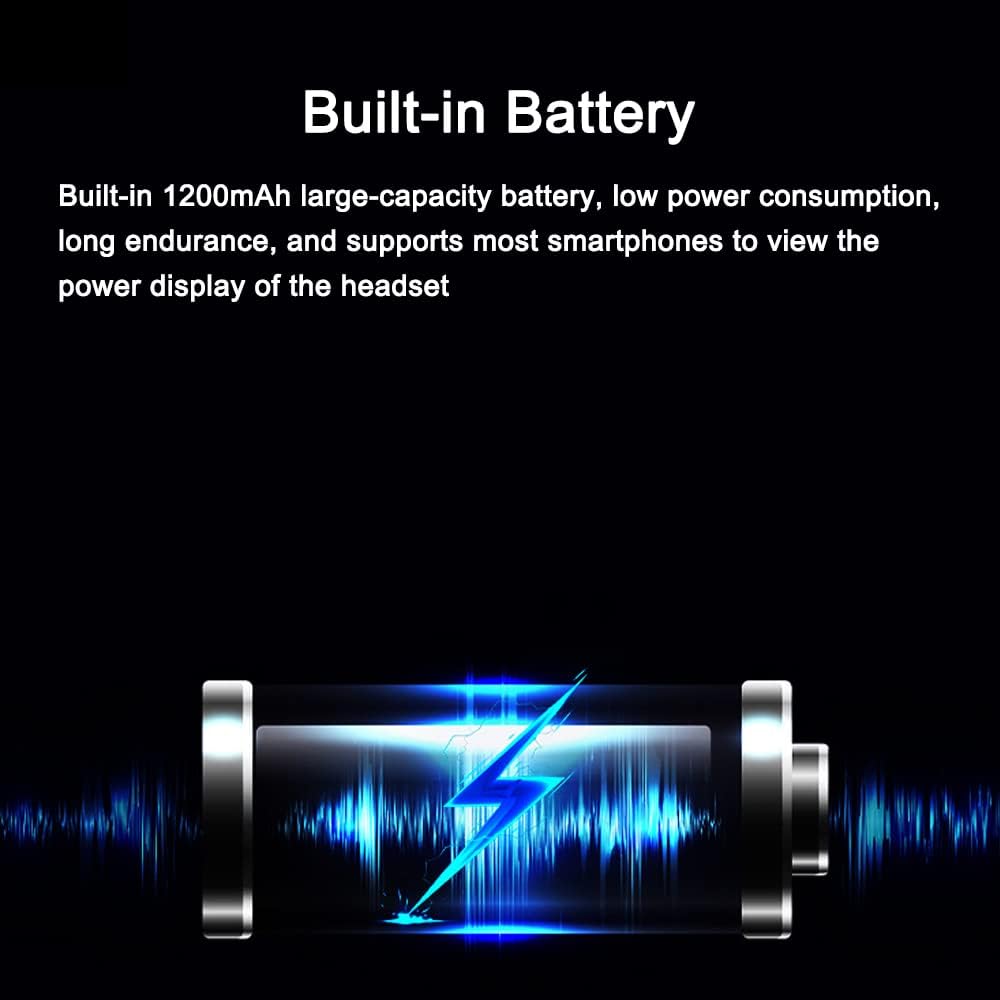
Image: A visual representation of the headset's built-in battery and its charging status, indicating its large capacity and power display feature.
The headset features a built-in 1200mAh lithium battery. Connect the provided USB cable to the charging port on the headset and to a 5V power source. The indicator light will show charging status. Most smartphones can display the headset's power level.
6.2 Cleaning and Care
- Wipe the headset's exterior with a soft, damp cloth. Do not use harsh chemicals or abrasive cleaners.
- Ensure the charging port cover is securely closed to maintain IPX6 waterproof rating when not charging.
- Store the headset in a cool, dry place when not in use.

Image: Three headset units submerged in water, illustrating the product's premium ABS housing, rubber oil surface treatment, and silicone internal structure, which contribute to its deep waterproof and sun-resistant properties.
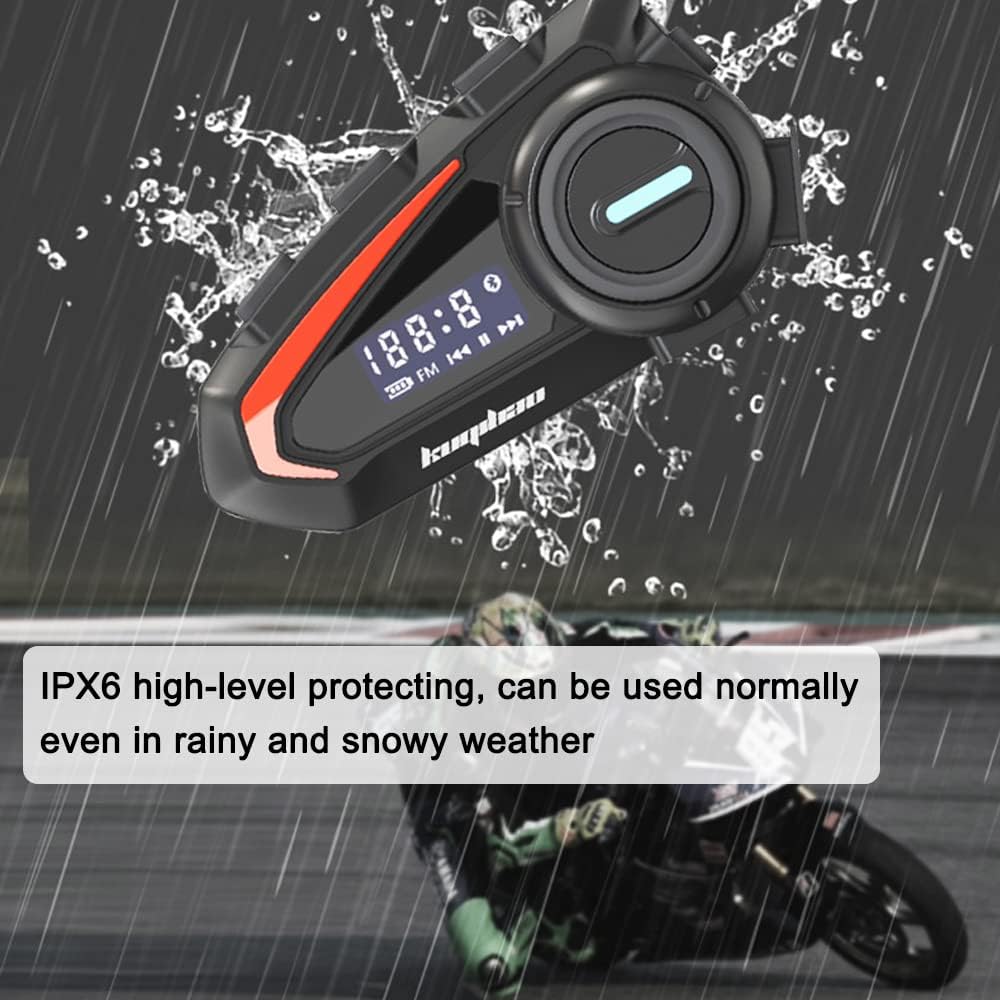
Image: The headset mounted on a helmet in rainy conditions, emphasizing its IPX6 high-level protection, allowing it to be used normally even in rain and snow.
7. Troubleshooting
| Problem | Possible Cause | Solution |
|---|---|---|
| Headset does not power on. | Low battery. | Charge the headset for at least 2 hours. |
| Cannot pair with phone. | Headset not in pairing mode; Bluetooth off on phone. | Ensure headset is in pairing mode (red/blue flashing). Turn phone's Bluetooth off and on. |
| No sound or poor sound quality. | Volume too low; speakers misplaced; microphone obstructed. | Increase volume. Adjust speaker position. Ensure microphone is clear and close to mouth. |
| Noise interference during calls. | Environmental noise. | The headset features intelligent noise reduction. Ensure microphone is correctly positioned. |

Image: A visual representation of the headset's intelligent noise reduction processing, highlighting its use of an ultra-high-sensitivity anti-noise silicon microphone and wind-proof microphone cover to ensure clear call quality.
8. Specifications
| Feature | Detail |
|---|---|
| Model | Soft Microphone (TYHDEK21652-2) |
| Color | Black |
| Material | ABS |
| Bluetooth Version | BT5.1 |
| Distortion | <1% |
| Signal/Noise Ratio | >80dB |
| Input Voltage | 5V |
| Battery | 3.7V 1200mAh Built-in Lithium Battery |
| Working Time | 30 hours |
| Standby Time | 180 hours |
| IP Rating | IPX6 |
| Item Dimensions | 88 x 50 x 24 mm |
| Package Dimensions | 180 x 140 x 30 mm |
| Package Weight | 200g |
9. Warranty and Support
For any questions, technical support, or warranty claims, please contact your retailer or the manufacturer directly. Please refer to your purchase documentation for specific warranty terms and contact information.


