
1. Introduction
This manual provides essential instructions for the safe and effective use of your Zivases 7.2V 3300mAh NiMH rechargeable battery, designed for Scanreco crane remote controls. Please read this manual thoroughly before using the battery to ensure proper operation and longevity.
This battery is compatible with Scanreco models 593, 592, 590, and 960, and replaces original part numbers 16131, 17162, and GP222101.
2. Product Overview
The Zivases rechargeable battery is a high-performance NiMH (Nickel-Metal Hydride) battery cassette, providing 7.2 Volts and 3300 Milliampere-hours (mAh) of power. It is engineered for extended use and maximum performance in compatible Scanreco remote control units.
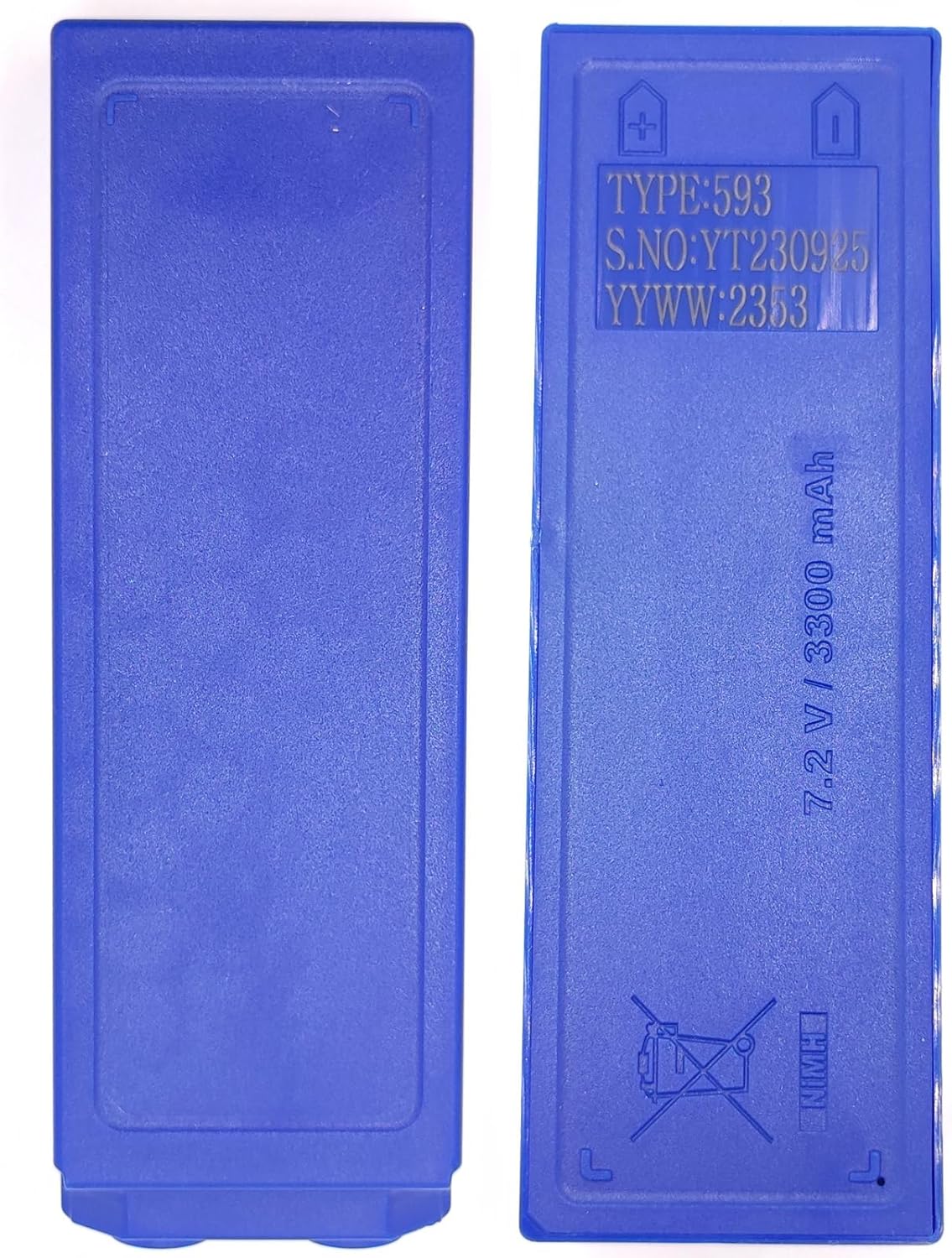
Figure 1: Front and back view of the Zivases 7.2V 3300mAh NiMH battery. The back shows specifications like TYPE: 593, S.NO: YT230925, YYWW: 2353, and 7.2V / 3300 mAh.
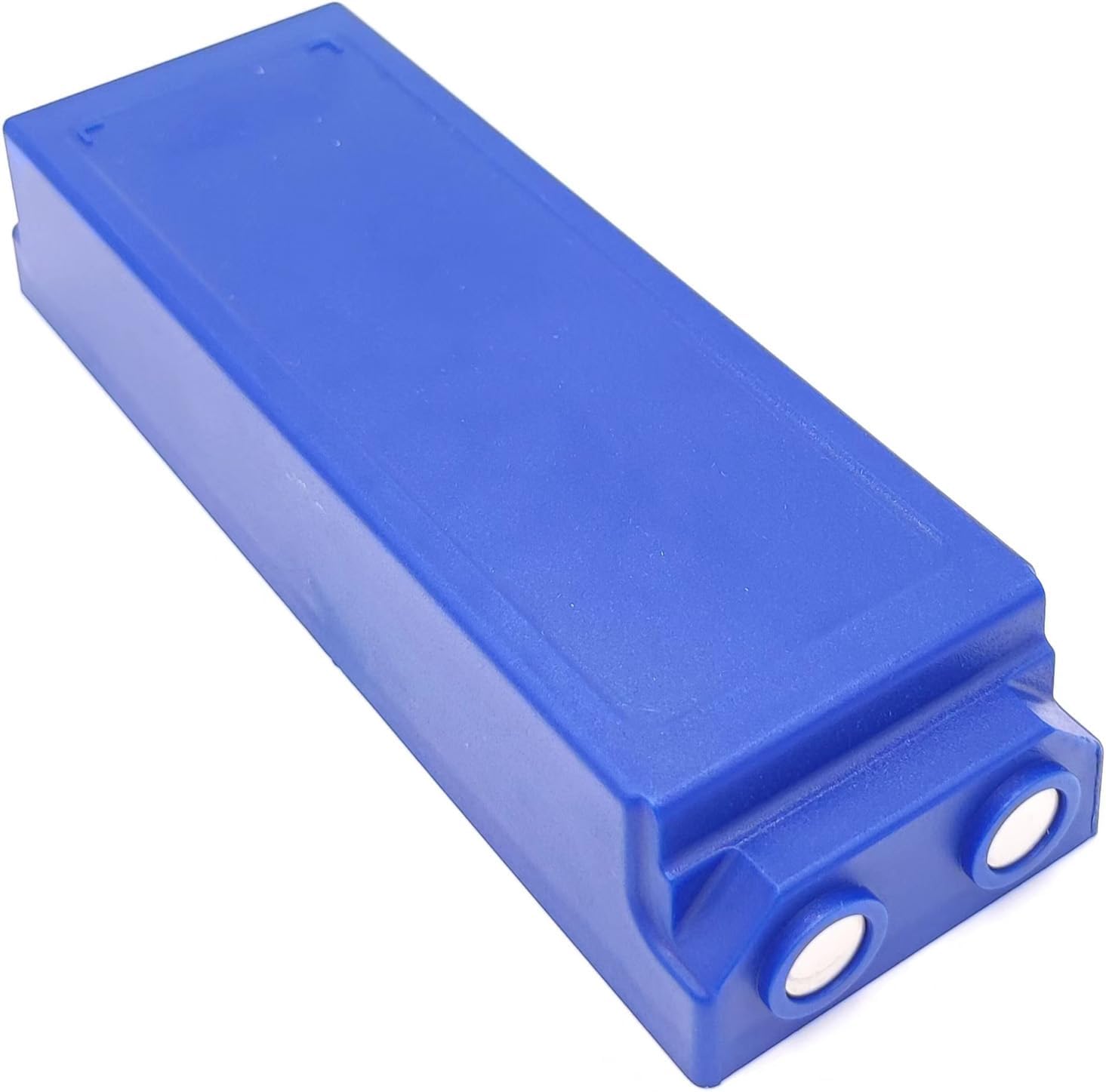
Figure 2: Angled view of the Zivases battery, highlighting the two circular contact points at one end, which connect to the remote control unit.
3. Setup and Installation
- Unpack the Battery: Carefully remove the battery from its packaging.
- Locate Battery Compartment: Identify the battery compartment on your Scanreco crane remote control. Refer to your remote control's manual for specific instructions on opening the compartment.
- Remove Old Battery (if applicable): If replacing an existing battery, ensure the remote control is powered off before removal.
- Insert New Battery: Align the Zivases battery with the compartment, ensuring the contact points match the terminals inside the remote control. Gently push the battery into place until it is securely seated.
- Close Compartment: Securely close the battery compartment cover.
- Initial Charge: It is recommended to fully charge the battery before its first use.
4. Operating Instructions
4.1 Charging the Battery
This NiMH battery is compatible with Scanreco Battery Charger type 437. Always use a charger designed for NiMH batteries with appropriate voltage and current specifications.
- Connect the charger to a power source.
- Insert the battery into the charger according to the charger's instructions.
- Monitor the charging indicator on your charger. Charging times may vary depending on the charger model and the battery's discharge level.
- Once fully charged, remove the battery from the charger. Avoid overcharging, as this can reduce battery life.
4.2 Usage
Once installed and charged, the battery powers your Scanreco remote control. The operational duration will depend on the remote control's power consumption and usage patterns.
For optimal performance, avoid completely draining the battery before recharging. NiMH batteries generally benefit from regular charging cycles rather than deep discharges.
5. Maintenance
- Regular Charging: Recharge the battery regularly, especially if it has been stored for an extended period. NiMH batteries can experience self-discharge.
- Storage: Store batteries in a cool, dry place away from direct sunlight and extreme temperatures. For long-term storage, charge the battery to approximately 50-70% capacity.
- Cleaning: Keep the battery contacts clean and free from dirt or corrosion. Use a dry, soft cloth to wipe the contacts if necessary.
- Avoid Physical Damage: Do not drop, puncture, or expose the battery to excessive force.
6. Troubleshooting
| Problem | Possible Cause | Solution |
|---|---|---|
| Battery not charging |
|
|
| Short operating time after full charge |
|
|
| Remote control not powering on |
|
|
7. Specifications
| Feature | Detail |
|---|---|
| Battery Type | NiMH (Nickel-Metal Hydride) |
| Voltage | 7.2 VDC |
| Capacity | 3300 mAh |
| Compatibility | Scanreco 593, 592, 590, 960 remote controls |
| Replaces Part Numbers | SCANRECO 16131, 17162, GP222101 |
| Recommended Charger | Scanreco Battery Charger type 437 (or compatible NiMH charger) |
| Package Contents | 2 x Zivases 7.2V 3300mAh NiMH Battery |
| Dimensions (approx.) | 6.1 x 2.6 x 2.4 inches |
| Item Weight (approx.) | 1.83 pounds (for the pack of 2) |
8. Safety Information
WARNING: Failure to follow these safety instructions may result in fire, electric shock, injury, or damage to the battery or property.
- Do not disassemble, crush, or puncture the battery.
- Do not expose the battery to water or other liquids.
- Do not expose the battery to fire or high temperatures (above 60°C / 140°F).
- Do not short-circuit the battery terminals.
- Keep batteries out of reach of children.
- Use only specified chargers for NiMH batteries.
- If the battery leaks, avoid contact with skin and eyes. In case of contact, rinse immediately with water and seek medical attention.
- Dispose of batteries responsibly according to local regulations. Do not dispose of in household waste.

Figure 3: The crossed-out wheeled bin symbol on the battery indicates that it should not be disposed of with general household waste but through designated recycling channels.
9. Warranty and Support
For warranty information or technical support, please contact the manufacturer, Zivases, through their official channels or the retailer where the product was purchased. Please have your purchase details and product model information available when contacting support.
For further assistance, you may refer to the official Scanreco documentation for your specific remote control model.