
1. Introduction
This manual provides essential information for the safe and effective use of your Panasonic ES-SWLT2W Electric Shaver. Please read these instructions thoroughly before use and retain them for future reference. This special edition shaver features a unique Stormtrooper-inspired design, combining advanced shaving technology with a distinctive aesthetic.

Image 1: The Panasonic ES-SWLT2W Electric Shaver and its special edition packaging.
2. Safety Information
To ensure safe operation and prevent injury or damage, observe the following precautions:
- Always unplug the shaver from the power outlet before cleaning or maintenance.
- Keep the shaver away from water while charging. Do not charge in a bathroom or near a water source.
- Do not use the shaver in the bath or shower if it is connected to the charging cord. This shaver is designed for wet/dry use when cordless.
- Clean the shaver regularly to prevent hair buildup and maintain hygiene.
- Replace the shaver head and blades when they become dull or damaged to ensure optimal performance and prevent skin irritation.
- Do not disassemble or attempt to repair the shaver yourself. Contact authorized service personnel for repairs.
3. Setup
3.1 Initial Charging
Before first use, fully charge the shaver. Connect the charging cord to the shaver and plug it into a suitable power outlet. The charging indicator will illuminate. A full charge takes approximately 1 hour and provides up to 45 minutes of cordless operation. A 3-minute quick charge can provide enough power for one shave.
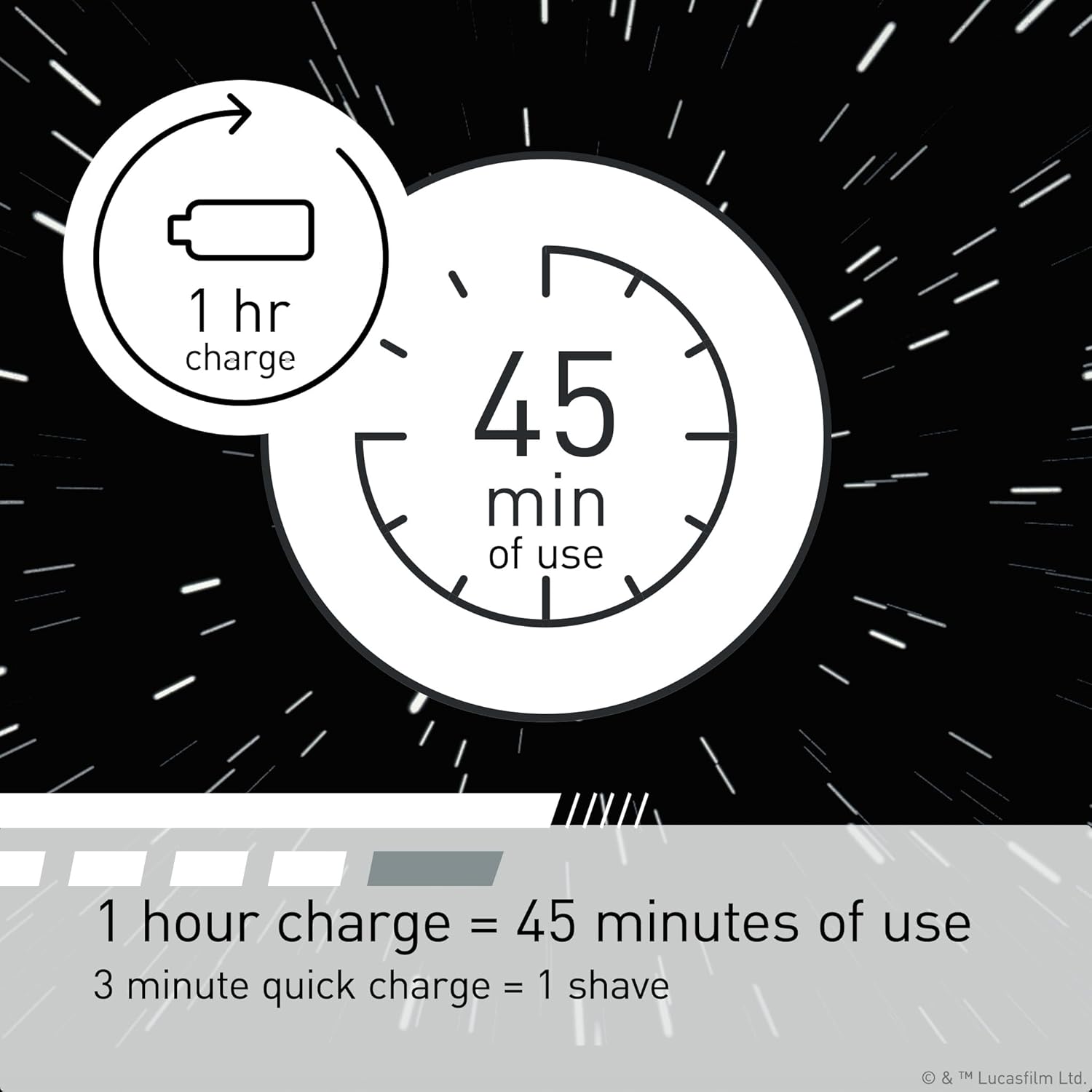
Image 2: Charging time indicators for the shaver.
3.2 Attaching/Detaching the Protective Cap
To attach, align the cap with the shaver head and press gently until it clicks into place. To detach, pull the cap straight off the shaver head.
4. Operating Instructions
4.1 Shaving (Wet or Dry)
The Panasonic ES-SWLT2W shaver can be used for both wet and dry shaving. For a dry shave, ensure your skin is clean and dry. For a wet shave, apply shaving foam or gel to your face. Press the power button to turn on the shaver. Hold the shaver at a right angle (90 degrees) to your skin and move it slowly against the direction of hair growth. The shaver features a 3-blade cutting system and a responsive beard sensor that adjusts power based on beard density for an efficient shave.

Image 3: Illustration of the 3-blade cutting system.

Image 4: Illustration of the powerful linear motor.
4.2 Using the Pop-Up Trimmer
To use the pop-up trimmer, slide the trimmer switch upwards. This will extend the trimmer blades. Use the trimmer for precise detailing of sideburns, mustaches, or beard lines. After use, slide the switch back down to retract the trimmer.

Image 5: The pop-up trimmer in use.
5. Maintenance
5.1 Cleaning the Shaver
Regular cleaning is crucial for maintaining shaver performance and hygiene. For quick cleaning, simply rinse the shaver head under running water while the shaver is on. For a more thorough cleaning:
- Turn off the shaver and remove the outer foil frame.
- Brush away any loose hair from the inner blades and outer foil.
- Rinse the outer foil frame and inner blades under running water.
- Allow all parts to air dry completely before reassembling.

Image 6: Shaver head with outer foil removed for cleaning.
5.2 Replacing Blades and Foils
For optimal shaving performance, it is recommended to replace the outer foil and inner blades approximately every year, or when you notice a decrease in shaving efficiency or increased irritation. Replacement parts can be purchased from authorized Panasonic retailers.
6. Specifications
| Feature | Detail |
|---|---|
| Model Number | ES-SWLT2W |
| Power Source | Battery Powered (1 Lithium Ion battery included) |
| Shaving System | 3-Blade Cutting System |
| Motor Speed | Linear motor (39,000 cross-cuts per minute) |
| Special Features | Wet/Dry Shave, Pop-Up Trimmer, Shave Sensor, Portable |
| Charging Time | 1 hour for 45 minutes of use; 3-minute quick charge for 1 shave |
| Product Dimensions | 1.93 x 2.52 x 6.14 inches; 5.12 ounces |
7. Troubleshooting
If you encounter issues with your shaver, refer to the following common solutions:
- Shaver does not turn on: Ensure the shaver is fully charged. If the battery is depleted, charge it for at least 3 minutes for a quick shave or 1 hour for a full charge. Check if the travel lock is activated (indicated by a lock icon); press and hold the power button for a few seconds to deactivate it.
- Poor shaving performance: Clean the shaver head thoroughly to remove any trapped hair or debris. The blades or foils may be dull and require replacement. Ensure you are holding the shaver at a 90-degree angle to your skin and moving it against hair growth.
- Skin irritation: Ensure blades and foils are clean and not damaged. If irritation persists, consider replacing the shaving head. Always shave on clean skin. For wet shaving, use a quality shaving cream or gel.
- Shaver stops during use: The battery may be low. Recharge the shaver.
If problems persist after attempting these solutions, please contact Panasonic customer support.
8. Warranty and Support
This Panasonic product is covered by a manufacturer's warranty. Please refer to the warranty card included with your product for specific terms and conditions, including warranty period and coverage details. For technical support, replacement parts, or service inquiries, please visit the official Panasonic website or contact their customer service department. Keep your proof of purchase for warranty claims.
For additional information and support, you may visit the Panasonic Store on Amazon.