
Ctronics CTIPC-690C-2MPD-4G
Ctronics 3G/4G LTE Cellular Security Camera User Manual
Model: CTIPC-690C-2MPD-4G
1. Product Overview
The Ctronics CTIPC-690C-2MPD-4G is an advanced 3G/4G LTE cellular security camera designed for outdoor surveillance. It features a dual-lens system, auto-tracking with optical zoom, and various detection capabilities, making it ideal for locations without Wi-Fi access.

Figure 1: Ctronics Cellular Security Camera and mobile app interface.

Figure 2: The camera provides 24/7 surveillance using 3G/4G cellular networks, suitable for remote locations.
Key Features:
- 3G/4G LTE Cellular Connectivity: Operates independently without Wi-Fi.
- Dual Lens System: Includes a 3.6mm lens for wide overview and an 8mm lens for detailed close-ups.
- Auto Tracking & Zoom: Automatically tracks human motion and zooms in for clarity.
- HD Color Night Vision: Provides clear, full-color video even in low-light conditions up to 20 meters.
- Human/Motion Detection: Advanced algorithms reduce false alarms.
- Two-Way Audio: Enables real-time communication through the camera.
- Pan & Tilt Functionality: 355° horizontal pan and 90° vertical tilt for comprehensive coverage.
- IP66 Weatherproof: Designed for outdoor use, resistant to rain and cold.
- Multiple Storage Options: Supports SD card and cloud storage.
2. Setup Guide
2.1 Package Contents
Before installation, ensure all components are present:
- Ctronics Cellular Security Camera
- Power Adapter
- Mounting Screws and Anchors
- User Manual
- SIM Card (300MB included, compatible with Verizon, T-Mobile, AT&T)
2.2 SIM Card Installation
The camera requires a 3G/4G LTE SIM card for cellular connectivity. A 300MB SIM card is included, compatible with major carriers like Verizon, T-Mobile, and AT&T. Ensure the SIM card is activated and has data before insertion.
- Locate the SIM card slot on the camera (refer to the camera diagram in the quick start guide).
- Carefully insert the activated SIM card into the slot until it clicks into place.
- Ensure the slot cover is securely closed to maintain weatherproofing.
2.3 Powering On and Initial Connection
- Connect the power adapter to the camera and plug it into a power outlet.
- The camera will perform a self-test, indicated by LED lights.
- Download the "Ctronics Pro" app from your mobile device's app store (available for iOS and Android).
- Open the app and follow the on-screen instructions to add your camera. This typically involves scanning a QR code on the camera or manually entering its ID.
- Once connected, you can configure network settings and other preferences within the app.
2.4 Mounting the Camera
The camera can be wall-mounted or ceiling-mounted. Choose a location that provides optimal viewing angles and has access to a power source.
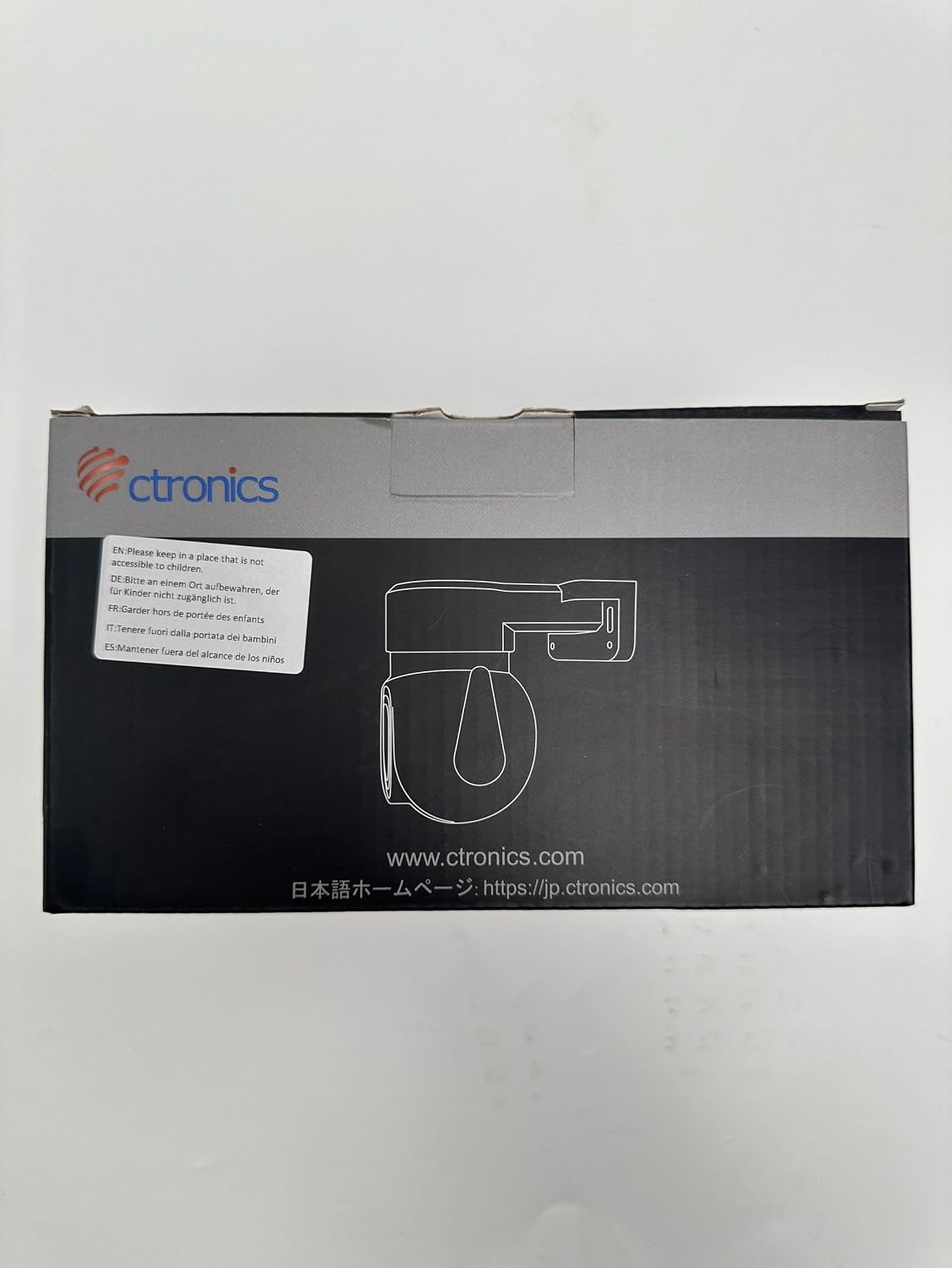
Figure 3: Ensure the camera is installed in a location inaccessible to children.
Video 1: An overview of the Ctronics Cellular Security Camera's features and capabilities, including its 3G/4G connectivity, dual lens, and pan/tilt functions. This video demonstrates the camera's suitability for various outdoor surveillance needs.
3. Operating the Camera
3.1 Pan & Tilt Control
Use the Ctronics Pro app to remotely control the camera's pan (355°) and tilt (90°) movements, allowing you to adjust the viewing angle as needed.

Figure 4: The camera features a dual-lens system for both wide-angle overview and detailed close-up views.
3.2 Dual Lens & Zoom Functionality
The camera is equipped with two lenses: a 3.6mm lens for a broad overview and an 8mm lens for detailed close-ups. You can switch between these lenses via the app. The camera supports 2x optical zoom and 4x digital zoom, combining for 6x hybrid zoom.
- Auto Optical Zoom: When human motion is detected, the camera can automatically zoom in 2x optically.
- Manual Digital Zoom: You can manually apply 4x digital zoom through the app for further detail.
- One-Click Lens Switch: Easily switch between the 3.6mm and 8mm lenses within the app.
3.3 Night Vision Modes
The camera offers two night vision modes:
- 30M IR Night Vision: Standard infrared night vision for clear black and white images in complete darkness.
- 20M HD Color Night Vision: Utilizes built-in spotlights to provide full-color video at night, enhancing detail and identification.

Figure 5: Visual comparison between standard infrared night vision and enhanced HD color night vision.
3.4 Human/Motion Detection & Auto Tracking
The camera's intelligent human detection minimizes false alarms by distinguishing human shapes from other movements. When a human is detected, the camera can automatically track their movement and zoom in.
- Notifications: Receive instant alerts on your phone when motion is detected.
- Sound & Light Alarm: Configure the camera to activate a sound and light alarm to deter intruders.
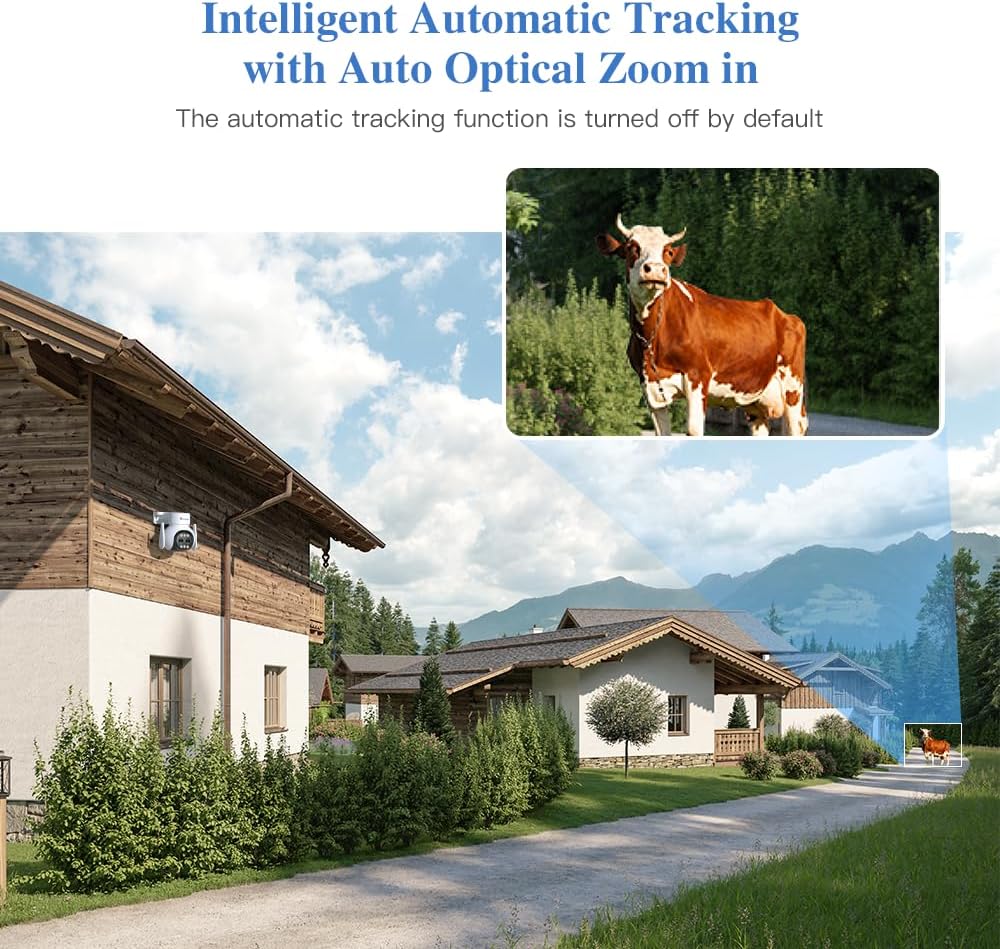
Figure 6: The camera's intelligent auto-tracking feature automatically follows detected subjects.

Figure 7: Humanoid detection reduces false alarms and triggers alerts, siren, snapshot, and email notifications.
3.5 Two-Way Audio
The built-in microphone and speaker allow for two-way communication. You can listen to what's happening around the camera and speak through the camera from your phone.
Video 2: This short video demonstrates the camera's ability to switch between standard definition (SD) and high definition (HD) video quality, showcasing the clarity of the HD feed.
3.6 Storage Options
Recordings can be stored locally on a Micro SD card (not included, up to 128GB) or via cloud storage (subscription may be required).
4. Maintenance
4.1 Cleaning
Regularly clean the camera lens and housing with a soft, damp cloth. Avoid abrasive cleaners or solvents that could damage the surface.
4.2 Environmental Considerations
The camera is IP66 weatherproof, meaning it is protected against dust and powerful water jets. It also offers cold resistance, making it suitable for various outdoor climates. However, extreme weather conditions may still affect performance.
5. Troubleshooting
5.1 No Cellular Signal
- Ensure the SIM card is correctly inserted and activated.
- Check if your SIM card has an active data plan.
- Verify cellular coverage in the camera's installation location.
- Try restarting the camera by unplugging and replugging the power.
5.2 App Connection Issues
- Ensure your mobile device has a stable internet connection.
- Update the Ctronics Pro app to the latest version.
- Restart the app or your mobile device.
- If the camera was previously connected, try removing it from the app and re-adding it.
5.3 Motion Detection Not Working
- Check the motion detection sensitivity settings in the app.
- Ensure the detection area is correctly configured.
- Verify that the camera lens is clean and unobstructed.
- Confirm that the camera's firmware is up to date.
6. Specifications
| Feature | Specification |
|---|---|
| Model Number | CTIPC-690C-2MPD-4G |
| Brand | Ctronics |
| Material | Metal |
| Voltage | 12 Volts |
| Wattage | 24 Watt-hours |
| Item Dimensions (L x W x H) | 3.94 x 4.72 x 4.72 inches |
| Item Weight | 1.72 pounds |
| Optical Zoom | 2 x |
| Effective Still Resolution | 2 MP |
| Maximum Webcam Image Resolution | 2 MP |
| International Protection Rating | IP66 |
| Video Capture Format | MPEG-4 |
| Indoor/Outdoor Usage | Outdoor |
| Number of Channels | 2 |
| Form Factor | Bullet |
7. Warranty and Support
Ctronics products are covered by a manufacturer's warranty. For specific warranty terms and conditions, please refer to the warranty card included with your product or visit the official Ctronics website.
Contact Support:
For technical assistance, troubleshooting, or warranty inquiries, please contact Ctronics customer support:
- Email: support@ctronics.com
- Official Website: www.ctronics.com

Figure 8: Product information and support contact details found on the packaging.
Related documentsCTIPC-690C-2MPD-4G


Ask a question about this manual
Ask about setup, troubleshooting, compatibility, parts, safety, or missing instructions. Manuals+ will review the question and use this page’s manual context to help answer it.