Introduction
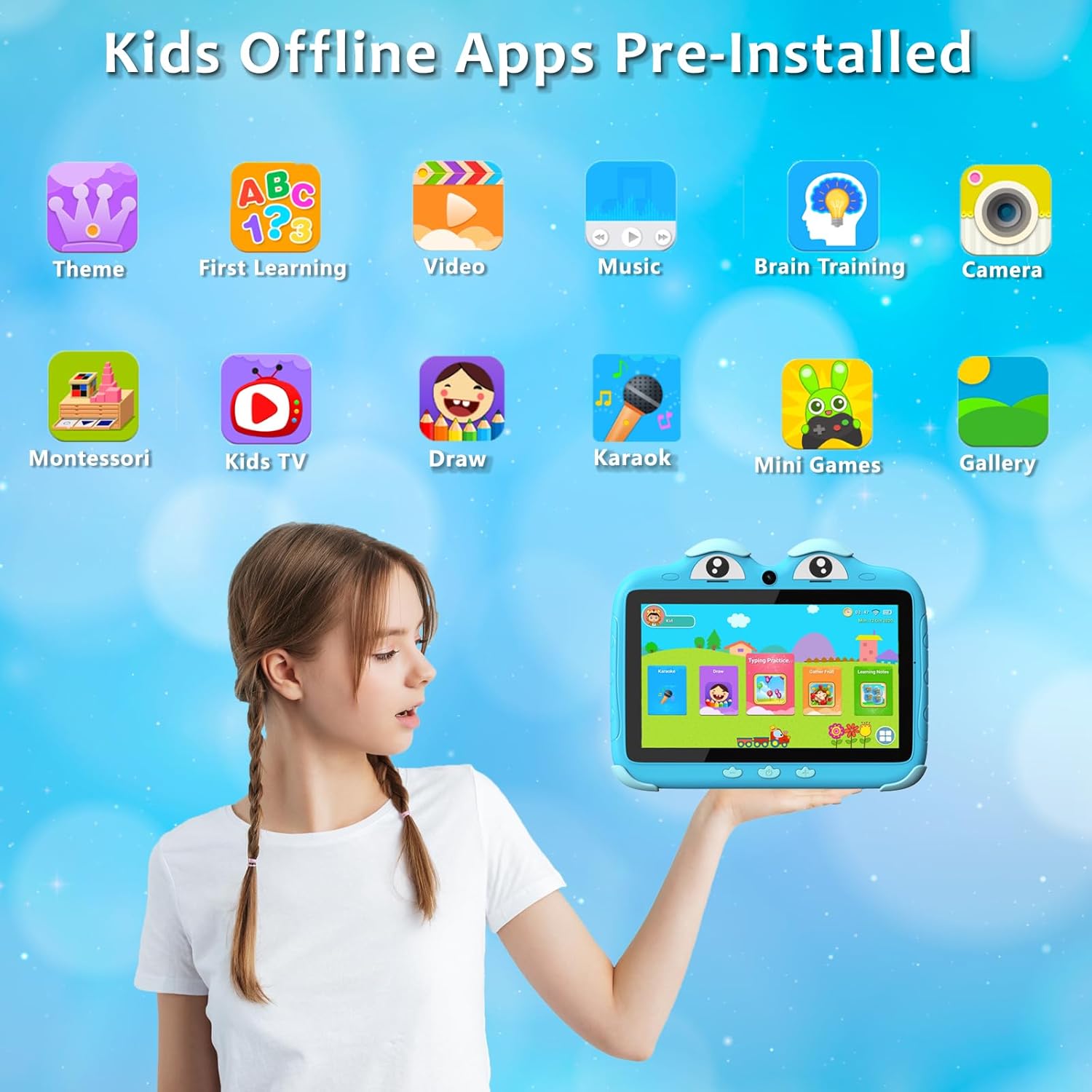
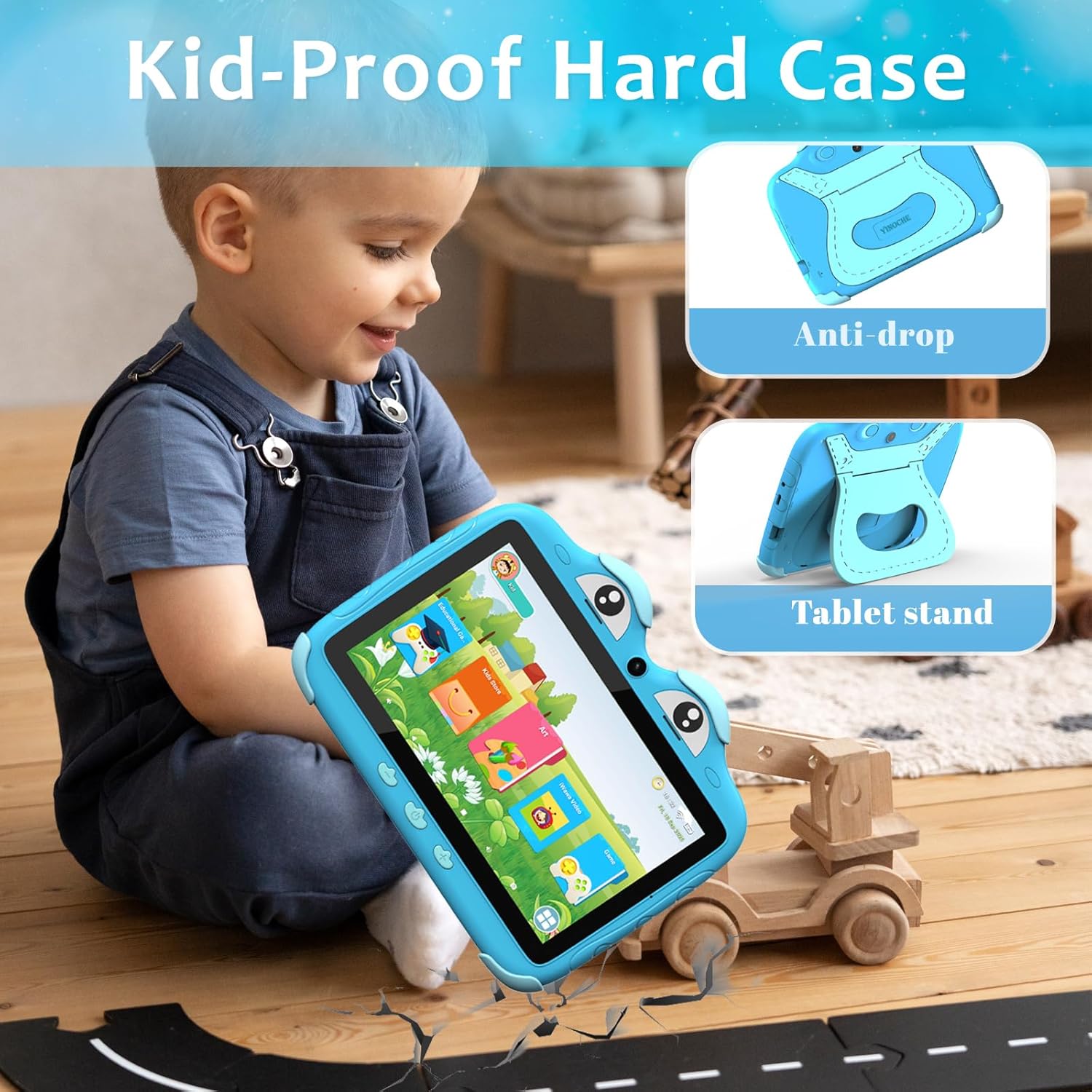
The YINOCHE Kids Tablet ZIDS702 is a 7-inch Android tablet designed for children aged 3-7, with features suitable for older kids up to 12. It offers a safe and engaging environment for learning and entertainment, incorporating parental controls and eye protection technology. This manual provides essential information for setting up, operating, and maintaining your tablet.
What's in the Box
- 7 Kids tablet ×1
- Kids tablet for toddler Charger ×1
- Tablet for kids 3-7 Manual x1
- Toddler tablet USB Cable ×1
- Toddler tablet quick solution guide x1
Setup
- Initial Charge: Before first use, fully charge the tablet using the provided charger and USB cable. A low battery may display an exclamation mark; charge for at least 15 minutes before normal charging.
- Power On: Press and hold the Power Button (located on the side) until the screen lights up.
- Wi-Fi Setting (Android Interface):
- Go to "Settings" > "Network & Internet" > "Wi-Fi".
- Select your Wi-Fi network and enter the password. A signal symbol will appear once connected.
- Wi-Fi Setting (Kids Software Interface):
- Click on the Wi-Fi icon and input the password to enter the Wi-Fi settings.
Operating Instructions
Basic Controls:
- Volume Buttons: Adjust audio volume.
- Power Button: Press to turn on/off or put the tablet to sleep/wake.
- Earphone Jack: Connect headphones for private listening.
- Type-C Cable: For charging and data transfer.
- TF Card Slot: Insert a TF (microSD) card for expanded storage.
- Reset Hole: Use a pin to reset the device if unresponsive.
- Speaker: Audio output.
- Rear Camera: For taking photos and videos.
Kids Mode Interface:
- Log In: When in the Android interface, find and click on the "Kids Mode" software to enter.
- Exit: Click the red arrow shown on the screen, then enter the default password (0000) or your own password to exit.
Parental Controls
The YINOCHE Kids Tablet features advanced parental controls to ensure a safe and educational experience for your child.
- Screen Time Limits: Customize daily screen time limits to prevent overuse.
- App Restrictions: Approve or restrict access to specific applications.
- Content Filters: Ensure your child only accesses age-appropriate content and approves app downloads like Netflix and Zoom.
- Educational Goals: Prioritize learning time over games.
- Password Setting: Set a password for parental control access. If you forget your password, input "257518" to reset.
Eye Protection Feature
The 7-inch HD touchscreen (1024 x 600) includes an eye protection mode that automatically adjusts brightness. This feature helps prevent eye strain, promoting healthy usage for children.
Media Integration
Product Images




Official Product Videos
Specifications
| Feature | Detail |
|---|---|
| Standing Screen Display Size | 7 Inches |
| Screen Resolution | 1024x600 Pixels |
| Processor | 1.6 GHz (Allwinner) |
| RAM | 2 GB |
| Flash Memory Size / Storage | 32 GB |
| Operating System | Android |
| Wireless Type | 802.11g |
| Average Battery Life | 8 Hours |
| Rear Webcam Resolution | 5 MP |
| Item Weight | 1.1 pounds |
| Product Dimensions (LxWxH) | 7.5 x 5.9 x 0.6 inches |
| Color | Blue |
Maintenance
- Cleaning: Use a soft, dry cloth to clean the screen and exterior. Avoid harsh chemicals or abrasive materials.
- Storage: Store the tablet in a cool, dry place away from extreme temperatures, humidity, and dust.
- Water Resistance: The device is not waterproof. Keep it away from liquids.
- Screen Protection: Maintain the protective film on the device screen and camera.
Troubleshooting
- Device Unresponsive: If the tablet becomes unresponsive, use a thin pin to press the "Reset Hole" to restart the device.
- Charging Issues: Ensure you are using the original charger and cable. Non-original chargers may damage the device.
- Wi-Fi Connection Problems: Verify your Wi-Fi password and ensure the tablet is within range of the router.
- Parental Control Password Reset: If you forget the parental control password, input "257518" to reset it.
Warranty and Support
YINOCHE offers a 30-day free exchange policy and lifetime technical support for this product. For any questions or issues, please contact customer service.
Contact: Refer to the quick solution guide or user manual for specific contact details, or visit the YINOCHE Store on Amazon.