Introduction
Welcome to the user manual for your Atomi Smart WiFi LED Outdoor Floor Lamp. This innovative lamp is designed to enhance your outdoor living spaces with vibrant, customizable lighting. Featuring 16 million color options, tunable white light, and smart control via the Atomi Smart app, Amazon Alexa, or Google Assistant, it offers unparalleled versatility. Its robust IP65-rated construction ensures durability in all weather conditions, making it perfect for patios, gardens, and backyards.

The Atomi Smart WiFi LED Outdoor Floor Lamp, showcasing its vibrant color capabilities and smartphone app control.
Package Contents
Please ensure all items are present and in good condition upon opening the package. If any items are missing or damaged, please contact Atomi Smart customer service.
- Atomi Smart WiFi LED Outdoor Floor Lamp (Main Unit)
- Power Adapter
- User Manual (this document)
Setup
1. Assembly
The Atomi Smart WiFi LED Outdoor Floor Lamp typically comes pre-assembled. Simply place the lamp on a stable, flat surface in your desired outdoor location. Ensure the power cable can reach a suitable outdoor power outlet.
2. App Installation and Pairing
- Download the Atomi Smart App: Search for "Atomi Smart" in the Apple App Store or Google Play Store and download the application.
- Create an Account: Open the app and follow the on-screen instructions to create a new account or log in if you already have one.
- Connect to Power: Plug your Atomi Smart WiFi LED Outdoor Floor Lamp into an outdoor power outlet. The lamp should begin to flash, indicating it's in pairing mode. If it does not flash, refer to the troubleshooting section for reset instructions.
- Add Device: In the Atomi Smart app, tap the "+" icon in the top right corner to add a new device. Select "Lighting" and then "Floor Lamp" or "Smart Lamp".
- Connect to Wi-Fi: Follow the app's instructions to connect the lamp to your 2.4GHz Wi-Fi network. Ensure your phone is connected to the same Wi-Fi network during the pairing process.
- Name Your Device: Once successfully paired, you can name your lamp (e.g., "Patio Lamp," "Garden Light") for easy identification.

Control your outdoor lamp directly from your smartphone using the Atomi Smart app.

The lamp works seamlessly with Amazon Alexa and Google Assistant for convenient voice control.
Operating Instructions
1. Basic Operation via Atomi Smart App
- Power On/Off: Tap the power icon in the app to turn the lamp on or off.
- Brightness Control: Use the slider in the app to adjust the brightness from 1% to 100%.
- Color Selection: Navigate to the "Color" tab to choose from over 16 million colors.
- White Light Tuning: In the "White" tab, adjust the color temperature from warm white to cool white.
- Presets and Scenes: Explore the "Presets" or "Scenes" tab for pre-programmed lighting effects suitable for various moods or occasions.
- DIY Mode: Create your own custom lighting effects and save them for future use.
2. Gradient Technology
The Atomi Smart Outdoor Floor Lamp features advanced Gradient Technology, allowing it to blend multiple colors of light simultaneously within a single fixture. This creates a seamless and dynamic color flow, offering truly unique and immersive lighting effects. You can customize these gradients or select from pre-defined options within the Atomi Smart app.
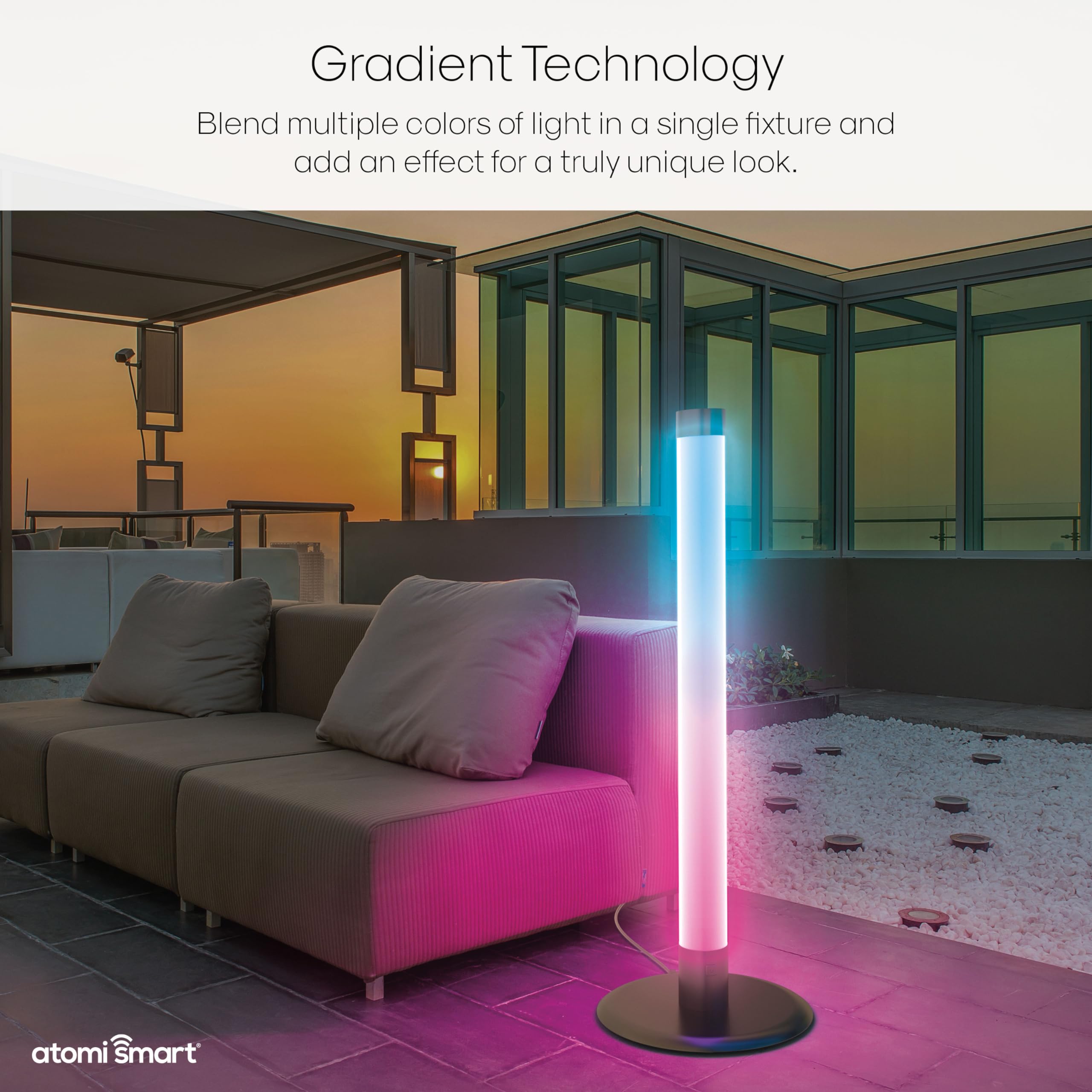
Experience unique lighting effects with Gradient Technology, blending multiple colors seamlessly.
3. Music Sync Mode
Activate Music Sync Mode in the Atomi Smart app to synchronize the lamp's lighting effects with the rhythm of your music. This feature creates a dynamic and immersive audio-visual experience for parties or relaxation.
4. Voice Control (Alexa & Google Assistant)
Once your Atomi Smart lamp is linked to your Amazon Alexa or Google Assistant account (refer to the app's instructions for linking), you can use voice commands to control your lamp. Examples:
- "Alexa, turn on Patio Lamp."
- "Hey Google, set Garden Light to blue."
- "Alexa, dim Patio Lamp to 50%."
- "Hey Google, change Garden Light to warm white."
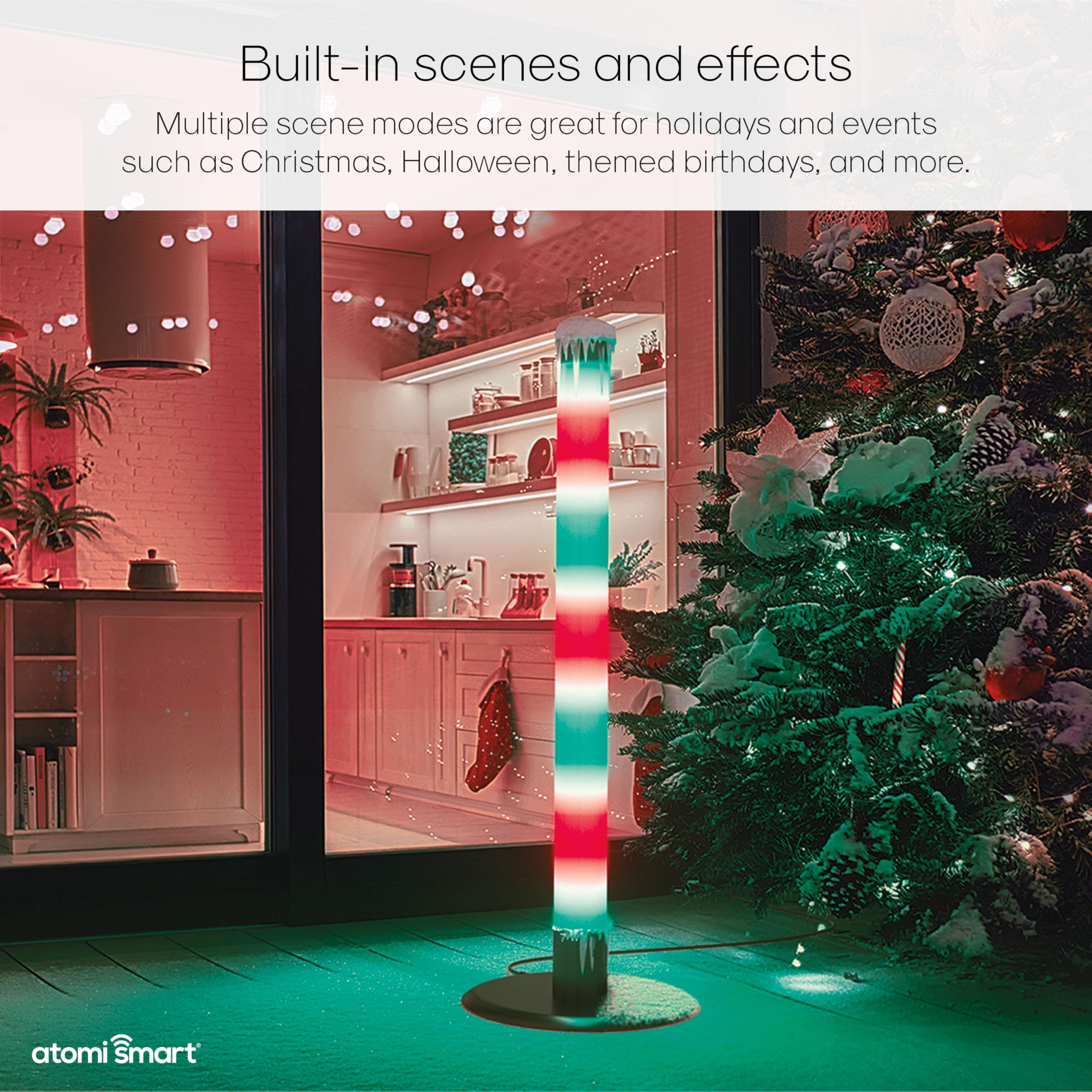
Utilize built-in scenes and effects for holidays and special events.
Key Features
- WiFi Enabled and Voice-Activated: Control your lamp from anywhere using the Atomi Smart app or with voice commands via Amazon Alexa or Google Assistant.
- Ultra-Bright Color-Changing Hue: 37W LEDs provide 1665 lumens of flicker-free, dimmable lighting with over 16 million color options, tunable white light, and various built-in special effects including Music Sync Mode.
- Gradient Technology: Blend multiple colors of light within a single lamp for unique, seamless color transitions and dynamic displays.
- Premium All-Weather Construction: Made with a brushed aluminum metal finish, a wobble-free weighted base, and a shatterproof PC LED light. Engineered with an IP65 rating to withstand rain, sun, wind, or snow.
- Unparalleled Customer Service: Atomi Smart offers a 5-year limited warranty on all smart products.
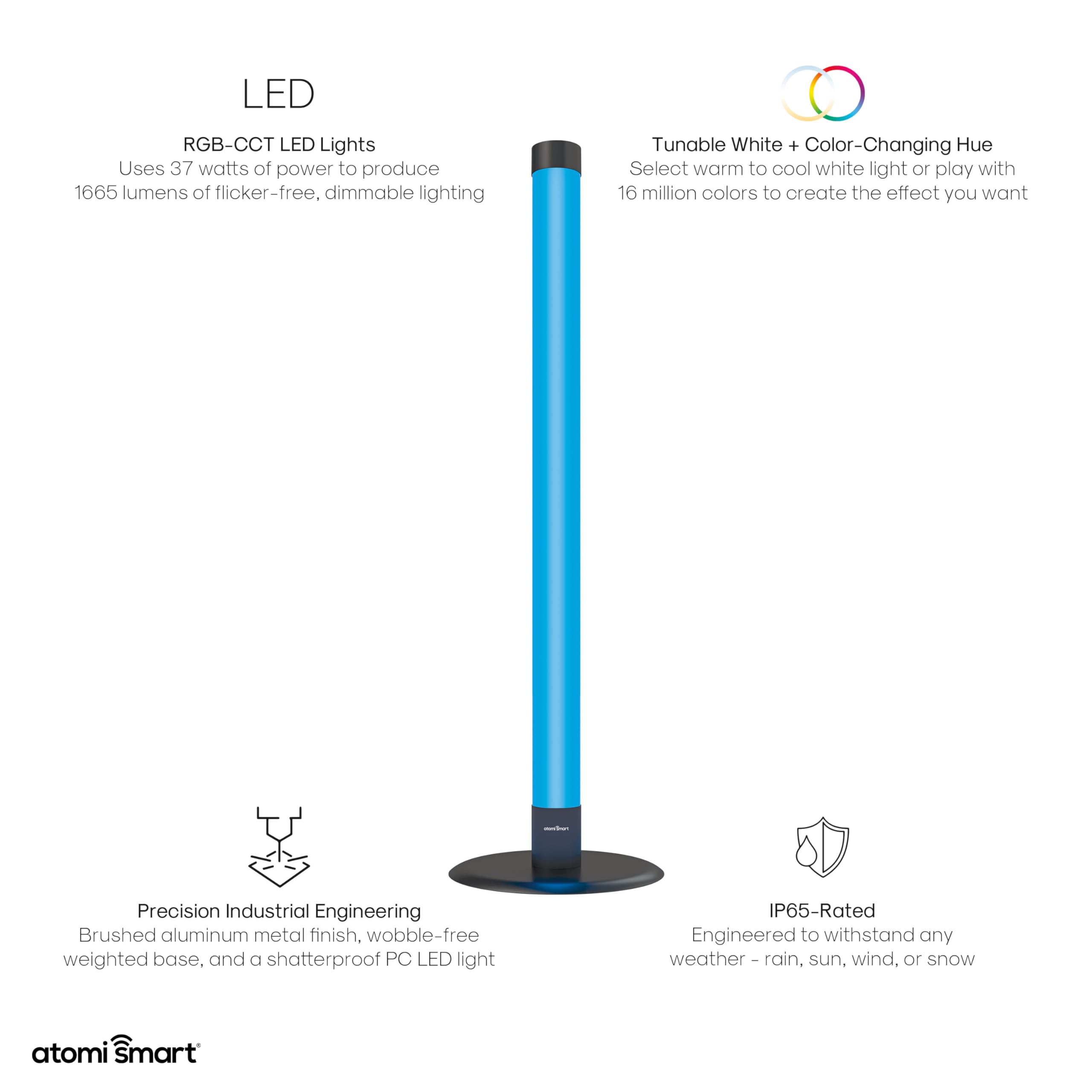
Overview of the lamp's advanced LED technology, tunable white and color-changing capabilities, robust engineering, and IP65 weather resistance.
Maintenance
Cleaning
To clean your Atomi Smart WiFi LED Outdoor Floor Lamp, ensure it is unplugged from the power source. Use a soft, damp cloth to wipe down the exterior. Do not use harsh chemicals, abrasive cleaners, or immerse the lamp in water. The IP65 rating protects against water jets and dust, but not submersion.
Storage
While the lamp is designed for all-weather use, if storing for extended periods, especially in extreme conditions, it is recommended to unplug it and store it in a dry, protected area.
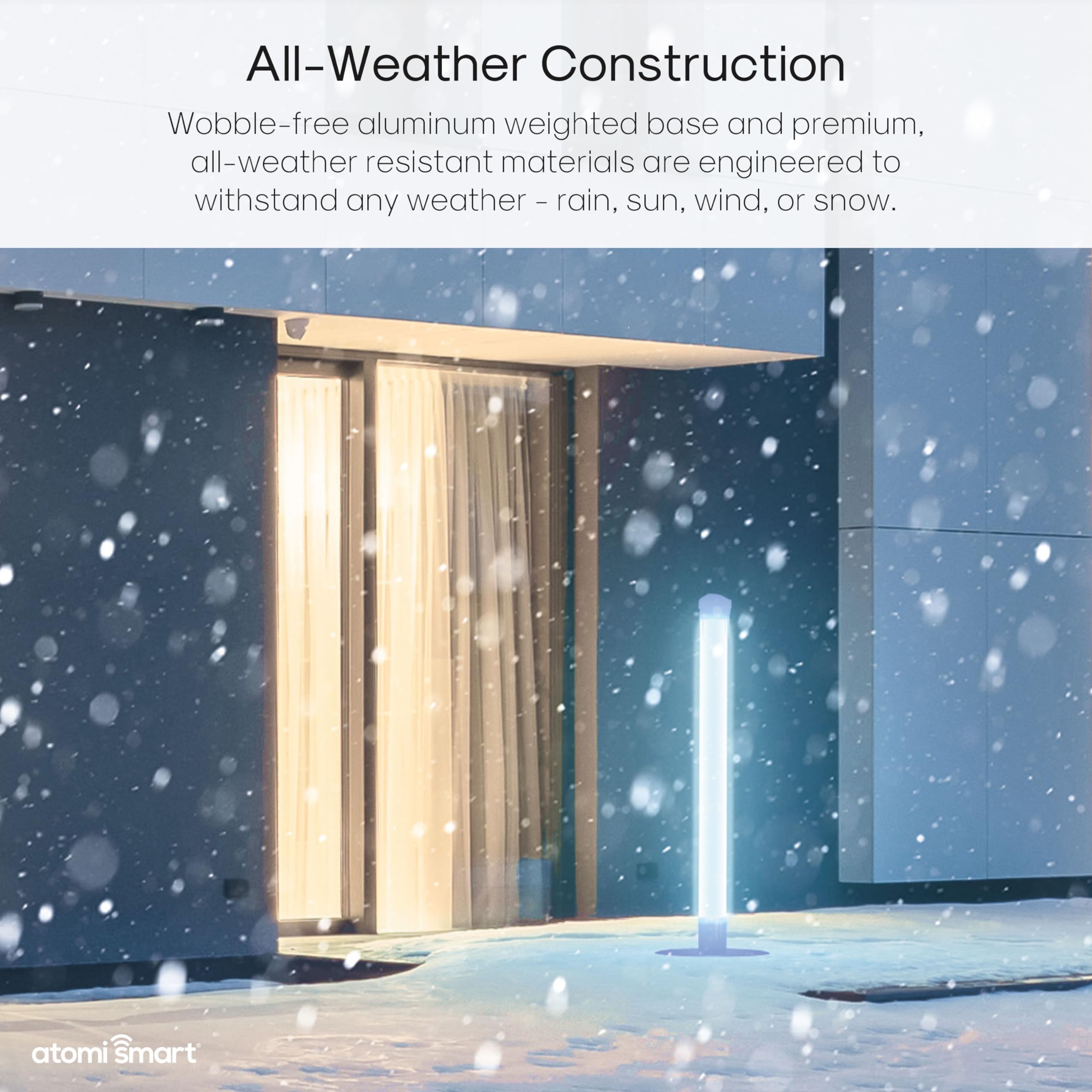
The lamp's all-weather construction ensures durability against rain, sun, wind, or snow.
Troubleshooting
| Problem | Possible Cause | Solution |
|---|---|---|
| Lamp does not turn on. | No power; loose connection; faulty outlet. | Check power connection. Ensure outlet is working. Try a different outlet. |
| Lamp is not flashing for pairing. | Not in pairing mode; previously paired. | To reset, unplug the lamp for 10 seconds, then plug it back in. Repeat this 3 times. The lamp should begin flashing. |
| Cannot connect to Wi-Fi. | Incorrect Wi-Fi password; 5GHz network; weak signal. | Ensure correct 2.4GHz Wi-Fi password. Move lamp closer to router. Restart router. |
| Voice control not working. | Not linked to voice assistant; incorrect commands. | Ensure Atomi Smart skill/action is enabled and linked in Alexa/Google Home app. Use correct voice commands. |
| App control is unresponsive. | Poor Wi-Fi connection; app glitch. | Check Wi-Fi signal strength. Close and reopen the Atomi Smart app. Restart your phone. |
Specifications
| Feature | Detail |
|---|---|
| Brand | Atomi Smart |
| Light Type | LED (RGB-CCT) |
| Special Feature | Corded, Smart Control (Wi-Fi, Voice) |
| Wattage | 37 watts |
| Lumen Output | 1665 lumens |
| Color Options | 16 Million+ Colors, Tunable White |
| Ingress Protection (IP) Rating | IP65 (Dust tight, protected against water jets) |
| Connectivity | 2.4GHz Wi-Fi |
| Compatibility | Atomi Smart App, Amazon Alexa, Google Assistant |
| Material | Brushed Aluminum Metal, Shatterproof PC LED Light |
| Dimensions (Approx.) | 43 inches (Height) x 15.6 inches (Base Diameter) x 3.5 inches (Lamp Diameter) |
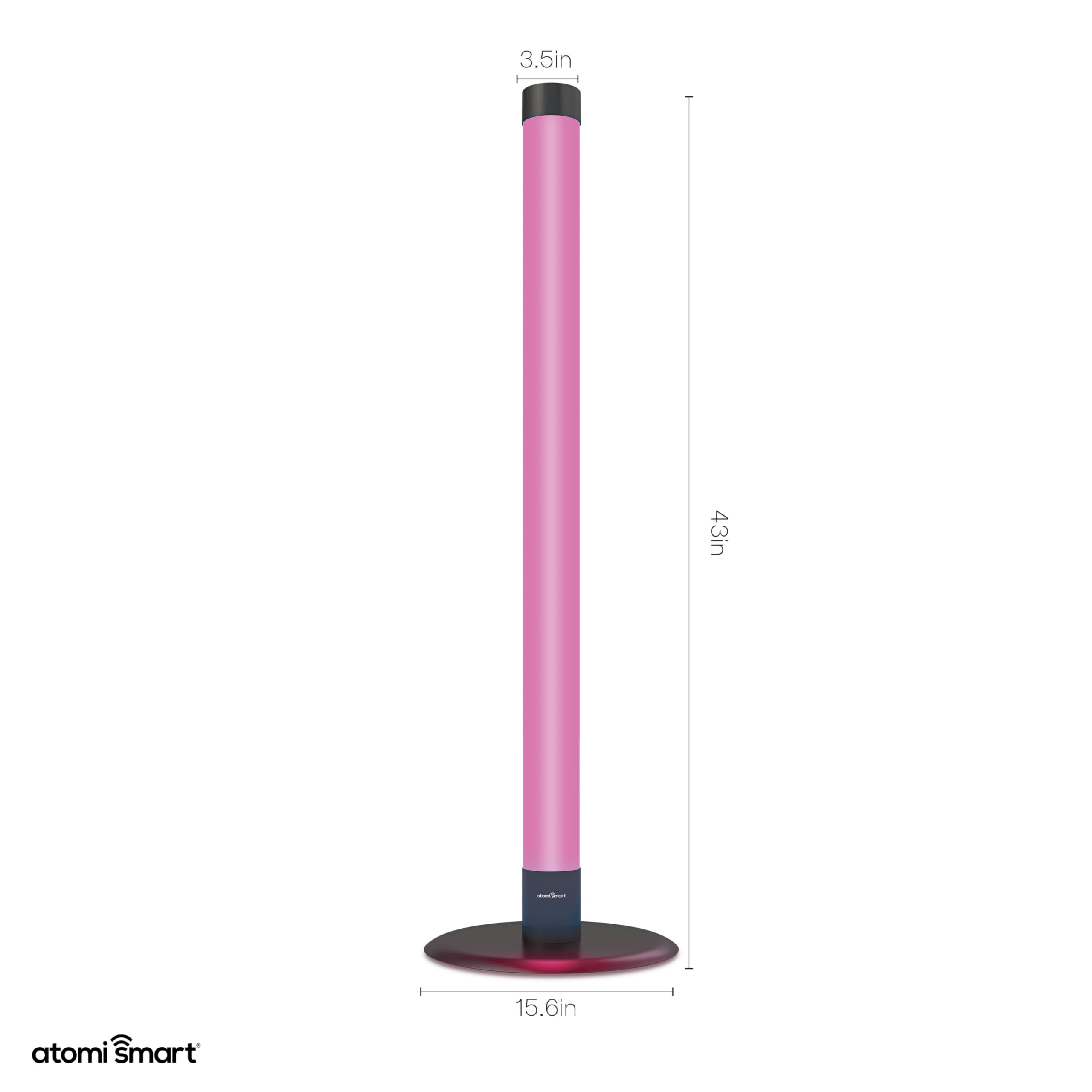
Approximate dimensions of the Atomi Smart WiFi LED Outdoor Floor Lamp.
Warranty and Support
Limited Warranty
Atomi Smart provides a 5-year limited warranty on all its smart products, including this Atomi Smart WiFi LED Outdoor Floor Lamp. This warranty covers defects in materials and workmanship under normal use. Please retain your proof of purchase for warranty claims. The warranty does not cover damage caused by misuse, accidents, unauthorized modifications, or natural disasters.
Customer Support
For technical assistance, troubleshooting, or warranty inquiries, please contact Atomi Smart customer service. Our professional service team is dedicated to providing 100% satisfaction and aims for a 24-hour quick response.
Website: www.atomismart.com
Email: support@atomismart.com
Phone: (Refer to Atomi Smart website for current phone support hours and numbers)