1. Introduction
The GINTOOYUN 3.5mm Audio Extension Cable is designed to extend the reach of your audio connections. This 1.8-meter (5.9-foot) male-to-female cable allows you to connect devices with a 3.5mm audio jack, such as smartphones, tablets, laptops, and media players, to headphones, speakers, or car stereos, providing greater flexibility and freedom of movement.
It features 24K gold-plated connectors and a durable PVC jacket with oxygen-free copper wire for clear, noise-free audio transmission.
2. Package Contents
- 1 x GINTOOYUN 3.5mm Audio Extension Cable (1.8m/5.9ft)
3. Setup and Connection
This cable is designed for simple plug-and-play operation. Follow these steps to connect your devices:
- Identify Connectors: Locate the male (plug) end and the female (jack) end of the extension cable.
- Connect to Source Device: Insert the male 3.5mm plug of the extension cable into the audio output jack of your source device (e.g., smartphone, tablet, laptop, MP3 player, car stereo).
- Connect to Audio Device: Insert the 3.5mm plug of your headphones, speakers, or other audio input device into the female 3.5mm jack of the extension cable.
Once connected, ensure both devices are powered on and the volume is adjusted appropriately. The cable is universally compatible with standard 3.5mm auxiliary ports.

Figure 3.1: Male and Female 3.5mm Connectors
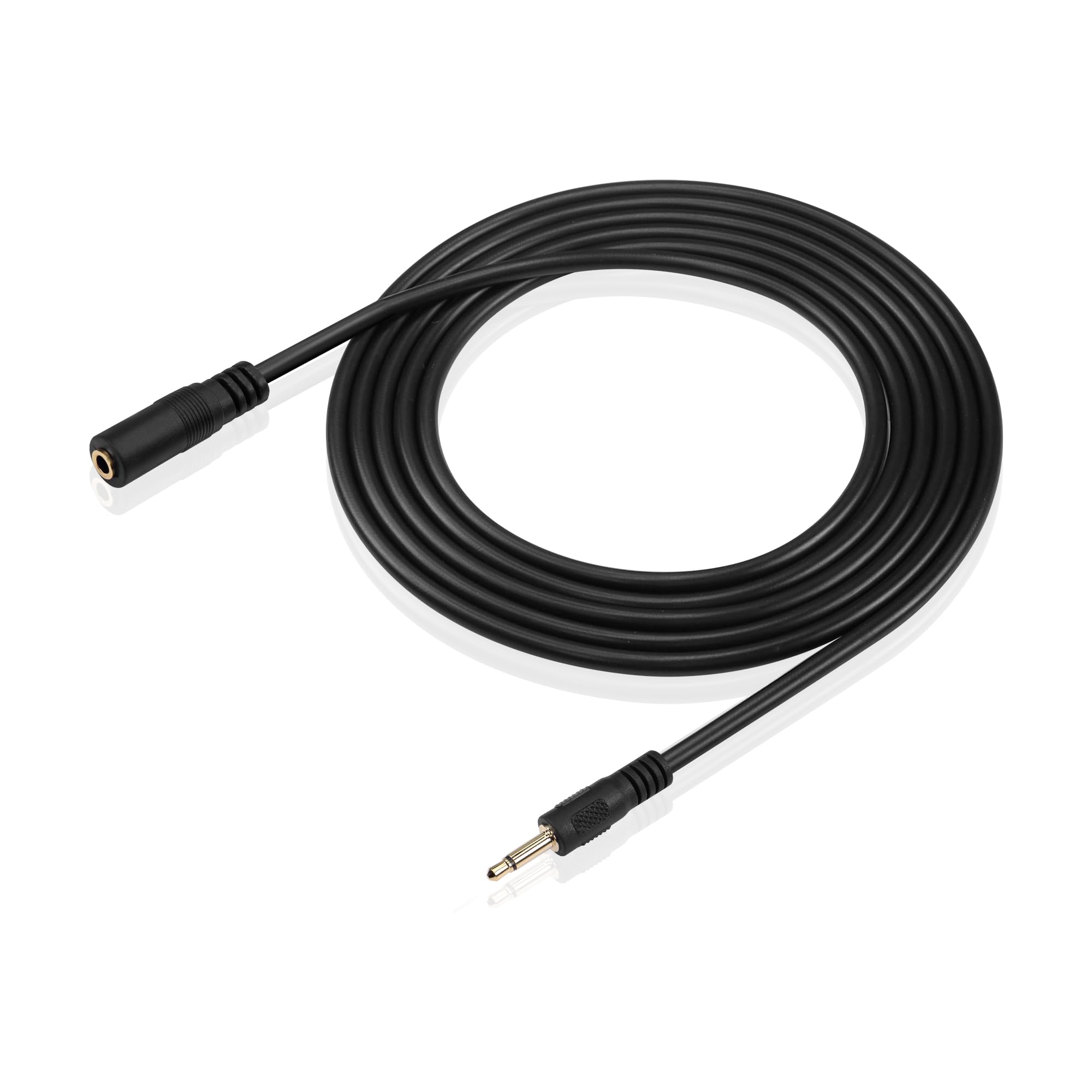
Figure 3.2: Universal Compatibility Overview
4. Operating Instructions
After successful connection, audio from your source device will be transmitted through the extension cable to your connected audio device. This cable is designed for mono audio extension, but it can be used with stereo devices for listening purposes.
- Audio Playback: Begin playing audio on your source device. The sound will be routed through the extension cable.
- Volume Control: Adjust the volume directly on your source device or the connected audio output device (e.g., headphones, speakers).
- Extended Reach: Utilize the 1.8-meter (5.9-foot) length to position your audio devices more conveniently, enhancing your listening experience without being restricted by short cable lengths.

Figure 4.1: Extended Freedom of Movement
Video 4.1: GINTOOYUN Audio Extension Cable Overview. This video demonstrates the features and uses of the GINTOOYUN 3.5mm Audio Extension Cable, including its universal compatibility and extended reach.
5. Maintenance
To ensure the longevity and optimal performance of your GINTOOYUN 3.5mm Audio Extension Cable, follow these maintenance guidelines:
- Cleaning: Wipe the cable and connectors with a soft, dry cloth to remove dust or dirt. Avoid using harsh chemicals or abrasive materials.
- Storage: When not in use, coil the cable loosely. Avoid tight coiling, kinking, or bending the cable sharply, as this can damage the internal wiring. Store in a cool, dry place away from direct sunlight.
- Handling: Always grasp the connector housing when plugging or unplugging the cable. Avoid pulling directly on the cable itself to prevent strain and damage to the connectors.
- Environmental Conditions: Keep the cable away from extreme temperatures and moisture.
6. Troubleshooting
If you encounter issues with your audio extension cable, refer to the following common problems and solutions:
| Problem | Possible Cause | Solution |
|---|---|---|
| No audio output | Loose connection, incorrect port, device volume too low, cable damage. |
|
| Poor audio quality (static, crackling, distorted sound) | Loose connection, interference, damaged cable, incompatible device settings. |
|
| Cable does not fit into device jack | Incorrect jack size, obstruction in the jack. |
|
7. Specifications
| Feature | Detail |
|---|---|
| Brand | GINTOOYUN |
| Model | 3.5mm Audio Extension Cable |
| Connector Type | Auxiliary (3.5mm) |
| Cable Type | AUX |
| Connector Gender | Male-to-Female |
| Cable Length | 1.8 meters (5.9 feet) |
| Number of Pins | 2 (TS - Tip/Sleeve for Mono Audio) |
| Connectivity Technology | 3.5mm Audio |
| Compatible Devices | Smartphones, Cars, Tablets, Laptops, Media Players, Headphones, Speakers |
| Outer Material | Plastic (PVC) |
| Connector Plating | 24K Gold-plated |
| Conductor Material | Oxygen-Free Copper |
| Color | Black |
| Usage Environment | Indoor, Outdoor |
8. Warranty and Support
For warranty information or technical support regarding your GINTOOYUN 3.5mm Audio Extension Cable, please refer to the product packaging or contact the retailer where the product was purchased. You may also visit the official GINTOOYUN website for further assistance.