Product Overview
These HY T02 Bluetooth 5.3 Earbuds are designed to provide an exceptional audio experience with advanced noise reduction and crystal-clear call quality. They offer superior sound, noise-free conversations, and extended usage convenience in a compact design.
Key Features:
- Exceptional Battery Life: Each earbud provides 5-6 hours of continuous music playback with a 40mAh battery. The 300mAh charging case extends total listening time significantly, offering an additional 60 hours of standby time.
- Effortless Charging: Equipped with a Type-C charging interface, the 300mAh charging case ensures quick and efficient power-ups. The case can recharge the earbuds up to 3 times.
- Crystal-Clear Conversations: Four high-performance microphones are integrated to ensure your voice is transmitted clearly during calls, enhancing communication quality regardless of your environment.
- Unparalleled Noise Cancelling: Featuring cutting-edge environmental noise cancelling technology, these earbuds allow for immersive audio experiences by minimizing external distractions.
- Elevate Your Audio: Experience pure soundscapes, clear calls, and seamless connectivity for an enhanced audio journey.
What's in the Box
Upon opening your HY T02 Earbuds package, you will find the following components:
- 2 x HY T02 Earbuds (Left and Right)
- 1 x Charging Case
Product Components
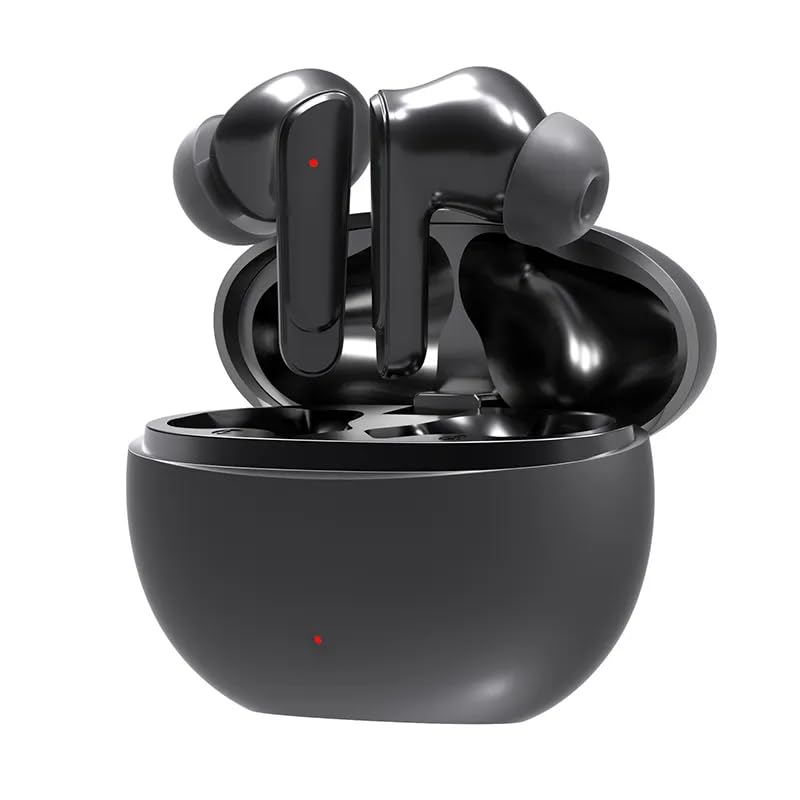
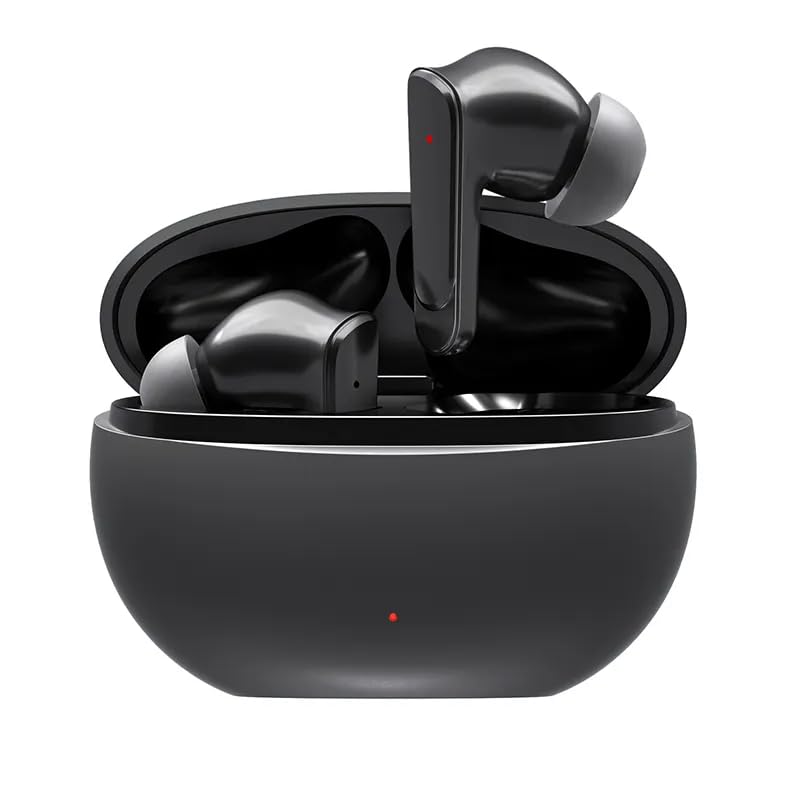
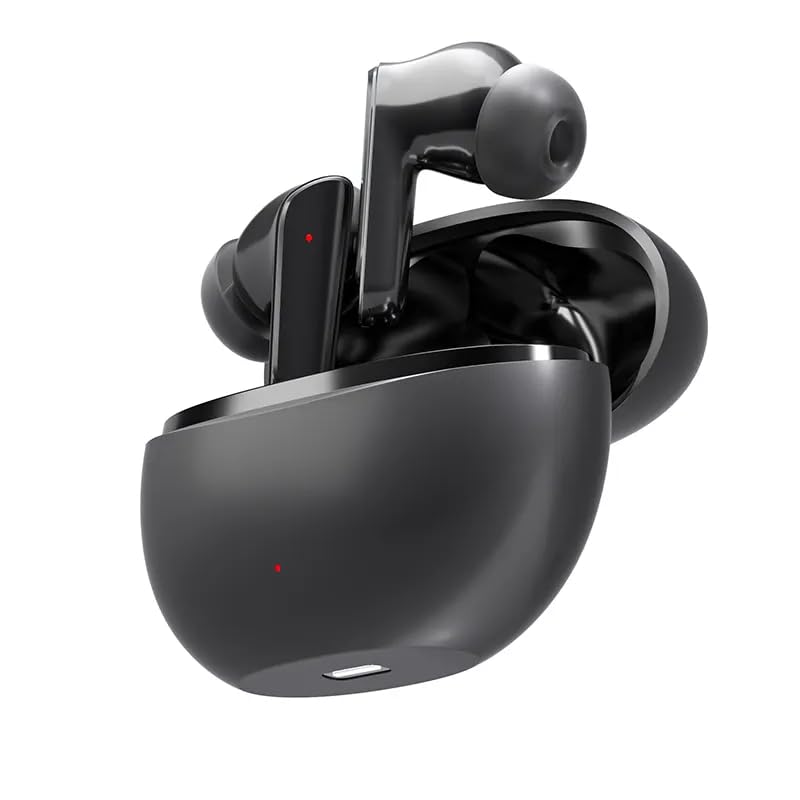
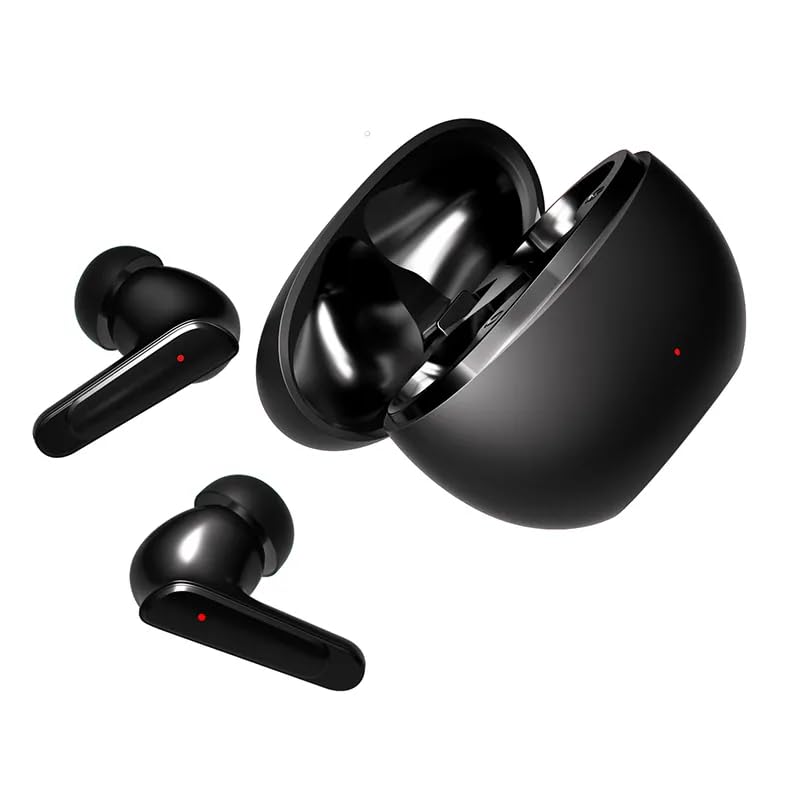
Setup Guide
1. Initial Charging
Before first use, ensure the charging case and earbuds are fully charged. Connect the Type-C charging cable (not included, but required for charging) to the charging port on the case and a USB power source. The indicator light on the case will show charging status. Once fully charged, the indicator will change or turn off.
2. Powering On/Off
- Power On: Open the charging case, and the earbuds will automatically power on. Alternatively, press and hold the touch control area on both earbuds for a few seconds.
- Power Off: Place the earbuds back into the charging case and close the lid; they will automatically power off and begin charging. Alternatively, press and hold the touch control area on both earbuds for an extended period until they power off.
3. Bluetooth Pairing
- Ensure the earbuds are powered on and in pairing mode (indicator lights will typically flash).
- On your device (smartphone, tablet, etc.), enable Bluetooth.
- Search for available Bluetooth devices.
- Select "HY T02" from the list of found devices.
- Once connected, the earbud indicator lights will stop flashing or change to a steady light.
Note: The earbuds should automatically reconnect to the last paired device when removed from the case, if Bluetooth is enabled on the device.
Operating Instructions
Touch Controls
The HY T02 Earbuds feature intuitive touch controls on each earbud. The specific functions are as follows:
| Action | Function |
|---|---|
| Single Tap (Left/Right Earbud) | Play/Pause Music, Answer Call |
| Double Tap (Right Earbud) | Next Track |
| Double Tap (Left Earbud) | Previous Track |
| Triple Tap (Left/Right Earbud) | Activate Voice Assistant |
| Press and Hold (2 seconds) | Reject Call |
| Press and Hold (3 seconds) | Toggle Noise Cancelling/Transparency Mode |
Note: Specific touch control functions may vary slightly depending on the connected device and its operating system.
Maintenance
Cleaning
- Regularly clean the earbuds and charging case with a soft, dry, lint-free cloth.
- Do not use abrasive cleaners, alcohol, or chemical solvents.
- Gently remove any earwax or debris from the ear tips and speaker mesh using a small, soft brush or cotton swab.
- Ensure charging contacts on both earbuds and the case are clean and dry to ensure proper charging.
Storage
- When not in use, always store the earbuds in their charging case to protect them and keep them charged.
- Store in a cool, dry place, away from extreme temperatures, humidity, and direct sunlight.
Battery Care
- To prolong battery life, avoid fully discharging the earbuds or charging case frequently.
- Charge the device regularly, even if not in frequent use, to prevent deep discharge.
Troubleshooting
| Problem | Possible Cause | Solution |
|---|---|---|
| Earbuds not pairing with device. | Earbuds not in pairing mode; Bluetooth off on device; previously paired device interfering. | Ensure earbuds are powered on and in pairing mode. Turn on Bluetooth on your device. Forget "HY T02" from your device's Bluetooth list and re-pair. Restart both earbuds and device. |
| Only one earbud working. | One earbud not charged; earbuds not properly synced; connection issue. | Place both earbuds back into the charging case, close the lid, then open it again. Ensure both earbuds are charged. Try resetting the earbuds (refer to manual for specific reset procedure, if available). |
| Earbuds not charging. | Charging contacts dirty; cable faulty; power source issue; case battery depleted. | Clean the charging contacts on both earbuds and inside the case. Try a different Type-C cable and power adapter. Ensure the charging case itself is charged. |
| Poor sound quality or disconnections. | Distance from device; interference; low battery. | Ensure earbuds are within Bluetooth range (typically 10 meters) of your device. Avoid environments with strong Wi-Fi or other wireless interference. Charge the earbuds. |
Specifications
| Feature | Detail |
|---|---|
| Model Name | HY-T02 |
| Brand | Generic |
| Wireless Communication Technology | Bluetooth 5.3 |
| Form Factor | In Ear |
| Color | Black |
| Control Method | Touch |
| Earbud Battery Capacity | 40mAh (each) |
| Charging Case Battery Capacity | 300mAh |
| Music Playback Time | 5-6 hours (per charge) |
| Standby Time | 60 hours |
| Charging Interface | Type-C |
| Microphones | Four high-performance microphones |
| Noise Cancelling | Environmental Noise Cancelling (ENC) |
| Material | Plastic |
| Product Dimensions | 10.2 x 7.6 x 4.4 cm |
| Item Weight | 100 g |
| Manufacturer | Hyundai Technology USA |
| Included Components | 1 Charging Case, 2 Earbuds |
Warranty and Support
For warranty information, please refer to the warranty policy provided at the time of purchase or contact the retailer. General support for the HY T02 Earbuds can be obtained through the manufacturer, Hyundai Technology USA, or your point of purchase.
For further assistance or technical support, please visit the official website of the brand or contact their customer service department. Keep your purchase receipt as proof of purchase for any warranty claims.


