Introduction
Thank you for choosing the HY T02 Bluetooth 5.3 Earbuds. These earbuds are designed to provide a superior audio experience with advanced features like Environmental Noise Cancelling (ENC) and crystal-clear call quality. This manual will guide you through the setup, operation, and maintenance of your new earbuds.
What's in the Box
Please check the package contents to ensure all items are present:
- 2 x HY T02 Earbuds
- 1 x Charging Case
- 1 x User Manual
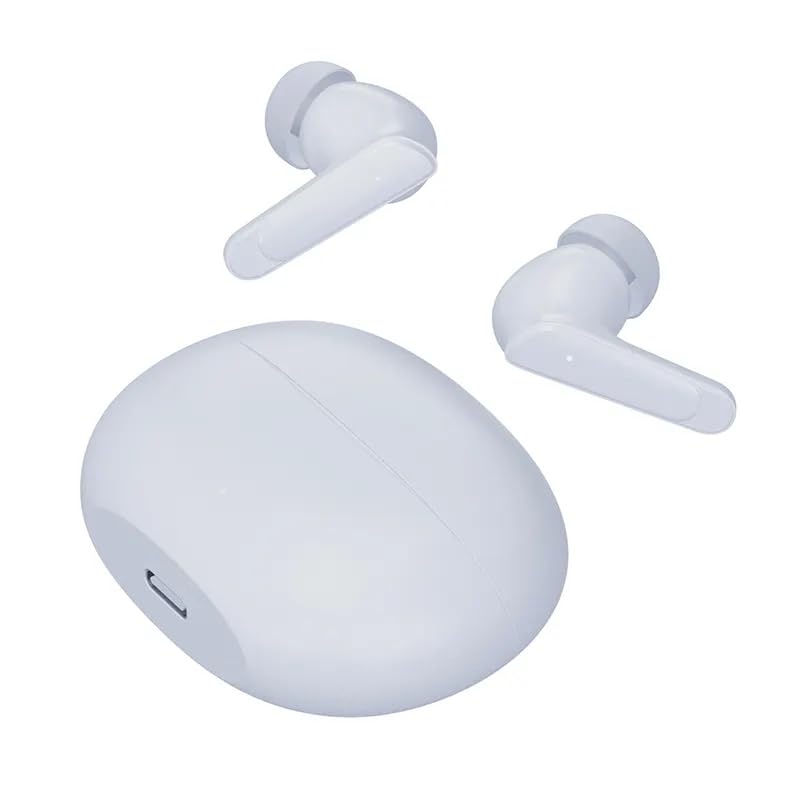
Image: The HY T02 earbuds shown outside their charging case, illustrating the two earbuds and the closed charging case.
Setup
1. Charging the Earbuds and Case
Before first use, fully charge the earbuds and the charging case.
- Place the earbuds into the charging case. Ensure they are correctly seated.
- Connect a Type-C charging cable (not included) to the charging port on the case and plug the other end into a USB power adapter (not included).
- The indicator light on the charging case will show charging status. Once fully charged, the indicator will change or turn off.
- A full charge provides approximately 5-6 hours of music playback for the earbuds, and the case can recharge the earbuds up to 3 times.
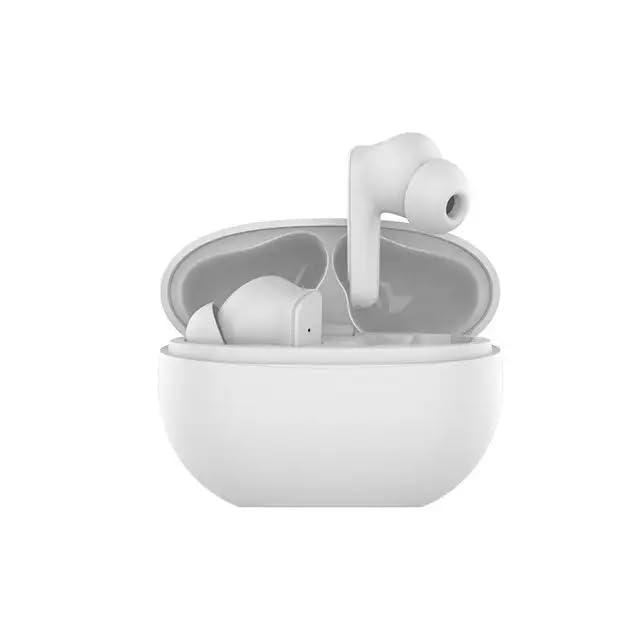
Image: The HY T02 earbuds placed inside their open charging case, ready for charging or use.
2. Pairing with a Bluetooth Device
- Open the charging case. The earbuds will automatically enter pairing mode.
- On your device (smartphone, tablet, etc.), enable Bluetooth.
- Search for "HY T02" in the list of available Bluetooth devices and select it to connect.
- Once connected, you will hear a confirmation tone, and the earbuds will be ready for use.
Operating Instructions
Touch Controls
The HY T02 earbuds feature intuitive touch controls. The specific functions may vary slightly depending on your device and application.
| Action | Function |
|---|---|
| Single Tap (Left/Right Earbud) | Play/Pause Music, Answer/End Call |
| Double Tap (Right Earbud) | Next Track |
| Double Tap (Left Earbud) | Previous Track |
| Long Press (Left/Right Earbud) | Activate Voice Assistant, Reject Call |
| Triple Tap (Left/Right Earbud) | Toggle Environmental Noise Cancelling (ENC) |
Environmental Noise Cancelling (ENC)
The HY T02 earbuds feature Environmental Noise Cancelling (ENC) technology, which helps reduce ambient noise during calls, ensuring your voice is heard clearly. This feature is primarily active during phone calls.
Maintenance
Cleaning
- Regularly clean the earbuds and charging case with a soft, dry, lint-free cloth.
- Do not use abrasive cleaners, alcohol, or chemical solvents.
- Ensure charging contacts on both earbuds and case are clean and free of debris.
Storage
- When not in use, store the earbuds in their charging case to protect them and keep them charged.
- Avoid exposing the earbuds to extreme temperatures, humidity, or dust.
Troubleshooting
If you encounter issues with your HY T02 earbuds, please refer to the following common solutions:
- No Sound:
- Ensure earbuds are charged.
- Check Bluetooth connection on your device.
- Adjust volume on both your device and the earbuds.
- Earbuds Not Pairing:
- Ensure earbuds are out of the case and in pairing mode.
- Turn off Bluetooth on your device and turn it back on.
- Forget "HY T02" from your device's Bluetooth list and try pairing again.
- Ensure no other devices are connected to the earbuds.
- Charging Issues:
- Check the charging cable and adapter.
- Ensure charging contacts on earbuds and case are clean.
- Poor Call Quality:
- Ensure earbuds are fully charged.
- Check for obstructions between earbuds and your device.
- Move to an area with less environmental noise.
Specifications
| Feature | Detail |
|---|---|
| Model Name | HY-T02 |
| Bluetooth Version | 5.3 |
| Wireless Communication Technology | Bluetooth |
| Earbud Battery Capacity | 40mAh (each earbud) |
| Charging Case Battery Capacity | 300mAh |
| Music Playback Time | 5-6 hours |
| Standby Time | 60 hours |
| Charging Interface | Type-C |
| Microphones | Four high-performance microphones |
| Noise Cancelling | Environmental Noise Cancelling (ENC) |
| Control Method | Touch |
| Material | Plastic |
| Item Weight | 100 g |
| Product Dimensions | 10.2 x 7.6 x 4.4 cm |
Warranty and Support
For warranty information or technical support, please refer to the documentation provided at the time of purchase or contact your retailer. Keep your proof of purchase for any warranty claims.


