Introduction
Thank you for choosing the Bewinner Universal Garage Door Remote Control. This 4-button remote is designed for broad compatibility with various garage door openers and gate systems operating within the 280 MHz to 868 MHz frequency range. This manual provides detailed instructions for setup, operation, and maintenance to ensure optimal performance and longevity of your device.

Image: Bewinner Universal Garage Door Remote Control, showcasing its sleek design and four buttons.
Key Features
- Automatic Frequency Identification: Supports ASK signal identification across a wide range of frequencies including 287 MHz, 300 MHz, 306 MHz, 310 MHz, 315.5 MHz, 330 MHz, 360 MHz, 390 MHz, 410 MHz, 430.5 MHz, 433.42 MHz, 433.92 MHz, 868.35 MHz, and 286-361 MHz.
- Broad Compatibility: Capable of copying most fixed code learning codes and rolling codes available in the market.
- High Sensitivity: Features a 4-key multi-frequency super copy remote control with high transmission power and long transmission distance for secure and reliable operation.
- Multi-purpose Application: Suitable for garage doors, keyless entry rolling doors, car and motorcycle alarms, industrial control systems, and anti-theft alarms.
- Durable Construction: Made with an ABS plastic shell, offering anti-aging, waterproof, and impact-resistant properties, preventing cracking or breakage.
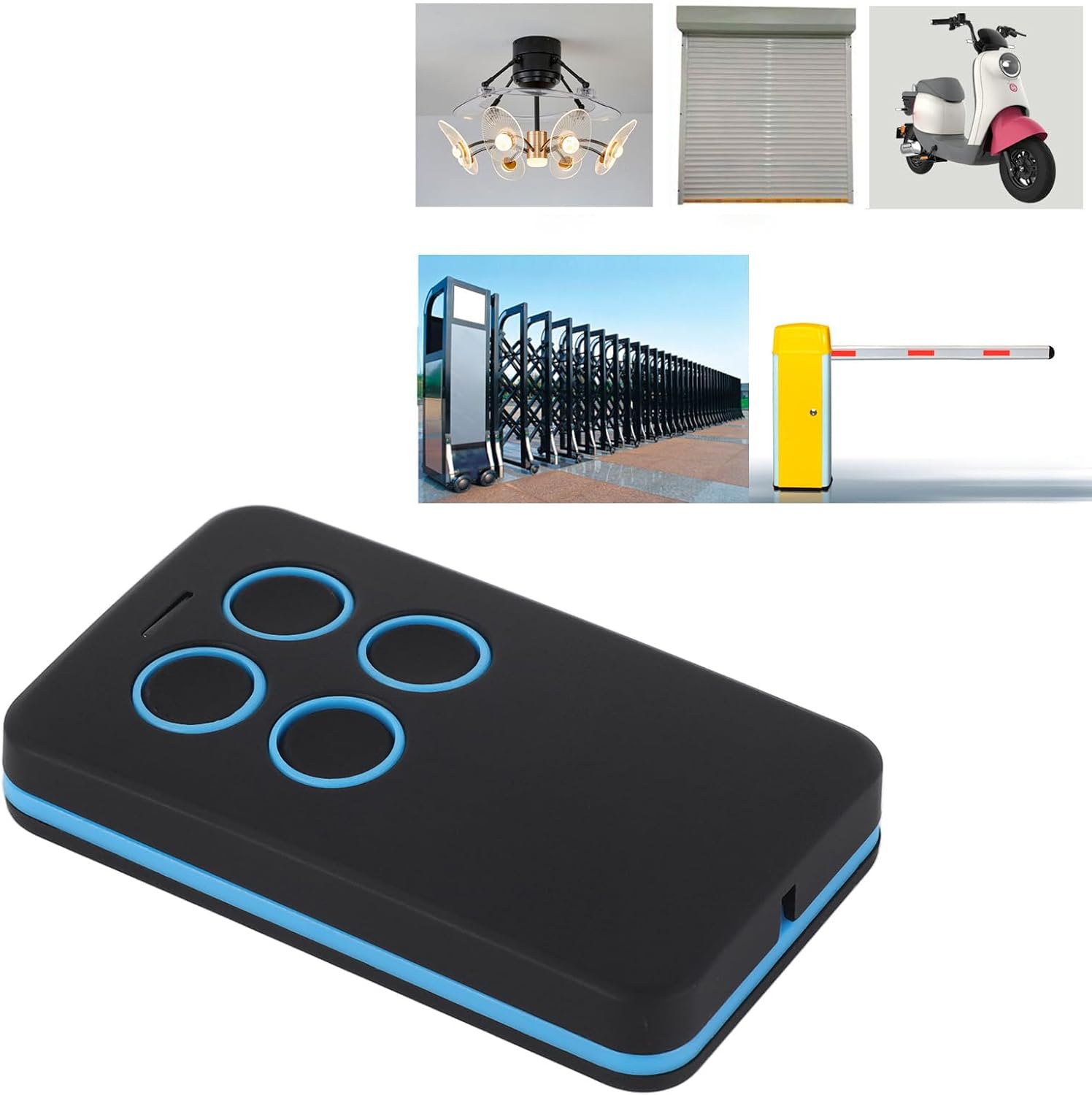
Image: The remote control shown with various applications it supports, such as garage doors, gates, and other automated systems.
Setup and Programming
This section guides you through the process of programming your Bewinner Universal Remote Control. The process typically involves clearing existing codes and then cloning from your original remote or programming directly to your garage door opener's learn button.
1. Clearing Existing Codes (Important First Step)
- Press and hold the 'A' and 'B' buttons simultaneously on your new remote until the LED indicator flashes rapidly (approximately 3 seconds).
- While still holding 'A', release 'B', then press 'B' three times. The LED should flash rapidly again.
- Release all buttons. The LED should now be off, indicating that the remote's memory has been cleared.
2. Cloning from an Existing Remote
- Place your original remote and the new Bewinner remote side-by-side, as close as possible (ideally within 5 cm).
- Press and hold the button on your original remote that you wish to clone. The LED on the original remote should light up.
- Immediately press and hold the corresponding button on your new Bewinner remote. The LED on the Bewinner remote should first flash slowly, then rapidly, indicating successful cloning.
- Repeat this process for each button you wish to clone.
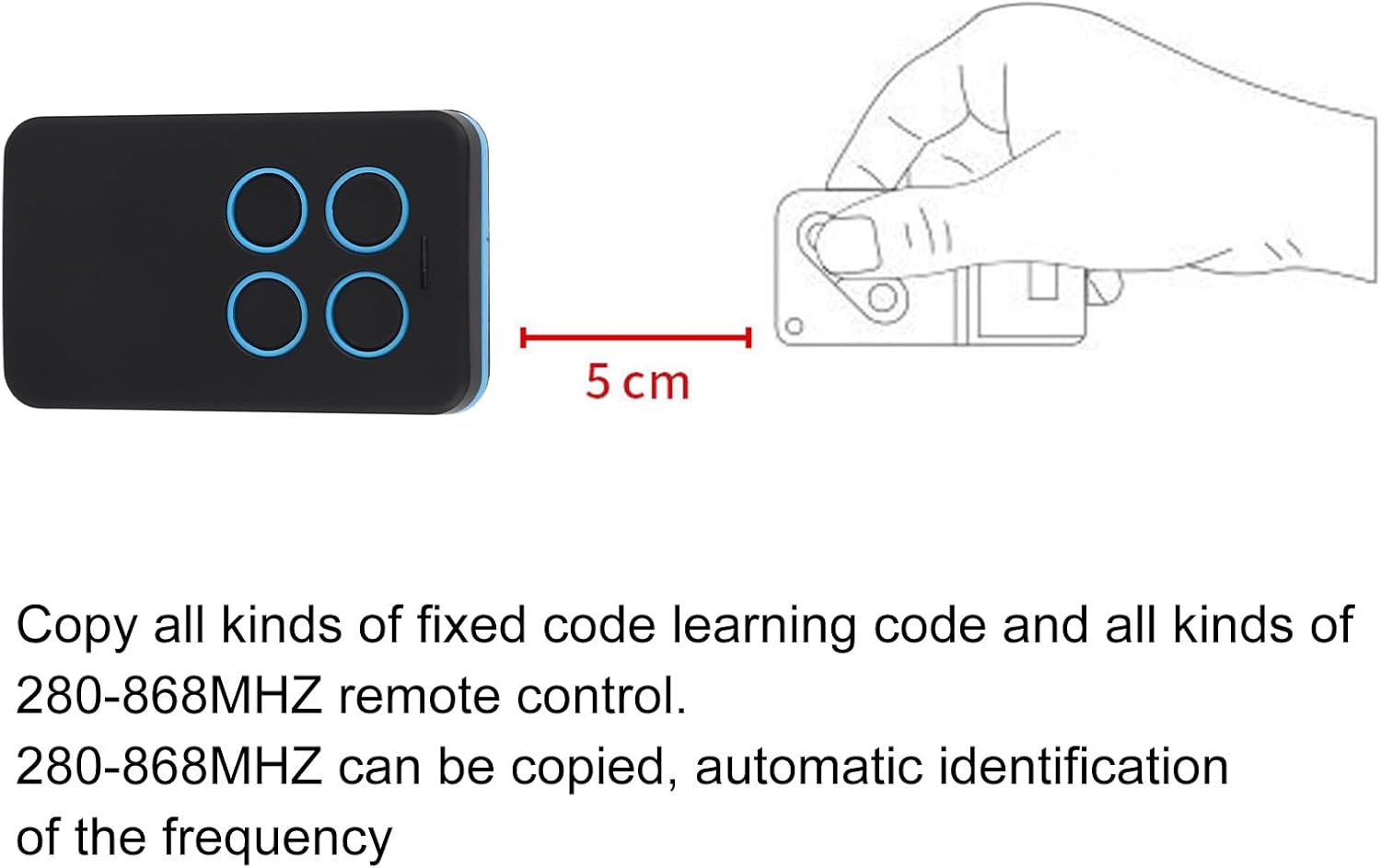
Image: Two remote controls positioned for cloning, illustrating the recommended close proximity for successful signal transfer.
3. Programming to a Garage Door Opener (Using Learn Button)
This method is used when cloning is not possible or for direct programming. The steps vary slightly depending on the color of your garage door opener's 'Learn' button. Refer to the videos below for specific instructions based on your opener's learn button color.
Programming for Red/Orange Learn Button (390MHz Security+)
Video: Demonstrates how to program the remote control to a garage door opener featuring a Red or Orange 'Learn' button, typically associated with 390MHz Security+ systems. Follow the on-screen instructions for step-by-step guidance.
Programming for Purple Learn Button (315MHz Security+)
Video: Provides instructions for programming the remote control with a garage door opener that has a Purple 'Learn' button, common for 315MHz Security+ systems. Watch for visual cues and detailed steps.
Programming for Green Learn Button (390MHz Billion Code)
Video: Explains the programming procedure for garage door openers equipped with a Green 'Learn' button, typically found in 390MHz Billion Code systems. Follow the visual demonstration carefully.
Programming for Yellow Learn Button (Security+ 2.0)
Video: Illustrates how to program the remote control to a garage door opener with a Yellow 'Learn' button, characteristic of Security+ 2.0 systems. Pay close attention to the sequence of button presses.
Operating the Remote Control
Once programmed, operating your Bewinner Universal Remote Control is straightforward:
- Ensure you are within range of your garage door opener or gate system.
- Press the programmed button corresponding to the function you wish to activate (e.g., open/close garage door, activate gate).
- The LED indicator on the remote will light up during transmission.
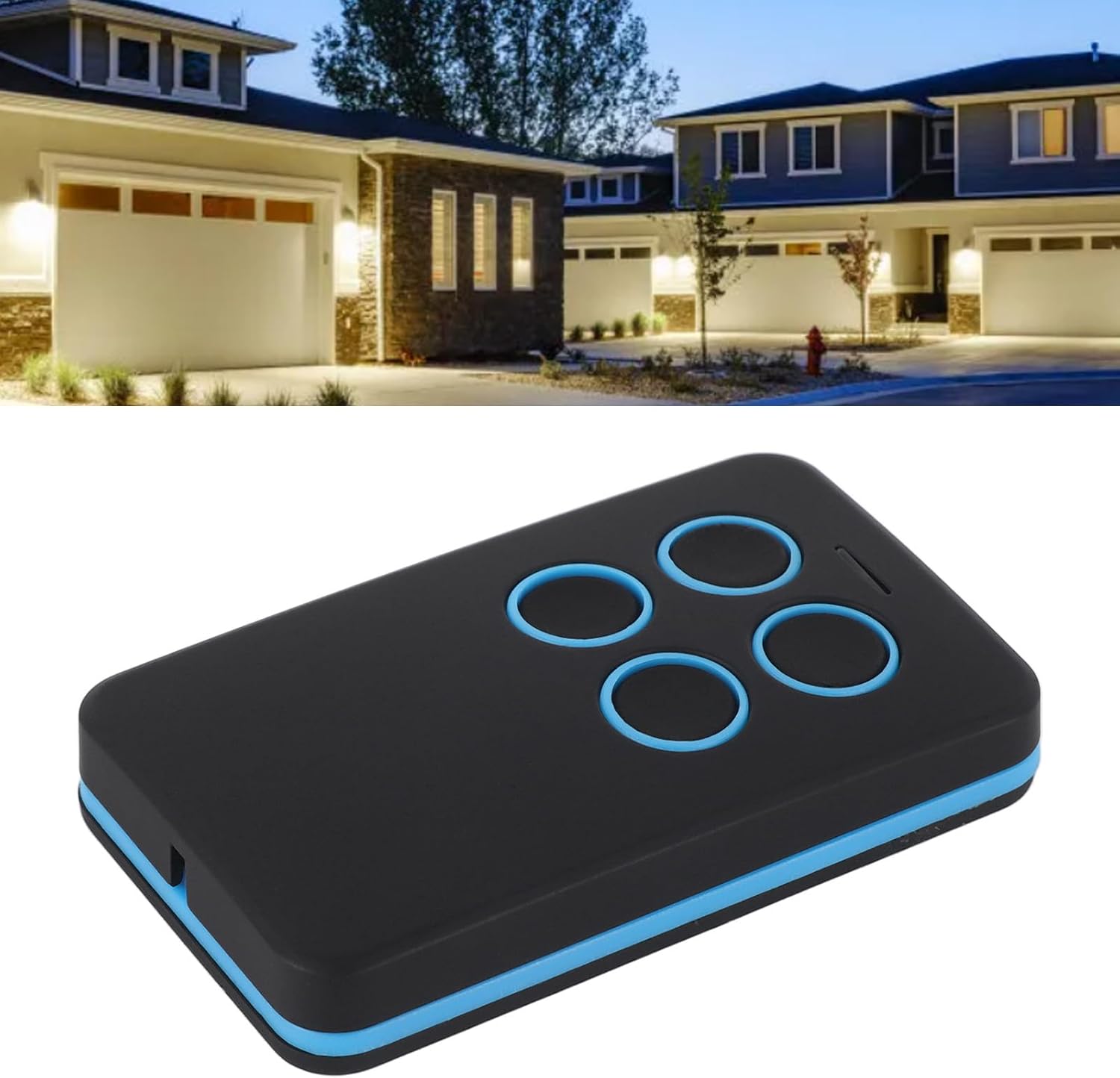
Image: The remote control being used to open a garage door, demonstrating its practical application.
Maintenance
General Care
- Keep the remote control clean and dry. Avoid exposure to extreme temperatures or direct sunlight.
- Do not drop or subject the remote to strong impacts.
- Clean the exterior with a soft, damp cloth. Do not use harsh chemicals or abrasive cleaners.
Battery Information
This remote control uses an internal lithium battery. While the product listing indicates batteries are not included or needed, the specification mentions a 'Lithium' battery. This suggests an integrated, non-user-replaceable battery. If the remote stops functioning, it may indicate the battery needs professional replacement or the unit needs to be replaced. Please dispose of the device responsibly according to local regulations for electronic waste.
Troubleshooting
- Remote not responding: Ensure the remote is within operating range. Check if the LED indicator lights up when a button is pressed. If not, the battery may be depleted (see Maintenance section).
- Difficulty programming: Ensure you have cleared all existing codes from the new remote before attempting to clone or program. Make sure the original remote and the new remote are very close during cloning. For learn button programming, ensure you are pressing the correct sequence and holding buttons for the specified duration. Refer to the programming videos for your specific learn button color.
- Interference: Strong radio frequency interference from other devices can affect remote performance. Try operating the remote from a different location or away from potential sources of interference.
- Incompatible system: While highly compatible, some older or very specific systems may not be supported. Verify your garage door opener's frequency and code type against the remote's specifications.
Specifications
| Attribute | Value |
|---|---|
| Brand | Bewinner |
| Model Number | Bewinnerhu496cotsf |
| Compatible Devices | Garage Door, Electric Gates |
| Special Feature | Universal Compatibility |
| Color | Black |
| Max. Supported Devices | 1 (per button) |
| Connector Type | Radio Frequency |
| Battery Type | Lithium (internal) |

Image: Top view of the remote control, highlighting its compact form factor.
Warranty and Support
For warranty information or technical support, please refer to the product packaging or contact Bewinner customer service directly. Keep your purchase receipt for any warranty claims.
