
1. Introduction
The Schloß RD-S Fingerprint Smart Deadbolt Lock offers advanced security and convenient access to your home. This deadbolt features three primary unlock methods: fingerprint recognition, smartphone app control via Bluetooth, and traditional physical keys. It is designed for easy installation and provides features like auto-locking and access history tracking to enhance your home security.

Image: Overview of Schloß Smart Deadbolt features, highlighting multiple access methods and smart functionalities.
2. Setup
2.1 Mechanical Installation
The Schloß RD-S deadbolt is designed for easy installation without the need for additional drilling on most standard doors. It fits door thicknesses from 35mm to 54mm and requires a door hole diameter of 54mm. The latch is adjustable from 60mm to 70mm to accommodate various door types. Ensure the latch is correctly oriented for your door's handing (left or right).

Image: Detailed measurements and compatibility information for door thickness and latch adjustment.

Image: Visual guide for the no-drilling installation process of the deadbolt.
Video: Installation for Right-handed Door
Video Description: A step-by-step guide on installing the smart deadbolt lock on a right-handed door, demonstrating the process of fitting the components.
Video: Installation for Left-handed Door
Video Description: A detailed walkthrough for installing the smart deadbolt lock on a left-handed door, showing specific adjustments and component placement.
2.2 Battery Installation
The smart deadbolt requires 4 AA batteries (not included). Insert the batteries into the interior unit following the polarity indicators. The lock will typically provide a low battery alert when replacement is needed. In case of complete battery depletion, an emergency power port is available for temporary power.

Image: Illustration of the battery compartment and emergency power options.
2.3 App Setup and Fingerprint Enrollment
Download the dedicated smartphone app to manage your Schloß smart lock. Connect to the lock via Bluetooth to add new users, enroll fingerprints, and configure settings. The lock supports up to 50 unique fingerprints for quick and secure access.

Image: The smartphone app interface for controlling the smart deadbolt.

Image: Visual representation of the lock's capacity to store up to 50 fingerprints.
Video: How to Add to the App and Program - RD Deadbolt
Video Description: A tutorial on connecting the RD-S deadbolt to the smartphone app and programming user fingerprints for access.
3. Operating the Lock
3.1 Fingerprint Unlock
To unlock the door using your fingerprint, simply place a registered finger on the sensor. The advanced biometric identification technology allows for unlocking in approximately 0.5 seconds.
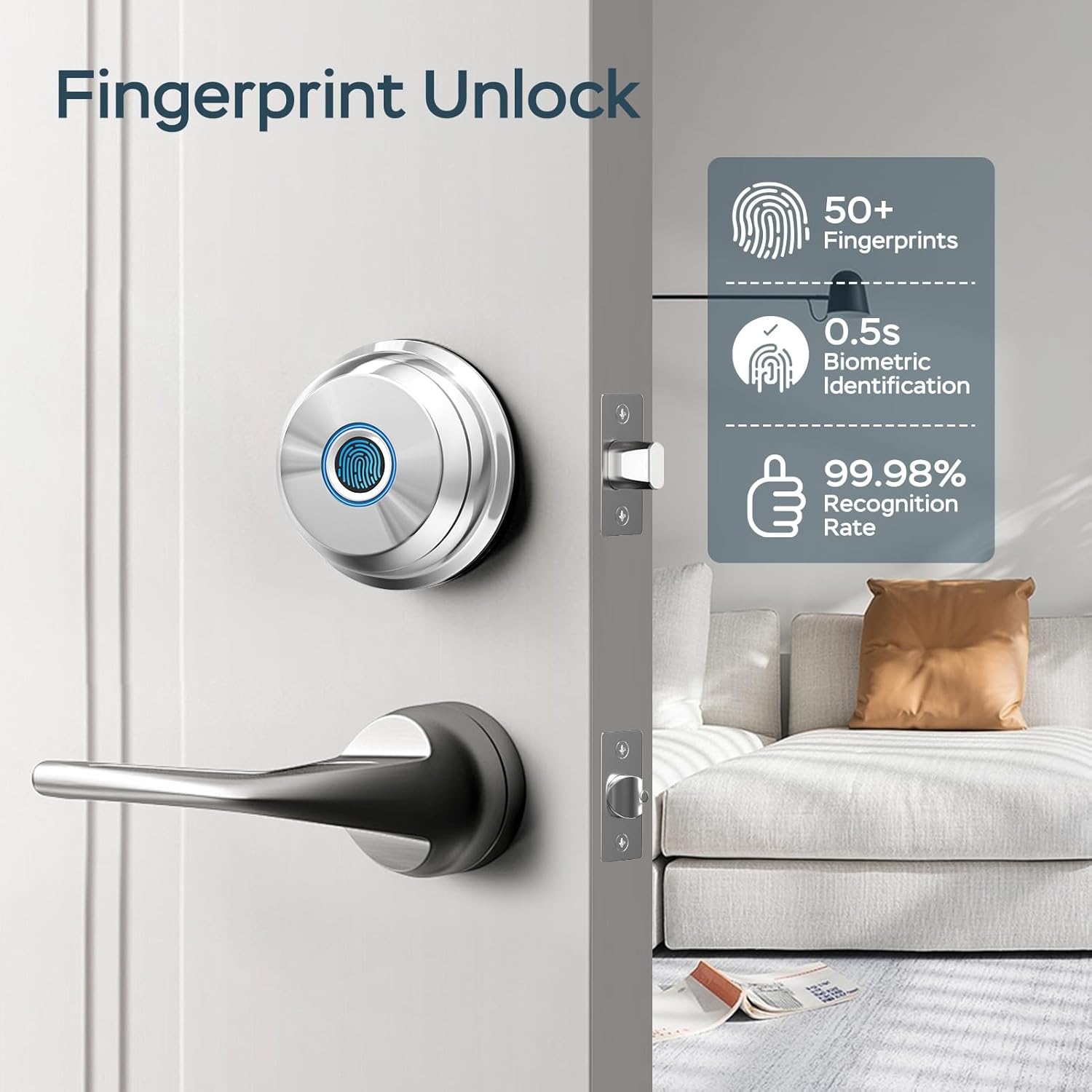
Image: Details on fingerprint recognition speed and accuracy.
3.2 App Control Unlock
Use the smartphone app to unlock or lock your door remotely via Bluetooth. The app also allows you to manage users, view access history, and receive instant unlock notifications. For remote control beyond Bluetooth range, a separate gateway device is required.

Image: Visualizing app-controlled features and Bluetooth connectivity.
3.3 Manual Key Unlock
For traditional access or in case of electronic malfunction, two physical backup keys are provided. The keyhole is discreetly located and can be accessed when needed.
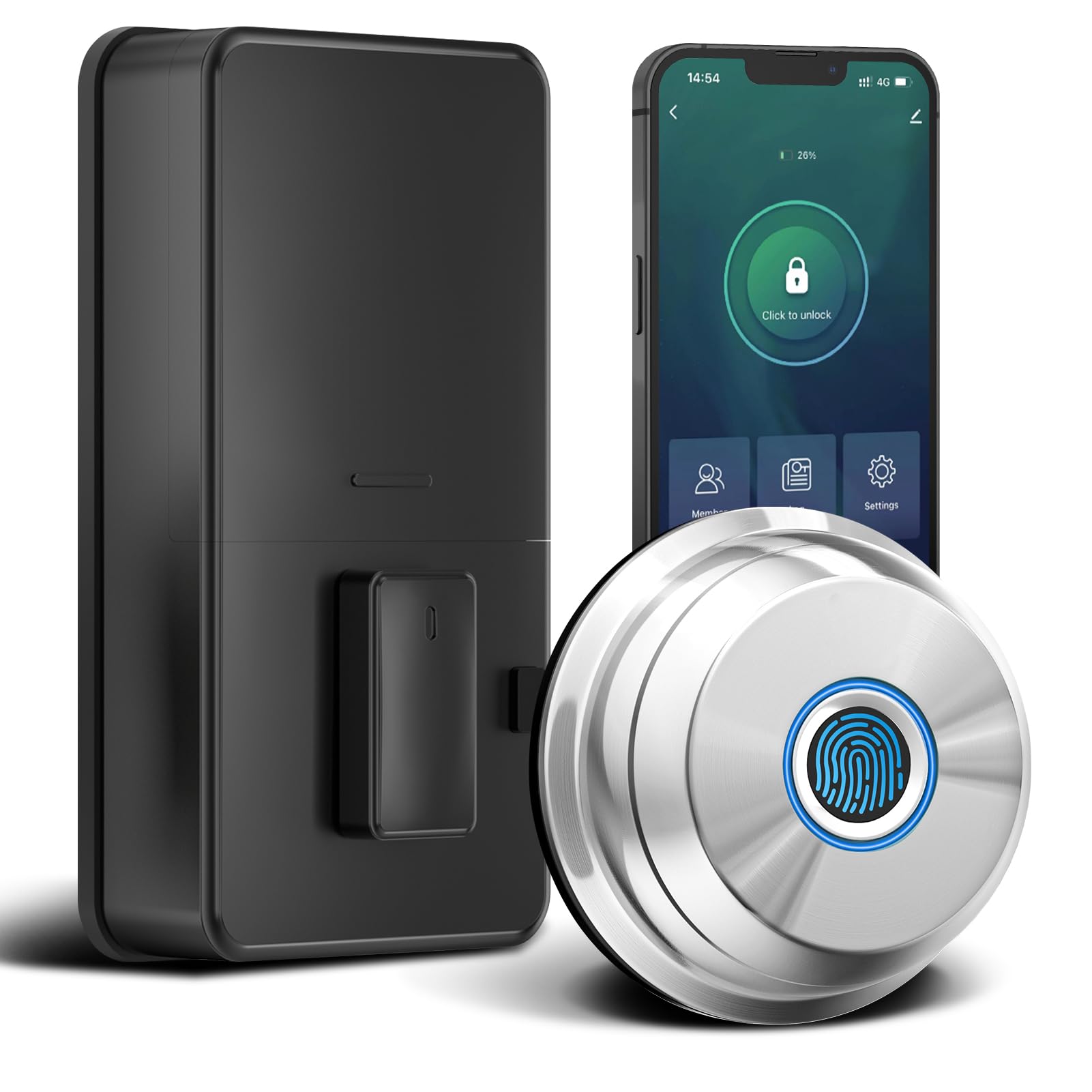
Image: The smart deadbolt with a physical key, illustrating the manual override option.
3.4 Auto Lock Feature
The auto-lock function automatically secures your door after a set period, configurable through the app. This feature ensures your home remains secure even if you forget to lock the door. You can disable auto-lock if you prefer the door to remain unlocked for extended periods.

Image: Depiction of the auto-lock feature in action, providing convenience and security.
4. Maintenance
4.1 Battery Replacement
The Schloß RD-S deadbolt operates on 4 AA batteries. When the battery level is low, the lock will provide an alert. Replace all four batteries simultaneously with new ones to ensure optimal performance. Always use high-quality alkaline batteries.
4.2 Emergency Power
In the event of complete battery depletion, an emergency power port (likely USB-C, though not explicitly stated) is integrated into the exterior unit. You can connect a portable power bank or smartphone charger to temporarily power the lock and gain access.
4.3 Cleaning
Wipe the exterior of the lock with a soft, dry cloth. Avoid using abrasive cleaners or solvents that could damage the finish or electronic components. Keep the fingerprint sensor clean and dry for accurate readings.
5. Troubleshooting
5.1 Fingerprint Not Recognized
- Ensure your finger is clean and dry.
- Try placing your finger in different orientations on the sensor.
- If issues persist, delete and re-enroll your fingerprint through the app.
5.2 App Connectivity Issues
- Verify that Bluetooth is enabled on your smartphone.
- Ensure you are within Bluetooth range of the lock.
- Restart the app or your phone if necessary.
5.3 Lock Not Responding
- Check the battery level and replace batteries if low.
- Use the physical backup keys for immediate access.
- Utilize the emergency power port with a portable charger.
6. Specifications
| Brand | Schloß |
| Model Name | RD-S |
| Lock Type | Biometric, Deadbolt |
| Special Features | App Smart Control, Auto-Lock, Fingerprint, Resettable, Weather Resistant |
| Material | Aluminum |
| Item Dimensions (L x W x H) | 2.76 x 1.14 x 3.93 inches |
| Item Weight | 1.65 pounds |
| Connectivity Protocol | Bluetooth |
| Included Components | 2 backup keys, latch |
| Batteries Required | Yes (4 AA) |
7. Warranty and Support
Schloß is committed to providing quality products and customer satisfaction. If you encounter any problems or have questions regarding your RD-S Fingerprint Smart Deadbolt Lock, please contact our customer service team for assistance. Refer to your product packaging or the official Schloß website for specific warranty details and contact information.