
1. Introduction
Thank you for choosing the CRUA 30" Curved Gaming Monitor. This manual provides essential information for setting up, operating, and maintaining your monitor. Please read it thoroughly before use to ensure optimal performance and safety.
This monitor features a 30-inch WFHD (2560x1080) 1500R curved VA screen, offering a 21:9 aspect ratio for an immersive viewing experience. It supports a high refresh rate of up to 200Hz and AMD FreeSync technology for smooth, tear-free visuals. With 120% sRGB color gamut, 300 cd/m² brightness, and a 3000:1 contrast ratio, it delivers vibrant and true-to-life colors.
2. Safety Information
Please observe the following safety precautions to prevent damage to your monitor or injury to yourself:
- Do not place the monitor on an unstable cart, stand, or table.
- Do not block ventilation openings.
- Do not use near water or sources of heat.
- Use only the power adapter provided by the manufacturer.
- Unplug the monitor during lightning storms or when unused for long periods.
- Refer all servicing to qualified service personnel.
3. Package Contents
Verify that all items are present in your package:
- 29.5 Inch Gaming Monitor
- Power Adapter
- DP Cable
- Base and Support
- User Manual
4. Setup
4.1. Stand Assembly
To assemble the monitor stand:
- Carefully remove the monitor from its packaging, keeping it protected.
- Attach the stand base to the stand support using the provided screws.
- Align the assembled stand with the mounting points on the back of the monitor.
- Secure the stand to the monitor using the provided screws.

Figure 1: Monitor rear view showing stand attachment points.

Figure 2: Monitor with stand fully assembled.
4.2. Wall Mount Installation
The monitor supports VESA wall mount installation (100x100mm). To install using a wall mount (sold separately):
- Remove the stand from the monitor if it is already attached.
- Attach your VESA-compatible wall mount bracket to the monitor's mounting holes.
- Follow the instructions provided with your wall mount for secure installation.

Figure 3: Monitor rear view highlighting VESA mount compatibility.
4.3. Connecting to Devices
Connect your monitor to your computer or other devices using the available ports:
- Dual HDMI Ports: Supports up to 120Hz refresh rate.
- Dual DisplayPort (DP) Ports: Supports up to 200Hz refresh rate.
- 3.5mm Audio Port: For connecting headphones or external speakers.
- DC Power Input: Connect the provided power adapter here.

Figure 4: Monitor connectivity ports.
5. Operating Instructions
5.1. Power On/Off
To power on the monitor, press the power button located on the back or bottom of the monitor. Press it again to power off.
5.2. On-Screen Display (OSD) Menu Navigation
The OSD menu allows you to adjust various monitor settings. Buttons for navigation are typically located on the back or bottom of the monitor. Use these buttons to:
- Access the main OSD menu.
- Navigate through menu options (Up/Down, Left/Right).
- Select options and confirm settings.
- Exit the OSD menu.
5.3. Display Features
- Refresh Rate: Enjoy ultra-smooth visuals with a refresh rate of up to 200Hz (via DisplayPort) or 120Hz (via HDMI). Adjust this setting in your computer's display settings for optimal performance.
- AMD FreeSync: This technology synchronizes the monitor's refresh rate with your GPU's frame rate, eliminating screen tearing and stuttering for fluid gameplay. Ensure FreeSync is enabled in both your monitor's OSD and your graphics card's control panel.
- 1500R Curved Screen: The 1500R curvature provides an immersive viewing experience by wrapping the display around your field of vision, reducing eye strain during extended use.
- Color Gamut: With 120% sRGB color gamut, 300 cd/m² brightness, and a 3000:1 contrast ratio, the monitor delivers vibrant, accurate, and true-to-life colors.
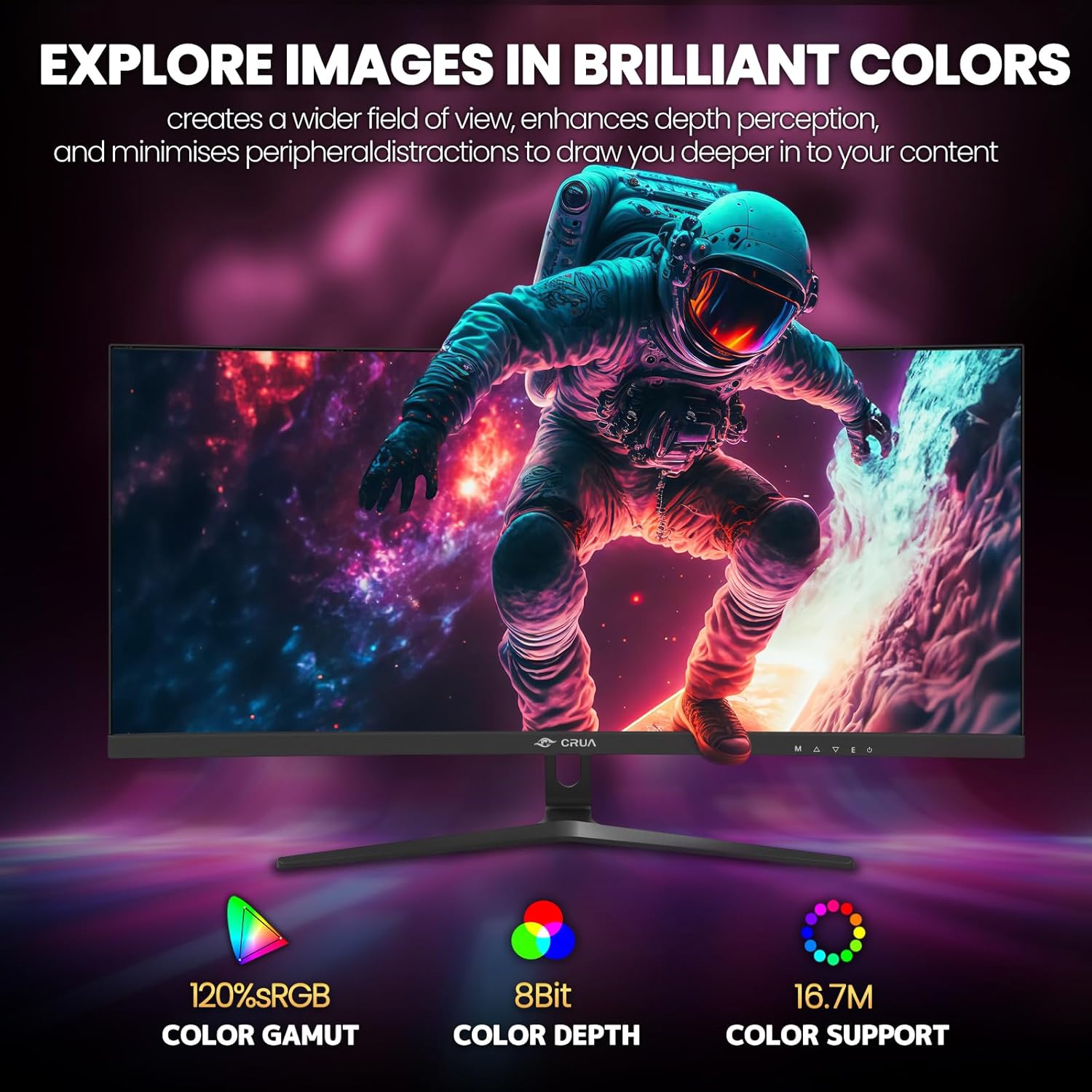
Figure 5: Immersive 1500R curved display.

Figure 6: Brilliant color reproduction with 120% sRGB.
6. Maintenance
To ensure the longevity and optimal performance of your monitor:
- Cleaning: Gently wipe the screen with a soft, lint-free cloth. For stubborn marks, use a screen-cleaning solution applied to the cloth, not directly to the screen.
- Care: Avoid placing heavy objects on the monitor or its cables. Keep the monitor away from direct sunlight, excessive heat, and moisture.
- Ventilation: Ensure the ventilation openings on the back of the monitor are not blocked to prevent overheating.
7. Troubleshooting
If you encounter issues with your monitor, refer to the following common solutions:
- No Power: Ensure the power adapter is securely connected to both the monitor and a working power outlet. Check if the power indicator light is on.
- No Signal: Verify that the video cable (HDMI or DisplayPort) is correctly connected to both the monitor and your computer. Ensure the correct input source is selected on the monitor (via the OSD menu).
- Flickering/Tearing: Ensure AMD FreeSync is enabled in both the monitor's OSD and your graphics card settings. Check your refresh rate settings in your computer's display options.
- Poor Picture Quality: Adjust brightness, contrast, and color settings via the OSD menu. Ensure your display resolution is set to the native 2560x1080.
8. Specifications
| Feature | Detail |
|---|---|
| Standing screen display size | 30 Inches |
| Screen Resolution | 2560x1080 |
| Max Screen Resolution | 2560 x 1080 Pixels |
| Brand | CRUA |
| Series | CR300HD |
| Item model number | CR300HD |
| Item Weight | 11.3 pounds |
| Product Dimensions | 27 x 3.3 x 16 inches |
| Color | Black |
| Power Source | DC |
| Screen Size | 30 Inches |
| Resolution | FHD 1080p Ultra Wide + |
| Aspect Ratio | 21:9 |
| Screen Surface Description | Matte |
9. Warranty and Support
CRUA is committed to providing high-quality computer monitors and premium services. If you have any questions or require assistance, please do not hesitate to contact us. We are here to serve you and solve all your problems.
For support, please refer to the contact information provided in your product packaging or visit the official CRUA website.

