Introduction
This manual provides comprehensive instructions for the installation, maintenance, and replacement of JOYSOG accessory parts for Xiaomi E10, C103, and B112 robot vacuum cleaners. Adhering to these guidelines will help ensure optimal performance and extend the lifespan of your vacuum cleaner.
Product Components
The JOYSOG replacement kit includes the following components:
- 2 x Main Brushes
- 4 x Filters
- 4 x Side Brushes
- 4 x Mop Pads
- 1 x Cleaning Brush
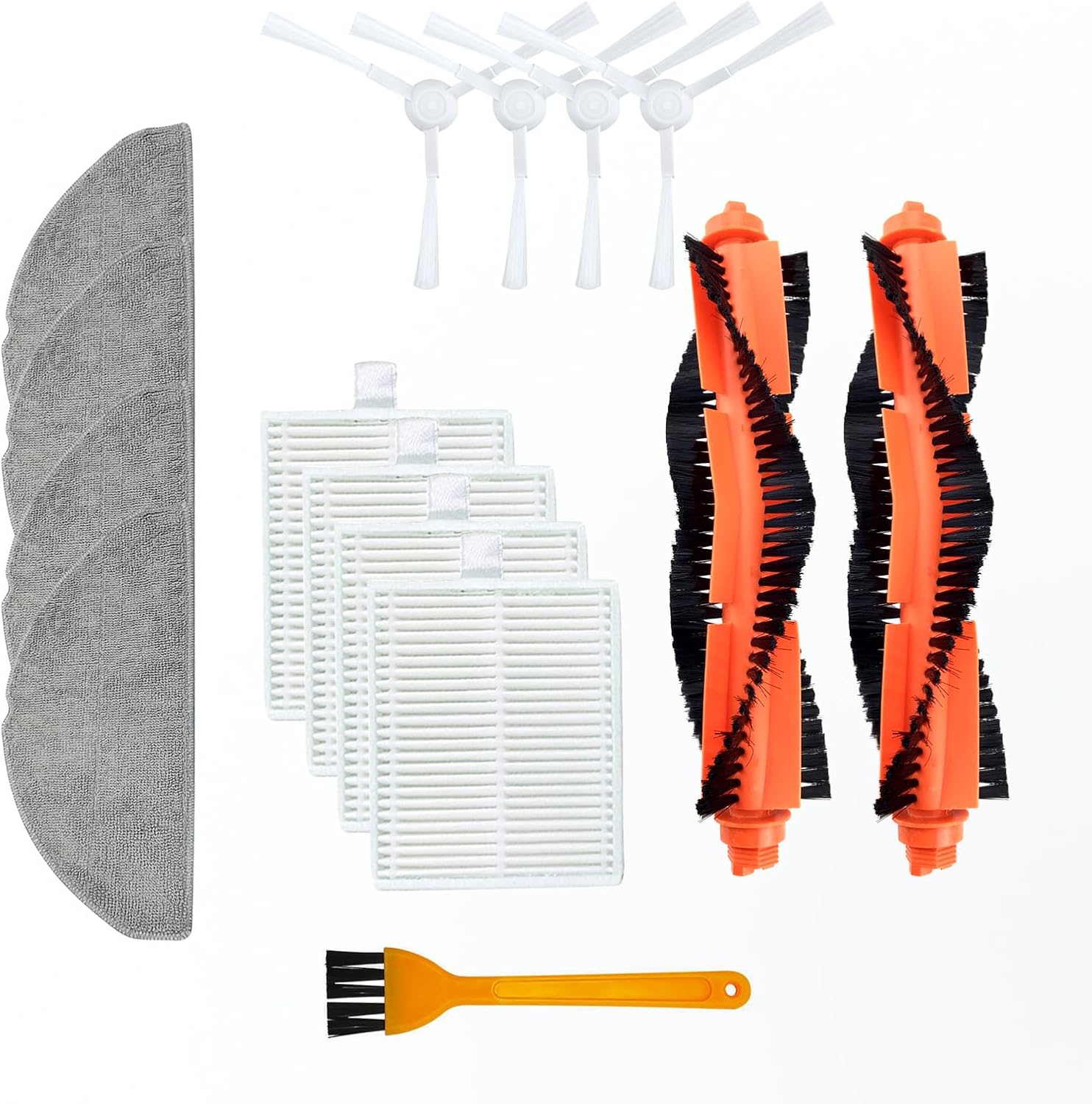
Image: Overview of all included replacement parts.
These parts are specifically designed for compatibility with Xiaomi E10, Xiaomi C103, and Xiaomi B112 robot vacuum cleaner models.

Image: Compatible Xiaomi robot vacuum cleaner models.
Installation Guide
Before installing any replacement parts, ensure your robot vacuum cleaner is powered off and disconnected from its charging base.
1. Main Brush Installation
- Turn the robot vacuum cleaner upside down.
- Locate the main brush cover, usually secured by latches or screws. Open or remove it.
- Remove the old main brush.
- Insert the new JOYSOG main brush, ensuring it clicks into place correctly.
- Close or reattach the main brush cover.

Image: Detail of the main brush, designed with nylon bristles for durability and effective cleaning.
2. Side Brush Installation
- Turn the robot vacuum cleaner upside down.
- Locate the side brushes. They are typically held by a single screw.
- Unscrew and remove the old side brush.
- Align the new JOYSOG side brush with the screw hole and secure it with the screw.

Image: Side brushes featuring an anti-winding design to prevent hair entanglement.
3. Filter Installation
- Open the dustbin compartment of your robot vacuum cleaner.
- Remove the dustbin.
- Locate and remove the old filter from the dustbin.
- Insert the new JOYSOG filter into the designated slot in the dustbin, ensuring a snug fit.
- Reinsert the dustbin into the vacuum cleaner and close the compartment.
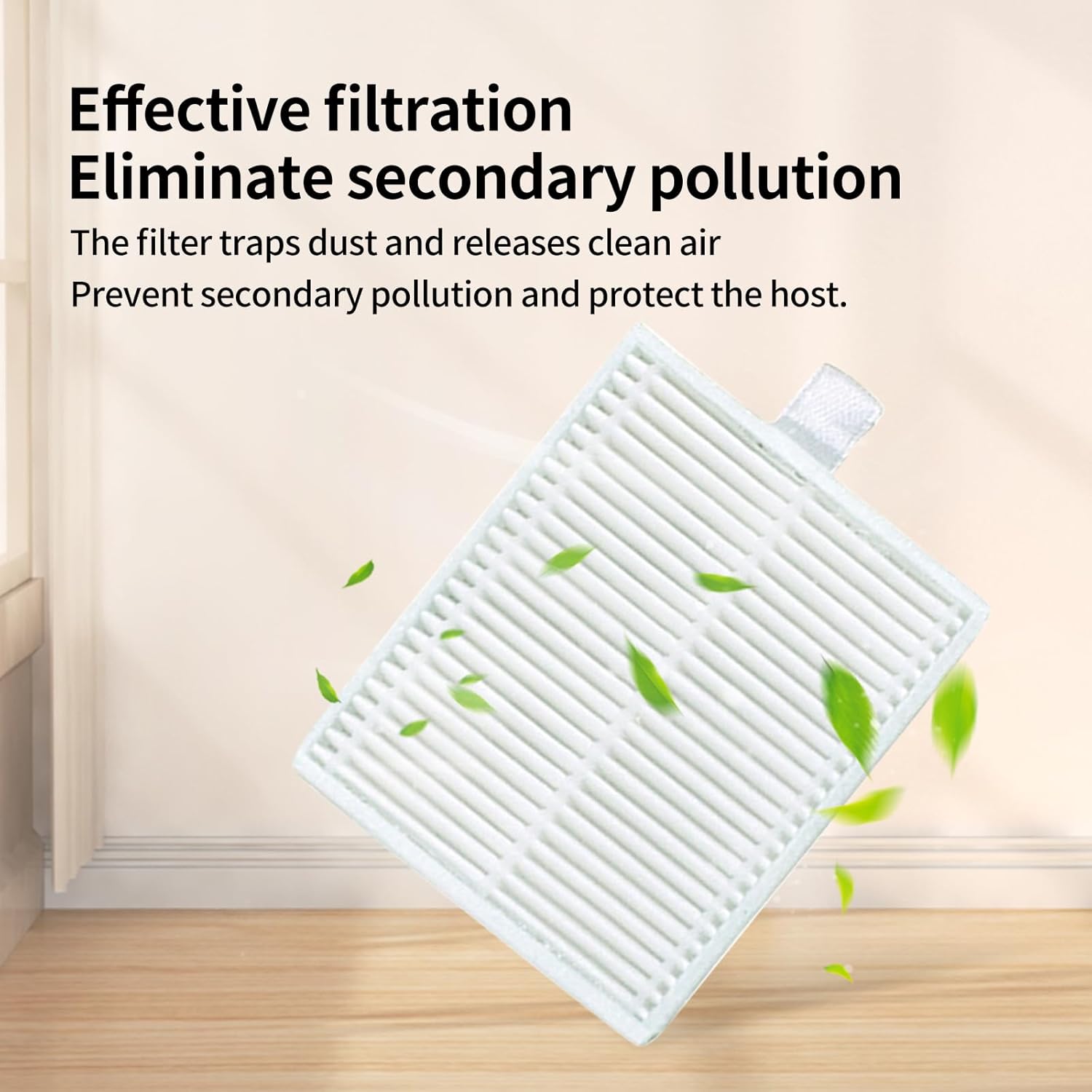
Image: The filter, designed for effective filtration to eliminate secondary pollution.
4. Mop Pad Installation
- Locate the mop pad attachment on your robot vacuum cleaner.
- Remove the old mop pad, typically by detaching it from its Velcro or clip fasteners.
- Attach a new JOYSOG mop pad, ensuring it is securely fastened.

Image: Washable microfiber mop pad, suitable for direct cleaning with water.
Maintenance
Regular maintenance of your robot vacuum cleaner's accessories is crucial for maintaining its cleaning efficiency.
Main Brush and Side Brushes
- Periodically remove hair and debris tangled around the main brush and side brushes using the provided cleaning brush.
- Inspect brushes for wear and tear. Replace them every 3-6 months, or as needed, depending on usage.
Filters
- Tap the filter gently over a waste bin to remove accumulated dust.
- Do not wash the filters with water unless explicitly stated by the vacuum cleaner manufacturer, as this can damage the filter material.
- Replace filters every 1-3 months to maintain optimal filtration performance and prevent secondary pollution.
Mop Pads
- After each use, remove the mop pad and wash it with water.
- The microfiber material is washable and reusable. Allow it to air dry completely before reattaching.
- Replace mop pads every 2-3 months, or when they show signs of significant wear or reduced cleaning effectiveness.
Troubleshooting
If you encounter issues after replacing parts, consider the following:
- Reduced Cleaning Performance: Ensure all brushes and filters are installed correctly and are free from obstructions. Check if the filters are clogged and require cleaning or replacement.
- Unusual Noises: Verify that the main brush and side brushes are properly seated and not obstructed by hair or debris.
- Mop Pad Not Mopping Effectively: Ensure the mop pad is clean and wet (if applicable to your vacuum model) and securely attached.
For persistent issues, refer to your robot vacuum cleaner's original user manual or contact the vacuum cleaner manufacturer's support.
Product Specifications
| Feature | Detail |
|---|---|
| Brand | JOYSOG |
| Compatible Models | Xiaomi E10, Xiaomi C103, Xiaomi B112 |
| Material (Main Brush) | Nylon bristles, wear-resistant material |
| Material (Mop Pads) | Superfine fiber |
| Total Pieces in Kit | 15 (2 Main Brushes, 4 Filters, 4 Side Brushes, 4 Mop Pads, 1 Cleaning Brush) |
| Item Weight | 8.4 ounces (0.24 Kilograms) |
| Package Dimensions | 8.07 x 6.42 x 2.8 inches |

Image: Dimensional overview of the replacement parts.
Warranty and Support
For any questions regarding the JOYSOG replacement parts or for support, please contact the seller directly through your purchase platform. Please note that warranty terms for these accessory parts may differ from the original robot vacuum cleaner's warranty.