
1. Product Overview
This manual provides comprehensive instructions for the setup, operation, and maintenance of your Cellular Trail Camera with Solar Panel. This device is designed for remote monitoring of wildlife, offering live streaming capabilities and motion alerts via a 4G LTE network. It features a built-in rechargeable battery and an integrated solar panel for extended operation, minimizing the need for frequent battery replacements.
The camera supports major carriers like AT&T, Verizon, and T-Mobile, and includes a prepaid SIM card with initial data. Its robust IP66 waterproof and dustproof design ensures reliable performance in various outdoor conditions.
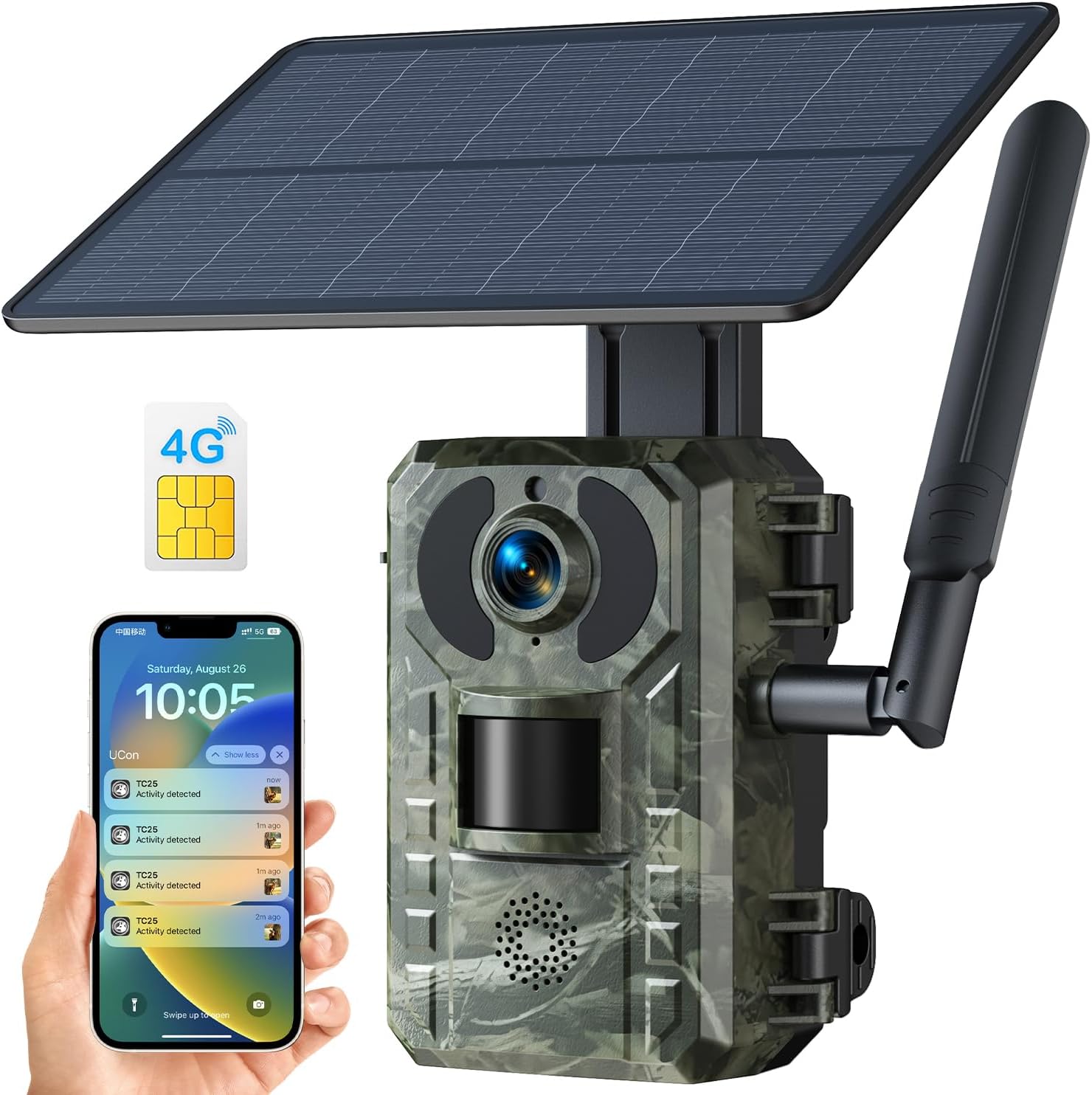
Figure 1.1: Overview of the Cellular Trail Camera, showing the main unit, solar panel, antenna, and a smartphone interface for remote monitoring.
2. Key Features
- Extensive 4G Network Compatibility: Supports AT&T, Verizon, and T-Mobile networks. Includes a prepaid 4G SIM card with 300MB free data for the first month.
- Remote Phone Control & Motion Notifications: Access and control the camera, view photos and videos, and receive real-time motion alerts via the Ucon App.
- Solar Powered & Reliable Housing: Equipped with a 7800mAh rechargeable battery and a 4W solar panel for continuous power. Features an IP66 waterproof and dustproof design.
- Easy Setup & Flexible Storage: Quick setup via the Ucon App. Supports Micro SD cards up to 128GB and cloud storage (1-month free trial for new users).
- 2.5K Live Video & No Glow Night Vision: Captures HD 2.5K (2560 x 1440) videos with H.264 compression. Features 940nm no-glow infrared technology for clear nighttime imaging without disturbing wildlife.

Figure 2.1: Illustration of the camera's 4G cellular network compatibility, showing support for major US carriers.

Figure 2.2: Depiction of the solar charging capability and the internal 7800mAh battery, highlighting sustainable power.

Figure 2.3: Visual representation of motion detection and instant notifications sent to a smartphone.

Figure 2.4: Comparison illustrating the clarity of 2.5K video resolution and the effectiveness of no-glow night vision for capturing wildlife.
3. Package Contents
Please verify that all items listed below are present in your package:
- Cellular Trail Camera with Integrated Solar Panel
- Prepaid 4G SIM Card (with 300MB free data)
- Mounting Strap
- USB Charging Cable
- Quick Start Guide
Note: A Micro SD Card (up to 128GB, Class 10 or higher) is required but not included.
4. Setup Guide
4.1 Initial Charging
Before first use, ensure the camera's internal 7800mAh battery is fully charged. Connect the camera to a power source using the provided USB charging cable. The solar panel will also charge the battery when exposed to sunlight.
4.2 SIM Card and Micro SD Card Installation
- Locate the SIM card slot and Micro SD card slot on the camera.
- Insert the provided 4G SIM card. Ensure the chip faces the back of the camera and it is securely seated in the slot.
- Insert a compatible Micro SD card (Class 10 or higher, up to 128GB) into its designated slot.
- After inserting both cards, reset the trail camera.
Important: Wait for the indicator light to be steady blue before attempting to connect to your phone. If the light is not steady blue, recheck the SIM card installation. The camera does not connect to home Wi-Fi.
4.3 App Download and Activation
- Download the "Ucon" App from your smartphone's app store (iOS or Android).
- Open the Ucon App and follow the on-screen instructions to create an account or log in.
- Scan the QR code located on your camera to activate it within the app.
- Once activated, you can set your preferred shooting mode and other settings via the mobile app.

Figure 4.1: Visual guide for SIM card insertion and app interface for camera management.
5. Operating Instructions
5.1 Remote Monitoring via Ucon App
- Open the Ucon App on your smartphone.
- Select your connected camera from the device list.
- You can now view live footage, browse recorded photos and videos, and download them to your phone.
- Adjust camera settings, such as motion sensitivity, recording duration, and image quality, directly from the app.
5.2 Motion Detection and Alerts
The camera is equipped with a PIR (Passive Infrared) sensor for motion detection. When motion is detected, the camera will capture footage according to your settings and upload it to the cloud or Micro SD card. A real-time notification will be sent to your Ucon App.
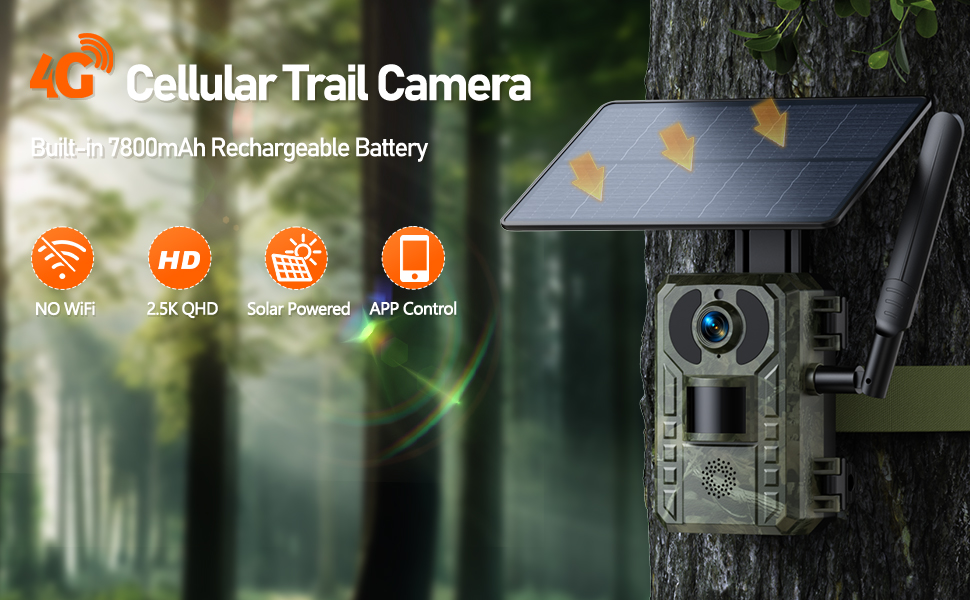
Figure 5.1: Example of motion detection in action, with a bear triggering an alert on the user's phone.
5.3 Data Usage and SIM Card Recharge
The included SIM card comes with 300MB of free cellular data. Once this data is consumed, you will need to recharge the SIM card to continue remote monitoring and data transmission. Recharge options are available through the Ucon App or the website specified on the SIM card packaging.
6. Maintenance
6.1 Cleaning
- Regularly clean the camera lens and solar panel with a soft, damp cloth to ensure optimal performance.
- Do not use abrasive cleaners or solvents.
6.2 Battery Management
- The integrated solar panel helps maintain battery charge. Ensure the solar panel is positioned to receive maximum sunlight.
- If the camera is in a low-light environment for extended periods, manually charge the battery using the USB cable.
6.3 Firmware Updates
Check the Ucon App periodically for any available firmware updates. Keeping the firmware updated ensures optimal performance and access to new features.
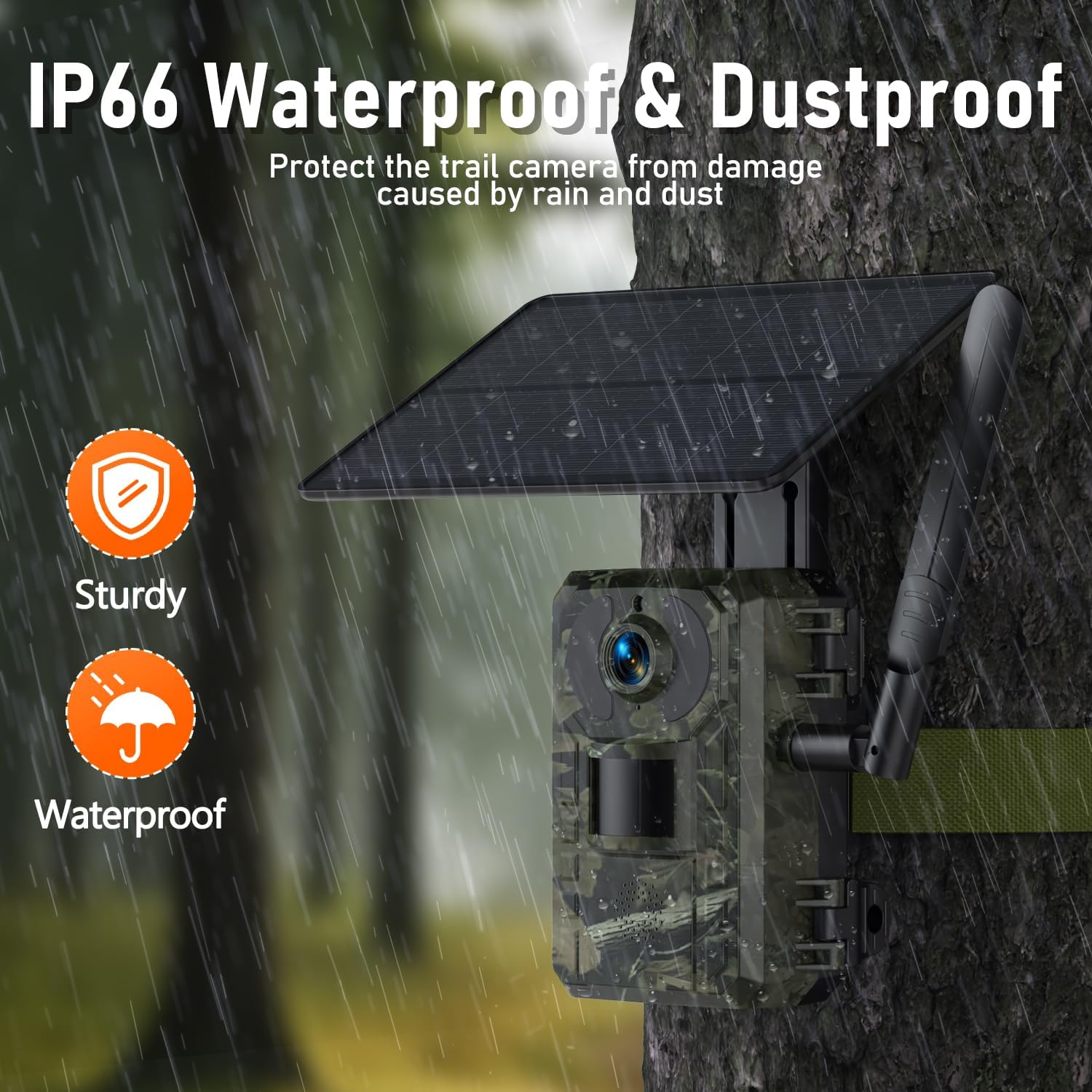
Figure 6.1: The camera's IP66 rating ensures protection against rain and dust, highlighting its durability for outdoor use.
7. Troubleshooting
| Problem | Possible Cause | Solution |
|---|---|---|
| Camera not connecting to phone / App shows black screen. | SIM card not inserted correctly or data depleted. Indicator light not steady blue. | Ensure SIM card chip faces the back of the camera and is fully inserted. Reset the camera. Recharge SIM data if depleted. Wait for the indicator light to be steady blue before connecting. |
| No motion alerts received. | PIR sensor blocked, sensitivity too low, or app notifications disabled. | Check for obstructions in front of the PIR sensor. Adjust motion sensitivity in the Ucon App. Enable notifications for the Ucon App in your phone settings. |
| Poor image/video quality. | Dirty lens, low light conditions, or incorrect settings. | Clean the camera lens. Ensure adequate lighting or proper night vision activation. Check video resolution settings in the Ucon App. |
| Battery not holding charge. | Insufficient sunlight for solar panel, faulty battery, or extreme temperatures. | Relocate camera to an area with more direct sunlight. Manually charge via USB. If issues persist, contact customer support. |
8. Specifications
| Feature | Detail |
|---|---|
| Model | Solar Powered 4G LTE Trail Camera |
| Video Capture Resolution | 2.5K (2560 x 1440) |
| Wireless Communication | 4G LTE Cellular (AT&T, Verizon, T-Mobile compatible) |
| Battery Capacity | 7800mAh (Built-in rechargeable) |
| Solar Panel Wattage | 4 watts |
| Night Vision | 940nm No-Glow Infrared |
| Storage | Micro SD Card (up to 128GB, Class 10+ recommended), Cloud Service |
| Waterproof Rating | IP66 |
| Motion Alert Type | Motion Only |
| App Compatibility | Ucon App (iOS, Android) |
| Dimensions | 7.76 x 6.3 x 4.22 inches (Package Dimensions) |
| Weight | 2.2 pounds |
9. Warranty and Support
9.1 Warranty Information
This product comes with a standard manufacturer's warranty. Please refer to the warranty card included in your package for specific terms and conditions, including warranty period and coverage details. Keep your proof of purchase for warranty claims.
9.2 Customer Support
For technical assistance, troubleshooting, or warranty inquiries, please contact our customer support team. Contact information can typically be found on the product packaging, the Quick Start Guide, or the official brand website.
When contacting support, please have your product model number and purchase date ready to expedite the process.


