
1. Product Overview
The Retevis EHK012 is a foldable two-way radio headset designed for clear communication in noisy environments. It features physical noise reduction, an adjustable headband, a rotatable microphone, and a K-head 2-pin connector for compatibility with various two-way radios.
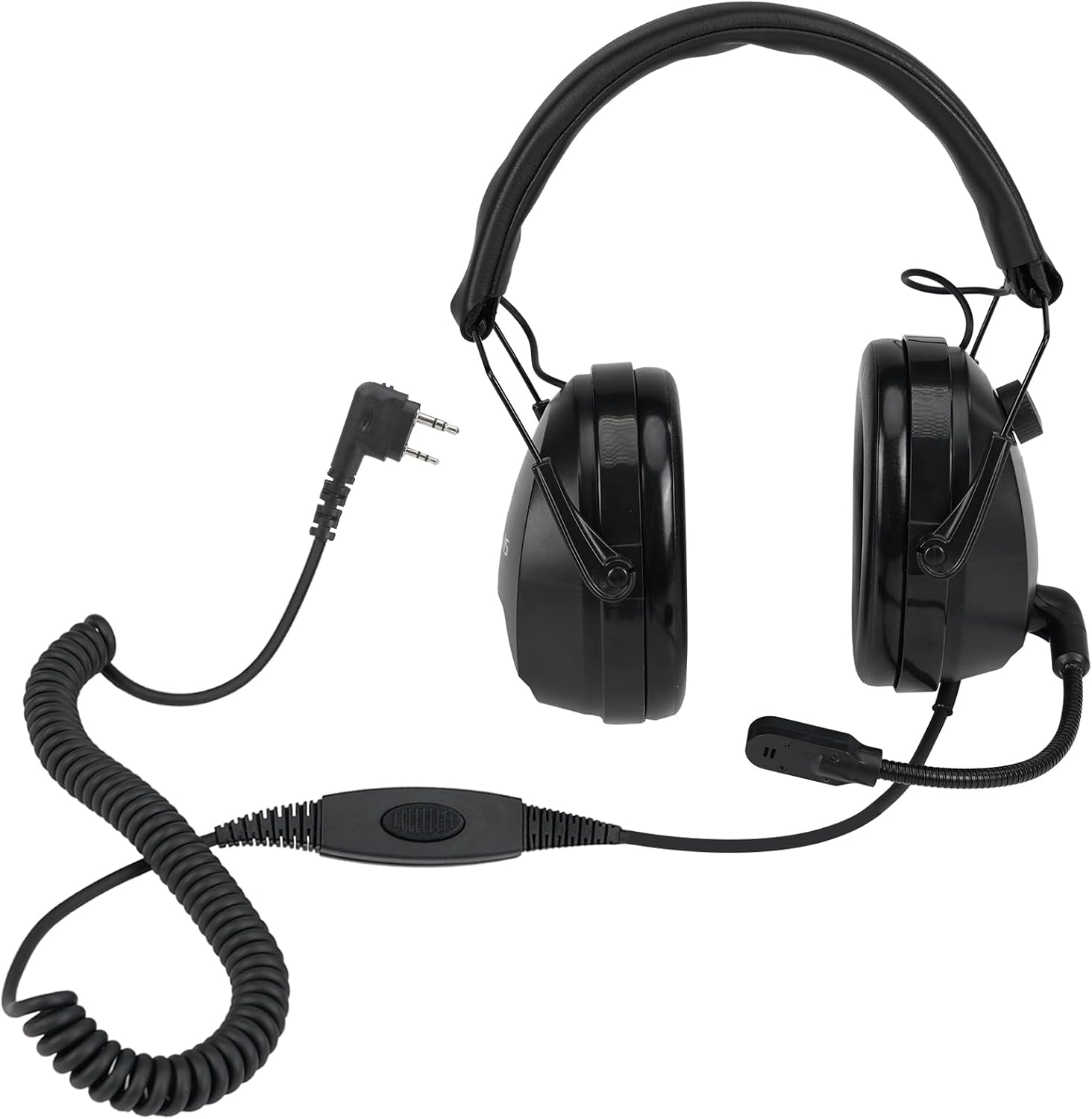
Image 1.1: Retevis EHK012 Headset with K-head 2-pin connector and coiled cable.
Key Features:
- Physical Noise Reduction: Designed to reduce ambient noise for improved audio clarity.
- Adjustable Volume: Features a volume adjustment knob on the headset.
- Foldable Design: Allows for compact storage and portability.
- Durable Coiled Cable: Extends for flexibility and resists wear.
- K-Head 2-Pin Connector: Compatible with a range of two-way radios including Retevis, Baofeng, Kenwood, Pxton, and Arcshell models.
- 260° Rotatable Microphone: Can be positioned for use on either the left or right side.
2. Setup Instructions
2.1 Connecting to Your Radio
- Ensure your two-way radio is powered off before connecting the headset.
- Locate the K-head 2-pin port on your compatible two-way radio.
- Align the two pins of the headset connector with the corresponding holes on the radio's port.
- Gently push the connector firmly into the radio port until it is fully seated.
- Once connected, you may power on your radio.

Image 2.1: Close-up of the K-head 2-pin connector.
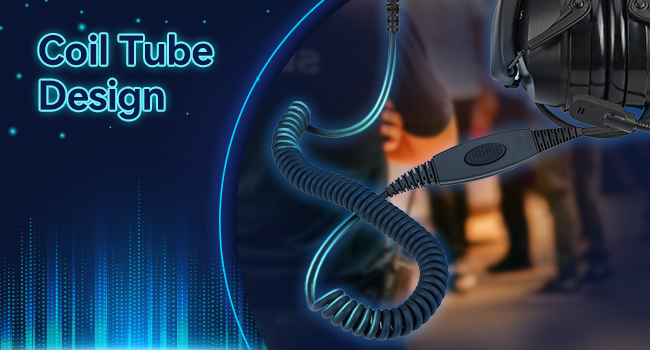
Image 2.2: Illustration of K-head 2-pin compatibility with different radio brands.
2.2 Adjusting the Headset
- Headband Adjustment: Extend or retract the headband by sliding the earcups up or down to achieve a comfortable and secure fit on your head.
- Microphone Positioning: The microphone rod can be rotated 260 degrees. Adjust its position so the microphone is close to your mouth for optimal voice pickup. It can be used on either the left or right side.

Image 2.3: Adjusting the headband for a comfortable fit.

Image 2.4: Demonstrating the 260-degree rotatable microphone.
3. Operating Instructions
3.1 Volume Adjustment
The headset features a volume adjustment knob located on the side of one earcup. Rotate the knob to increase or decrease the listening volume to a comfortable level. The maximum sound threshold is 82dB.

Image 3.1: Location of the volume adjustment knob.
3.2 Push-to-Talk (PTT) Function
To transmit your voice, press and hold the Push-to-Talk (PTT) button located on the inline control unit of the cable. Release the button to stop transmitting and listen for incoming messages.

Image 3.2: The inline PTT button with a rotatable clip for attachment.
3.3 Usage in Noisy Environments
The headset's physical noise reduction capabilities are effective in environments such as photography sets, shooting ranges, film and TV production, racing events, sports events, and industrial campuses. Ensure the earcups fully cover your ears for optimal noise isolation.
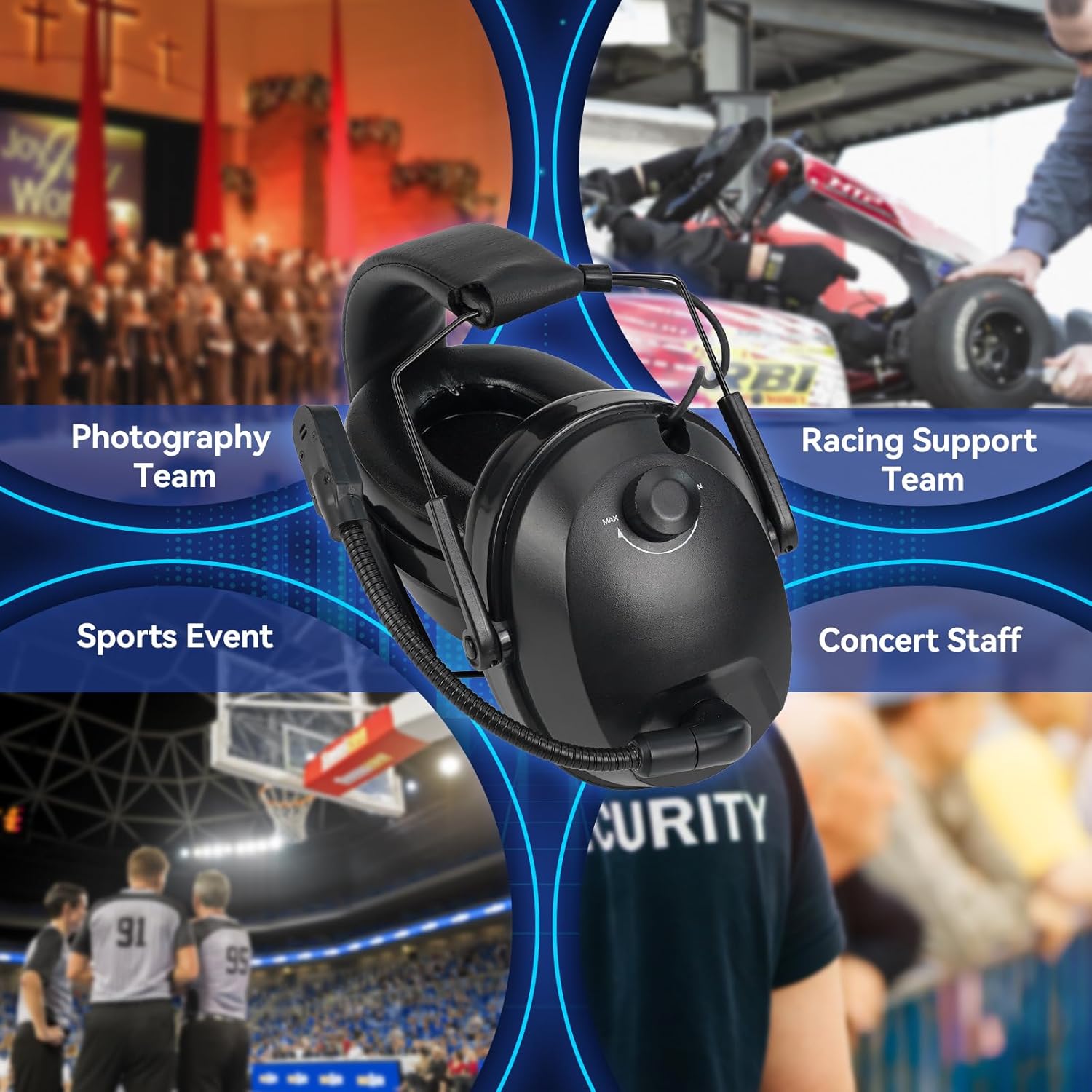
Image 3.3: Examples of suitable usage environments for the headset.
4. Maintenance
4.1 Cleaning
- Wipe the headset surfaces with a soft, damp cloth.
- Avoid using harsh chemicals or abrasive cleaners.
- Ensure no moisture enters the earcup speakers or microphone.
4.2 Storage
The headset features a foldable design for convenient storage. Fold the earcups inward to reduce its size when not in use. Store the headset in a dry, cool place away from direct sunlight and extreme temperatures.

Image 4.1: The headset in its folded configuration for easy storage.
4.3 Cable Care
The coiled cable is designed for durability and flexibility. Avoid excessive pulling or sharp bends to prevent damage. When storing, ensure the cable is not tightly wound or kinked.
5. Troubleshooting
| Problem | Possible Cause | Solution |
|---|---|---|
| No audio from headset | Headset not fully plugged in; radio volume too low; radio not powered on. | Ensure the K-head 2-pin connector is fully inserted into the radio. Check radio volume and power. |
| Unclear audio / Static | Poor connection; radio interference; damaged cable. | Reseat the connector. Move away from potential interference sources. Inspect cable for damage. |
| Microphone not transmitting | Microphone not positioned correctly; PTT button not pressed; radio issue. | Adjust microphone closer to mouth. Ensure PTT button is pressed firmly. Test with another microphone if possible. |
| Headset feels too tight | Headband not adjusted to maximum length. | Extend the headband to its fullest extent. Over prolonged use, some users may experience tightness. |
6. Specifications
| Feature | Detail |
|---|---|
| Model Name | EHK012 |
| Item Model Number | FC9241A |
| Headphones Jack | K Head 2 Pin |
| Connectivity Technology | Wired |
| Material | Plastic or Metal, Soft Sponge |
| Item Weight | 15.8 ounces (approximately 448 grams) |
| Package Dimensions | 7.99 x 6.06 x 4.25 inches |
| Control Type | Volume Control (knob) |
| Cable Feature | Retractable (Coiled) |
| Noise Control | Sound Isolation (Physical Noise Reduction) |
| Ear Placement | Over Ear |
| Form Factor | Closed-back |
| Water Resistance Level | Not Water Resistant |
7. Official Product Video
Video 7.1: An official product video demonstrating the Retevis EHK012/EHM002 Noise Reduction Headset, highlighting its features such as weight, noise reduction, adjustable headband, soft earcups, rotatable mic rod, K-head 2-pin compatibility, and foldable design for portability.
8. Warranty and Support
For product support, technical assistance, or warranty inquiries, please contact Retevis customer service directly. Refer to the product packaging or the official Retevis website for contact information.
Optional extended protection plans may be available for purchase separately. Please consult the retailer for details on these plans.