
1. Introduction
The FICARTS Coffee Pod Capsules Recycling Tool is designed to facilitate the separation of coffee grounds from aluminum capsules. This process enables the recycling of aluminum and allows for the repurposing of coffee grounds as compost, contributing to environmental sustainability.

Image 1.1: The FICARTS Coffee Pod Capsules Recycling Tool with a capsule ready for separation.
2. Product Features
- Recycling Design: Efficiently separates aluminum capsules from coffee grounds for proper disposal and composting.
- Ease of Use: Simple, no-installation design for quick and effortless operation.
- Efficient Operation: Capable of processing multiple capsules rapidly, with a built-in bucket to contain grounds.
- Compact and Portable: Measures 2.4 x 2.4 x 7.0 inches and weighs 5.0 ounces, featuring a sleek matte black finish.
3. Compatibility
This recycling tool is specifically designed for Nespresso OriginalLine aluminum capsules and other brands' aluminum capsules compatible with Nespresso OriginalLine machines.
Important: This tool is not suitable for K-cup, VertuoLine, Dolce Gusto, or any other plastic coffee capsules.
4. Setup
The FICARTS Coffee Pod Capsules Recycling Tool requires no assembly or installation. It is ready for use directly out of the packaging.
5. Operating Instructions
Follow these steps to separate coffee grounds from your used aluminum capsules:
- Remove the Lid: Take off the top part of the recycling tool.
- Insert Capsule: Place a used aluminum coffee capsule into the central opening. Ensure the capsule's cover faces downwards and its base faces upwards.
- Press Down: Replace the lid and press down firmly with your palm. This action will separate the coffee grounds from the aluminum capsule.
- Dispose: Remove the lid. The coffee grounds will be collected in the bottom section of the tool, and the aluminum capsule will be inverted and largely free of grounds. Dispose of the grounds (e.g., compost) and recycle the aluminum capsule according to local guidelines.

Image 5.1: Visual guide for inserting a capsule and pressing to separate grounds.
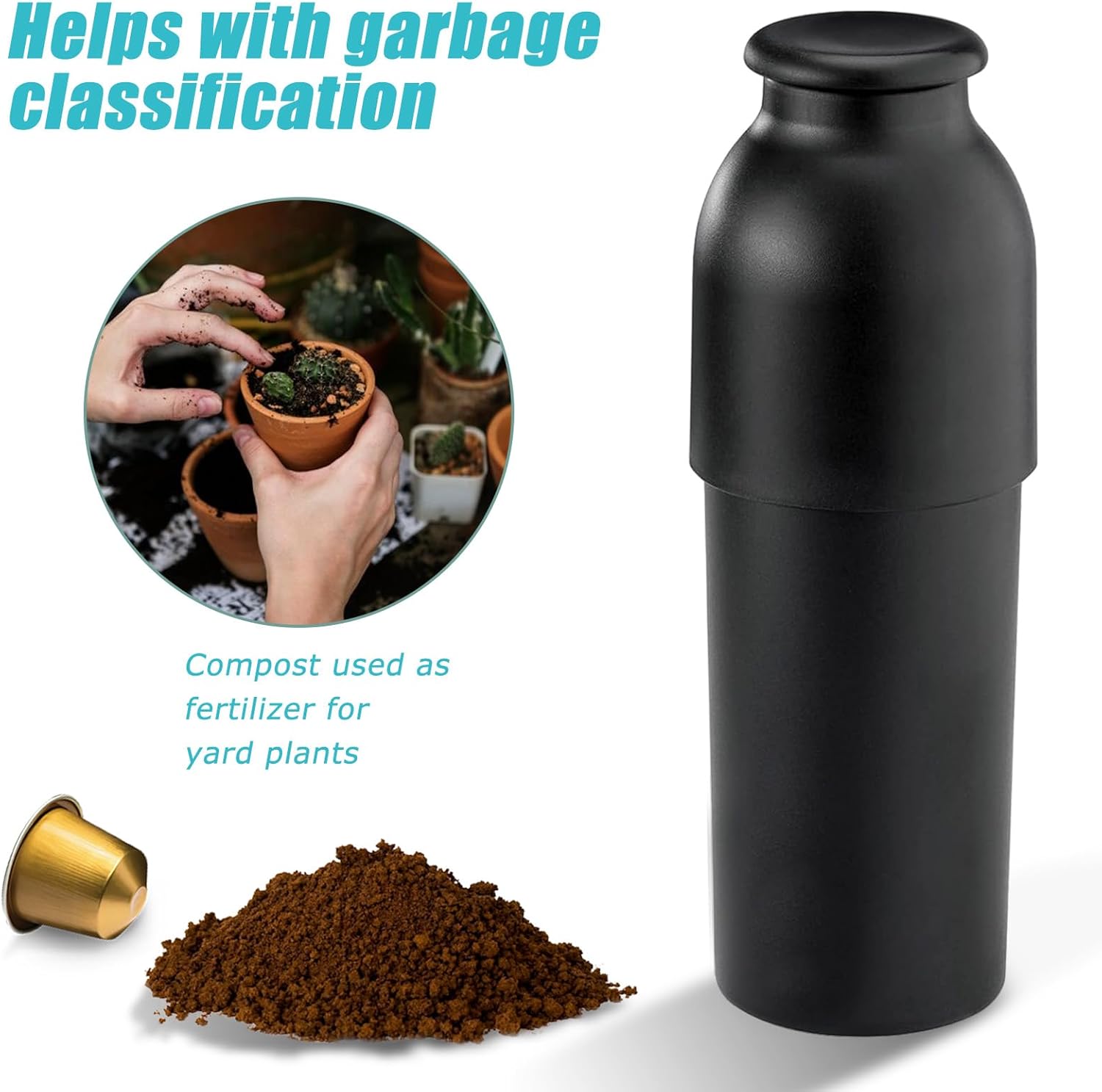
Image 5.2: Example of separated coffee grounds for composting and a clean aluminum capsule for recycling.
6. Maintenance and Cleaning
The FICARTS Coffee Pod Capsules Recycling Tool is designed for easy cleaning. It can be disassembled and washed by hand with warm soapy water or placed in a dishwasher for thorough cleaning.

Image 6.1: The recycling tool can be easily separated for cleaning.
7. Troubleshooting
- Grounds Clinging to Capsule: After pressing, gently tap the entire device on a hard surface a few times to dislodge any remaining grounds from the inverted capsule. A quick rinse under water can also help clean the capsule completely.
- Difficulty Pressing Down: Ensure the capsule is correctly seated with the cover facing down. If resistance is high, try applying pressure more gradually or using body weight if pressing on a lower surface.
- Spillage: The bucket is designed to hold approximately 10 used capsule-coffee grounds. Empty the grounds regularly to prevent overflow.
8. Product Specifications
| Specification | Detail |
|---|---|
| Brand | FICARTS |
| Model Number | RNC-01B |
| Material | Plastic |
| Dimensions (L x W x H) | 2.4 x 2.4 x 7.0 inches |
| Item Weight | 4.6 ounces |
| Number of Pieces | 1 |
9. Warranty and Support
For any questions, concerns, or support regarding your FICARTS Coffee Pod Capsules Recycling Tool, please contact FICARTS customer service through the retailer where the product was purchased. Please retain your proof of purchase for warranty claims.