Introduction
Thank you for choosing the Generic Wireless TWS 5.3 Touch Control Earbuds. These earbuds are designed to provide a superior audio experience with advanced features such as Bluetooth 5.3 connectivity, intuitive touch controls, and a large charging case with phone charging capabilities. With IPX5 water resistance and Hi-Fi stereo sound, they are ideal for an active lifestyle. This manual provides detailed instructions on how to set up, operate, and maintain your new earbuds.
What's in the Box
Please check the contents of your package to ensure all items are present:
- Wireless TWS 5.3 Earbuds (Left and Right)
- Charging Case with Power Bank Function
- Ear Cushions (various sizes)
- Charging Cable (not explicitly listed but implied for charging case)
- User Manual (this document)
Setup Guide
1. Initial Charging
Before first use, fully charge the earbuds and the charging case. The charging case features an individual LED display for both earbuds and the case itself, indicating the remaining battery level.

Figure 1: Earbuds in charging case with digital power display.
2. Pairing with Your Device
The earbuds utilize the latest Bluetooth 5.3 technology for a fast, stable, and efficient connection. One-step pairing simplifies the process:
- Take both the left and right earbuds out of the charging case.
- The earbuds will automatically power on and enter pairing mode.
- On your smartphone or Bluetooth-enabled device, open the Bluetooth settings.
- Search for available devices and select "F9" from the list.
- Once connected, you will hear a confirmation prompt, and the earbuds will be ready for use.
After the initial pairing, the earbuds will automatically connect to the last paired device when removed from the case.
3. Wearing the Earbuds
The earbuds are ergonomically designed for a comfortable and secure fit, suitable for an active lifestyle. Experiment with the included ear cushion sizes to find the best fit for your ears. A proper fit ensures optimal sound quality and noise isolation.
Operating Instructions
Touch Controls
The earbuds feature intuitive touch controls for easy management of music playback, calls, and voice assistants. The touch-sensitive area is located on the outer surface of each earbud.

Figure 2: Earbud touch control functions.
- Switch Songs: Touch 2 times (Left earbud for previous, Right earbud for next).
- Answer / Hang Up Call: Touch 1 time.
- Wake Up Siri / Voice Assistant: Touch for 3 seconds.
- Pause Playback: Touch 1 time.
- Volume Control: Touch 3 times (Left earbud for volume down, Right earbud for volume up).
- Power On / Off: Touch for 5 seconds.
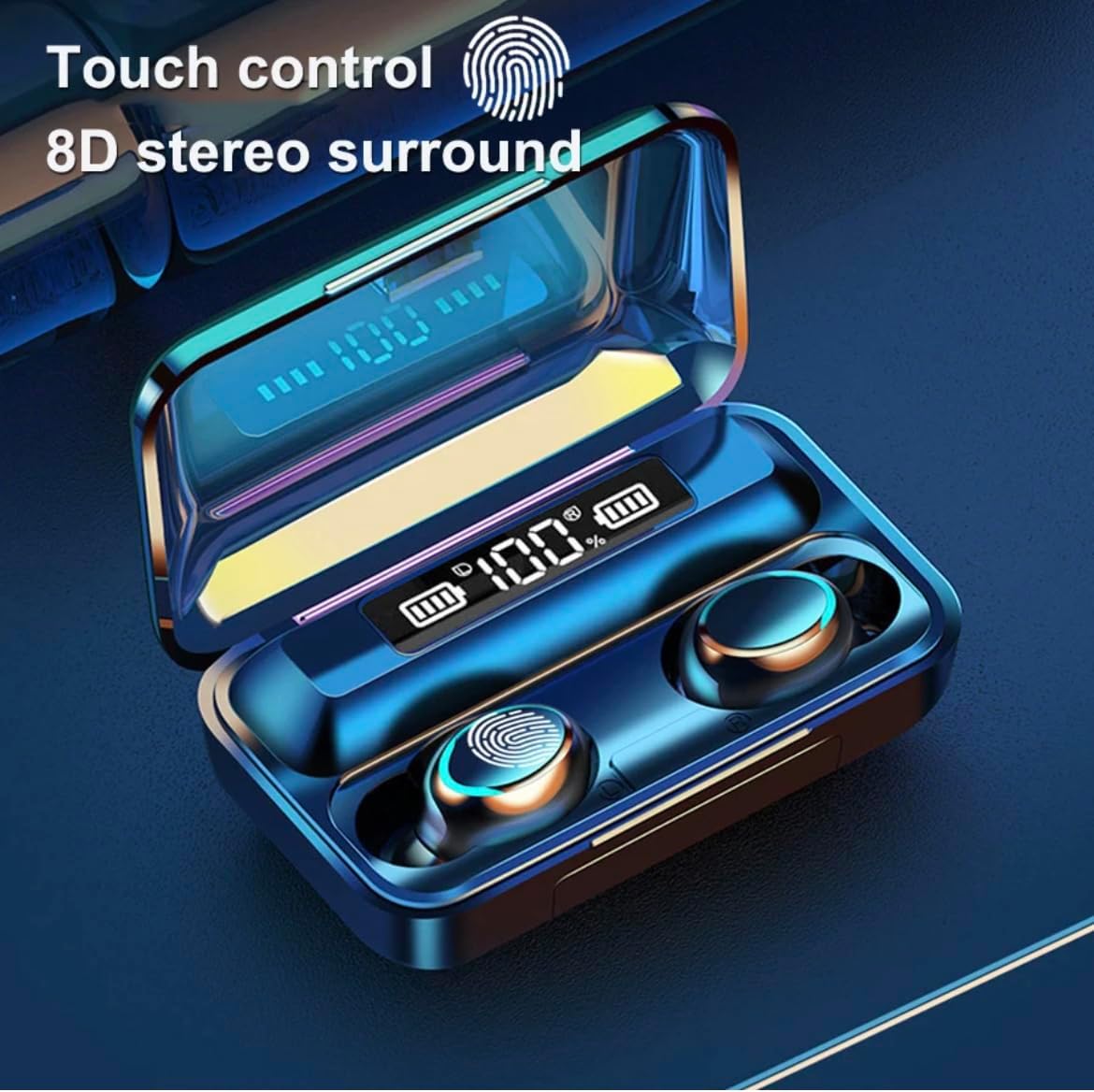
Figure 3: Earbud touch control for 8D stereo surround.
The touch controls are integrated with an 8D stereo surround sound experience, enhancing your audio immersion.
Charging the Earbuds and Case
The charging case has a built-in 2000mAh rechargeable battery, providing up to 90 hours of additional playback time for the earbuds. The earbuds automatically charge when placed inside the case.

Figure 4: Digital power display on the charging case.
The LED display on the charging case shows the battery percentage of the case and the charging status of each earbud, allowing you to monitor when charging is needed.
Phone Charging Function
The large capacity charging case can also function as a power bank to provide emergency charging for your smartphone or other small USB-powered devices. Connect your device to the USB output port on the charging case using a compatible cable.
Maintenance and Care
Cleaning
To ensure optimal performance and hygiene, regularly clean your earbuds and charging case. Use a soft, dry, lint-free cloth. For stubborn dirt, a slightly damp cloth can be used, but ensure no moisture enters the earbud openings or charging ports. Do not use harsh chemicals or abrasive materials.
Water Resistance
The earbuds are rated IPX5 waterproof, protecting them against damage from sweat and light rain. This makes them suitable for workouts and outdoor activities. Note: The charging case is not waterproof. Avoid submerging the earbuds in water, and they are not designed for swimming. The term "waterproof" has various ratings; IPX5 indicates resistance to low-pressure water jets from any direction.
Dust Plug
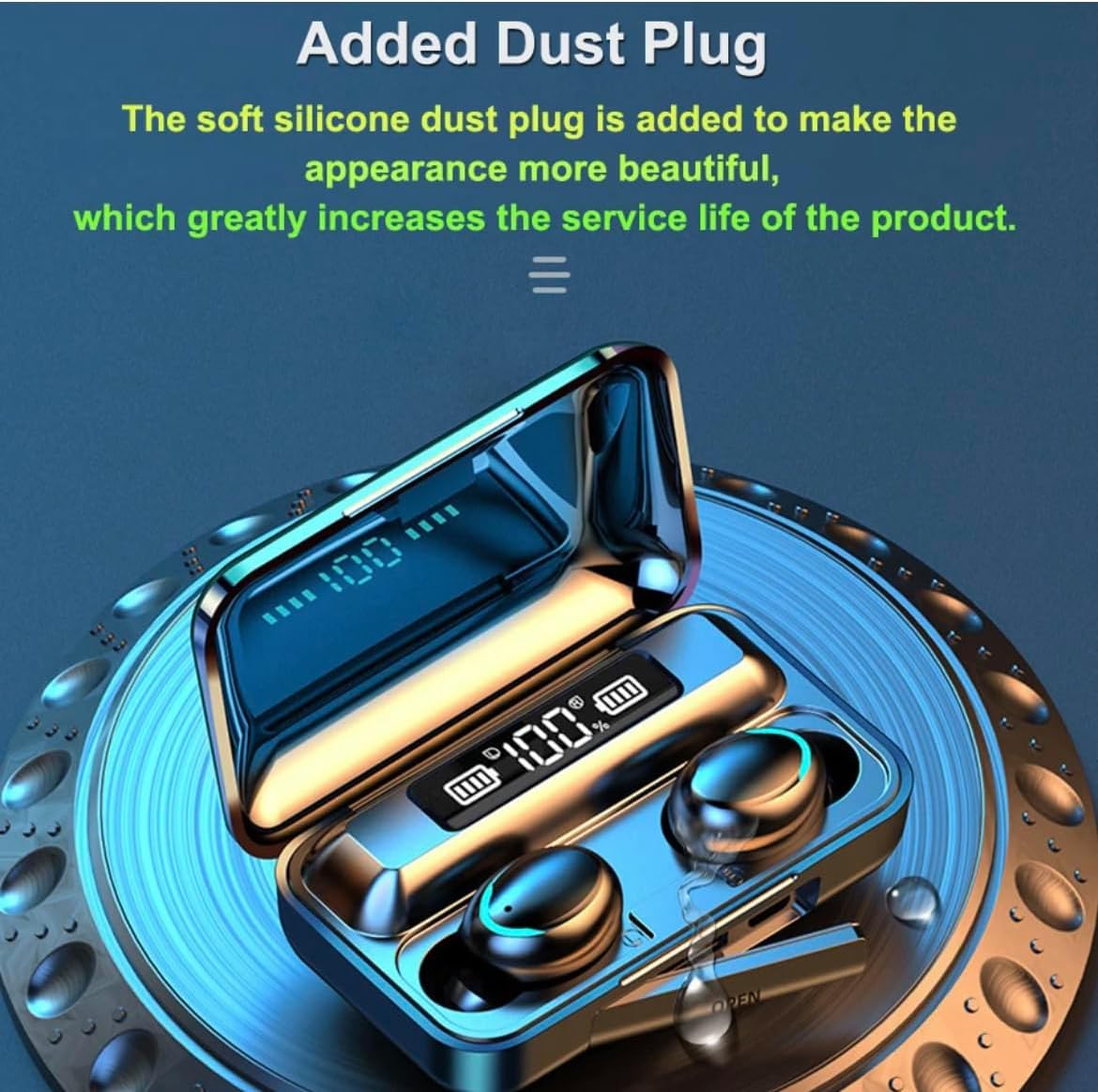
Figure 5: Charging case with added dust plug.
The charging case is equipped with a soft silicone dust plug. This plug helps protect the charging port from dust and debris, which can extend the service life of the product and maintain its appearance.
Troubleshooting
Earbuds Not Pairing / Connecting
- Ensure both earbuds are fully charged.
- Make sure Bluetooth is enabled on your device.
- Place the earbuds back into the charging case, close the lid, wait a few seconds, then take them out again to re-enter pairing mode.
- Forget "F9" from your device's Bluetooth list and try pairing again.
- Try pairing with a different device to rule out device-specific issues.
No Sound or Low Volume
- Check the volume level on both your earbuds (via touch control) and your connected device.
- Ensure the earbuds are properly seated in your ears for optimal sound delivery.
- Confirm the earbuds are connected to the correct audio output on your device.
- Clean any debris from the earbud mesh.
Charging Issues
- Ensure the charging cable is securely connected to both the case and the power source.
- Verify the power source is active.
- Clean the charging contacts on both the earbuds and inside the charging case.
- If the case is not charging, try a different charging cable or power adapter.
Intelligent Noise Reduction and Clear Calls
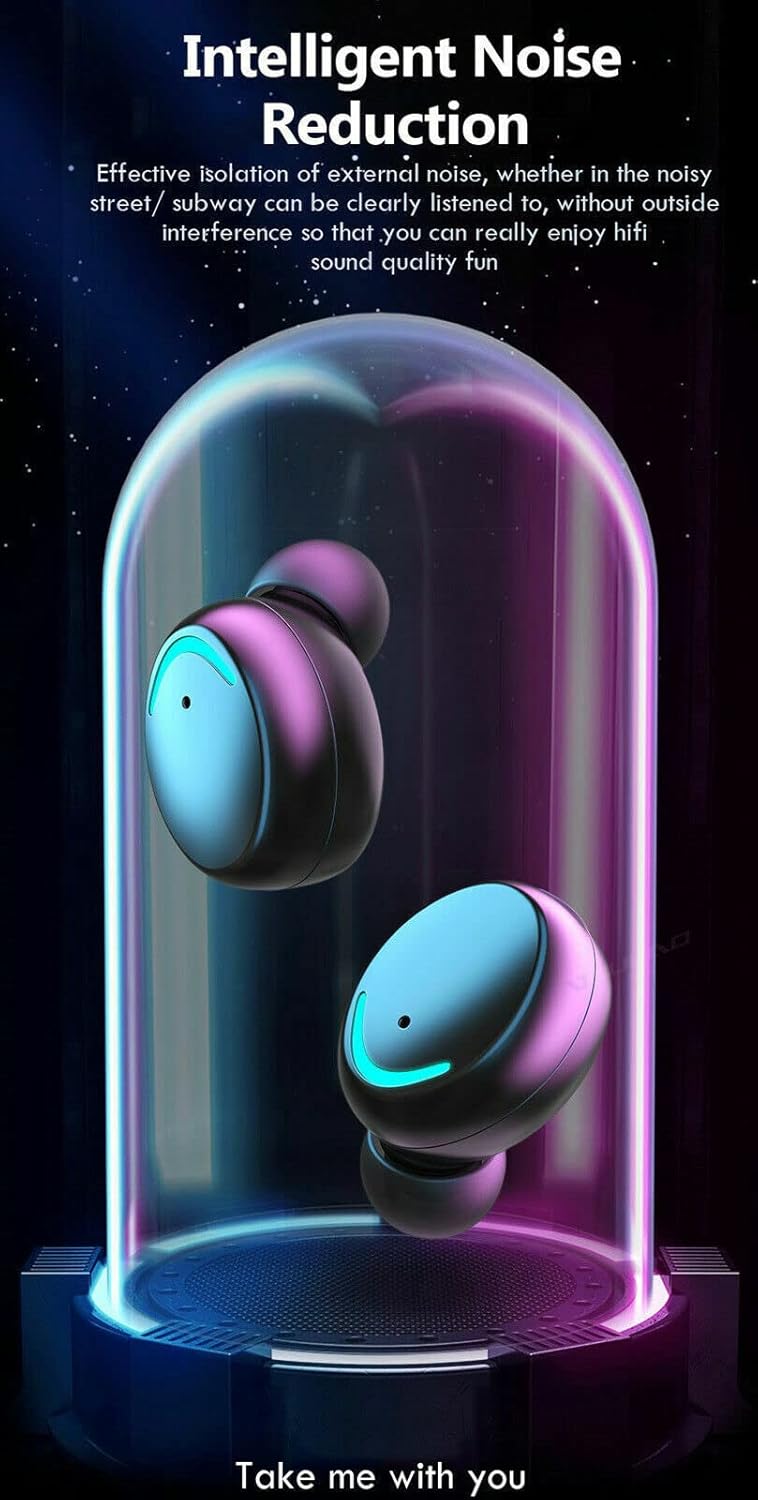
Figure 6: Intelligent Noise Reduction feature.
These earbuds feature intelligent noise reduction to minimize external noise, allowing for a clearer audio experience. For calls, CVC 8.0 intelligent noise reduction technology filters environmental noise, ensuring binaural clear calls as if talking face-to-face.

Figure 7: Binaural Clear Call with CVC 8.0 technology.
Specifications
| Feature | Detail |
|---|---|
| Model Name | Noise Isolation Bluetooth Earbuds TWS 5.3 all phones laptop tablet Wireless Earphone Waterproof |
| Connectivity Technology | Wireless (Bluetooth 5.3) |
| Wireless Communication Technology | Bluetooth, Noise Isolation |
| Included Components | Bluetooth, Ear Cushions, Noise Cancellation, Water Resistant, Wireless |
| Age Range (Description) | All |
| Material | Composite |
| Specific Uses For Product | Music |
| Compatible Devices | iPhone, Android, Tablet, All phones, All tablets |
| Control Type | Media Control (Touch) |
| Cable Feature | Without Cable |
| Water Resistance Level | IPX5 Water Resistant |
| Style | EARBUDS |
| Control Method | Touch |
| Number of Items | 1 |
| UPC | 783970833143 |
| Special Feature | Android Phone Control, Microphone Included, Noise Isolation, iOS Phone Control |
| Manufacturer | ShenZhen ZTX Technology Co,Ltd |
| Package Dimensions | 4.5 x 3 x 2 inches |
| Item Weight | 11.2 ounces |
| ASIN | B0CH45ST3M |
| Date First Available | September 1, 2023 |
| Department | Headphones |
| Brand | Generic |
| Color | Black |
| Form Factor | In Ear |
| Noise Control | Active Noise Cancellation |
| Headphones Jack | Wireless |
Warranty and Support
For any questions, technical support, or warranty inquiries regarding your Generic Wireless TWS 5.3 Touch Control Earbuds, please refer to the contact information provided by your retailer or the manufacturer, ShenZhen ZTX Technology Co,Ltd. Please retain your proof of purchase for warranty claims.