
1. Product Overview
The RAZEAK Portable 60% Mechanical Keyboard is a compact, high-performance input device designed for PC and Mac users, particularly gamers. Its 61-key layout saves desk space while retaining full functionality through key combinations. This model features durable mechanical switches and customizable colorful backlighting.
- Compact 60% Layout: Space-saving 61-key design with full functionality via key combinations.
- N-Key Rollover: Ensures all key presses are registered accurately, even during rapid input.
- Dual Colour Translucent Keycaps: Injection-moulded keycaps for durability and enhanced backlighting.
- Colorful Backlight: Multiple LED backlighting modes for visual appeal and low-light visibility.
- Humanistic Design: Adjustable height and detachable USB-C cable for user comfort and portability.
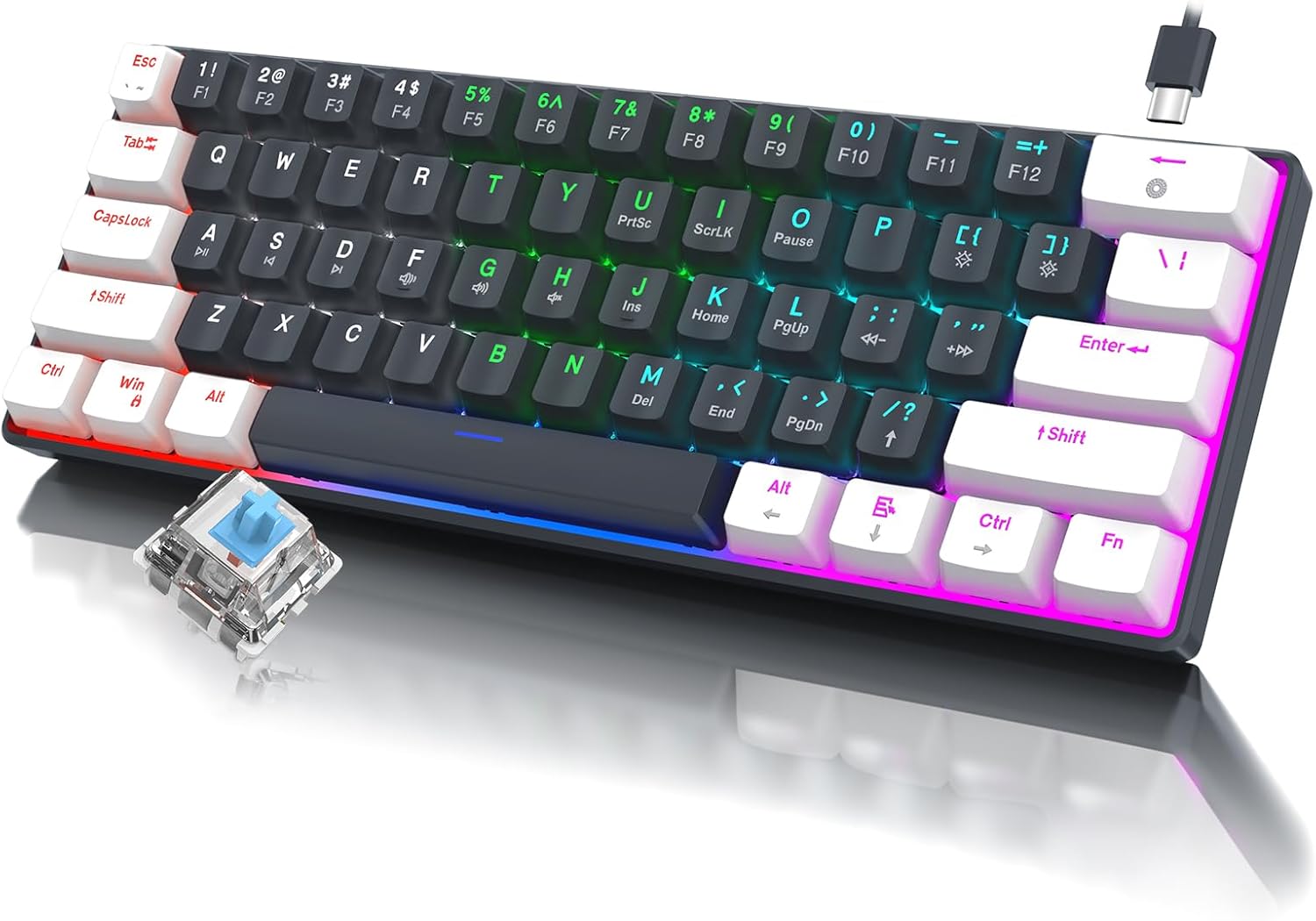
Image 1.1: Overview of the RAZEAK Portable 60% Mechanical Keyboard, showcasing its compact design, colorful backlighting, and a detached blue mechanical switch.
2. Package Contents
Please verify that all items are present in the package upon unboxing:
- RAZEAK Portable 60% Mechanical Keyboard
- USB-C Cable
3. Setup
3.1 Connecting the Keyboard
- Locate the USB-C port on the back or side of the keyboard.
- Connect one end of the provided USB-C cable to the keyboard's USB-C port.
- Connect the other end of the USB-C cable to an available USB-A port on your computer (PC or Mac).
- The keyboard will automatically be recognized by your operating system. No additional drivers are typically required.
3.2 Adjusting Keyboard Height
The keyboard features two levels of height adjustment for ergonomic comfort.
- Flip the keyboard over to access the adjustable feet on the underside.
- Gently pull out the small feet for the first level of elevation.
- For a higher angle, pull out the larger feet.
- Ensure both feet are extended evenly to maintain stability.

Image 3.1: Illustration of the keyboard's ergonomic design with adjustable feet, allowing for comfortable typing angles.
4. Operating Instructions
4.1 Key Functions and Combinations
Due to its compact 60% layout, some functions are accessed via key combinations using the Fn key.
| Combination | Function |
|---|---|
| Fn + 1! to Fn + =+ | F1 to F12 Function Keys |
| Fn + Q | Previous Track |
| Fn + W | Play/Pause |
| Fn + E | Next Track |
| Fn + R | Volume Down |
| Fn + T | Volume Up |
| Fn + Y | Mute |
| Fn + U | PrntSc (Print Screen) |
| Fn + I | ScrLk (Scroll Lock) |
| Fn + O | Pause |
| Fn + P | Ins (Insert) |
| Fn + [ { | Home |
| Fn + ] } | End |
| Fn + ; : | PgUp (Page Up) |
| Fn + ' " | PgDn (Page Down) |
| Fn + / ? | Up Arrow |
| Fn + Alt | Left Arrow |
| Fn + Ctrl | Down Arrow |
| Fn + Fn | Right Arrow |

Image 4.1: Layout of the 60% ultra-compact keyboard, highlighting the 61-key configuration and secondary functions accessible via the Fn key.
4.2 Backlight Control
The keyboard features multiple LED backlight modes and brightness levels.
- Fn + \|: Cycle through 19 different backlight modes.
- Fn + ; : (PgUp): Increase backlight brightness.
- Fn + ' " (PgDn): Decrease backlight brightness.
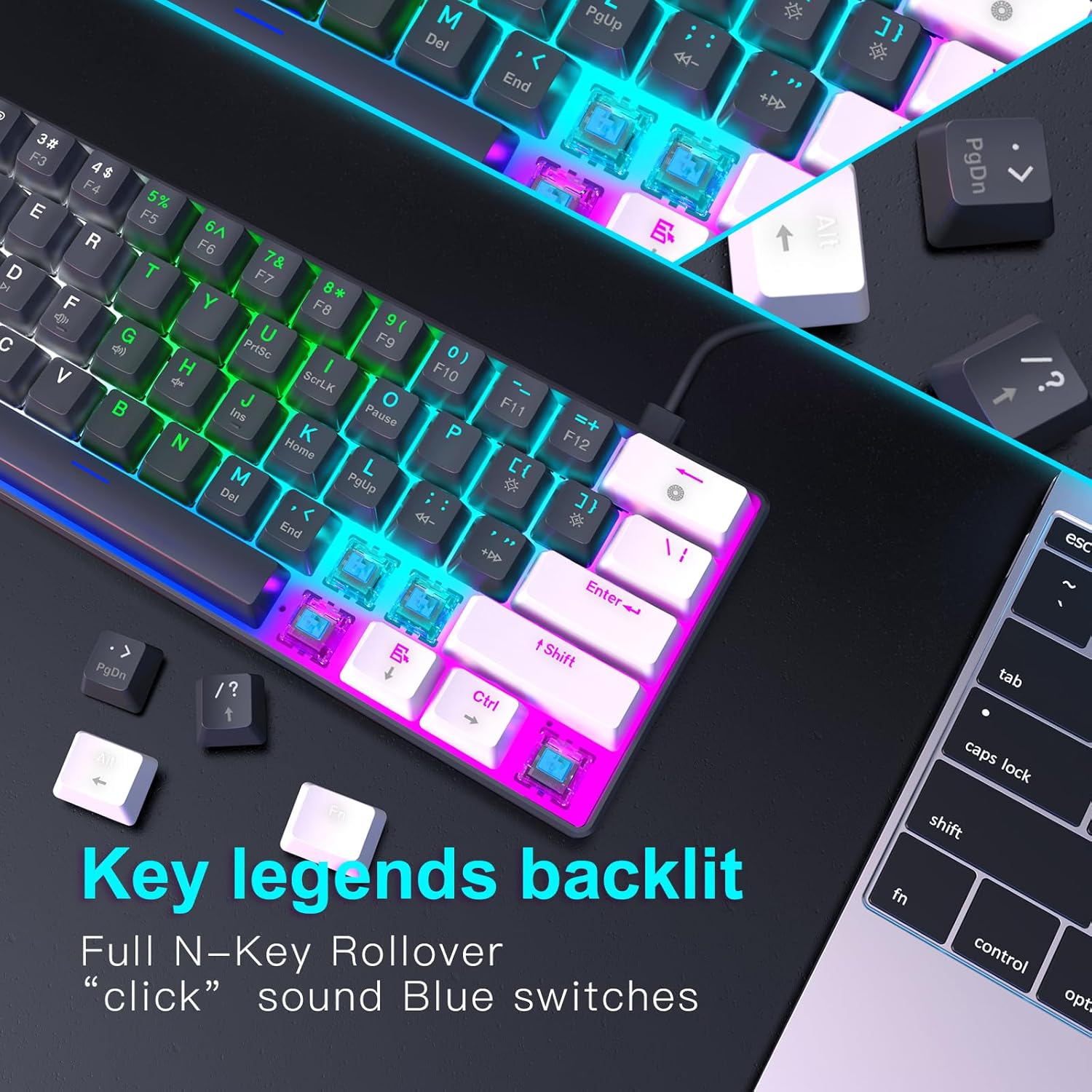
Image 4.2: Close-up view of the keyboard's key legends with active backlighting, demonstrating the translucent keycaps and illuminated mechanical switches.
5. Maintenance
Proper maintenance ensures the longevity and optimal performance of your keyboard.
- Cleaning: Use a soft, dry cloth to wipe the surface of the keyboard. For dust and debris between keys, use compressed air. Avoid liquid cleaners directly on the keyboard.
- Keycap Removal (Optional): If necessary, keycaps can be carefully removed for deeper cleaning using a keycap puller (not included). Reinstall them by aligning and pressing down gently.
- Storage: When not in use, store the keyboard in a clean, dry environment away from direct sunlight and extreme temperatures.
- Cable Care: Avoid bending or twisting the USB-C cable excessively to prevent damage.
6. Troubleshooting
If you encounter issues with your RAZEAK keyboard, please refer to the following common solutions:
| Problem | Possible Cause / Solution |
|---|---|
| Keyboard not responding |
|
| Backlight not working or dim |
|
| Certain keys not working |
|
7. Specifications
| Feature | Detail |
|---|---|
| Model Name | X44-WTBK-BS_B |
| Brand | RAZEAK |
| Keyboard Type | Mechanical Gaming Keyboard |
| Layout | 60% (61 Keys) |
| Switch Type | Blue Switch (Clicky) |
| Connectivity | USB-C (Detachable Cable) |
| Backlight | Colorful LED (19 modes) |
| Key Rollover | N-Key Rollover |
| Keycaps | Dual Colour Translucent Injection Moulded |
| Product Dimensions | 11.5 x 4.02 x 1.57 inches |
| Item Weight | 1.34 pounds |
| Compatible Devices | Windows devices (PC/Mac) |
| Included Components | USB Cable |

Image 7.1: Dimensional diagram of the RAZEAK Portable 60% Mechanical Keyboard, indicating its compact size.
8. Warranty and Support
RAZEAK products are designed for reliability and performance. For specific warranty details, please refer to the warranty card included with your product or visit the official RAZEAK website. If you require technical assistance or have questions regarding your keyboard, please contact RAZEAK customer support through their official channels.
For further information and support, you may visit the RAZEAK Store on Amazon.