
Introduction
The HSicily 95W 6-Port Fast Charging Station is designed to efficiently charge multiple electronic devices simultaneously. Featuring two USB-C Power Delivery (PD) ports and four USB-A ports, this station provides a versatile charging solution for smartphones, tablets, laptops, smartwatches, and other USB-powered devices. Its compact design helps organize your charging area, reducing cable clutter.
This charging station incorporates advanced safety features, including over-current, over-voltage, short-circuit, and over-temperature protection, ensuring safe and reliable charging for all your devices. The included stands for Apple Watch and AirPods, along with eight mixed charging cables, enhance its utility and convenience.
What's in the Box
- HSicily 95W 6-Port Fast Charging Station (x1)
- AC Power Cable (x1)
- Mixed Charging Cables (x8) - Includes USB-C to iPhone cables, USB-C to USB-C cable, USB-A to iPhone cables, USB-A to USB-C cables, USB-A to Micro cable.
- Apple Watch Holder (x1)
- AirPods Holder (x1)
- User Manual (x1)
Setup Instructions
- Unpack the Charging Station: Carefully remove all components from the packaging.
- Connect Power: Insert the provided AC power cable into the power input port on the back of the charging station. Plug the other end into a standard wall outlet.
- Install Dividers and Holders: Place the removable dividers into the slots on the charging station to create individual bays for your devices. Attach the Apple Watch and AirPods holders to their designated positions on the side of the station.
- Organize Cables: Connect the appropriate mixed charging cables to the USB-A and USB-C ports on the front of the station. Route the cables neatly through the dividers to minimize clutter.
- Power On: Press the power switch located on the side of the charging station to turn it on. The indicator light will illuminate.
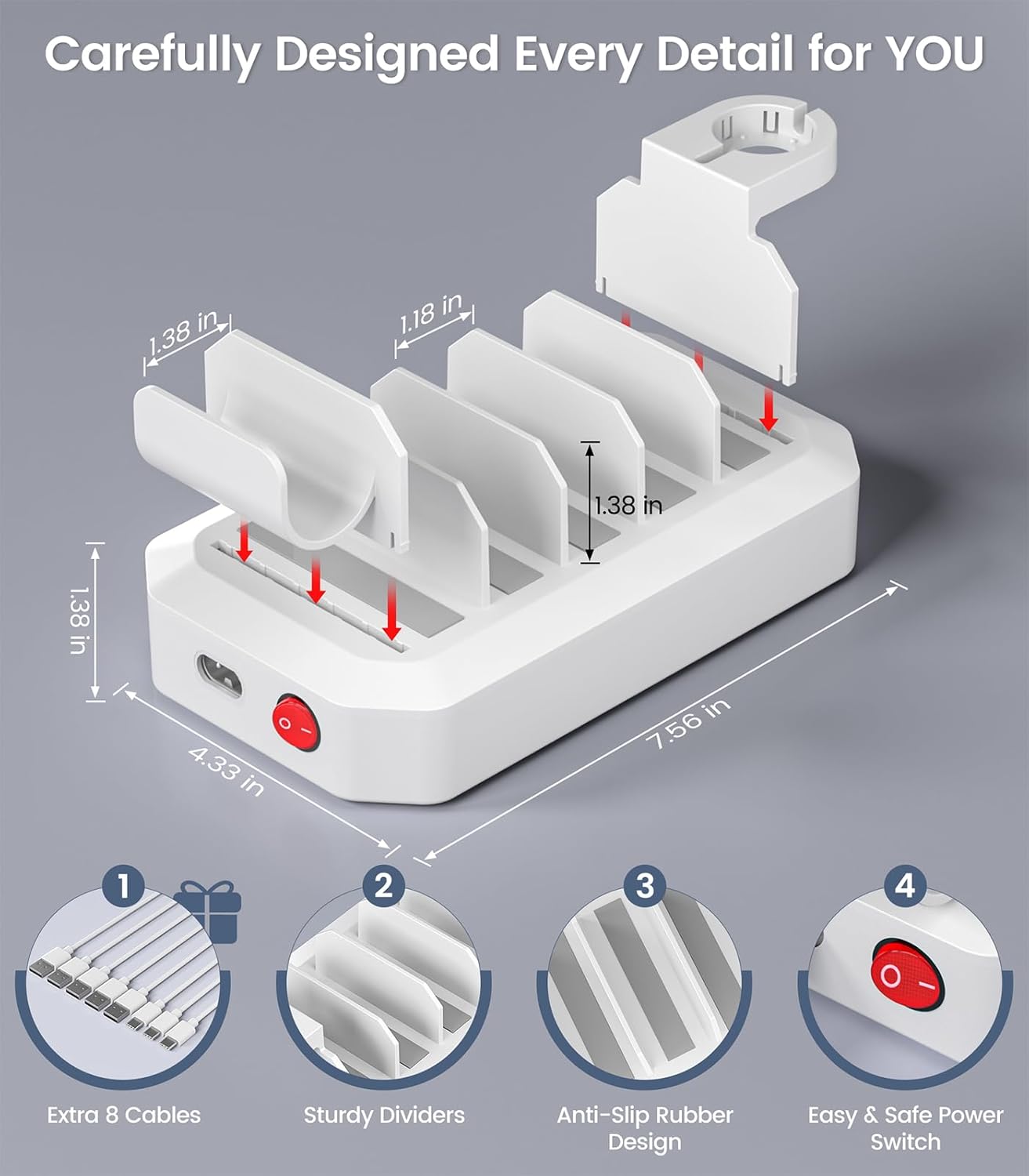
Figure 1: Detailed view of the charging station with cables, dividers, and power switch.
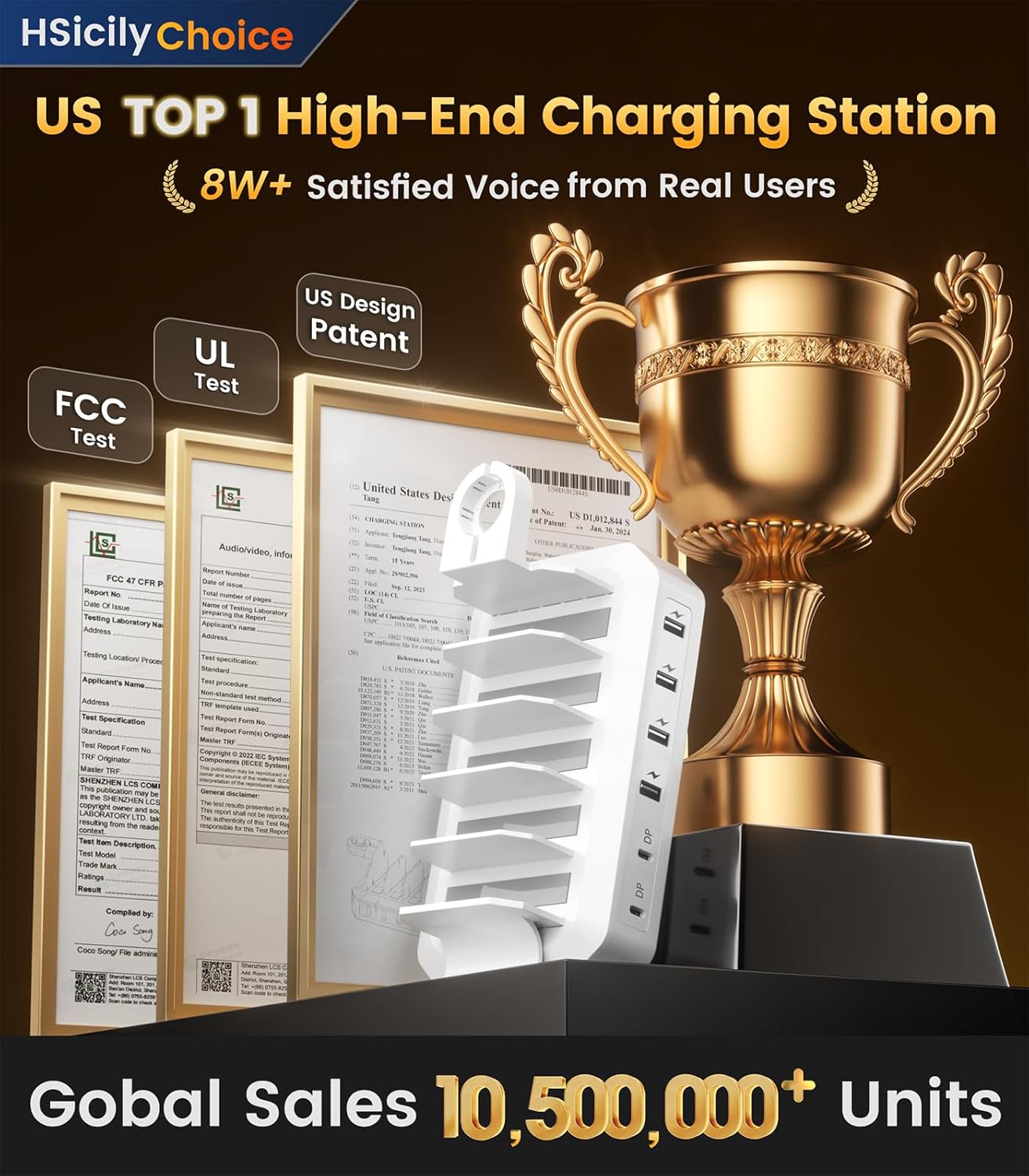
Figure 2: The charging station in use, demonstrating device placement and cable management.
Operating Instructions
- Connect Devices: Plug your electronic devices into the appropriate USB-A or USB-C ports using the provided or your own compatible charging cables.
- Fast Charging: The two USB-C PD ports offer fast charging capabilities. When a single USB-C port is used, it can deliver up to 65W, capable of charging laptops like MacBook Pro/Air and ThinkPad to 100% in approximately 90 minutes. When both USB-C ports are used simultaneously, they intelligently distribute power for efficient charging of multiple devices.
- Multi-Device Charging: The station supports charging up to six devices concurrently. The smart GaN chip automatically detects and provides the optimal voltage and current for each connected device, preventing damage.
- Device Placement: Place your devices in the designated slots between the dividers for organized charging. Use the dedicated holders for your Apple Watch and AirPods.

Figure 3: Overview of port types and fast charging performance.

Figure 4: Examples of the charging station in various settings, highlighting its versatility.
Video 1: Official product video demonstrating the HSicily 95W 6-Port Charging Station in use, showcasing its features and benefits.
Maintenance
- Cleaning: Disconnect the power cable before cleaning. Use a soft, dry cloth to wipe the surface of the charging station. Avoid using liquid cleaners or abrasive materials.
- Storage: When not in use for extended periods, store the charging station in a cool, dry place away from direct sunlight and moisture.
- Cable Management: Regularly check cables for any signs of wear or damage. Replace damaged cables immediately to ensure safe operation.
Troubleshooting and Safety
The HSicily 95W 6-Port Fast Charging Station is equipped with multiple safety protections to ensure the longevity of your devices and the charging station itself. If you encounter any issues, please refer to the following:
- No Power: Ensure the AC power cable is securely connected to both the charging station and a working wall outlet. Check if the power switch on the station is in the "ON" position.
- Device Not Charging: Verify that the charging cable is properly connected to both the device and the charging station. Try a different port or cable to rule out a faulty connection. Ensure the device is compatible with the charging station's output.
- Slow Charging: Fast charging performance depends on the device's compatibility and the number of devices connected. For optimal fast charging, use the USB-C PD ports with compatible devices and cables.
- Safety Features: The integrated smart GaN chip provides protection against:
- Over-Current Protection
- Over-Voltage Protection
- Short-Circuit Protection
- Over-Temperature Protection
- Over-Charging Protection
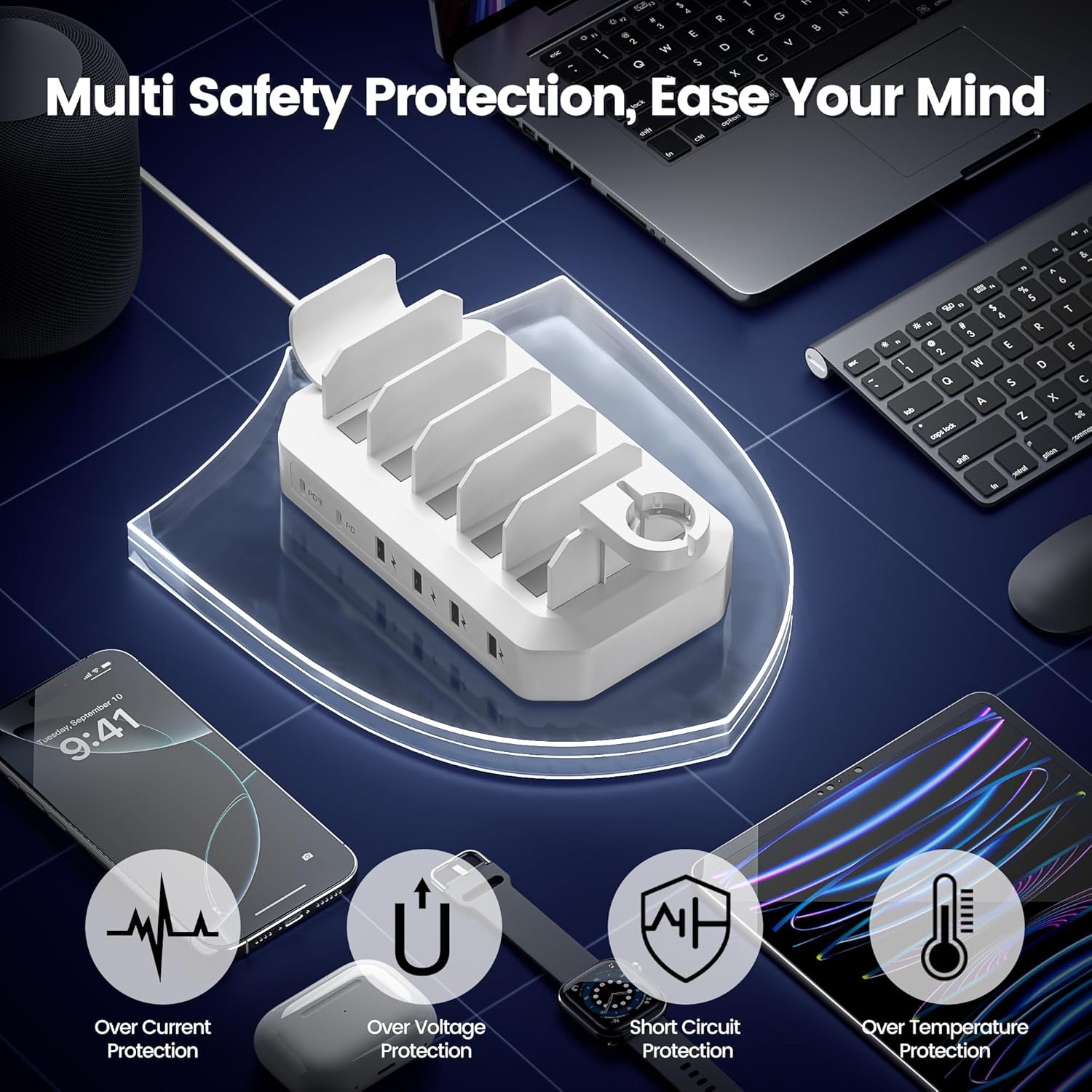
Figure 5: Visual representation of the multi-safety protection mechanisms.
Specifications
| Product Dimensions | 7.56 x 4.45 x 2.83 inches |
| Item Weight | 1.03 pounds |
| Model Number | 95W |
| Connectivity Technologies | USB |
| Connector Type | USB-A x 4, USB-C x 2 |
| Input Voltage | 120 Volts |
| Amperage | 3 Amps |
| Total USB Ports | 6 |
| Compatible Devices | iPhone & Android Phones, iWatch, AirPods, Kindle, MacBook (MacBook Pro 14'', MacBook Pro 13'', MacBook Air), iPad Series, Galaxy Tab Series, Surface Series, Headsets, Power Banks, and more. |

Figure 6: Product dimensions and examples of compatible devices.
Warranty and Support
HSicily provides a 24-Month Replacement Service and Lifetime Customer Service for this product. If you encounter any issues or require assistance, please contact HSicily customer support. You can typically find contact information through your purchase platform or the official HSicily website.
To contact support:
- Go to "Account Service"
- Navigate to "Order History"
- Select "Ask a Question" for your HSicily product.