
1. Introduction
This manual provides essential information for the proper use and maintenance of your Silicon Power Stream S05 Portable SSD. Please read these instructions carefully before using the device to ensure optimal performance and longevity. The Stream S05 is designed for reliable and convenient external data storage.
2. Product Overview
The Silicon Power Stream S05 is a robust portable Solid State Drive offering high-speed data transfer and easy portability. It features a durable design and a convenient LED indicator for connection status.
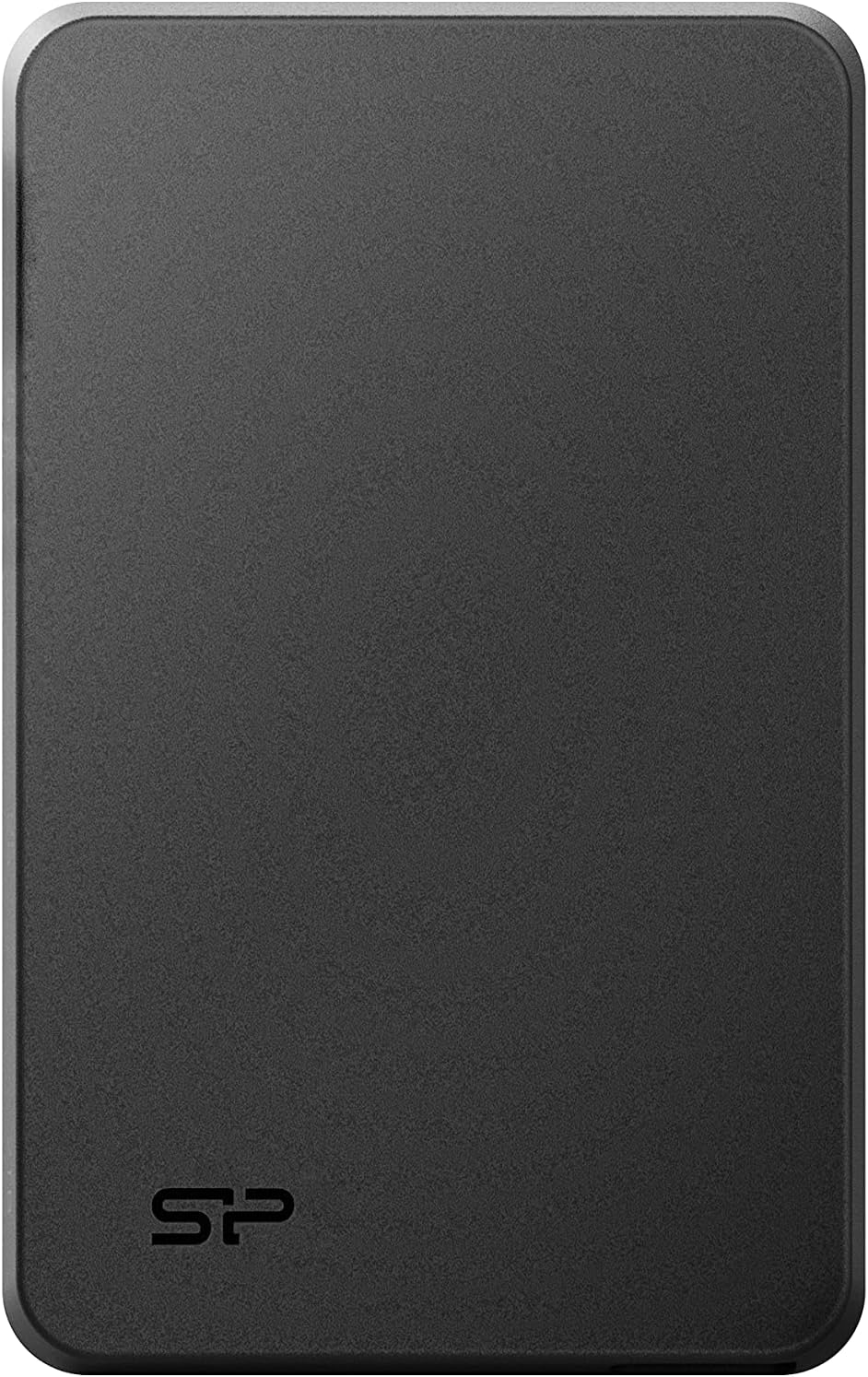
Figure 2.1: Front view of the Silicon Power Stream S05 Portable SSD.
Key Features:
- High-Speed Performance: Read speeds up to 460 MB/s and write speeds up to 450 MB/s.
- Plug & Play: Automatic recognition by your computer without requiring software installation.
- USB Powered: Operates directly from the USB port, eliminating the need for an external power source.
- LED Indicator: Displays connection status (blue for USB 3.2 Gen 1 / USB 3.0, red for USB 2.0).
- SP Widget Software: Free download for data backup, 256-bit AES encryption, and cloud storage.
- Broad Compatibility: Works with laptops, desktop computers, and smartphones.

Figure 2.2: The Stream S05 offers read speeds up to 460 MB/s and write speeds up to 450 MB/s.
3. Setup
The Stream S05 Portable SSD is designed for simple plug-and-play operation.
Connecting the SSD:
- Locate an available USB port on your computer or compatible device.
- Connect the provided USB cable to the Stream S05 SSD.
- Connect the other end of the USB cable to your device's USB port.
- The LED indicator on the SSD will illuminate, indicating a successful connection. Blue signifies a USB 3.2 Gen 1 (USB 3.0) connection, while red indicates a USB 2.0 connection.
- Your operating system should automatically detect and mount the SSD, making it ready for use.

Figure 3.1: The Stream S05 connected to a laptop, ready for data transfer.

Figure 3.2: The Stream S05 can also be connected to compatible smartphones for expanded storage.
4. Operating Instructions
Once connected, the Stream S05 functions like any other external storage device.
Data Transfer:
- Drag and Drop: Simply drag files or folders from your computer to the Stream S05 icon in your file explorer (Windows) or Finder (macOS).
- Copy and Paste: Right-click on files/folders, select 'Copy', then navigate to the Stream S05, right-click, and select 'Paste'.
- LED Indicator: Observe the LED indicator during data transfer. A blue light indicates high-speed USB 3.2 Gen 1 (USB 3.0) transfer, while a red light indicates USB 2.0 transfer.

Figure 4.1: The LED indicator shows blue for USB 3.2 Gen 1 (USB 3.0) and red for USB 2.0 connections.
Safely Removing the SSD:
Always safely eject the SSD before disconnecting it to prevent data corruption.
- Windows: Click the 'Safely Remove Hardware and Eject Media' icon in the system tray, then select the Stream S05.
- macOS: Drag the Stream S05 icon from the desktop to the Trash, or click the Eject button next to the device name in Finder.
5. SP Widget Software
Enhance your data management and security with the free SP Widget software.
Features:
- Data Backup: Create backups of your important files and folders.
- 256-bit AES Encryption: Secure your sensitive data with robust encryption.
- Cloud Storage Integration: Manage and synchronize your data with cloud services.
Download and Installation:
The SP Widget software can be downloaded free of charge from the official Silicon Power website. Follow the on-screen instructions for installation.

Figure 5.1: The SP Widget software provides tools for data protection and security.
6. Maintenance
To ensure the longevity and optimal performance of your Stream S05 Portable SSD, follow these maintenance guidelines:
- Handle with Care: Although robust, avoid dropping or subjecting the SSD to strong impacts.
- Keep Clean: Use a soft, dry cloth to clean the exterior. Avoid liquid cleaners.
- Temperature and Humidity: Store and operate the SSD within recommended temperature and humidity ranges. Avoid extreme conditions.
- Regular Backups: While the SSD is reliable, regularly back up critical data to another storage medium.
- Firmware Updates: Check the official Silicon Power website periodically for any available firmware updates for your device.
7. Troubleshooting
If you encounter issues with your Stream S05 Portable SSD, refer to the following common solutions:
SSD Not Detected:
- Check Cable Connection: Ensure the USB cable is securely connected to both the SSD and your computer. Try a different USB port.
- Try a Different Cable: If available, use another USB cable to rule out a faulty cable.
- Restart Computer: Sometimes a simple restart can resolve detection issues.
- Check Device Manager (Windows) / Disk Utility (macOS): Verify if the device is listed. You may need to initialize or format the drive if it's new or has been used on a different operating system.
- Power Supply: Ensure your device's USB port provides sufficient power. Try connecting to a powered USB hub if available.
Slow Data Transfer Speeds:
- USB Port Type: Ensure you are connected to a USB 3.2 Gen 1 (USB 3.0) port for optimal speeds (indicated by a blue LED). USB 2.0 ports will result in slower transfers (red LED).
- Other USB Devices: Disconnect other high-bandwidth USB devices to free up bandwidth.
- File Size/Type: Transferring many small files can be slower than transferring a few large files.
- System Resources: Ensure your computer is not heavily loaded with other tasks during transfer.
Data Corruption:
- Safely Eject: Always safely eject the SSD before disconnecting it. Unplugging it directly can lead to data corruption.
- Scan for Errors: Use your operating system's disk checking tools to scan and repair potential errors on the drive.
If problems persist, please contact Silicon Power customer support.
8. Specifications
| Brand | SP Silicon Power |
| Model Name | Stream S05 |
| Model Number | SP020TBPSDS05SAKTC |
| Digital Storage Capacity | 2000 GB (2TB) |
| Hardware Interface | USB 3.1 (compatible with USB 3.2 Gen 1 / USB 3.0 and USB 2.0) |
| Connector Type | USB Type-A (includes Type-A to Type-C connector) |
| Disk Technology | Solid State Drive (SSD) |
| Compatible Devices | Laptop, Desktop Computer, Smartphone |
| Dimensions (L x W x H) | 12.6 x 7.98 x 1.2 cm |
| Product Weight | 155 Grams |
| Special Features | LED Indicator Light |
9. Warranty and Support
Warranty Information:
The Silicon Power Stream S05 Portable SSD comes with a 3-year warranty from the date of purchase. This warranty covers manufacturing defects and ensures the product meets its specified performance. Please retain your proof of purchase for warranty claims.
Customer Support:
For technical assistance, warranty claims, or further inquiries, please visit the official Silicon Power website at www.silicon-power.com. You can find FAQs, driver downloads, and contact information for support services.